Landing page testing means showing different versions of a landing page to comparable groups of visitors and measuring which version gets more people to take the action you want, such as signing up or buying. The usual method is an A/B test: one change, two versions, traffic split between them, and a sample size decided before you start.
Landing pages work like helipads: they give visitors a place to land and point them toward one action. By definition, a landing page is a page built for a single campaign or offer, designed to turn a visitor into a lead or customer.
Marketers, bloggers and SEOs test a lot when they run campaigns, promote offers and build new content. This guide covers the methods, what to test, how long to run a test, and the tools you can use.
Disclosure: this is Replug’s blog and Replug is our product. Tool facts come from each vendor’s own pages, checked October 2026.
What is landing page testing?
Landing page testing compares versions of a landing page in which one or more variables, such as the headline, copy, layout, image or call to action, are different, to find out which version performs better on a goal you set in advance. If the method is new to you, start with these A/B testing basics.
Brands, marketers and agencies test landing pages when they run a campaign and want evidence, rather than opinion, about which version works.
When a test ends, study what made the winning version work so you can reuse it, and look at the losing version too: a clear loss also tells you something about your visitors.
Types of landing page testing
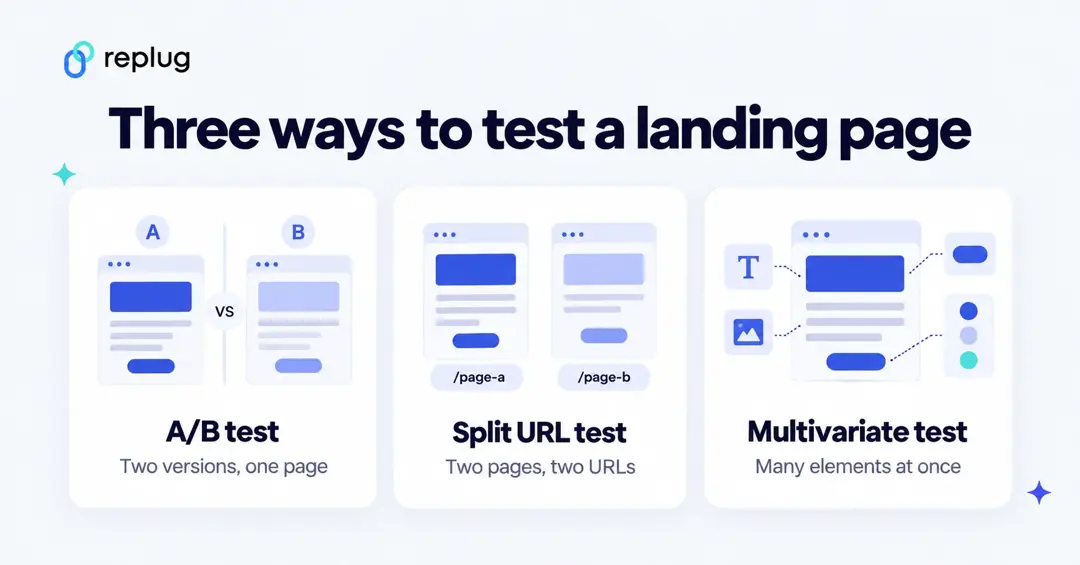
There are three common methods:
A/B testing
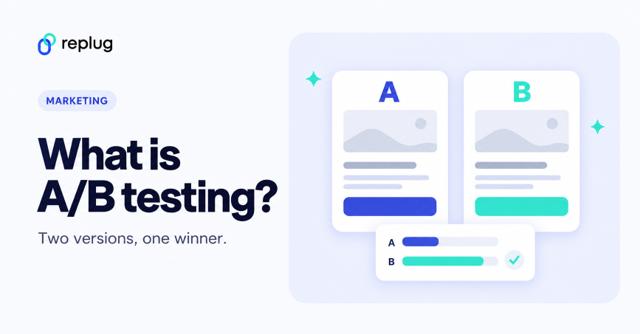
A/B testing is the most widely used method: it compares two versions of the same page that differ in one element, with visitors randomly split between them. Because only one thing changes, you know what caused the difference. A/B/n tests extend this to more than two versions of the same element.
Multivariate testing
Multivariate testing (MVT) changes several elements at once (for example two headlines and two images) and tests the combinations to see which combination and which element matter most. Every combination needs enough visitors on its own, so multivariate tests need much more traffic than an A/B test and suit high-traffic pages.
Split URL testing
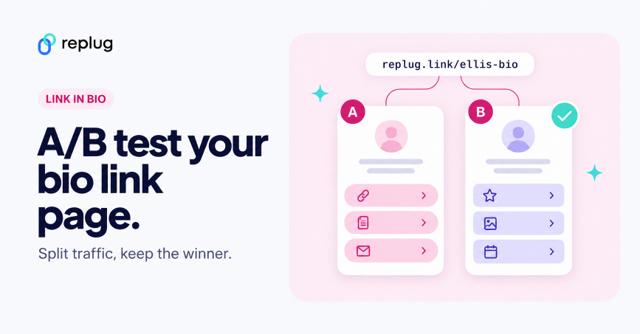
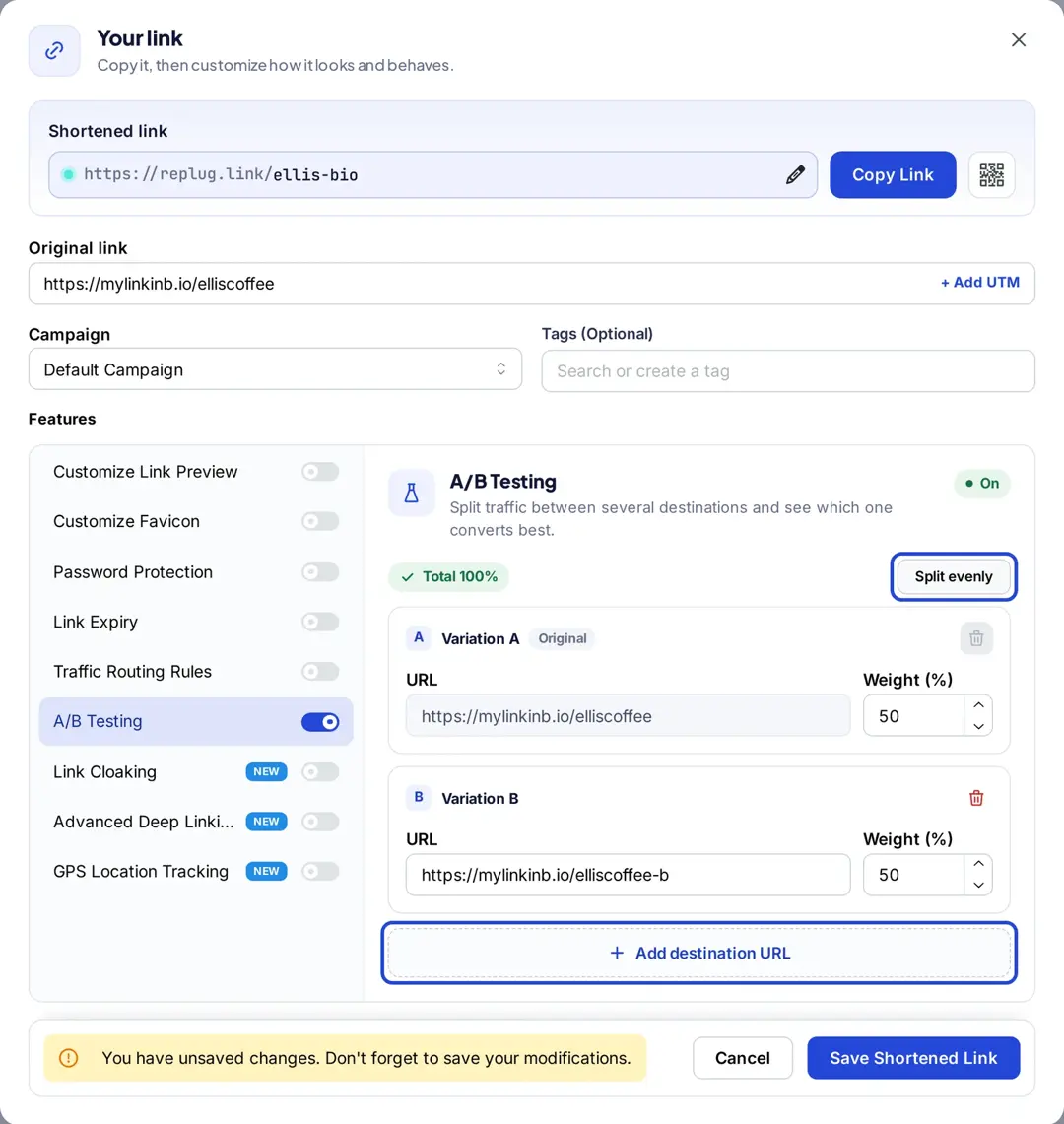
Split URL testing sends visitors to two or more separate pages, each on its own URL, instead of changing elements on one page. It suits big changes, such as a full redesign or a page built in a different tool. Traffic is usually split evenly, but you can choose other splits. A/B testing with Replug works at the link level: one short link splits clicks between up to 20 destination URLs by the weights you set (Scale and Agency plans), so you can split-test pages from an ad, an email or a QR code without changing the pages.
Why test a landing page?
Testing replaces guesswork with evidence. Here’s why it’s worth doing:
i. Understand user behavior
Testing shows how visitors react to what’s on the page: what they click, where they drop off, and which message moves them. When visitors don’t respond, a test helps you find out which part of the page is the problem.
ii. Conversion optimization
Conversion rate optimization is the process of making it easier for visitors to complete your goal. Testing is how you confirm that a change actually helps, instead of shipping changes that feel better but don’t perform.
iii. Increase clickability
Clicks on CTAs, links and banners show whether visitors move toward your goal. Measure clicks on the elements you test, and use heatmap or session-recording tools alongside your test to see where attention goes.
iv. Analyze landing page copy
Copy explains the offer. Testing headlines, benefit statements and button text tells you which wording your audience responds to, and those findings carry over to ads and emails.
v. Entice users to take action
You can’t force a download, purchase or sign-up; the page has to make the offer clear and worth it. Testing the offer, the visuals and the form helps you find the version that gets more people to act.
Also check out: SEO split testing: Test your way to higher search engine ranking
What are the key elements to test a landing page?
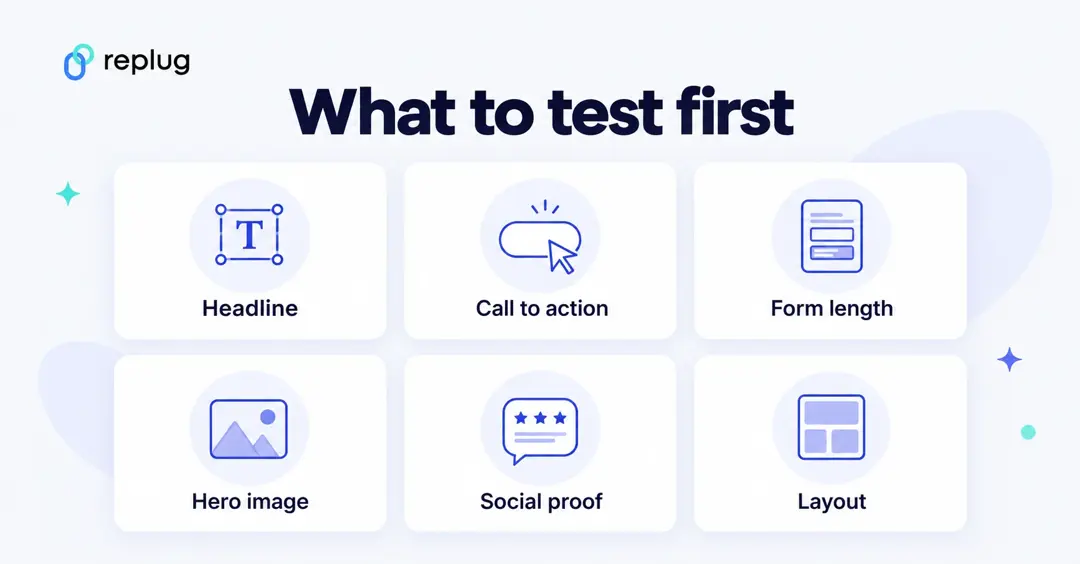
Many elements contribute to how a landing page performs. Start with the ones closest to the decision:
i. Layout design
Layout decides what visitors see first and how easily they find the action. Test the order of sections, whether the form sits above the fold, and single-column versus two-column layouts. Note what the winning layout has in common so you can reuse it on future pages.
ii. Call-to-actions
Call-to-actions are where visitors act on the offer. Test the button wording, its color and size, and where it appears. You’re paying for the traffic you send to the page, so a weak CTA wastes that spend.
iii. Landing page copy
The copy translates the offer for visitors. Keep it clear, concise and consistent with the ad or email that brought people there, and test headline and benefit wording first, since they’re read most.
iv. Color scheme
Color affects contrast and where the eye goes, especially for the CTA button. Test a higher-contrast button or a calmer background rather than assuming a “best” color: results depend on your design and audience.
v. Social proof
Testimonials, reviews, customer logos and case studies help visitors trust the offer. Test whether adding them, or moving them closer to the form, changes results. Use only real, attributable testimonials.
Form length (how many fields you ask for) and the hero image or video are also worth testing.
How to run a landing page test, step by step
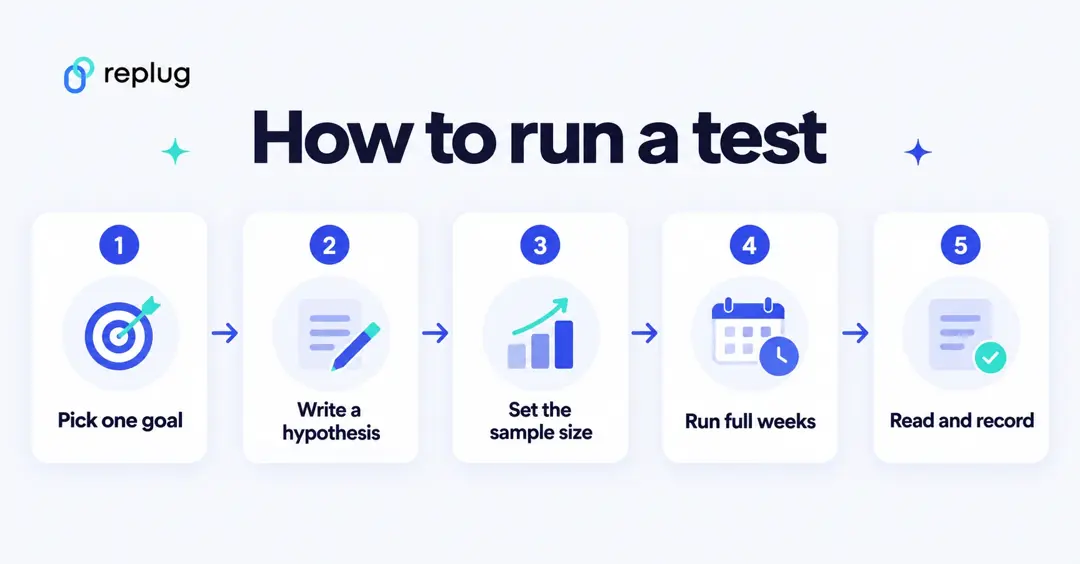
- Pick one goal and one metric, such as form submissions per visitor.
- Write a hypothesis: “Changing the headline to name the outcome will increase sign-ups because visitors don’t know what they get.”
- Set the sample size before you start. Use a calculator such as Evan Miller’s sample size calculator. With its defaults (20% baseline conversion rate, a 5-point minimum detectable effect, 80% power and a 5% significance level) it calls for 1,030 visitors per variation; smaller effects need many more.
- Run the test in full weeks so weekday and weekend visitors are both included, and don’t stop early. In How Not To Run an A/B Test, Evan Miller explains that significance levels assume the sample size was fixed in advance; if you keep checking and stop as soon as a result looks significant, the reported significance becomes meaningless.
- Read the result and record it: the winner, the size of the difference, and what you’ll test next.
Tips to do landing page testing the right way
Once you know the basics, you can test two or more pages with confidence. Some tips:
i. Set a clear objective of the campaign
A vague plan gives vague results. Decide what the test is for, which metric decides the winner and exactly what differs between the versions before you launch.
ii. Test different CTAs to find the best ones
CTAs move visitors toward the goal, so their size, color, wording and position are worth testing early. Change one at a time in an A/B test so you know which change made the difference.
iii. Make landing pages mobile-friendly
A strong layout and good copy aren’t enough if the page is hard to use on a phone. Many visitors arrive from social apps and email on mobile, so check each version on phones and tablets, and segment test results by device.
iv. Add visuals or videos to see the difference
Images, icons, video and animation can explain an offer faster than text. Test a version with media against one without to see whether it helps or just slows the page down.
v. Experiment with colors on the landing page
Try different color combinations for navigation, CTAs, backgrounds, headers and footers, keeping contrast and readability in mind.
These tips apply to brands, marketers and conversion optimization specialists alike.
Landing page testing tools
Google Optimize, once a common free choice, is gone: Google Analytics Help says Optimize and Optimize 360 are no longer available as of September 30, 2023. Current options, checked October 2026:
- Unbounce: landing page builder with A/B testing from its Experiment plan (unlimited variants, manual traffic allocation, confidence intervals) and AI traffic routing on its Optimize plan.
- HubSpot: lets you run an A/B test on a published HubSpot page and pick a winning variation, on Professional and Enterprise subscriptions, according to HubSpot’s knowledge base.
- VWO (Wingify): A/B/n, split and multivariate tests for websites; its pricing page now sits on the Wingify platform and says AB Tasty and VWO have united.
- Optimizely: web experimentation platform with AI features across the testing process.
- Replug: link-level split URL testing for pages you don’t control or built in different tools (Scale and Agency).
For a full comparison, see our list of the best A/B testing tools.
Replug: Link management solution
Replug.io is a link management tool for shortening, branding and tracking links.
It suits digital marketers, bloggers, creators and affiliate marketers who want to shorten URL for free, share links on social media and in emails, and track clicks.
Top Replug features include:
- URL shortening
- URL tracking
- A/B testing (Scale and Agency)
- Bio links
- Deep links (Scale and Agency)
- Retargeting pixels (Essentials and up)
- Customized QR code
For landing page tests, Replug splits traffic and counts clicks per destination; conversions on the page itself are measured in your analytics or landing page tool, since Replug tracks clicks, not conversions.
According to Replug’s pricing page, the Free plan includes 100 short links and 1,000 clicks a month. Essentials costs $19 a month ($9.50 billed yearly), Scale $39 and Agency $99, and paid plans come with a 14-day free trial. A/B testing is on Scale and Agency.
FAQs

Muhammad Ahsan Jamal