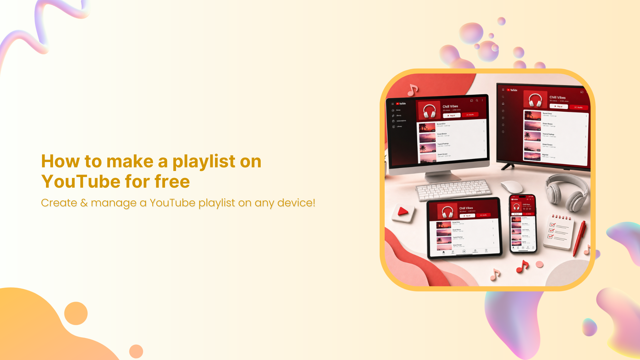
How to make a playlist on YouTube for free: Create & manage a YouTube playlist on any device!
Learn how to make a playlist on YouTube for free on mobile, desktop, TV, and YouTube Music with easy step-by-step instructions and useful management tips.
Browse blogs on social media strategies, content, and trends. Stay ahead with tips to grow engagement and reach.

Learn how to make a playlist on YouTube for free on mobile, desktop, TV, and YouTube Music with easy step-by-step instructions and useful management tips.
![How to start a YouTube channel for beginners [2026]: Step-by-step YT channel setup + tips for success!](/_next/image?url=https%3A%2F%2Finternal-blog.replug.io%2Fwp-content%2Fuploads%2F2026%2F05%2FHow-to-start-a-YouTube-channel-for-beginners-2026-Step-by-step-YT-channel-setup-tips-for-success.png&w=640&q=75)
Learn how to start a YouTube channel with this step-by-step guide. Set up, grow, and monetize your YT channel with proven tips for beginners in 2026.

Learn how to get LinkedIn URL on mobile & desktop in no time, here. Find, copy, & share your LinkedIn profile link easily with this simple step-by-step guide.

Find the best LinkedIn headline examples, writing tips, and proven formulas to create a standout headline that increases profile views and attracts recruiters.

Learn how to add resume to LinkedIn via 4 simple methods. Upload, showcase, & optimize your resume to attract recruiters and land more job opportunities fast.

Learn how to make a Facebook post shareable on mobile & PC, adjust privacy settings, increase reach and engagement, and fix post sharing issues with this guide.

Discover how to use a linktree to promote your offers, products, and content across social media using one simple, customizable bio link.

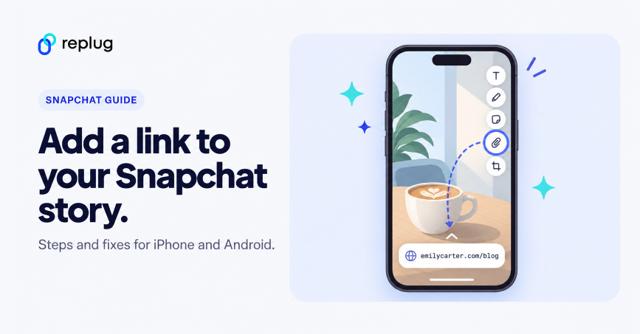
Tap the paperclip on the Preview screen, paste your URL and tap Attach to Snap. iPhone and Android steps, plus fixes when the paperclip is missing.

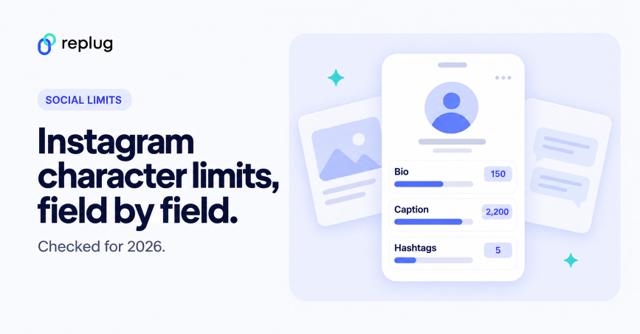
Every Instagram character limit, checked October 2026: 2,200-character captions, 150-character bio, 5 hashtags, 60-character notes and up to 5 bio links.

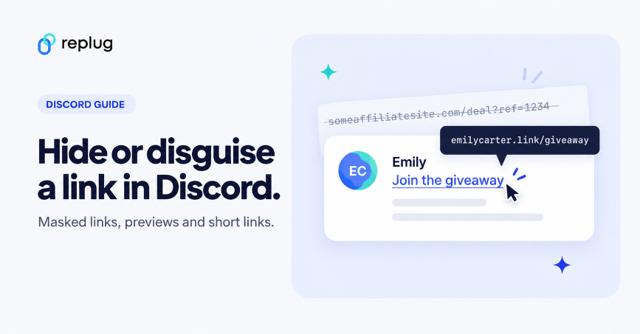
Hide a link behind text in Discord with [text](url), remove previews with angle brackets, or share a branded short link. Steps for desktop and mobile.

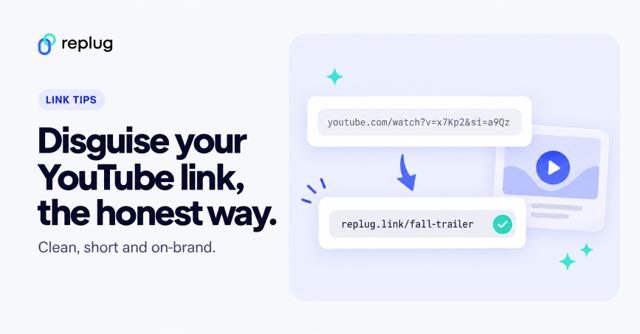
Disguise a YouTube link the honest way: hyperlink text, Discord masked links, a branded short link, or a clean youtu.be link without ?si=. Step by step.

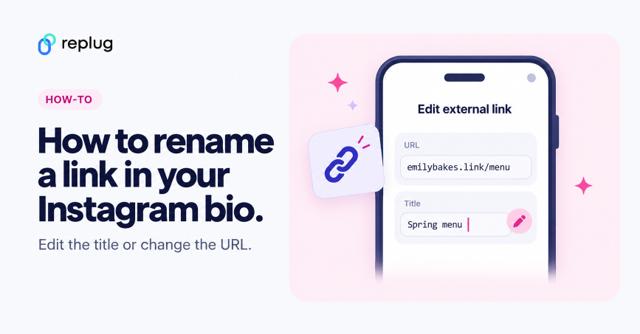
To rename an Instagram bio link, tap Edit profile, Links, then the link and edit its Title. Also: change the URL and fix a title that won’t show.

Can’t find your social media link? Here’s how to locate and copy it from platforms like Facebook, Instagram, TikTok, and LinkedIn in minutes!

Learn how to create a Facebook QR code to grow your followers and make your profile easy to scan and share.

Want to create QR codes for your TikTok videos or profile? Learn the best methods, including a customizable, trackable option with Replug

Learn how to write a professional bio that builds trust, showcases your value, and drives clicks. Get expert tips, and bio link tools like Replug.

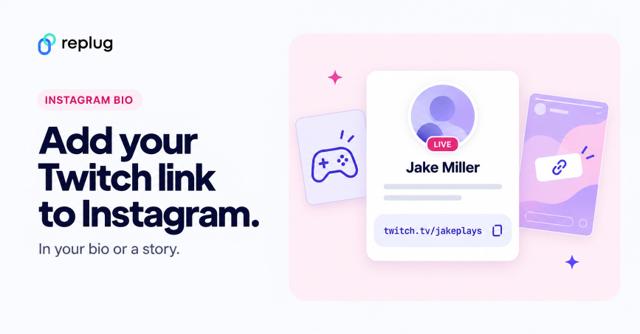
Copy your twitch.tv link, then add it in Instagram under Edit profile → Links (up to 5) or with a story link sticker. Plus a bio page option for streamers.

Copy your twitch.tv link and add it under Edit profile, Links (needs 1,000 followers or a verified business account), or use one bio page for all links.