What are A/B testing tools?
A/B testing tools allow users to compare two or more products, designs, or items side by side to determine which one receives more attention from the audience. This testing can be applied to a variety of elements such as written copy, advertisement design, email subject lines, and anything else is presented to an audience.
Marketers do A/B testing to observe the clicks, conversions, and reach to analyze the outcome of the campaign. The goal is to assess the results and compare the performance of two or more elements to determine the best performing one.
Have you ever thought about why marketers rave about “What is A/B testing?” Well, most beginners hear the term “A/B testing” and fail to comprehend what it is and how they can utilize it.
Since link management is a crucial area of online marketing, A/B testing of URLs is imperative to a successful digital marketing campaign.
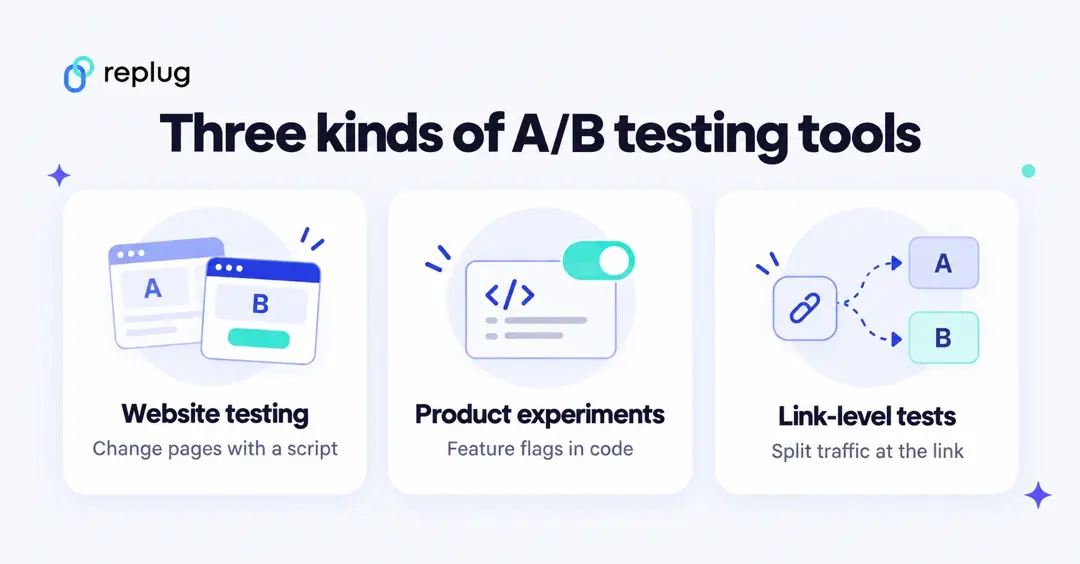
This article covers the A/B testing tools in two sections.
a) The first section covers eight website and product experimentation platforms, the tools that change pages or app features for each visitor.
b) The second section covers four URL shorteners that split traffic at the link.
This will help you figure out what A/B testing is and how experts use A/B testing in modern-day digital marketing.
Before I dig deeper into A/B testing tools, let me give you an overview of the A/B testing.
Quick answer: For testing changes on your own website or app, look at Optimizely, VWO (now part of Wingify), AB Tasty, Adobe Target, Convert, Omniconvert, GrowthBook or PostHog. GrowthBook, PostHog and Omniconvert have free tiers. To test whole landing pages or offers without adding a script, a link shortener with A/B testing, such as Replug, splits visitors at the link. Prices and terms below were checked on each vendor’s own page in October 2026.
Google Optimize is no longer an option: Google shut down Optimize and Optimize 360 on September 30, 2023, and said it is working on Google Analytics integrations with AB Tasty, Optimizely and VWO instead (Google Analytics Help).
Why should we do A/B tests?
Over time, I learned that every content marketer, affiliate marketer, and the digital marketer does A/B testing in some form or shape.
It could be a blog’s sidebar banner, email copy, Facebook image ad, YouTube thumbnail, or URL performance tracking – A/B testing is crucial to analyzing the audiences’ liking.
Therefore, marketers need to conduct A/B testing at some point in their marketing journey.
However, if you need some crystal clear reasoning for trying the A/B testing, here are seven reasons for using A/B testing:
i. Increased Conversions
It can help increase conversions by providing insights into what works best for your audience. By testing different variations of elements such as copy, CTA’s design, and layout, you can determine what resonates with your target audience and increase conversions.
ii. Improved User Experience
By conducting A/B tests, you can make informed decisions about what works and what doesn’t, ultimately leading to an improved user experience. As a result, the customer satisfaction goes up.
iii. Data-driven Decisions
It provides data-driven insights into what is and isn’t working, allowing you to make informed decisions about your marketing strategy. By relying on data instead of intuition, you can be more confident in your decision-making.
iv. More Engagement
A/B tests can help you determine what resonates with your target audience and increase engagement. By testing different elements of your content, you can find what resonates with your audience and create more engaging content.
v. Better Understanding of Customer Needs
By conducting A/B tests, you can gain a better understanding of what your customers want and need. This information can help you create better products and services that meet their needs.
vi. Optimized Marketing Spend
By using split testing, you can optimize your marketing spend by determining what is most effective. This can help you maximize your return on investment and save money in the long run.
vii. Better ROI
Ultimately, the goal of this strategy is to increase ROI. By making data-driven decisions, you can optimize your marketing strategy, increase conversions, and improve overall performance, leading to a higher return on investment.
Also Read: 7 Ways to Increase CTR for Better Conversion on the Website
How to choose an A/B testing tool
- Where the change happens. Testing headlines and layouts on your own site needs a website testing tool with a script or SDK. Testing whole pages or offers you can’t edit is easier at the link.
- Traffic. Most platforms price by tested users or events. Check what a month of your traffic costs, not just the starting price.
- Statistics and reporting. Look for a clear stats engine, guardrail metrics and sample ratio checks if several teams will run tests.
- Analytics fit. If you live in Google Analytics, check the integration; if you use a data warehouse, warehouse-native tools such as GrowthBook fit better.
- Team and support. Visual editors help marketers; feature flags and SDKs suit product and engineering teams.
A/B testing tools compared
| Tool | Type | Free plan | Price (checked October 2026) |
|---|---|---|---|
| Optimizely | Web, feature and server-side experimentation | No | Custom quote (“every plan is individually packaged”) |
| Omniconvert Explore | Website A/B testing and personalization | Yes, up to 50,000 tested users a month | Priced by tested users; see pricing page |
| VWO (Wingify) | Website A/B, split and multivariate testing | No | Growth, Pro and Enterprise plans by demo |
| AB Tasty | Website experimentation and personalization | Not verified | Our automated check was blocked; see abtasty.com |
| Adobe Target | Enterprise testing and personalization | No | Contact Adobe |
| Convert | Website A/B testing | 15-day free trial | From $299/month billed annually ($399 monthly), 100K tested users |
| GrowthBook | Feature flags and experiments, cloud or self-hosted | Yes (Starter, up to 3 users) | Pro $40 per seat/month |
| PostHog | Product analytics with experiments | Yes, 1M feature-flag requests a month | Usage-based above the free tier |
| Replug | Link shortener: A/B split across up to 20 URLs | Yes (Free plan has no A/B testing) | A/B testing on Scale and Agency |
| Sniply | Link CTAs with A/B testing for CTAs | 14-day trial | From $9/month |
| Pixelfy | Link shortener with A/B testing and traffic splitting | 7-day trial | From $19.99/month |
| Cuttly | Link shortener with link rotation and A/B tests | Yes (no A/B) | A/B 50/50 from $25/month (Single) |
8 best A/B testing tools for websites and apps
If you are looking for a tool with A/B testing as its primary feature, these are the main options. Facts and prices are from each vendor’s own pages, checked October 2026.
1. Optimizely
The first tool in our A/B testing tools list is Optimizely. Its experimentation product covers A/B, multi-page, feature and server-side testing, with its own Stats Engine, real-time personalization and audience targeting, and warehouse-native analytics. Marketers can build variations in a visual editor, and developers can run tests in code.
Optimizely mainly serves large companies. On pricing, its plans page says every plan is individually packaged, so you request a quote.
2. Omniconvert
Omniconvert’s A/B testing product is called Explore. According to its pricing page, Explore includes unlimited A/B/n tests, split URL testing, a code editor and a Chrome plugin visual editor, advanced segmentation (geo, URL, cookie, custom JavaScript), Bayesian and frequentist statistics, and personalization with overlays.
There is a free plan for up to 50,000 tested users a month, which Omniconvert says is the full platform, not a stripped-down demo. Paid pricing depends on how many users you test each month.
3. VWO Testing
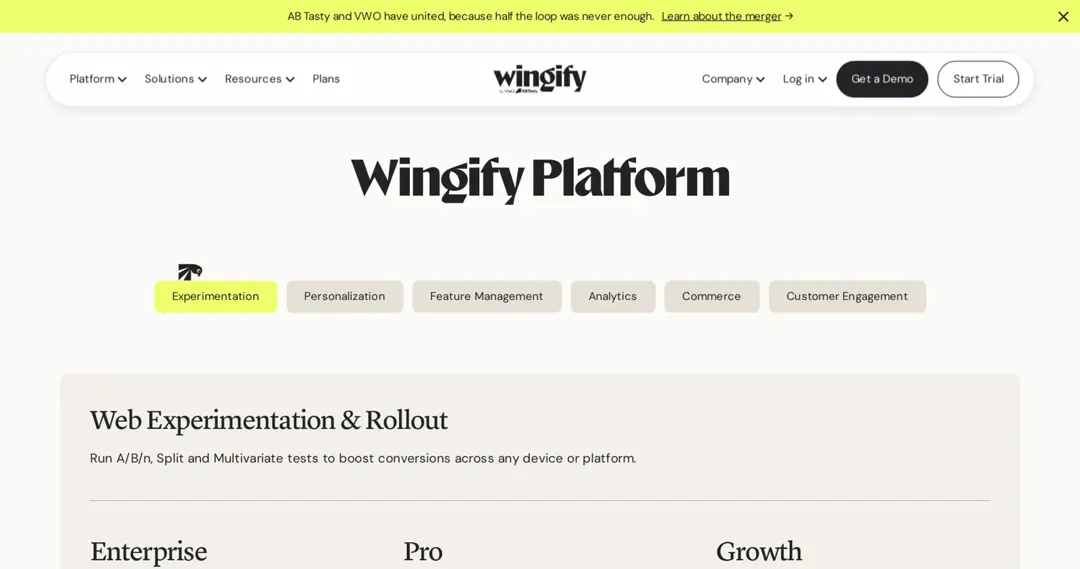
VWO is a long-standing conversion optimization platform, now sold as part of the Wingify platform. Web Experimentation lets you run A/B/n, split and multivariate tests on any device, with a visual (WYSIWYG) and code editor. The Wingify pricing page lists three plans, Growth, Pro and Enterprise, each by demo; Pro adds multivariate testing, cross-domain testing and sample ratio mismatch detection.
In January 2026 VWO and AB Tasty announced they are joining forces, subject to closing conditions, to build one platform (Wingify announcement).
4. AB Tasty
AB Tasty is an experimentation and personalization platform for websites and digital products. It is joining forces with VWO under Wingify (announced January 2026). AB Tasty’s own site blocked our automated checks in October 2026, so we can’t confirm current plans or prices here; see abtasty.com for a quote.
5. Adobe Target
Adobe Target is Adobe Experience Cloud’s testing and personalization tool for large companies. According to Adobe’s Target activities guide, it supports A/B Test, Auto-Allocate, Auto-Target, Automated Personalization, Multivariate Test, Experience Targeting and Recommendations activities; some of them need a Target Premium license.
Adobe doesn’t publish Target prices; request a demo to get a quote.
6. Convert
Convert (Convert Experiences) is a website A/B testing tool aimed at mid-sized teams and agencies. Its pricing page lists plans starting at $299/month paid annually or $399/month paid monthly for 100,000 tested users a month, with a 15-day free trial.
7. GrowthBook
GrowthBook combines feature flags, experiments and product analytics and runs on your own data warehouse. You can use it in the cloud or self-host it. Its pricing page lists a free Starter plan (up to 3 users, unlimited feature flags, experiments and traffic) and a Pro plan at $40 per seat per month.
8. PostHog
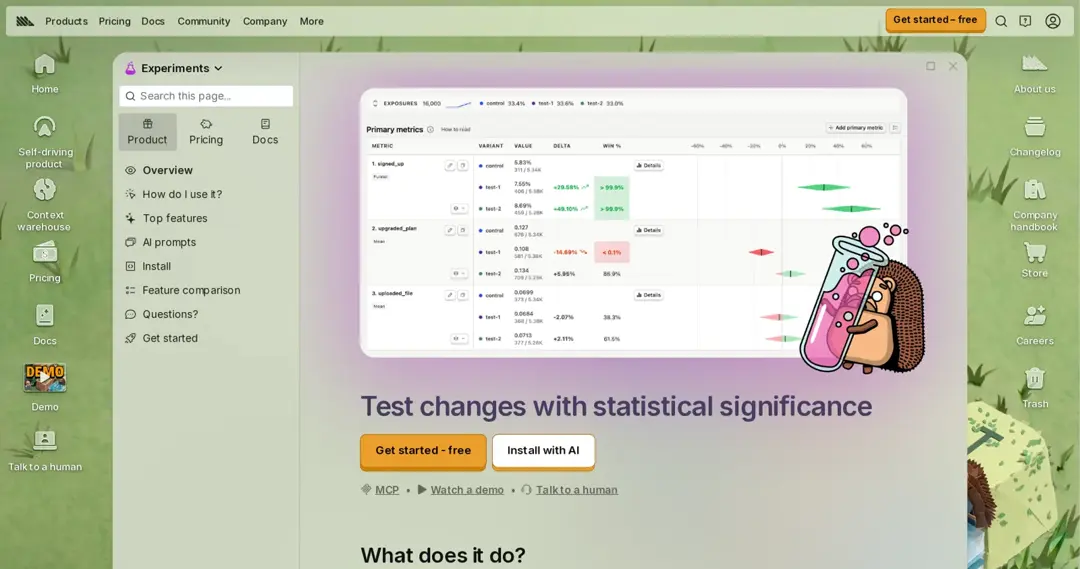
PostHog is a product analytics suite with experiments built in, so the same tool tracks the metric and runs the test. According to its pricing page, experiments are billed with feature flags, and the free tier includes 1 million feature-flag requests every month; you pay for usage above that.
4 URL shorteners with A/B testing
A/B testing can also be done at the link: the short link sends each visitor to one of several destination URLs and counts the clicks. It is a good fit for comparing whole landing pages, offers or funnels, including pages you can’t add a testing script to. These link shorteners include A/B testing:
1. Replug
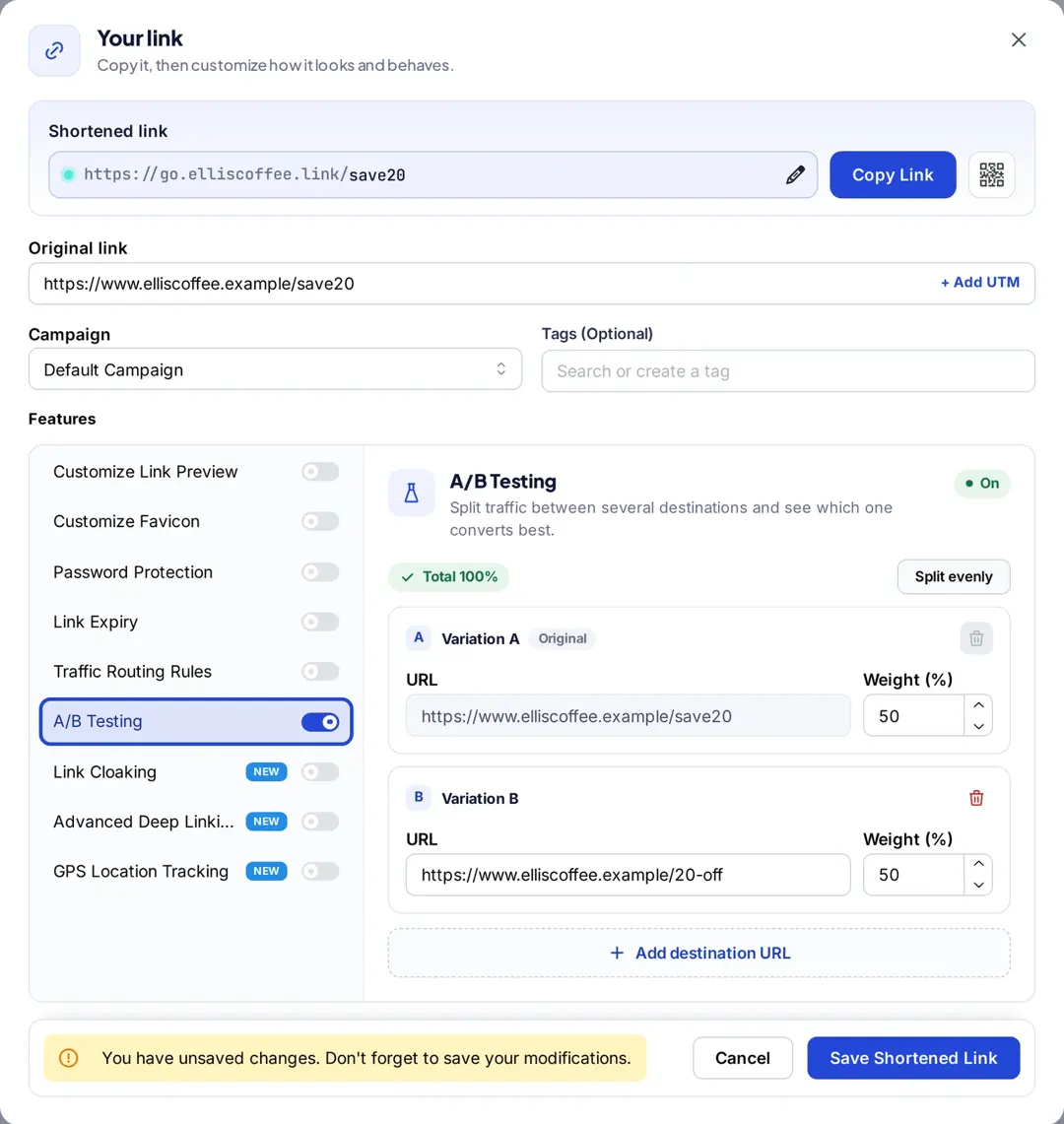
Replug splits one short link across up to 20 destination URLs, with the share of traffic you choose for each, and shows clicks for every variation in its link analytics, according to the Replug A/B testing page. When one URL wins, you change its share without changing the link you already shared. Along with the short URL generator, Replug offers branded domains, link tracking, UTM tags, bio links, QR codes, CTAs and retargeting pixels, plus a Chrome extension.
Disclosure: Replug publishes this blog. A/B testing is on the Scale and Agency plans; the Free plan doesn’t include it, and paid plans start with a 14-day trial (Replug pricing). Prices vary by region, so check the pricing page for yours. Register here.
2. Sniply
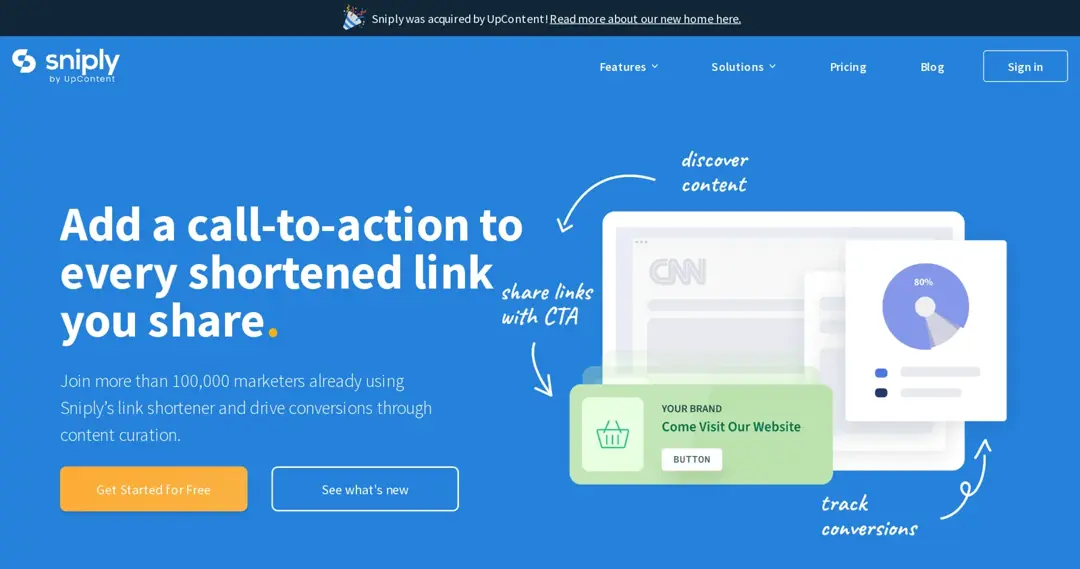
Sniply adds a call-to-action overlay to links you share, including links to other people’s content, and tracks clicks on the CTA. Its pricing page lists A/B testing for CTAs, custom domains and plans from $9/month (Basic), $29 (Pro) and $59 (Business), each with a 14-day free trial. Sniply’s site says it was acquired by UpContent.
3. Pixelfy
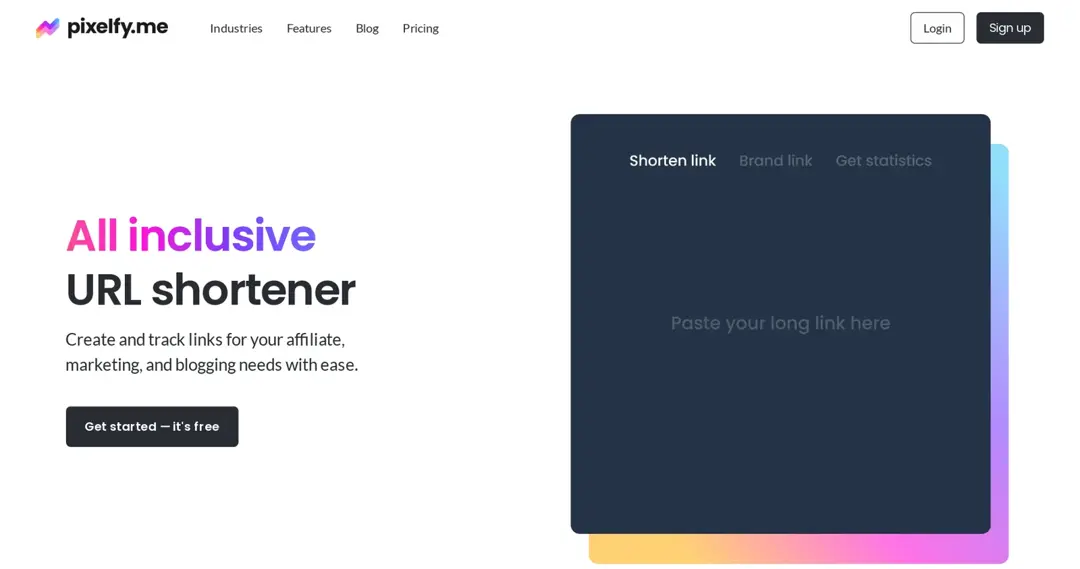
Pixelfy is a URL shortener for affiliates, bloggers and marketers. Its homepage lists A/B testing, traffic splitting, geo-targeting, deep links, tracking codes, QR codes and a Chrome extension, and says every feature is included in every plan. The pricing page lists Professional at $19.99/month, Business at $49.99 and Enterprise at $99.99, each with a 7-day free trial.
4. Cuttly
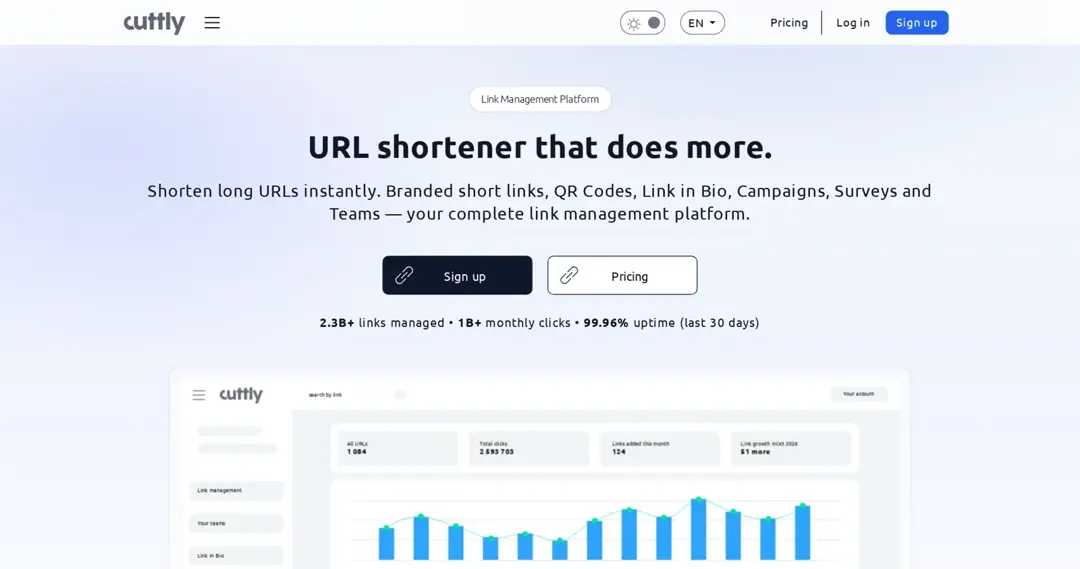
Cuttly is a link management tool with URL shortening, QR codes, link in bio, surveys and analytics. On its pricing page, link rotation with a 50/50 A/B test starts on the Single plan ($25/month), and A/B tests with a custom split come with the Team plan ($99/month). The Free and Starter plans don’t include A/B testing.
Let me answer some of the burning questions about A/B testing:
A/B testing tools FAQs

Muhammad Ahsan Jamal