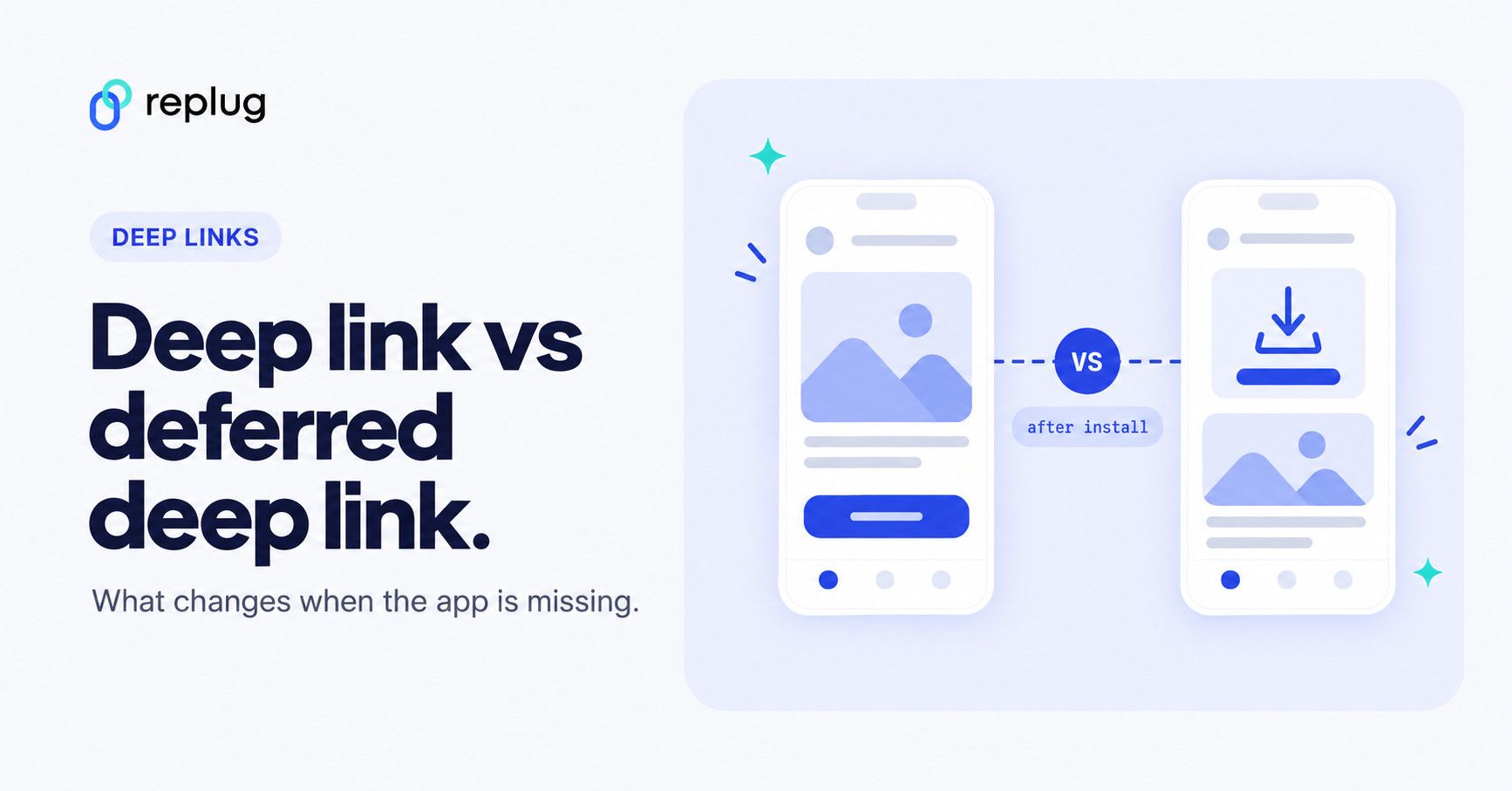
Deep and deferred deep links are often used in mobile app development and marketing. Deep links serve as navigational anchors, seamlessly directing users to specific content within an app. On the other hand, deferred deep links introduce a layer of versatility by preserving context even when the app is not installed.
For marketers, our link optimization platform makes it simple to create and manage deep links to popular apps from a single dashboard, with a fallback for people who don’t have the app. Deferred deep linking is a different job that needs code inside your own app; we explain the difference below, including where Replug fits and where it doesn’t.
This duo’s significance extends beyond mere technicalities, impacting how developers and marketers strategically engage with their audience. Whether enhancing your app development strategy or developing marketing strategies, understanding these concepts is the key to unlocking your app’s potential.
Let’s get straight to it!
Quick answer: a deep link opens a specific screen in an app, but only if the app is already installed; without the app, the person lands in a browser or an app store and the original destination is lost. A deferred deep link remembers that destination through the install: the person taps, installs the app from the store, and the first time they open it they land on the screen the link promised. Use a regular deep link for apps people already have, and deferred deep linking when your links are meant to win new installs (ads, referrals, onboarding).
| Deep link | Deferred deep link | |
|---|---|---|
| App installed | Opens the exact screen | Opens the exact screen |
| App not installed | Browser, app store or a fallback page; the destination is lost after install | App store, then the promised screen on first open |
| What you need | Universal Links (iOS) and App Links (Android), or a URI scheme | The same, plus an SDK in your app that recovers the link after install |
| Who sets it up | The app developer, or a deep link generator for popular apps | The app developer, usually with a deep linking or attribution provider |
| Typical use | Email, social and QR links to apps people already use | Install ads, referral programs, personalized onboarding |
What are deep links?
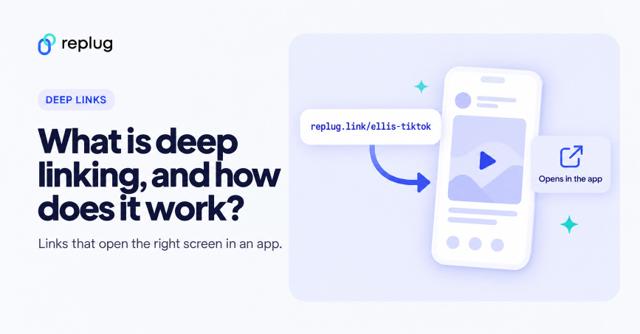
Deep links are URLs that lead directly to specific content or pages within a mobile app, bypassing the app’s homepage. They enhance the user experience by allowing seamless navigation to targeted information.
What are deferred deep links?
Deferred deep links, like deep links, lead to specific app content but add the capability to retain context even when the app is not installed. Users are directed to the intended content after installing the app, enabling a personalized and uninterrupted experience.
Deep link vs. deferred deep link: What’s the difference?
Deep Link:
- Immediate Navigation: Deep links provide immediate access to a specific page or content within a mobile app. Users are directed straight to the desired information, bypassing the app’s homepage.
- Installed App Requirement: For a deep link to function, the corresponding app must already be installed on the user’s device. It optimizes user engagement and streamlines navigation within the app.
Deferred Deep Link:
- Context Retention: One key differentiator is the ability of deferred deep links to preserve context, even if the app is not installed. This means that users clicking on a deferred deep link can be directed to the intended content after installing the app.
- Enhanced Onboarding: Deferred deep links are particularly useful for onboarding new users. They ensure a smooth transition from the initial interaction, such as clicking a link, to a personalized experience within the app.
- Installation Flexibility: Unlike basic deep links, deferred deep links accommodate scenarios where the app is not yet on the user’s device, offering a more versatile approach to engaging users.
How deferred deep linking works
A normal deep link can’t survive an install, because the app store doesn’t pass the link on to the app. Deferred deep linking adds a memory step:
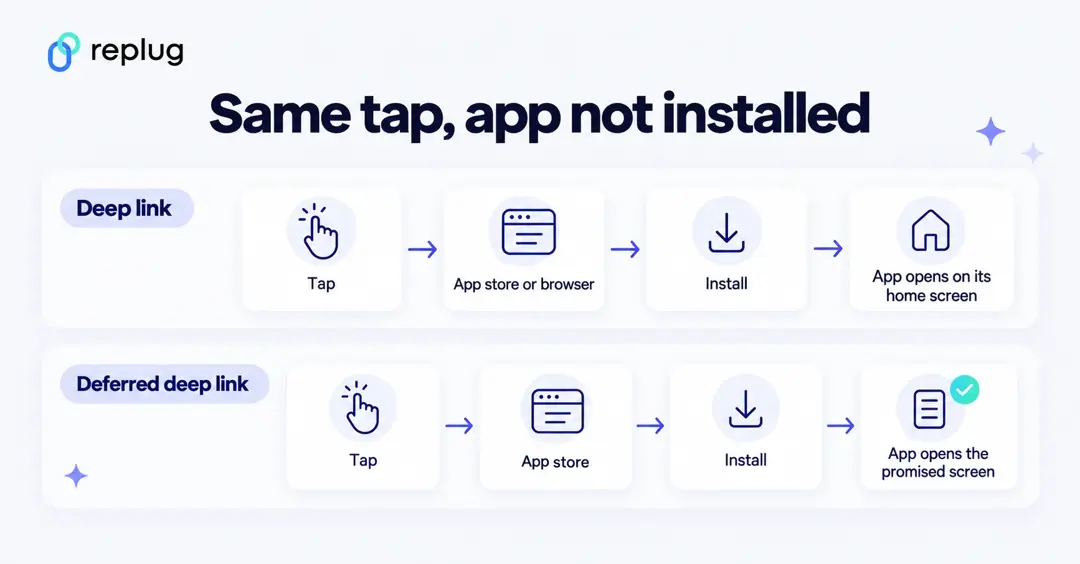
- Tap: the person taps a link, for example an ad for a fall menu item in the Ellis Coffee app. The deep linking service records the click and where it should lead.
- Install: the app isn’t on the phone, so the service sends the person to the App Store or Google Play.
- First open: when the newly installed app opens for the first time, the provider’s SDK in the app asks the service which link brought this user, and the app routes them to the promised screen.
How the click and the install get matched depends on the platform and the provider. On Android, Google Play’s Install Referrer API lets an app read the referrer URL of the click that led to its install, along with click and install timestamps. On iOS, each provider uses its own method, so read your provider’s documentation, including how it handles user consent and privacy.
If your app used Firebase Dynamic Links for this, plan a replacement: Google’s Dynamic Links deprecation FAQ says the service shut down on August 25, 2025.
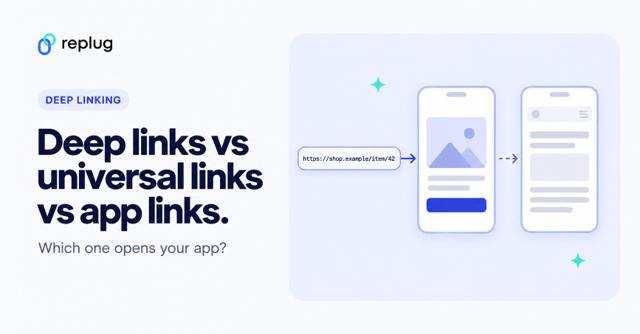
You may also like: Deep linking types: Deep links vs universal links vs app links
Which one do you need?
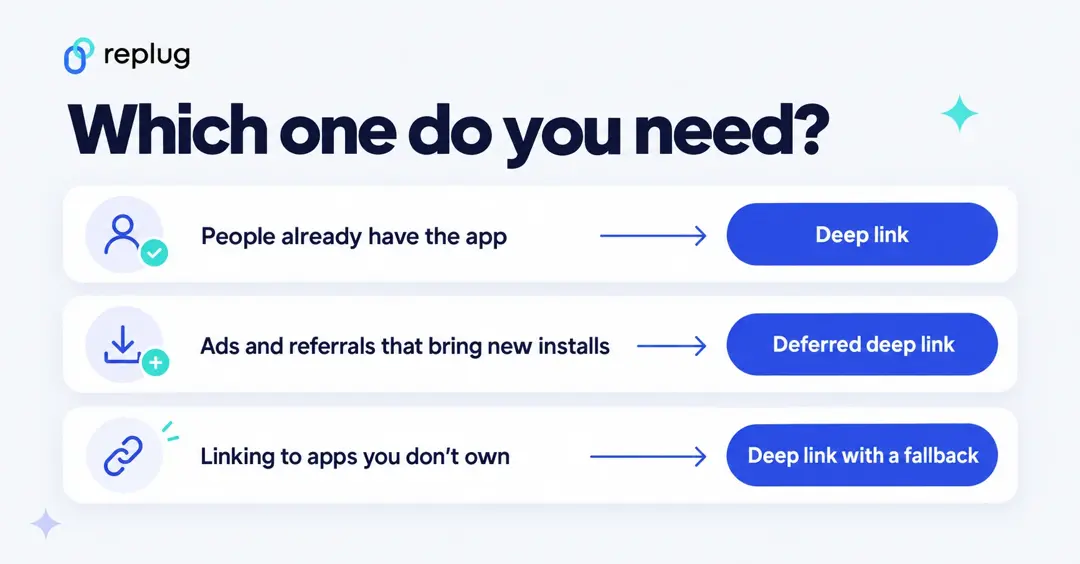
- Your audience already has the app (existing customers, newsletter subscribers, followers): a regular deep link is enough. Universal Links and App Links open the app when it is installed and fall back to the web page when it isn’t (Apple, Android).
- Your link is meant to bring new installs (app install ads, referral codes, “get a discount in the app” offers): use deferred deep linking, otherwise new users land on the app’s home screen and the offer is lost.
- You link to apps you don’t own (a YouTube video, an Instagram profile, an Amazon product): you can’t add an SDK to those apps, so deferred deep linking isn’t possible. A deep link with a sensible fallback (browser or app store) is the right tool.
- You need to measure installs from each campaign: that is attribution, which deep linking providers often bundle with deferred deep links. A link shortener can count clicks but not installs.
How do brands use deferred deep links?
Brands leverage deferred deep linking in various strategic ways to enhance customer acquisition and streamline the user experience, ultimately boosting customer satisfaction. Here are common use cases:
1. Placement on the company website:
Brands strategically place deferred deep links on their official websites and banner advertisements. This not only encourages users to explore promotions but also facilitates a seamless transition for those interested in downloading the app. By providing direct access to specific content or promotions within the app, brands attract and engage new customers more efficiently.
2. Integration in social media ads:
Integrating deferred deep links into social media advertising is a powerful strategy for brands. Whether through sponsored posts or targeted ads, these links guide users directly to relevant content within the app. This approach proves highly effective in capturing the attention of potential customers on popular social platforms, contributing to increased app downloads.
3. Inclusion in e-mail marketing campaigns:
Brands enhance their e-mail marketing campaigns by incorporating deferred deep links. This integration ensures a smoother journey for users, allowing them to seamlessly transition from an email promotion to the app. By providing direct access to specific offers or content, brands increase the likelihood of user interaction with the app, thereby strengthening customer engagement.
4. Integration in messages and notifications:
Including deferred deep links in SMS campaigns and push notifications serves as a promotional tool within other applications. This not only increases visibility but also provides potential users with easy access to download the app, encouraging quick and convenient adoption.
Deferred Deep Linking Best Practices
To optimize your marketing campaigns with deferred deep links, adhere to these three straightforward best practices:
1. Personalization: Tailor links for each user
Create individual, tailored deferred deep links for users to enable highly targeted marketing. Whether re-engaging lapsed users or personalizing onboarding experiences for new downloads, utilize user-specific links to enhance engagement and drive conversions. For instance, offer exclusive discounts to users who dropped off after ‘add-to-cart,’ sending personalized links via email or SMS to increase the likelihood of completing the checkout process.
2. Attribution: Measure success with data
Leverage attribution data provided by deferred deep links to measure the success of your campaigns. By attributing user and conversion data to specific channels and campaigns, you gain insights into audience behavior. This information enables informed decision-making, helping you understand which campaigns are most effective and allowing for strategic adjustments over time. Design, experiment, measure, and refine your campaigns based on actionable insights.
3. Brand consistency: Stay on brand
Maintain brand consistency across all aspects of your deep linking strategy. Whether creating links automatically via API or through a user interface, ensure that your deferred deep link provider supports the seamless integration of your brand elements. Consistent branding enhances user trust and reinforces your app’s identity throughout the user journey.
Elevate your app’s success with Replug’s deep links
Transform customer journeys seamlessly with Replug. Generate deep links within minutes, i.e., the key to uninterrupted in-app navigation. Say goodbye to disengagement and customer dropouts, and hello to a flawless online experience that keeps users hooked from start to finish!
- Smooth navigation: Prevent disengagement with uninterrupted in-app navigation.
- Boost discovery: When the app is installed, the link opens the content in the app; when it isn’t, you choose the fallback: the mobile browser, the App Store or Google Play, or a landing page of your own.
- Effortless traffic drive: Use a single deep link for emails, ads, QR codes, banners, and social media to channel users to the relevant app store. You can create a QR code for the URL too.
- Conversion funnel streamlining: Drive engagement and sales by guiding users directly to specific products in your online store.
- Re-engage users: Utilize deep links in push notifications to bring back existing app users for targeted content access.
- Cross-app connectivity: Create instant deep links for popular apps (79 apps on iOS and Android, according to Replug’s deep links page), enhancing user experience and engagement.
What Replug doesn’t do: Replug deep links are regular deep links with a fallback, not deferred deep links. As the FAQ on Replug’s deep links page says, Replug doesn’t track installs, and people aren’t taken back to the content after installing the app; it works without an SDK, so it can only open content in its supported apps, not in your own app. Deep linking is on the Scale and Agency plans, with a 14-day free trial. If you need deferred deep links into your own app, use a mobile deep linking or attribution provider with an SDK, and use Replug for branded, trackable links to the apps it supports.
Whether you need to deep link directly to in-app content or simply shorten a link, Replug takes care of both, making link management effortless while preserving deep-link functionality.
FAQs

Arslan Jadoon