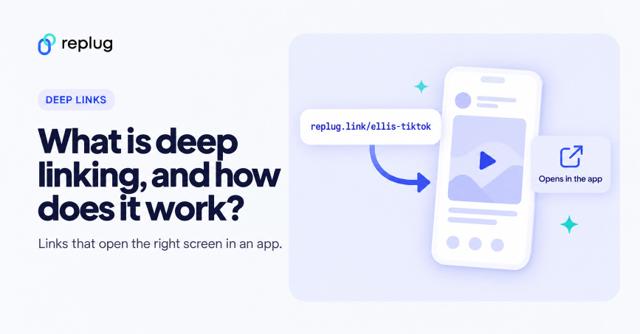
Quick answer: a deep link is any link that opens a specific screen inside an app instead of its home screen. Universal Links (Apple) and App Links (Android) are two kinds of deep links that use your normal https:// web addresses, are verified by a file on your own domain, and open the website when the app is not installed. A custom URI scheme link such as myapp://item/42 is the older kind: it only works when the app is installed. This guide compares them side by side, with the setup files each one needs.
If you are new to the topic, our guide to deep linking explains the basics. Here we focus on the differences and on which kind to use.
Common types of deep links
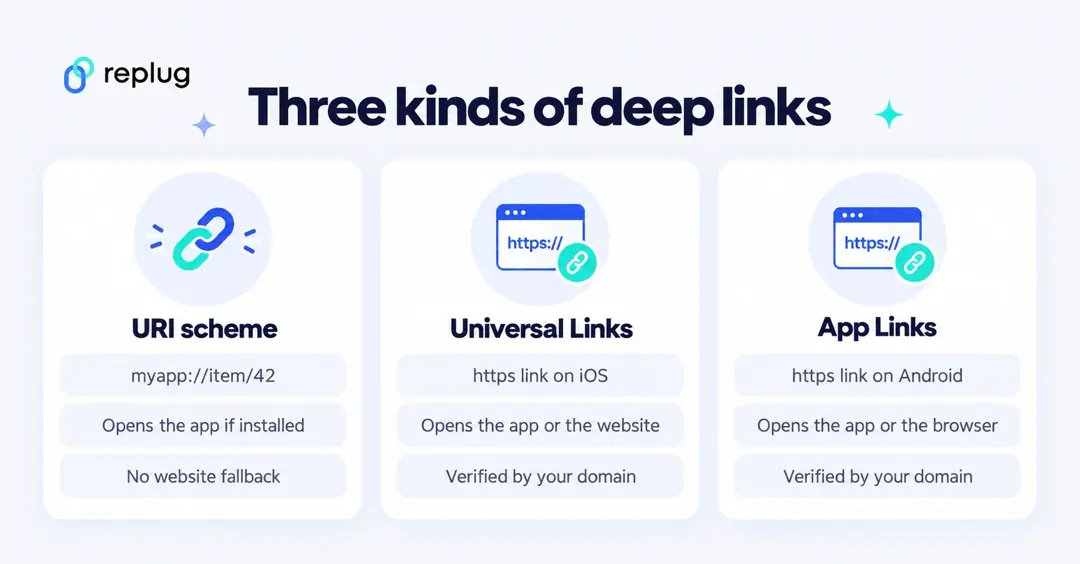
People use “deep link” for several different things. The four you will meet most often:
- Basic deep links, usually built on a custom URI scheme
- Deferred deep links
- Universal Links (iOS)
- App Links (Android)
Basic deep links (URI schemes)
A basic deep link uses a scheme the app registers on the phone, such as myapp://item/42. If the app is installed, the phone opens it on that screen. If it is not, nothing useful happens: the link fails or shows an error, because no website sits behind myapp://. Apple’s documentation on custom URL schemes calls them an acceptable form of deep linking but says universal links are “strongly recommended”.
Deferred deep links
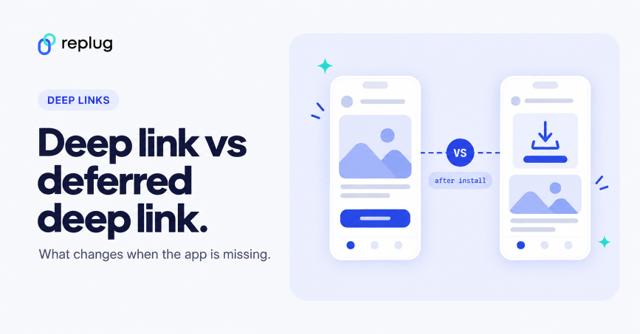
A deferred deep link remembers where the person was going while they install the app. The link sends them to the App Store or Google Play first, then opens the intended screen on the first launch after install. This needs extra logic, usually from an attribution or deep-linking provider, because the phone itself does not carry the destination through the install.
Universal Links (iOS)
Universal Links are Apple’s way to connect an https:// link on your website to your iOS app. When someone with the app taps the link, iOS opens the app and hands it the URL, as Apple describes in Supporting universal links in your app. When the app is not installed, the same link simply opens your web page in Safari. To make this work, you publish an association file on your domain and add the domain to the app’s Associated Domains entitlement, so only the real owner of the site can claim its links.
App Links (Android)
Android App Links do the same job on Android. According to Android’s developer guide About deep links, App Links are deep links to your own website that Android verifies against your domain; once verified, they open the matching content in your app straight away, without the dialog that asks which app to use. App Links work on Android 6 and later on devices with Google services. When the app is missing, the link opens in the browser.
Basic deep links vs deferred deep links vs universal links vs app links?
Here is how the four compare. Basic and deferred deep links are general techniques; Universal Links and App Links are the platform-specific, verified versions for iOS and Android.
Comparison Table
| Basic deep link (URI scheme) | Deferred deep link | Universal Link (iOS) | App Link (Android) | |
|---|---|---|---|---|
| Link format | myapp://item/42 | Usually an https link from a provider | https://shop.example/item/42 | https://shop.example/item/42 |
| App installed | Opens the app screen | Opens the app screen | Opens the app screen | Opens the app screen without a chooser dialog |
| App not installed | Fails or shows an error | Sends to the app store, then opens the screen after install | Opens the web page in Safari | Opens the web page in the browser |
| Verification | None: any app can register the same scheme | Depends on the provider | apple-app-site-association file on your domain | assetlinks.json file on your domain |
| Good for | In-app navigation, links between your own apps | User on-boarding and re-engagement campaigns | Links in email, ads and social posts to iOS users | Links in email, ads and social posts to Android users |
You may also like: Deep Link vs. Deferred Deep Link: Differences, and Use Cases
How Universal Links and App Links are verified
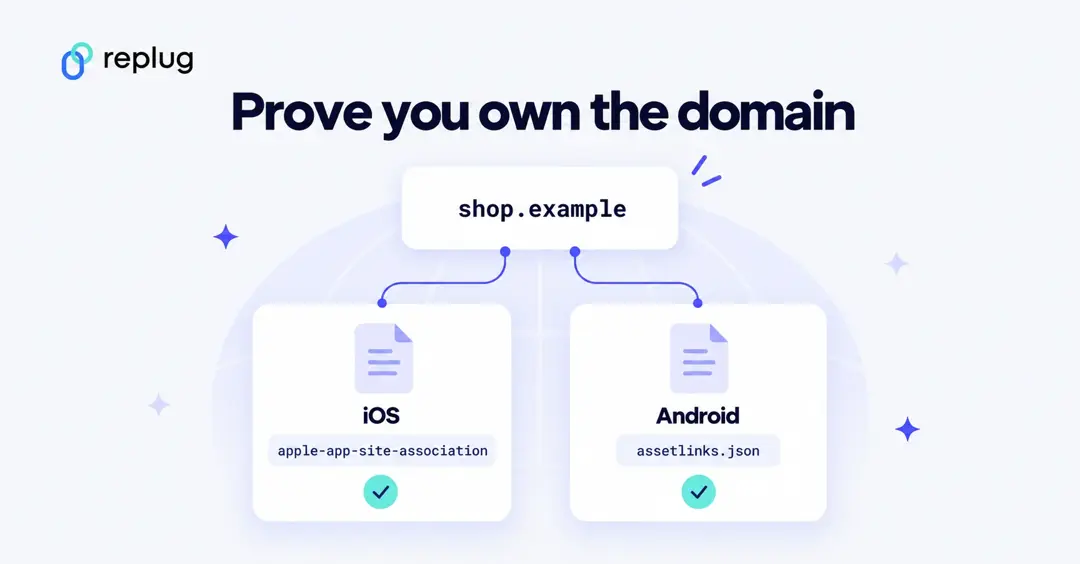
Both platforms only open your app for a web link after they have checked that the app and the website belong to the same owner. That check is what makes these links safer than custom schemes, which any app can claim.
iOS: the apple-app-site-association file
Per Apple’s guide to supporting associated domains, you create a JSON file named apple-app-site-association (no file extension), list your app identifiers and the URL paths the app handles under applinks, and host it at https://<your domain>/.well-known/apple-app-site-association over HTTPS with a valid certificate and no redirects. Each subdomain needs its own file. Since iOS 14, devices fetch the file through an Apple-managed content delivery network, which requests it within 24 hours; devices then check for updates about once a week after the app is installed. A minimal example (replace the team ID and bundle ID with your own):
{
  "applinks": {
    "details": [
      {
        "appIDs": ["ABCDE12345.com.example.shop"],
        "components": [
          { "/": "/item/*", "comment": "Product pages open in the app" }
        ]
      }
    ]
  }
}
Android: the assetlinks.json file
Android’s guide to verifying App Links works the same way: add android:autoVerify="true" to the intent filter for your http/https links, and host a Digital Asset Links file at https://<your domain>/.well-known/assetlinks.json with your package name and the SHA-256 fingerprint of your app signing certificate. Android checks every host in your intent filters when the app is installed (Android 6.0 and later). A minimal example:
[{
  "relation": ["delegate_permission/common.handle_all_urls"],
  "target": {
    "namespace": "android_app",
    "package_name": "com.example.shop",
    "sha256_cert_fingerprints": ["YOUR:APP:SIGNING:CERT:SHA256:FINGERPRINT"]
  }
}]
What happened to Firebase Dynamic Links?
For years many apps used Firebase Dynamic Links for deferred deep links. Google deprecated the service, and its Dynamic Links deprecation FAQ says it shut down on August 25, 2025: links on page.link subdomains and on custom domains stopped working, and new links can no longer be created. Google’s migration guide points developers to App Links and Universal Links for the deep-linking part. If you still have old page.link URLs in emails, QR codes or print, they need new links.
Which type of deep link should you use?
- Linking to your own app from email, ads or social posts: use Universal Links on iOS and App Links on Android, on the same https URLs as your website, so people without the app still reach the page.
- You need people to land on a specific screen right after installing: add deferred deep linking on top, through your attribution or deep-linking provider.
- Moving between your own apps or from a QR code inside a controlled setting: a custom URI scheme can still work, but expect it to fail for anyone without the app.
- Linking to other companies’ apps (YouTube, Instagram, Amazon, Spotify): you can’t publish their association files, so use a deep link generator that knows each app’s link formats (see the Replug section below).
Why do you need deep links?
Deep links matter because the alternative, sending people to a home screen or a mobile web page, adds steps. Here is what they help with:
i. Enhance user experience:
User experience is an essential aspect of the customer acquisition journey. Deep links take people straight to the content they tapped, inside an app where they are usually already signed in, instead of making them search for it again.
ii. Streamline user on-boarding:
A link in a welcome email or text can open the exact setup screen a new user needs next, instead of the app’s home screen.
iii. Fewer steps to buy or sign up:
When a link opens the product or subscription page in the app, people skip the browser sign-in and the navigation in between. Measure the effect on your own campaigns with your app analytics or attribution tool.
iv. Boost user engagement:
Links in push notifications, newsletters and social posts can bring people back to the specific lesson, playlist or item they were looking at.
v. Facilitate quick customer communication:
Support teams can send a link that opens the right settings or help screen in the app, which is quicker than describing where to tap.
Explore how LINE Music improved conversion rates with deep links
Objective: Boost subscriptions to the music streaming app.
Target audience: Non-subscribers, with the aim of converting casual listeners into paying subscribers.
Creative strategy: A test group saw an ad that opened the subscription page through a deep link; a control group saw the same creative, but the ad opened the app’s home page.
Outcome: According to Remerge’s LINE Music case study (Remerge ran the campaign), the deep-linked version raised conversion by 63% on Android and 99% on iOS compared with the control.
Use cases & popular examples of deep link
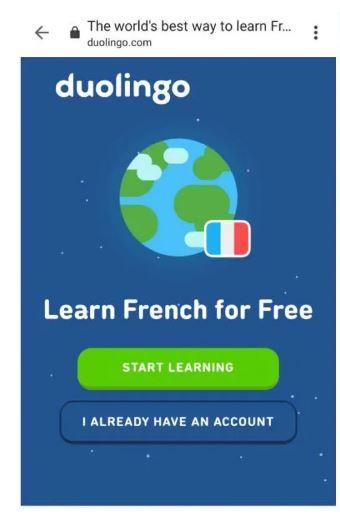
i. Duolingo takes the students back to the lesson
Duolingo, the language-learning app, is available on iOS, Android and the web. Its reminder emails link back to where the learner left off.
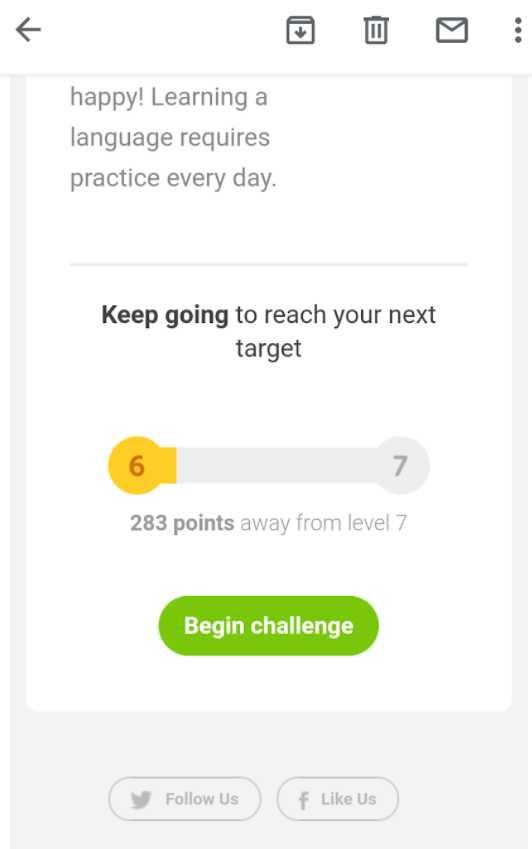
In the 2024 examples below, the email button opened the lesson in the app for people who had it installed; for people without the app, the same link opened Duolingo’s website.
ii. Netflix allows users to go to the title directly from the email newsletter
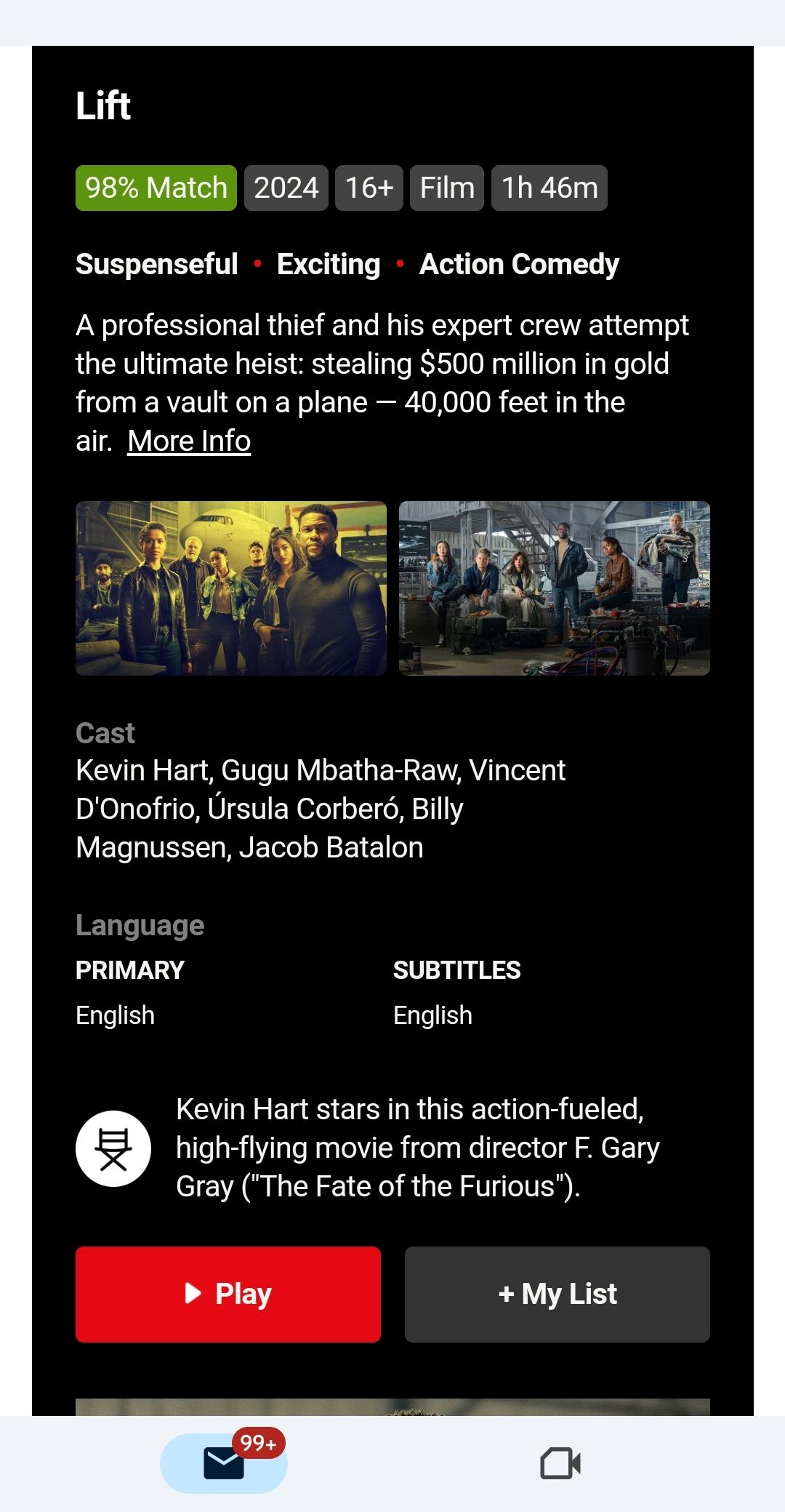
Netflix uses links in its emails that bring members straight to a title in the app. In this example from 2024, tapping “Play” in the email opened the film in the Netflix app on the phone.
Deep links to other apps with Replug
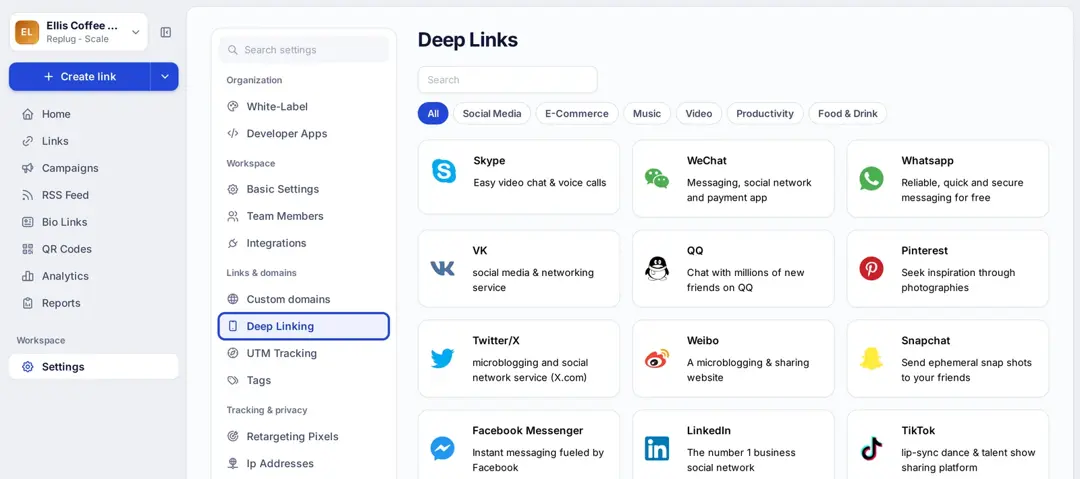
Universal Links and App Links only work for apps you own, because you have to publish the association files on the app’s domain. When you share links to other platforms, such as a YouTube video, an Instagram profile or an Amazon product, a deep link generator does that work for you. Replug’s deep links page lists 79 supported apps on iOS and Android: Replug detects the phone, opens the content in the right app, and falls back to the app store or a URL you choose when the app isn’t installed. On desktop the link opens the regular web page. Deep linking is on the Scale and Agency plans, according to Replug’s pricing page.
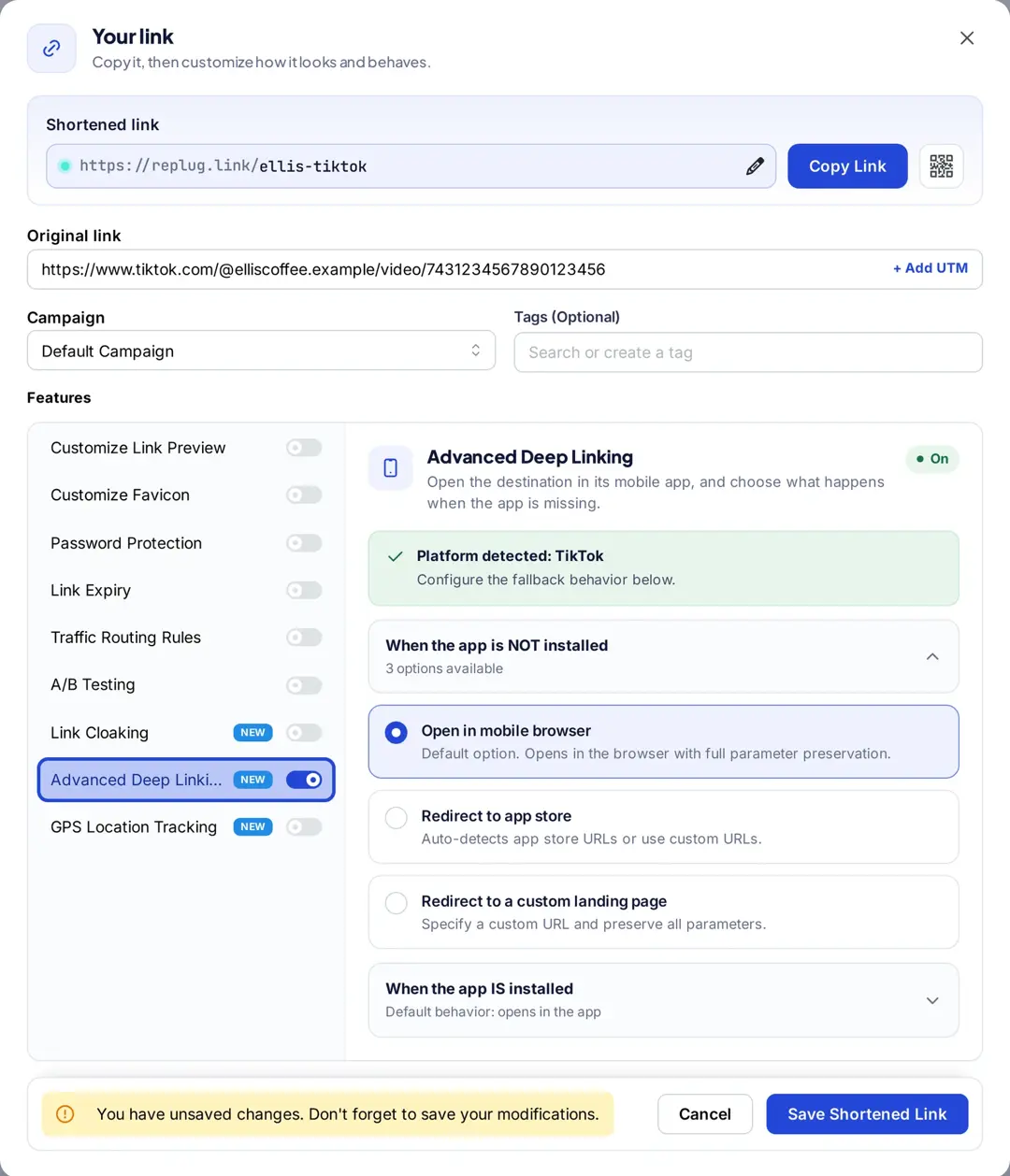
In the link editor, paste the link from a supported app, turn on Advanced Deep Linking, and choose the fallback for people without the app. Settings › Deep Linking lists every supported app by category.
Let’s conclude: How deep linking helps in marketing
Use Universal Links and App Links for your own app, so one https link works on iPhone, Android and desktop. Add deferred deep linking when people need to land on a specific screen right after installing. For links to other companies’ apps, use a deep link generator, and keep a fallback for everyone who doesn’t have the app.
With Replug’s URL shortener, the same branded short link can carry the deep link and count every click.
FAQs about deep linking

Muhammad Ahsan Jamal