Vanish mode is a feature in Instagram that allows users to send messages that disappear as soon as they are read by the recipient. This feature is only available in Instagram Direct conversations, and both the sender and recipient must have vanish mode enabled to use it.
When vanish mode is enabled, all messages sent in the chat will disappear after they are read. The sender will also have the option to delete any messages they have sent in the chat, even if they have not been read yet.
Vanish mode is useful for sending temporary or ephemeral messages, such as quick notes or reminders, that do not need to be saved or archived. It can also be used to have more private or casual conversations with friends and family.
How To Turn On Vanish Mode On Instagram?
First, let’s see how to turn on vanish mode on Instagram. Follow the steps below:
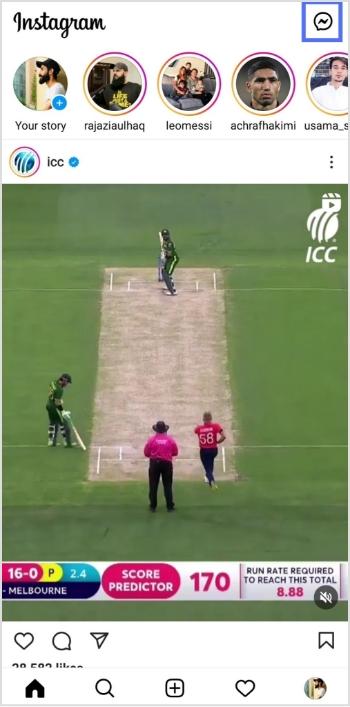
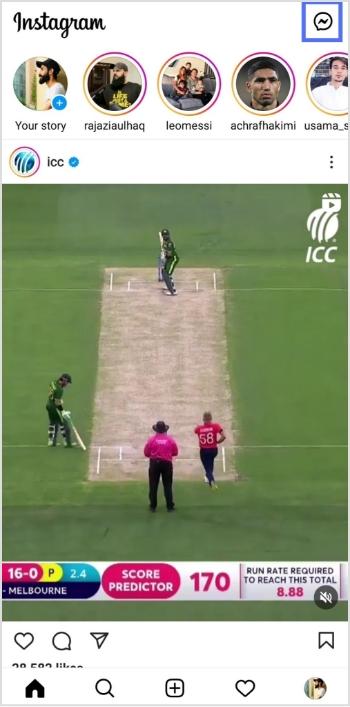
Step 1: Open the Instagram app on your device and tap the message icon in the top right corner.
Step 2: Start a new chat or go to an existing conversation.
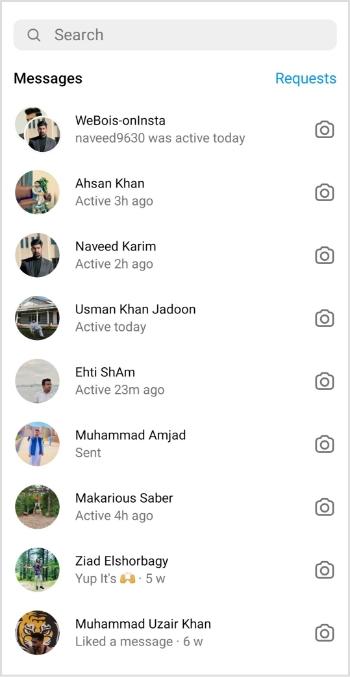
Step 3: Swipe up from the bottom of the screen to access the vanish mode.
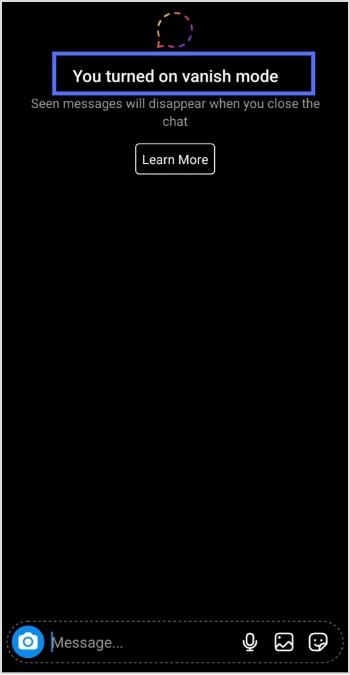
Note: Once you’re in vanish mode, you’ll be able to send messages that will disappear as soon as they are read by the recipient.
Also read: How to add a link in bio to your Instagram profile?
How To Turn Off Vanish Mode On Instagram?
To turn off vanish mode on Instagram, follow these steps:
Step 1: Open the Instagram app on your device and tap the message icon in the top right corner.
Step 2: Go to the chat or conversation where vanish mode is enabled.
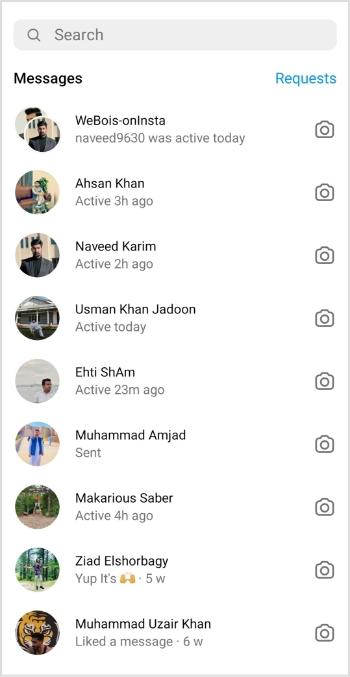
Step 3: Swipe up on the screen to exit vanish mode.
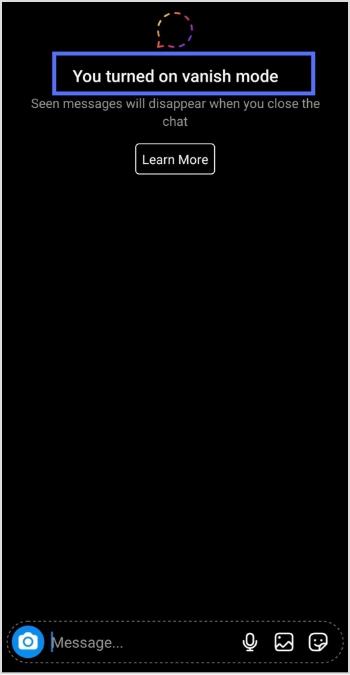
You should keep in mind the following:
- Disappearing messages cannot be copied, saved, or forwarded.
- Only accounts you have connected with previously can send you message requests in vanish mode.
- Vanish mode can only be used in a chat with another Instagram account, not in group chats or with Messenger or Facebook accounts.
- Some professional accounts may not be able to receive messages in vanish mode.
- Only use vanish mode with people you trust, as it is possible for someone to take a screenshot or screen recording of a message in vanish mode before it disappears. You will be notified if this occurs. It is also possible for someone to take a photo of a disappearing message with a camera or other device before it disappears.
If you manage multiple social-media links or share content frequently across platforms, Replug.io can help you organize, shorten and track all your links from one centralized dashboard.
Frequently asked questions

Arslan Jadoon