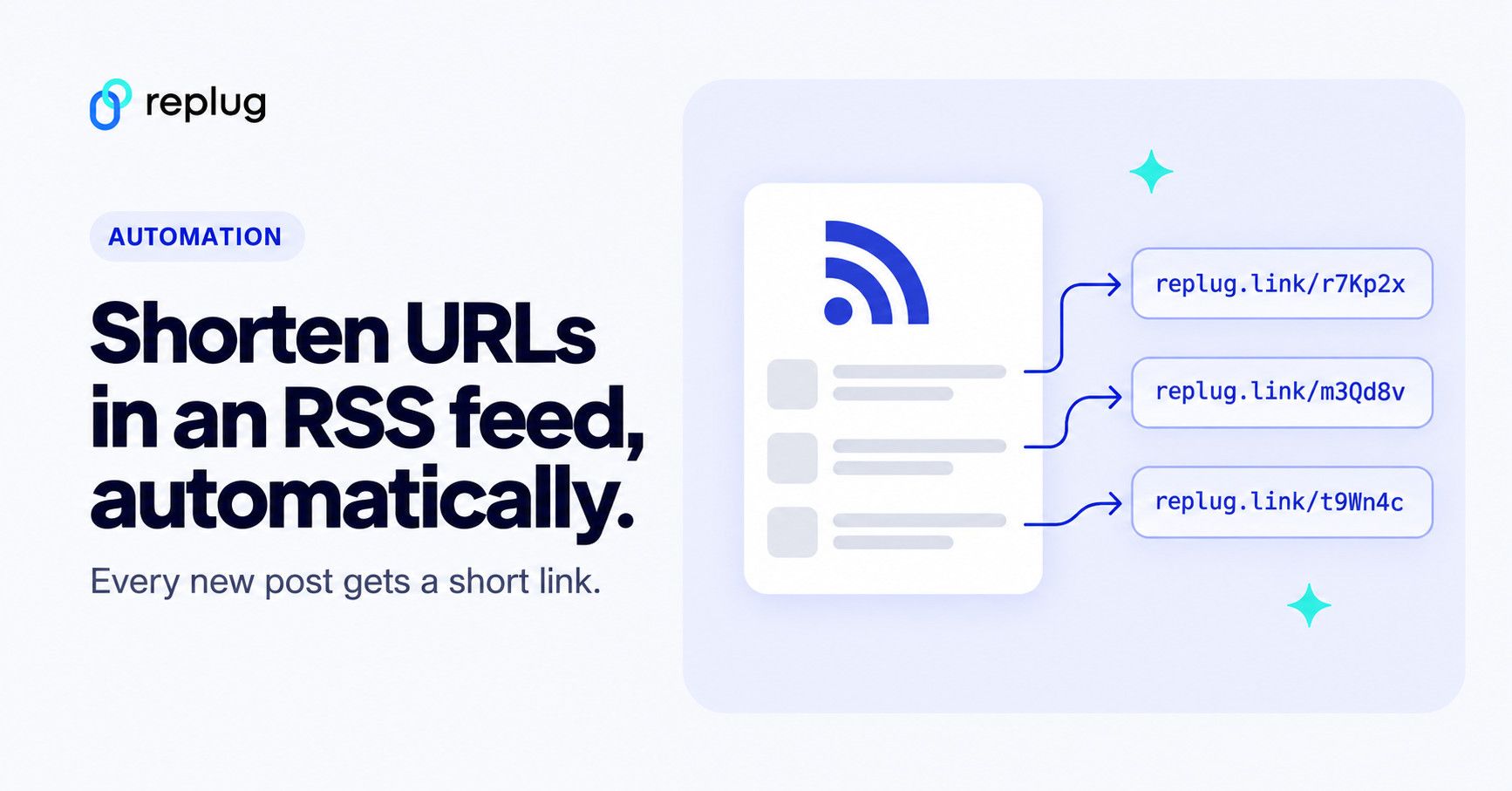
To shorten the URLs in an RSS feed automatically, connect the feed to a tool that watches it and creates a short link for every new post. In Replug, RSS Automation (Scale and Agency plans) checks your feed every 30 minutes, makes a branded short link for each post and gives you a new feed address whose items point to those short links, so any app that reads RSS shares trackable links. Automation tools such as Zapier and IFTTT, or a social auto-poster, can do a similar job.
This problem is common for bloggers, marketers and content curators who share feeds on different platforms: long links take up space in posts and don’t tell you how many people clicked.
Below you’ll find what an RSS feed URL is, how automatic shortening works, the steps in Replug, and other ways to do it.
RSS feed URL: What does it mean?
An RSS feed URL is a web address that provides a continuous stream of updates from a website’s content, like blogs or news articles. RSS stands for Really Simple Syndication, allowing users or apps to receive the latest content automatically.
This URL points to an XML file, described in the RSS 2.0 specification, that lists each post with a title, a link back to the original page and usually a summary.
How automatic RSS link shortening works
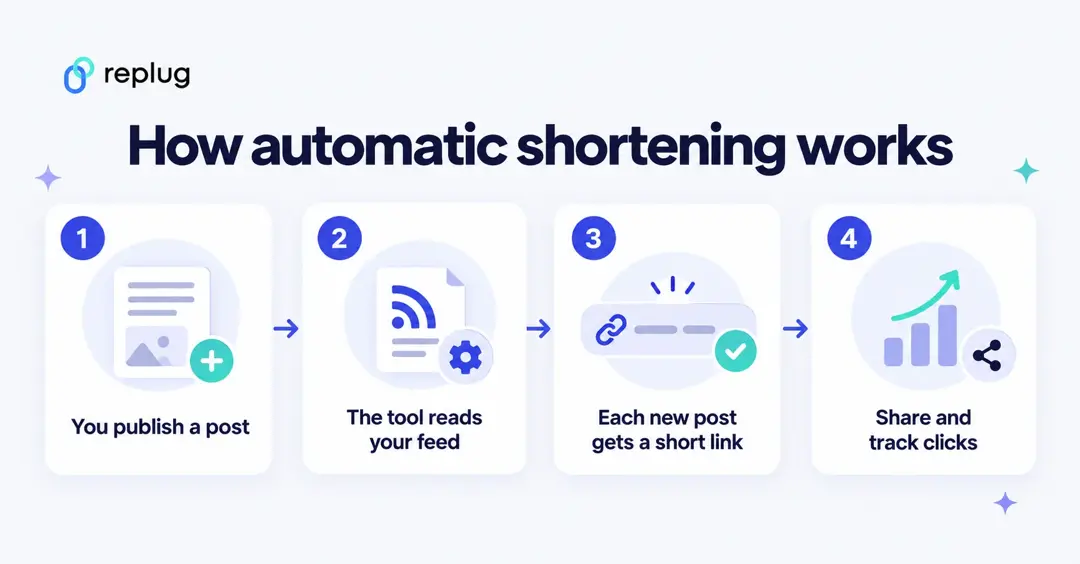
The tool reads your feed on a schedule. When it finds a post it hasn’t seen, it creates a short link that redirects to that post. From then on, every click goes through the short link and is counted. Some tools give you the short links one by one; Replug also publishes them as a new RSS feed you can plug into other apps.
5 quick steps to shorten URLs in an RSS feed with Replug
Using a short URL generator that reads your feed keeps every shared link short, branded and trackable without copying links by hand.
Replug’s RSS Automation turns each new post into a short link inside a campaign you choose. The links use that campaign’s domain, so they can carry your branded domain, and any branded call-to-action or retargeting pixel set on the campaign. “Links via RSS automation” is included on the Scale and Agency plans, according to Replug’s pricing page.
Here’s how you can shorten RSS feed URLs automatically using Replug:
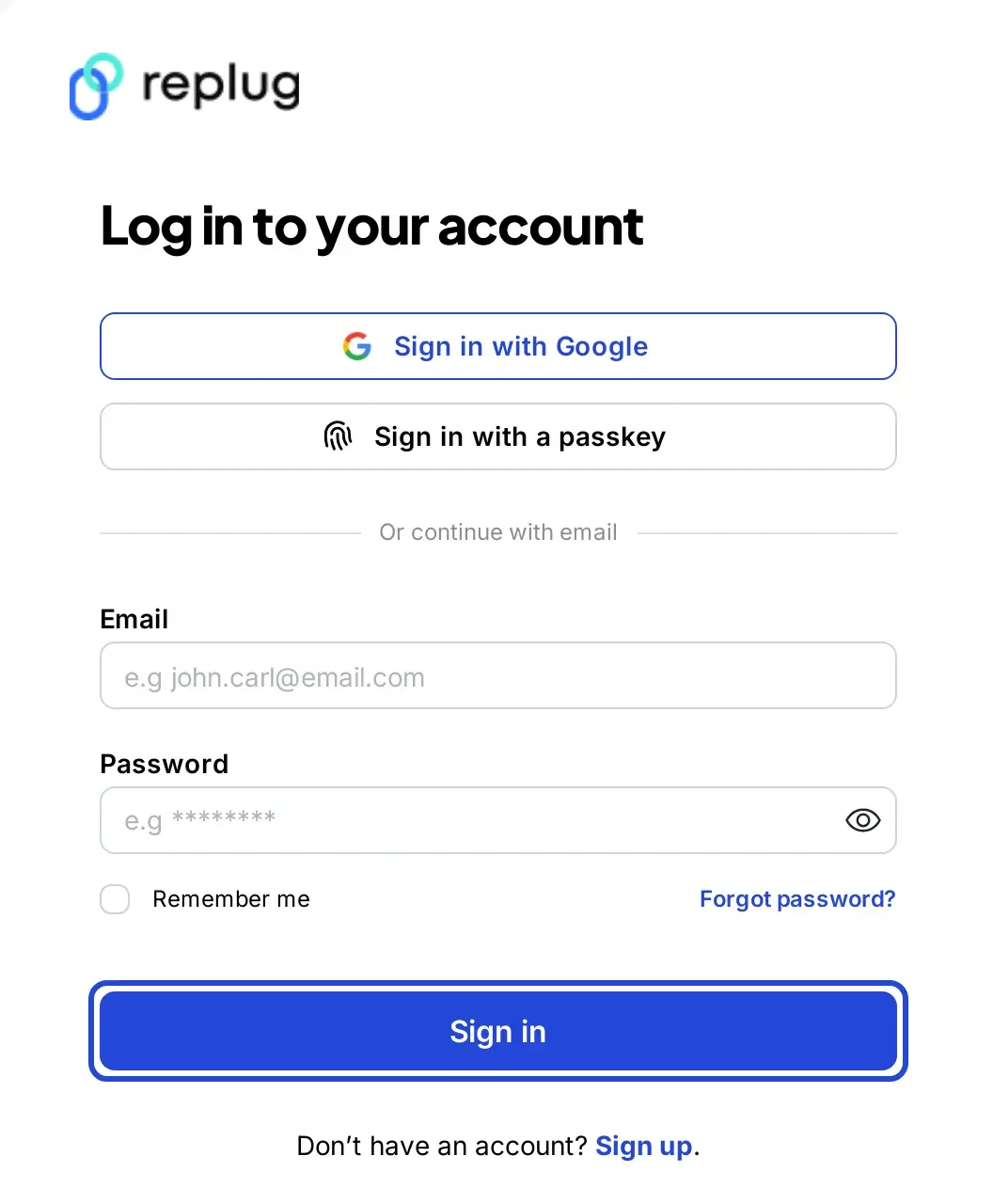
Step 1: Log in to Replug
Sign up or log in to Replug.
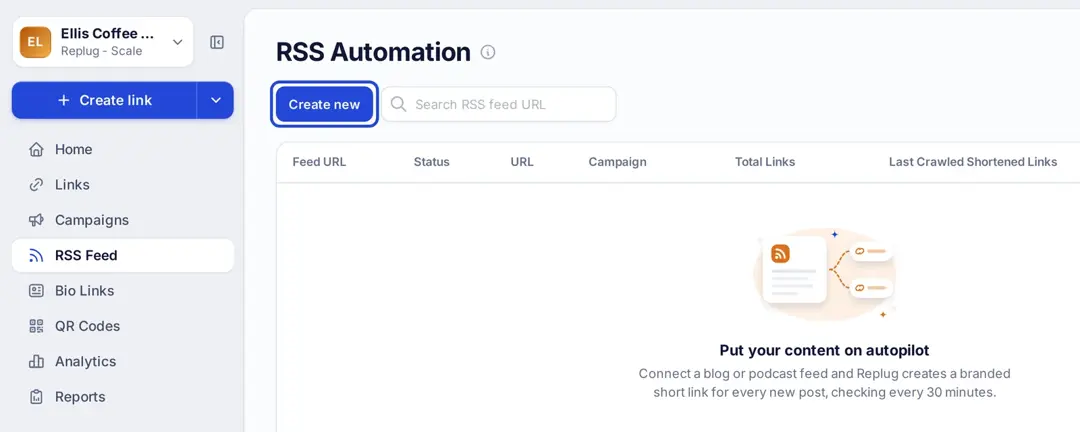
Step 2: Open RSS Automation and click Create new
Click RSS Feed in the left menu to open the RSS Automation page, then click Create new.
Step 3: Add your RSS feed URL
In the Add RSS feed window, choose the campaign the links should belong to, paste your RSS feed URL (for a WordPress blog, usually yoursite.com/feed) and click Create. Replug checks the feed for new posts every 30 minutes.
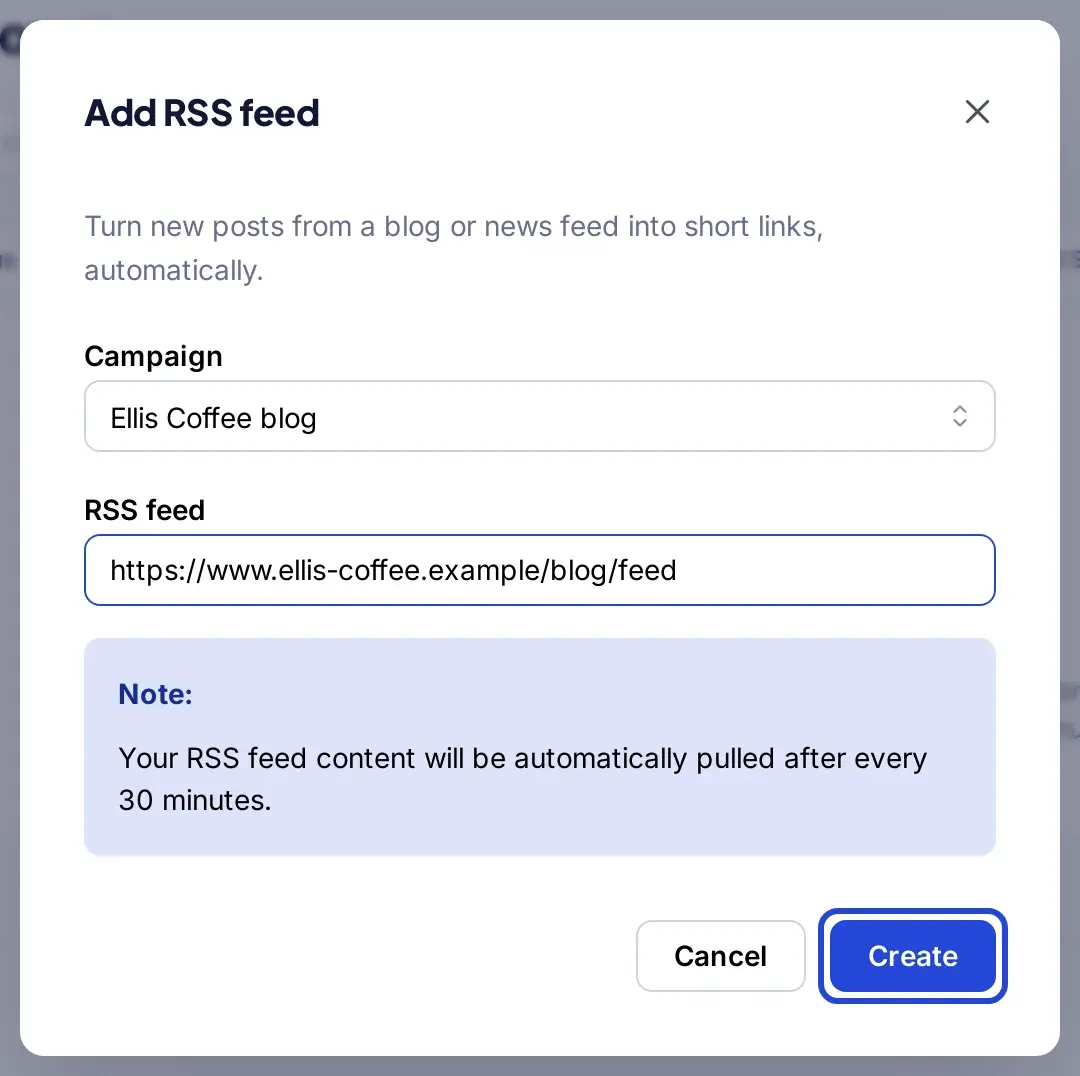
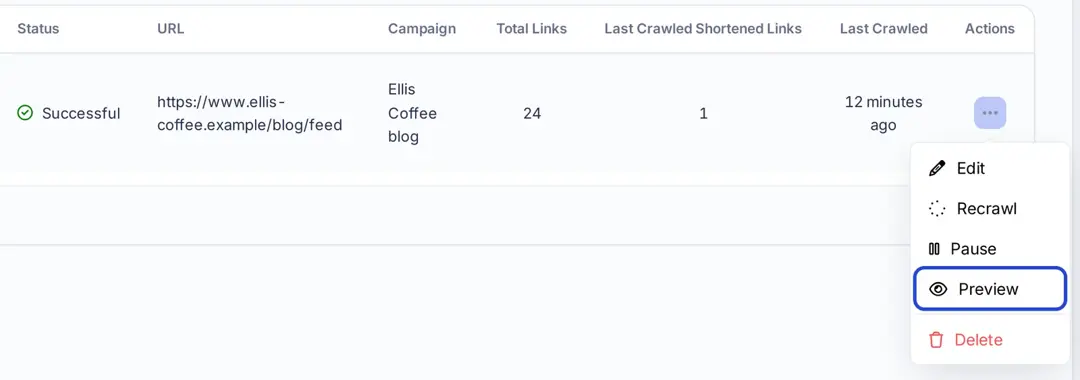
On the first check, Replug creates short links for the posts already in the feed; after that it adds one for each new post. The Total Links and Last Crawled Shortened Links columns show how many links it has made.
Step 4: Copy your new feed address
In the Feed URL column, Replug shows a new feed address for your automation, with a copy button. That feed lists your posts with the short links in place of the original URLs. You can now copy it and add it to any third-party platform that reads RSS, such as a social media scheduler, a newsletter tool or a feed widget.
Step 5: Preview your shortened links
Open the Actions menu (the three dots) on your feed and click Preview.
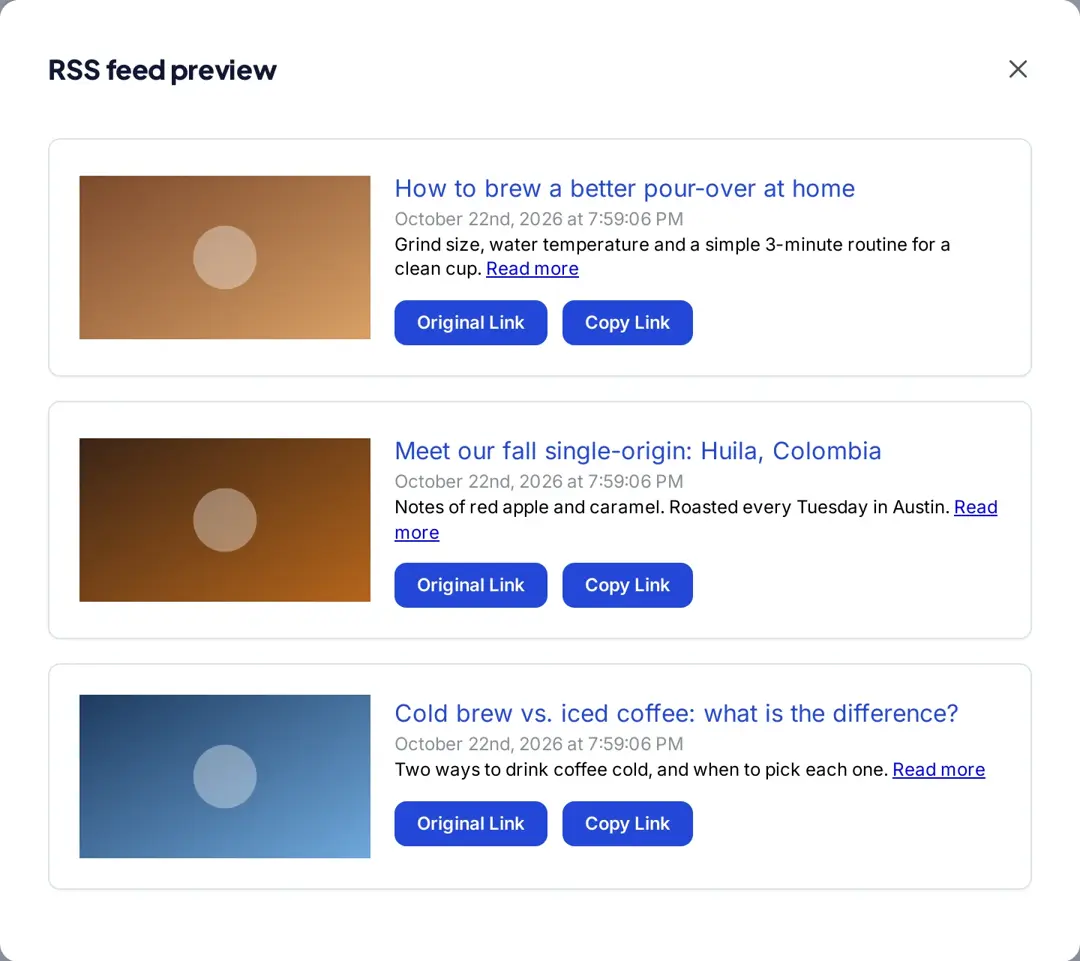
Here, you can view the list of posts from your RSS feed. Original Link opens the post itself and Copy Link copies its short link, ready to share.
Manage your RSS feed efficiently
You can perform the following actions from the Actions menu of each feed:
- Edit: You can update/change your RSS feed or its campaign whenever you want.
- Recrawl: Check the feed again right away instead of waiting for the next 30-minute check, to fetch any new posts.
- Pause or Resume: Stop creating links for a feed for a while, then turn it back on.
- Preview: See the posts from the feed with their original and short links.
- Delete: Remove the RSS feed automation when you no longer need it.
Every short link the automation creates shows up in your Links list and in Replug’s click analytics like any other link, so you can see which posts get clicked. To show your newest posts on a link-in-bio page instead, use the RSS block on a Replug bio page; our guide to the RSS feed widget covers that and other ways to display a feed.
Other ways to shorten links in an RSS feed automatically
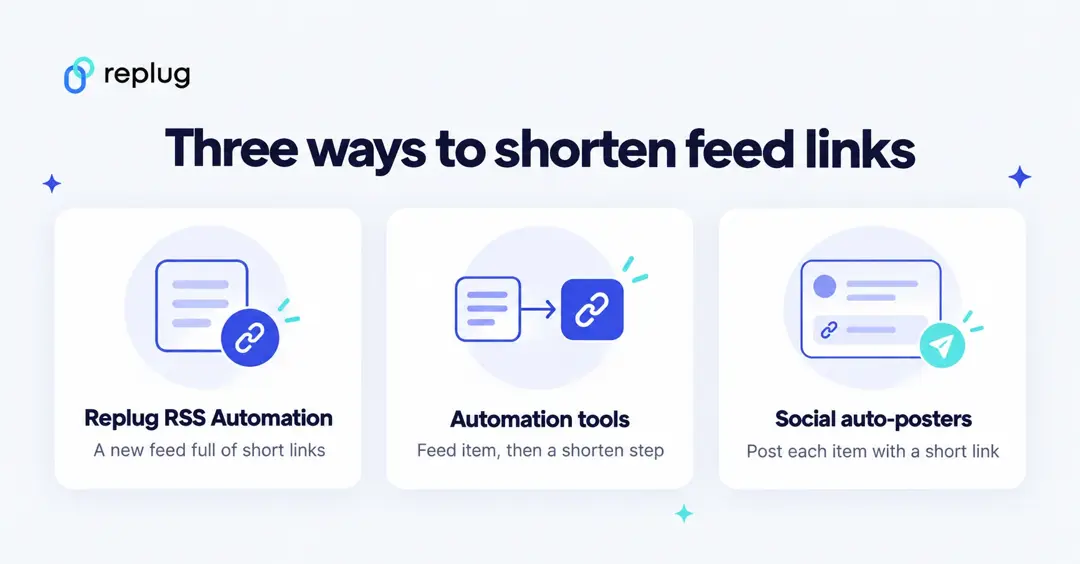
If you don’t use Replug, or you want to send each new post somewhere specific, these tools can shorten feed links too. Each one is described from its own help pages, checked October 2026.
Zapier: an RSS trigger plus a shortener step
RSS by Zapier can start a Zap when a new item appears in a feed. Add a Shorten URL step with URL Shortener by Zapier and use the short link in the next step, for example a post or a spreadsheet row. Zapier’s help center notes that this built-in shortener returns only HTTP links with random endings that can’t be customized.
For branded links, use a link shortener’s own Zapier app as the step instead. Replug’s Zapier app can create Replug links; Zapier is included on the Scale and Agency plans, according to Replug’s integrations page.
IFTTT: the “New feed item” trigger
IFTTT’s RSS Feed service has a New feed item trigger that fires every time a new item is added to the feed you specify. It passes the entry’s URL to the next step, so you can send it to a service that shortens or posts it.
Social media auto-posters
Auto-posting tools such as dlvr.it publish new feed items to social networks and, according to dlvr.it, let you tailor posts with custom text, images, hashtags and short links. Check which shortener a tool uses and whether you can connect your own branded domain before you rely on its click numbers.
Tips for shortened links in RSS feeds
- Use your own domain. A branded short domain tells readers who the link is from; connect one to the campaign your automation uses.
- Keep the original URL clean. If you add UTM tags, add them to the destination, not to the short link, so analytics tools see the campaign.
- Don’t republish other people’s full posts. Shortening a public feed’s links is fine for your own reading or curation, but sharing full articles from someone else’s feed can raise copyright issues.
- Check the feed after big site changes. If your feed URL moves, edit the automation so new posts keep getting links.
Conclusion
Automatically shortening URLs in your RSS feed keeps the links you share short and branded, and lets you count clicks on every post. With Replug’s RSS Automation the whole process runs on its own: add the feed once, and every new post gets a short link and a place in a new feed you can share with other tools.
This guide covers the effective method to shorten URLs in an RSS feed automatically. For anyone managing content feeds, this approach saves time and enhances link management. You can also show your RSS feed as a widget on your website.
Explore Replug today to make your RSS feed links short, branded, and efficient.
Frequently asked questions

Manahil