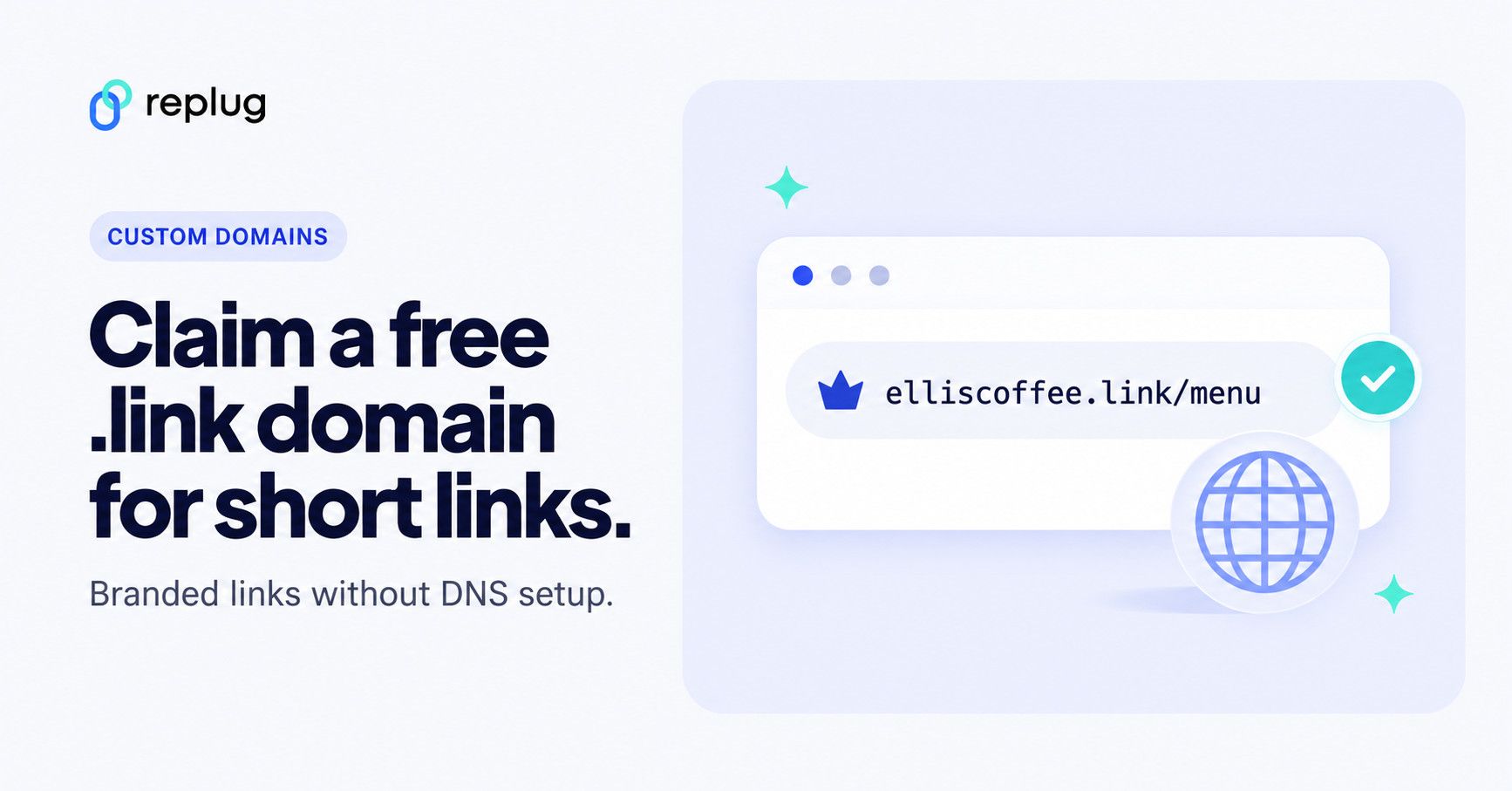
Want to build more trust and brand recognition with your short links? On a paid Replug plan you can claim a .link domain free for the first year, right from your dashboard, with no domain to buy elsewhere and no DNS records to set up. Go to Settings > Custom domains > Claim Free .link Domain, search for a name, and click Claim domain. After the first year it renews at $12 a year.
This guide walks you through how to claim your free domain on Replug, how to connect a domain you already own instead, why a branded domain matters for your marketing campaigns, and the benefits of using a branded short link.
Eligibility to claim a free domain on Replug
To qualify for a free .link domain from Replug:
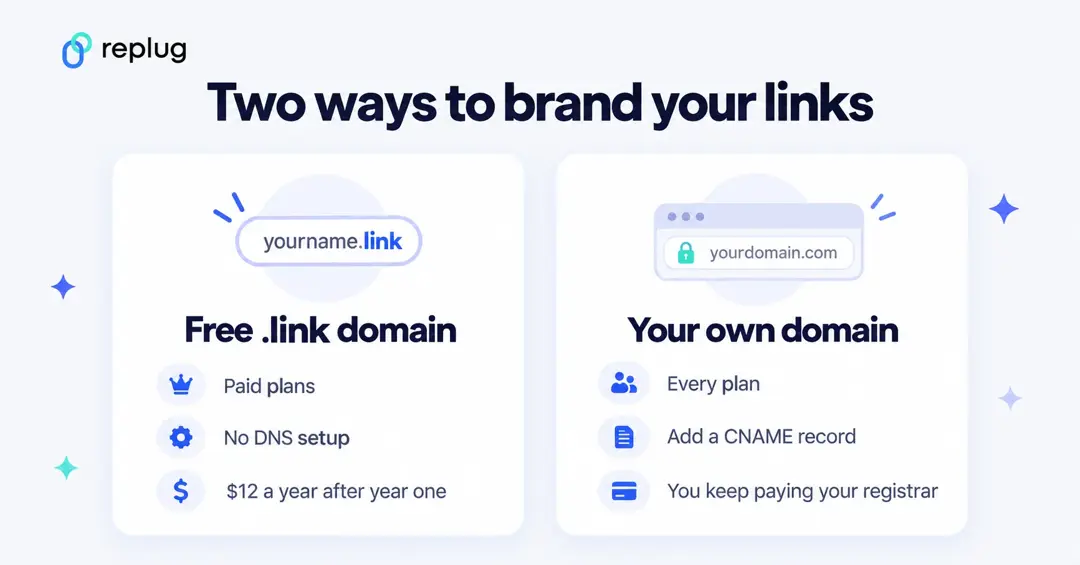
- You must be on a paid plan: Essentials, Scale or Agency. On the Free plan or a trial, the claim window asks you to upgrade first.
- Each workspace is allowed one free domain. That is why the pricing page lists 1 free .link domain on Essentials (1 workspace), 3 on Scale (3 workspaces) and 10 on Agency (10 workspaces), checked October 2026.
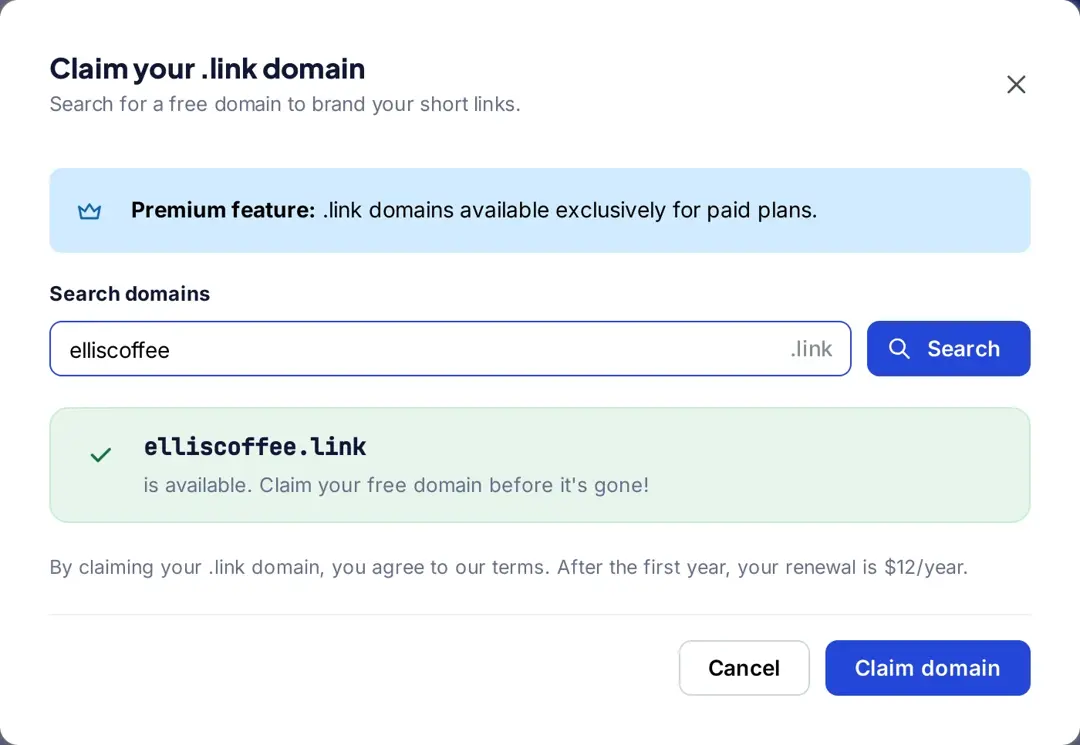
- The domain is free for the first year, and renews at $12/year after that, as the claim window in the app states.
- Free .link domains can’t be edited or renamed after you claim them, so pick the name carefully.
Here’s how you can claim your free domain
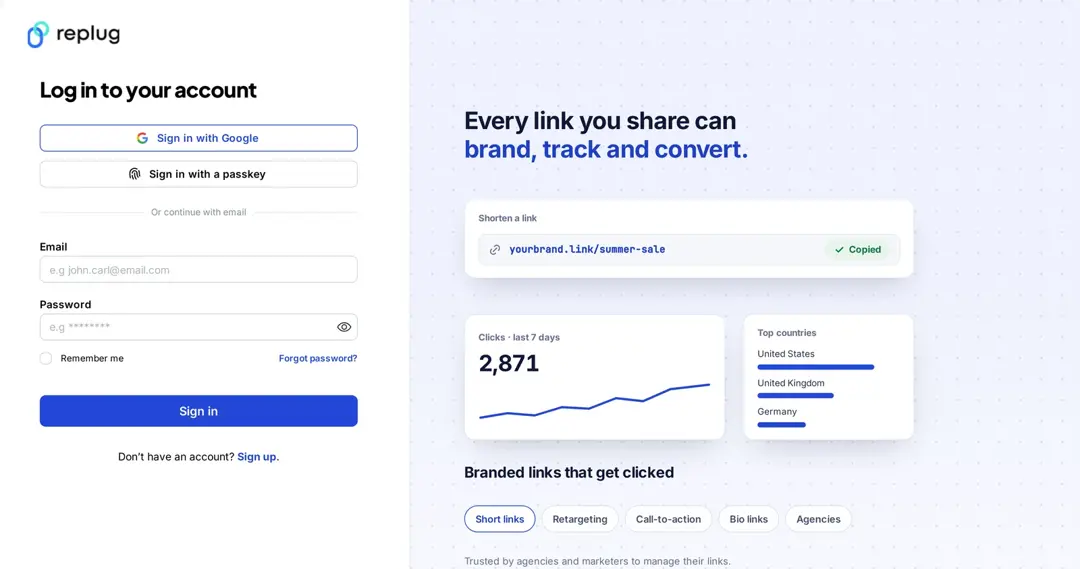
Step 01: Sign in to your Replug account
Log in to your Replug account. If you don’t have a paid plan yet, upgrade from the plan menu first; the free .link domain is only available on paid plans.
Step 02: Open Settings, then Custom domains
Click Settings at the bottom of the left sidebar. In the settings menu, under Links & domains, select Custom domains. The Domains page opens with two buttons at the top: Add Domain and Claim Free .link Domain.
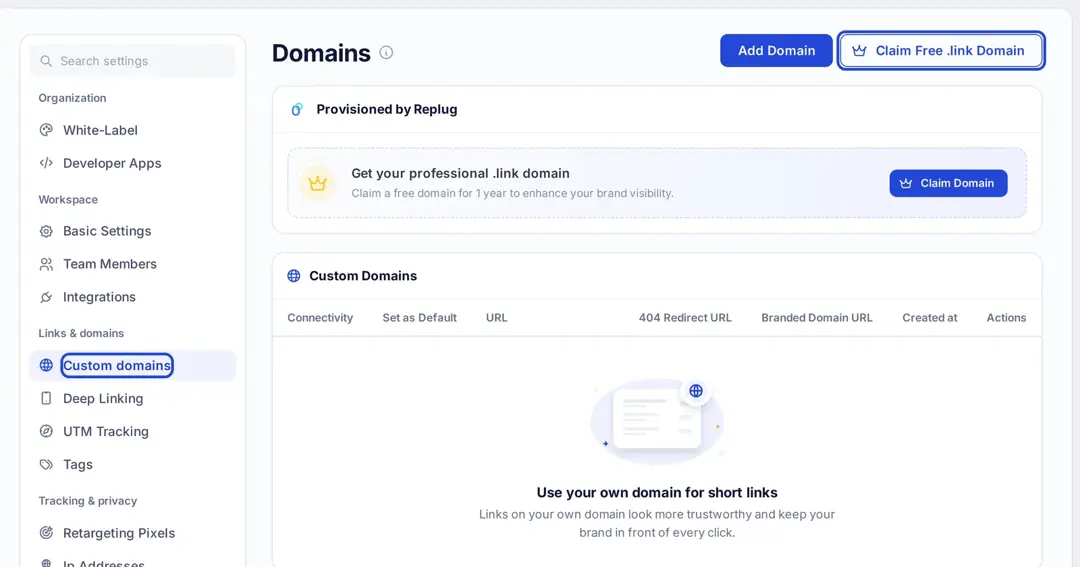
Step 03: Select Claim Free .link Domain
Click Claim Free .link Domain at the top right (or Claim Domain in the “Get your professional .link domain” card under Provisioned by Replug). The Claim your .link domain window opens.
Note: Only one free domain can be claimed per workspace.
Step 04: Search your domain
Type the name you want into Search domains; the .link ending is added for you. Click Search. If the name is free, Replug shows it as available. If it is taken, or is a premium name that isn’t free, Replug lists available alternatives instead.
Step 05: Claim your domain
Choose your domain and click the Claim domain button. Replug registers it and configures the DNS records for you. The app notes that DNS changes can take up to 24 hours to spread across the internet, so give it a little time before you share links on it.
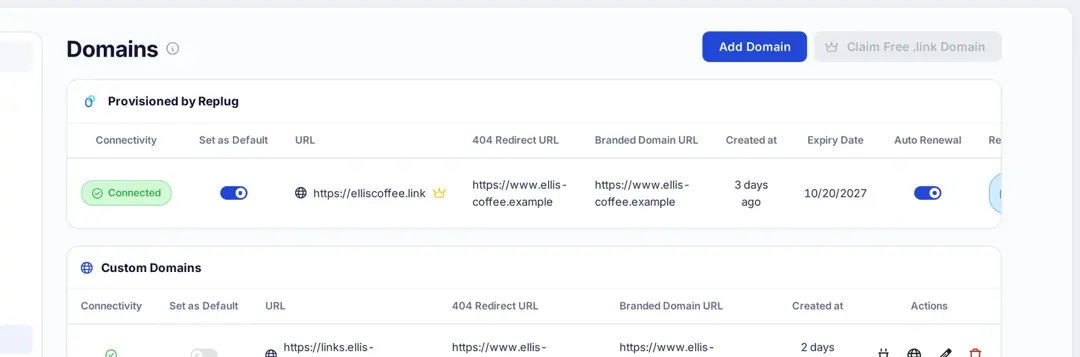
That’s it! Your free custom domain appears under Provisioned by Replug on the Domains page, where you can see whether it is connected, switch on Set as Default so new short links use it, and check its expiry date and auto-renewal setting.
Also read: Vanity domains explained: Your in-depth guide to online branding
Already own a domain? Connect it instead
You don’t have to use the free .link domain. Every plan, including Free, can connect domains you already own: 3 on Free, 5 on Essentials, 15 on Scale and 50 on Agency, according to the pricing page (checked October 2026). The domain stays registered with your own registrar, so you keep paying them for it.
- On the Domains page, click Add Domain.
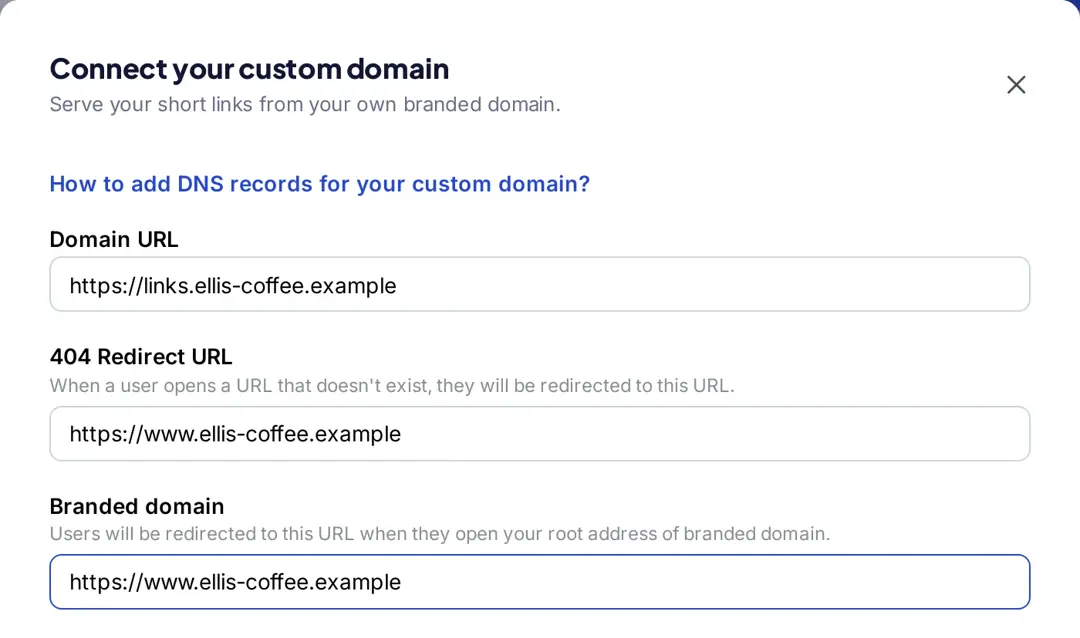
- Enter the Domain URL. If your website already runs on your main domain, use a subdomain such as links.yourbrand.com, as Replug’s help article recommends.
- Add a 404 Redirect URL (where people go if they open a short link that doesn’t exist) and a Branded domain URL (where people go if they open the bare domain).
- Under DNS configuration, the window shows the record to add: a CNAME with its Hostname and the Points to value. Copy both exactly into your DNS provider. If you use Cloudflare, turn the proxy off for this record, as the app advises.
- Click Save custom domain. DNS changes can take up to 24 hours; use Check connectivity on the Domains page to confirm the domain is connected.
Want to use your own custom domain for short links? Use Replug
If you’re serious about link branding and campaign performance, a custom domain is worth setting up. With Replug.io, you can claim or connect your branded short domain in just a few clicks.
A custom domain doesn’t just make your links look clean and professional. It also gives you:
- Stronger brand recognition: Your links carry your name, so people can see who is sharing the link before they click.
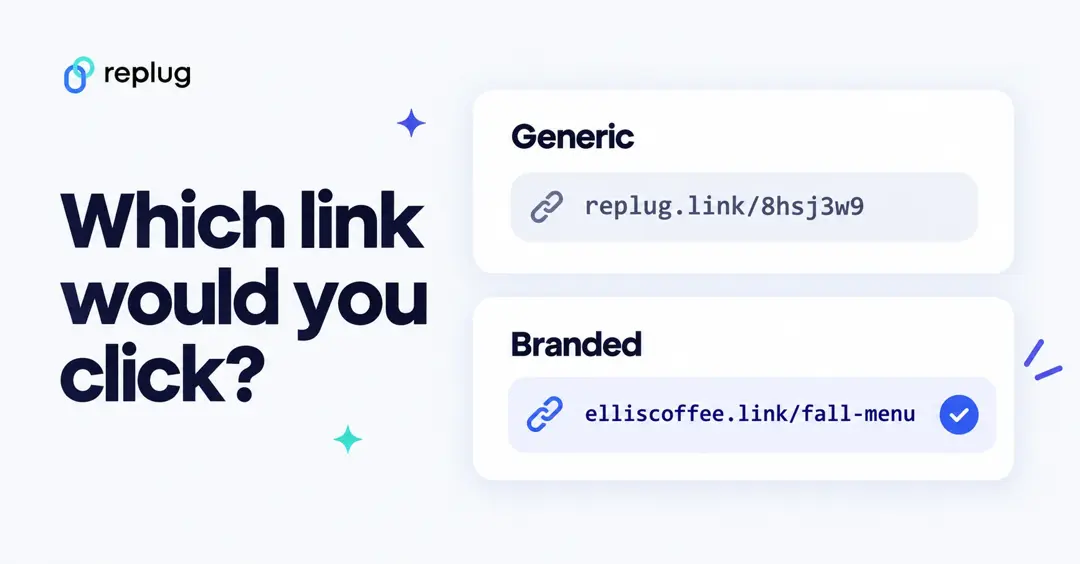
Here’s an example of a generic short link next to a branded one:
- A clear destination cue: A branded domain tells people the link comes from you. It does not change how search engines rank your pages; the page the link points to is what gets ranked.
- Memorable and easy to promote: Short, branded links are easier to remember, type, and share, perfect for print, social media, and verbal mentions.
- Your own reputation: A shared public shortener domain is used by many senders, good and bad, so some spam filters and platforms treat those links with caution. A domain only you use keeps that reputation in your hands.
Pro Tip: To get these benefits, use a reliable link shortener with a custom domain and set it as your default.
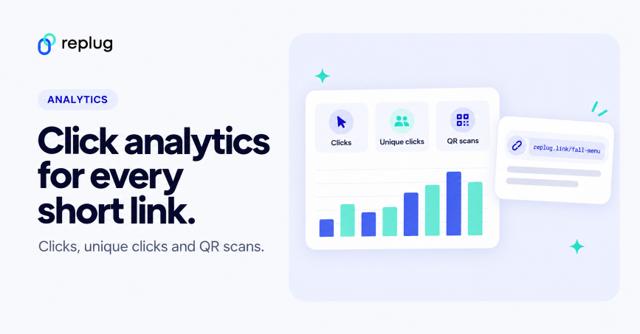
- Tracking and analytics: Every short link on your domain still records clicks, unique clicks, locations, devices and referrers in Replug.
- Consistent look: Custom links look clean and match your brand everywhere you share them.
Conclusion
Claiming your free .link domain on Replug takes a few minutes on any paid plan and gives your links a branded look without touching DNS. If you already own a domain, you can connect that instead on any plan. Either way, set it as your default so every new short link carries your brand.
FAQs

Manahil