Conversion tracking tools show which ads, posts, emails and links lead to purchases, sign-ups and leads. Some are built into ad platforms, some are analytics or attribution products, and some only count link clicks, which is useful but not the same thing.
Quick answer: most teams start with the free tracking in their ad platforms (Google Ads, Meta, LinkedIn, TikTok) plus Google Analytics 4 key events. Add a product analytics tool such as Mixpanel or KISSmetrics for funnels, Matomo if you want to control where data is stored, or an attribution tool such as AnyTrack or Usermaven to compare channels and send conversions server-side.
How we checked: prices and plan limits below come from each vendor’s own pricing or product page, checked in October 2026. Prices change often, so confirm on the vendor’s site before you buy. Replug is our product.
Conversion tracking tools at a glance
| Tool | Type | What it tracks | Starting price (checked October 2026) |
|---|---|---|---|
| Google Analytics 4 | Web and app analytics | Events and key events from every channel | Free |
| Ad platform tags (Google Ads, Meta, LinkedIn, TikTok) | Ad platform conversion tracking | Conversions from each platform’s own ads | Free with an ad account |
| Usermaven | Marketing attribution | Multi-touch and paid ads attribution, funnels, journeys | No public price; Business plan by demo |
| Mixpanel | Product analytics | Events, funnels, retention | Free up to 1M events/month; Growth starts at $0 plus usage |
| KISSmetrics | Person-level analytics | People, funnels, revenue | Free up to 100k events/month; Growth from $99/month |
| Matomo | Privacy-focused web analytics | Goals, ecommerce, multi-channel attribution | Cloud from 22 EUR/month (excl. tax) for 50,000 hits |
| AnyTrack | Ad tracking and attribution | Conversions from ads, affiliate networks, ecommerce and CRM | Free plan; Starter $100/month |
| Linkly | Link tracking | Clicks per link; optional sales attribution per link | Free plan; Starter $15/month billed annually |
| Sniply | Link CTA overlays | Clicks and CTA conversions on shared links | From $9/month; 14-day free trial |
| Replug | Link management | Clicks per link and retargeting pixels (no conversion tracking) | Free plan; paid plans on the pricing page |
| ContentStudio | Social media management | Social post and account performance | From $19/month billed annually |
| Sprinklr | Enterprise social and CX | Social performance across channels | No public pricing page |
What is conversion tracking?
Conversion tracking is the process of monitoring specific actions users take on your website, app, or elsewhere, signifying that they’ve interacted with your brand in a way that’s valuable to your business.
But conversions go beyond just sales. They bring in a variety of valuable actions, such as:
- Purchases (of course!)
- Email signups
- Phone call initiates
- Live chat engagements
- Social media engagements
- Form submissions (e.g., contact forms, download requests)
- App downloads (if you have an app)
- And much more…
Importance of conversion tracking
By tracking conversions, you gain valuable insights into how well your marketing campaigns are performing and where you can optimize for better results.
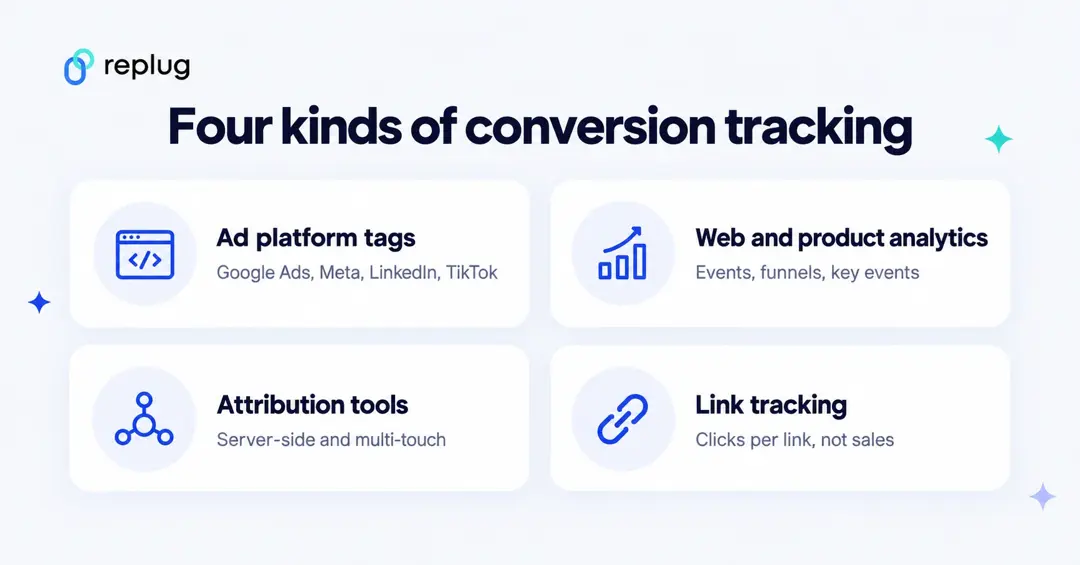
There are four kinds of tools that do it, and most businesses combine two or three:
What are the benefits of conversion tracking?
When you start keeping track of your conversions, you open up a world of benefits. Here are some of the best ones:
- Improved return on investment (ROI) – By understanding what’s working and what’s not, you can allocate your resources more effectively and maximize your return on investment (ROI).
- Making smarter choices with data – Conversion tracking provides you with valuable data that you can use to make data-driven decisions about your marketing strategy. This data can help you identify trends, understand your target audience better, and create more effective marketing campaigns.
- Fine-tuning your website and landing pages – Identify areas on your website or landing pages that are hindering conversions.
- List out top content – You can use conversion tracking data to see which pieces of content are most effective at driving conversions. This information can be used to create more content that is likely to convert visitors into leads or customers.
- Seeing which campaigns do the most – See which campaigns (paid ads, social media posts, email marketing) are driving the most conversions, allowing you to focus your budget and efforts on the most successful ones.
- Gain customer insights – Conversion tracking data can reveal valuable insights into your customer behavior, helping you tailor your marketing messages and offerings to better meet their needs.
- Smarter budget allocation – With conversion data in hand, you can allocate your marketing budget more effectively. You can invest more in the channels that are driving the most conversions and less in the channels that are not performing well.
Best conversion tracking tools
Grouped by type. Each entry says what the tool tracks and what it costs, from the vendor’s own site.
1. Google Analytics 4
Google Analytics gives you “the tools, free of charge, to understand the customer journey.” GA4 records events from your site or app and lets you mark the important ones as key events (its name for conversions), up to 30 per standard property (Analytics Help). You can import key events into Google Ads for bidding.
Best for: almost everyone, as the baseline. Limits: reports use Google’s attribution and data thresholds, and you need consent handling in many regions.
Price: free
2. Ad platform conversion tracking (Google Ads, Meta, LinkedIn, TikTok)
Every major ad platform has its own free conversion tracking: Google Ads conversions (Google tag or GA4 import), the Meta Pixel with the Conversions API, LinkedIn Insight Tag conversions and the TikTok Pixel. These are what the platforms use to optimize bidding, so set them up even if you use another tool for reporting. For how they work, see our guide to conversion pixels.
Best for: optimizing ads on each platform. Limits: each platform counts conversions its own way, so totals across platforms don’t add up.
Price: free with an ad account
3. Usermaven
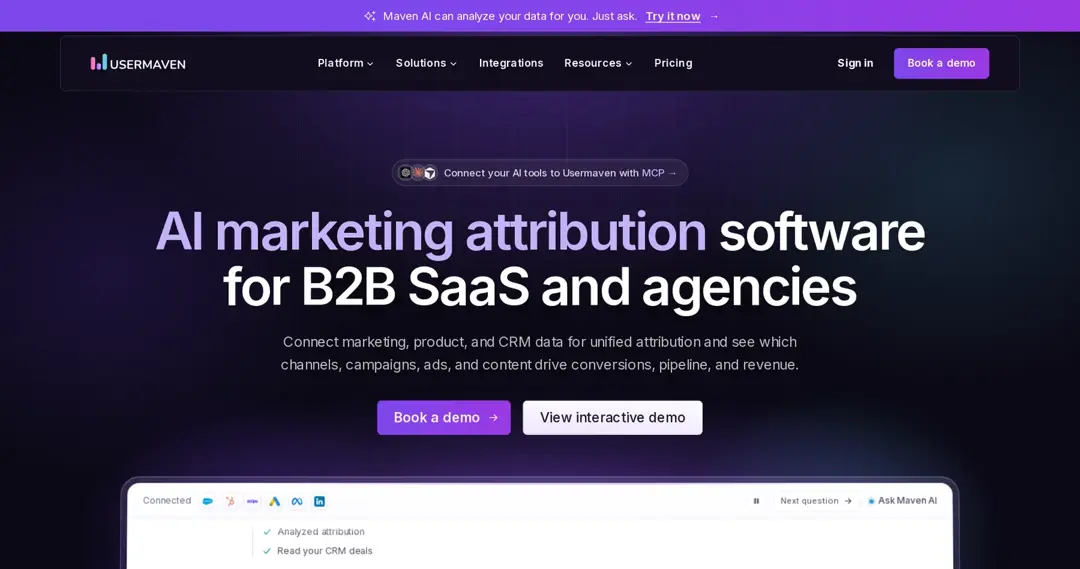
Usermaven describes itself as AI marketing attribution software for B2B SaaS and agencies. Its pricing page lists multi-touch attribution, paid ads attribution, custom attribution models, funnels, customer journeys, automatic event tracking, cookieless and server-side tracking, and CRM and ad platform integrations. With its multi-touch attribution feature, you can see which channels and UTM campaigns lead to sign-ups and revenue.
Best for: SaaS and agencies that want attribution across channels. Limits: no self-serve price on the pricing page.
Price: Business plan by demo; no public price (pricing page)
4. Mixpanel
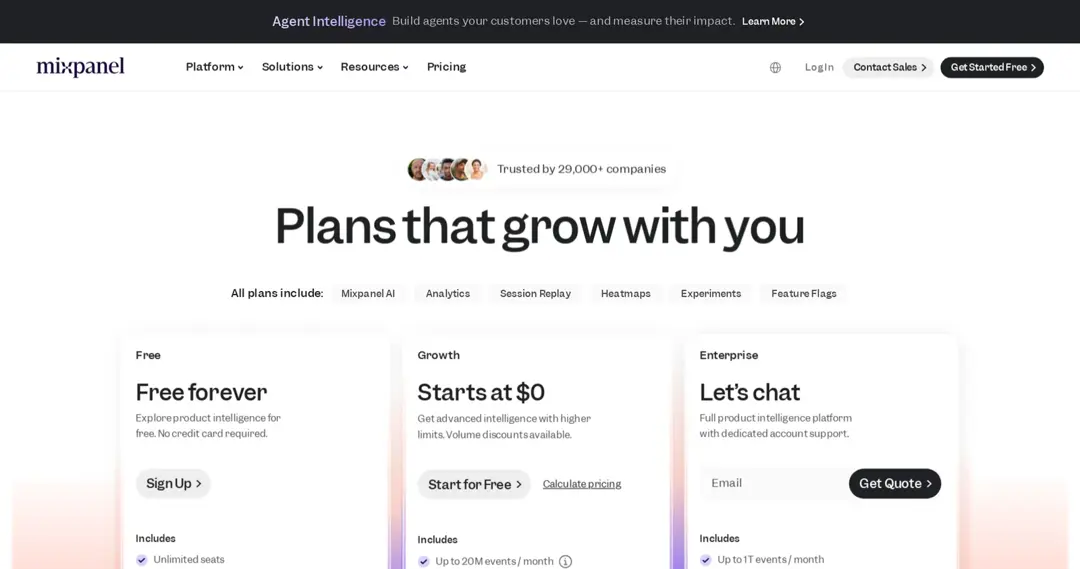
Mixpanel is product analytics: you send events from your site or app and build funnels, retention and flows to see where people drop off before converting. Its plans include session replay, heatmaps, experiments and feature flags.
Best for: product and growth teams measuring in-app conversions. Limits: you plan and implement the events, which takes some technical work for complex setups.
Price: free up to 1M events/month; Growth starts at $0 with usage-based pricing (pricing page)
5. KISSmetrics
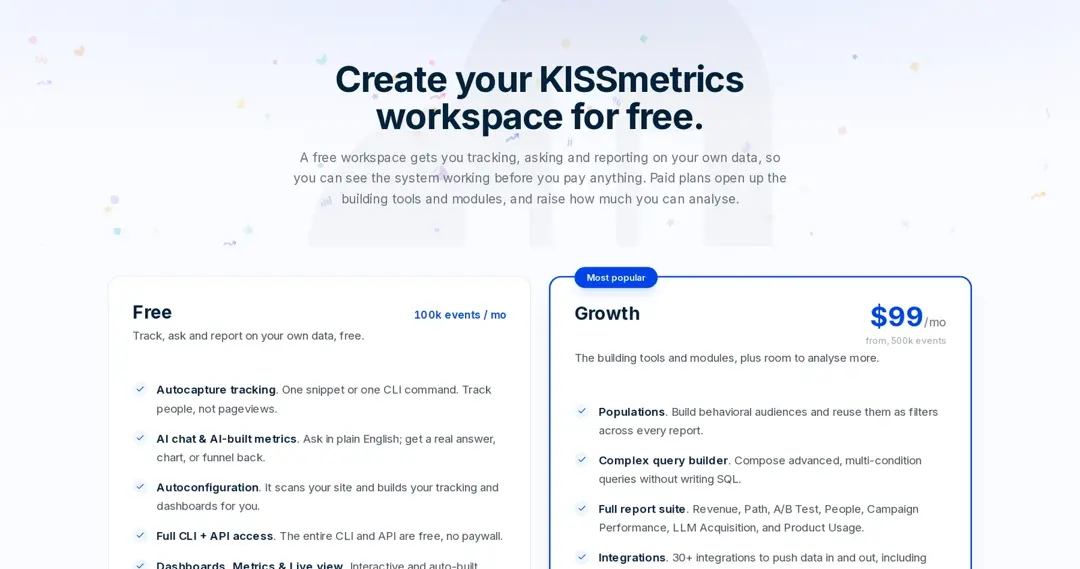
KISSmetrics tracks people rather than pageviews, so you can follow one customer across visits and tie activity to revenue. The free workspace includes autocapture tracking, funnels, cohorts and dashboards.
Best for: teams that want person-level funnels and revenue reports. Limits: paid plans are priced by event volume.
Price: free up to 100k events/month; Growth from $99/month for 500k events (pricing page)
6. Matomo
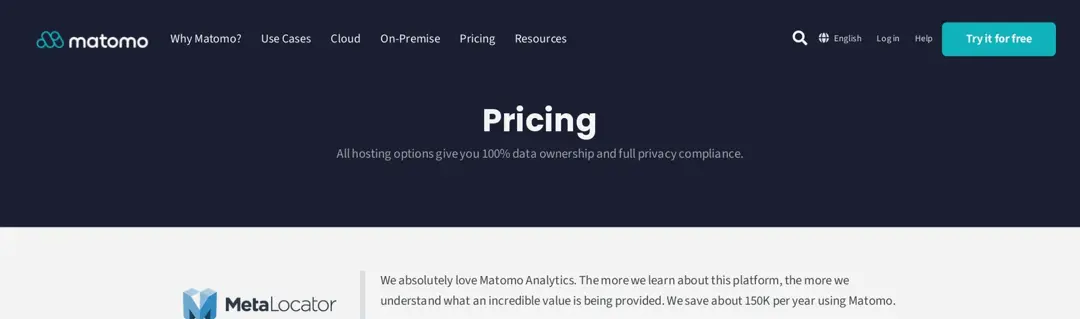
Matomo is privacy-focused web analytics you can use in Matomo’s cloud or install on your own servers (on-premise). Matomo says all hosting options give you full data ownership. The Business cloud plan includes multi-channel conversion attribution, advertising conversion export, A/B testing, heatmaps and session recordings.
Best for: organizations that need control over where analytics data lives. Limits: on-premise means you run and update the server.
Price: cloud from 22 EUR/month (excl. tax) for 50,000 hits; free cloud trial (pricing page)
7. AnyTrack
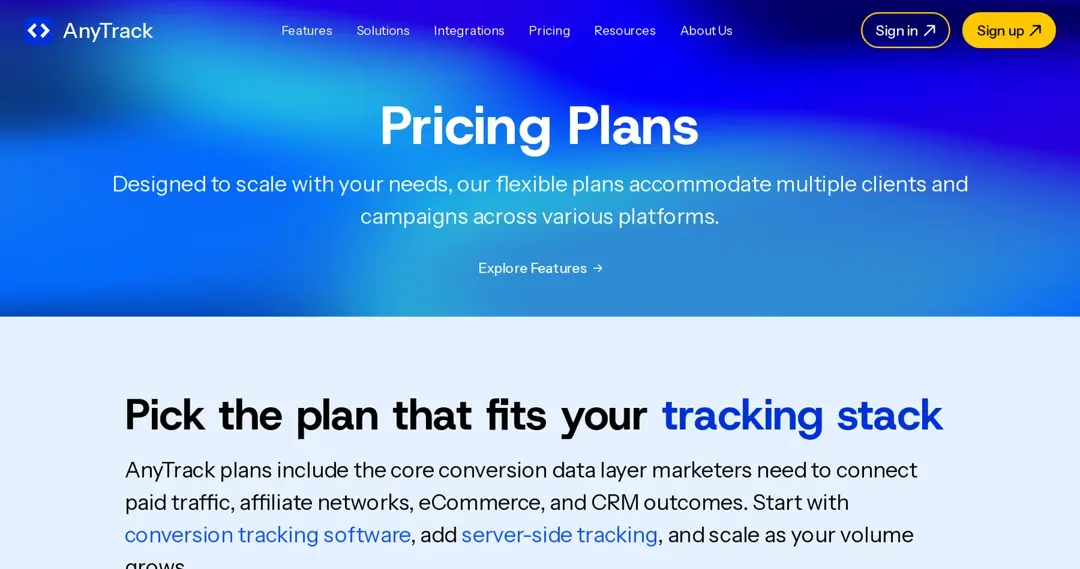
AnyTrack focuses on ad tracking: its tag collects click IDs, page views and form submissions in the browser, and it records sales and leads server-side through postbacks, webhooks and APIs, then sends conversions to ad platforms. Its paid plans include conversion API connections for all seven of its supported ad platforms.
Best for: advertisers and affiliate marketers who need server-side conversions sent back to ad platforms. Limits: the free plan covers one website, one ad platform (reports only) and one conversion source.
Price: free plan; Starter $100/month (pricing page)
8. Linkly
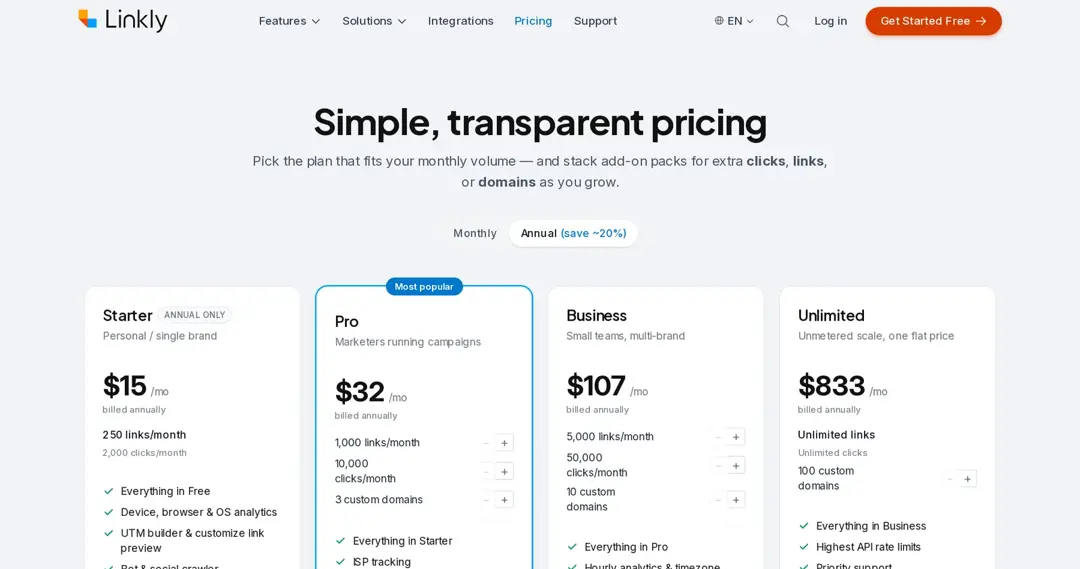
Linkly is a link shortener and click tracker. It also offers conversion tracking per link: it adds a short identifier to the destination URL, and when a purchase happens it is sent back to Linkly and matched to the click, so you see revenue per link.
Best for: tracking which links drive sales. Limits: plans cap links and clicks per month.
Price: free plan (100 links and 500 clicks/month); Starter $15/month billed annually (pricing page)
9. Sniply
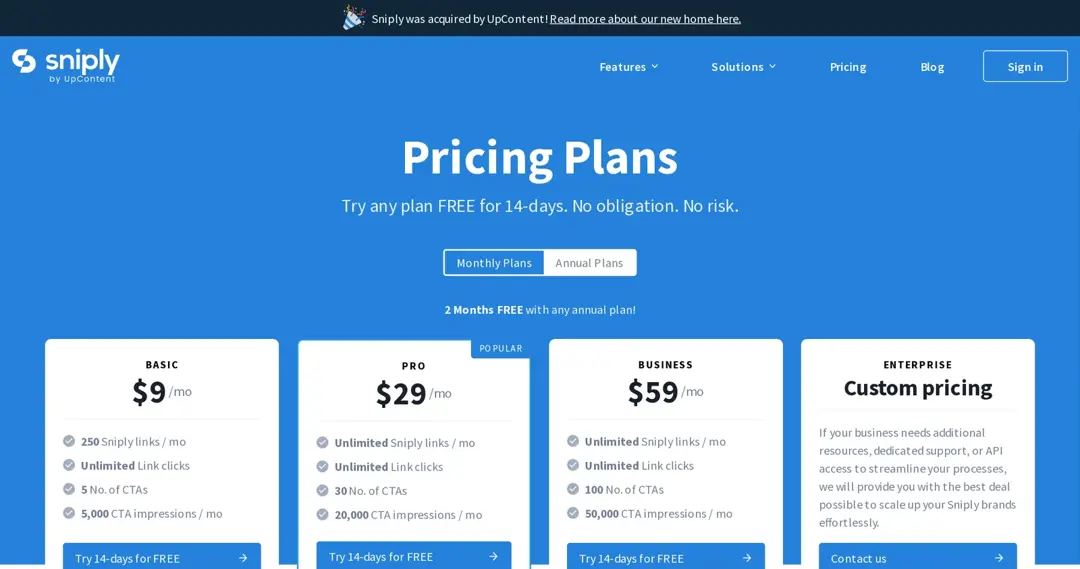
Sniply adds a call-to-action overlay to links you share, including links to other sites, and its plans list click and conversion tracking for those CTAs. Sniply’s site notes it was acquired by UpContent.
Best for: content curators who want shared links to send people back to their own site. Limits: it tracks CTA performance, not your site’s full funnel.
Price: from $9/month; 14-day free trial (pricing page)
10. Replug
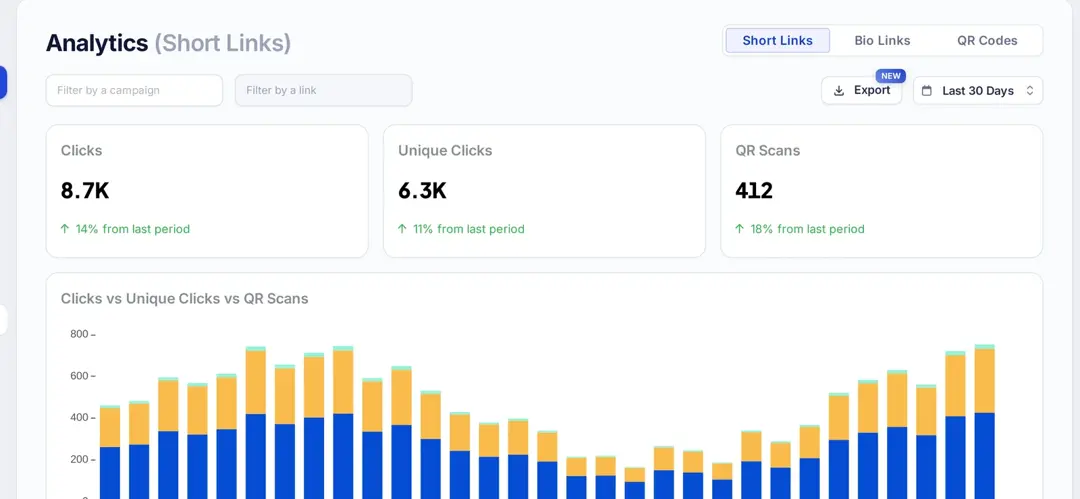
Replug is a link management platform: branded short links, bio pages and QR codes, with click analytics (clicks, unique clicks, countries, cities, devices, browsers and referrers) and retargeting pixels that fire when someone clicks. Replug’s click analytics show which links and channels drive traffic.
To be clear: Replug does not track conversions. Use it to see clicks per link and to build ad audiences from those clicks, and pair it with GA4 or an ad platform pixel on your site to count sales and sign-ups.
Price: Free plan; paid plans from Essentials
11. ContentStudio
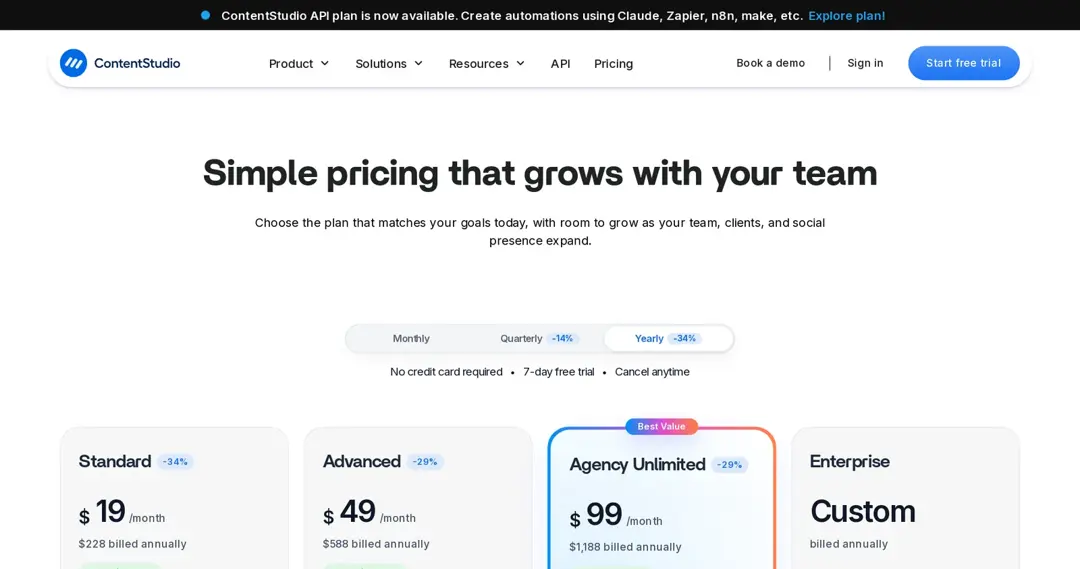
ContentStudio is a social media management platform for planning, publishing and analyzing posts across channels. Its analytics show how posts and accounts perform; to see which posts lead to purchases, combine it with UTM links and the analytics on your site.
Price: from $19/month billed annually (pricing page)
12. Sprinklr
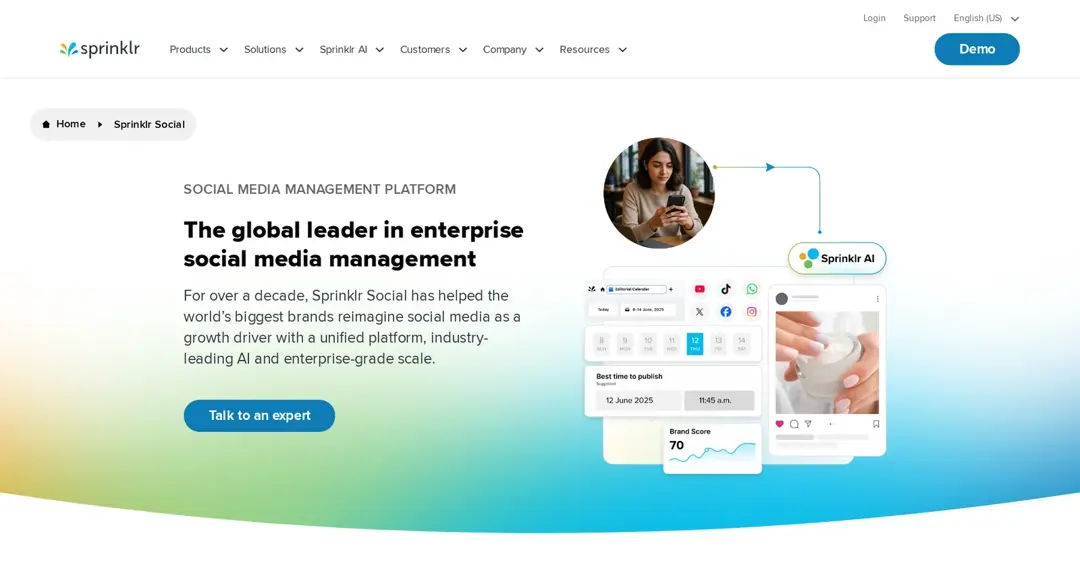
Sprinklr is an enterprise platform for social media management and customer experience. Sprinklr Social covers publishing, engagement and analytics across social channels for large brands.
Price: no public pricing page (the old pricing URL now redirects); contact Sprinklr
Best conversion tracking tool
Our top pick as the best conversion tracking tool for marketing attribution is Usermaven.
Brands can gain a deeper understanding of user behavior throughout the conversion funnel by utilizing Usermaven.
Key features of Usermaven
- Multi-touch and paid ads attribution
- Custom attribution models
- Funnels and customer journeys
- Automatic event tracking
- Cookieless and server-side tracking
- CRM and ad platform integrations
- Maven AI assistant
- White-label analytics (add-on)
If you mostly need to know which links drive clicks, and to build retargeting audiences from them, Replug covers that; it doesn’t replace a conversion tracking tool.
Key features of Replug
- Click analytics for every short link, bio page and QR code
- Retargeting pixels (Essentials: 1, Scale and Agency: unlimited)
- A/B testing up to 20 URLs (Scale and Agency)
- Call-to-action overlays (Essentials and above)
- UTM builder (all plans)
- Deep links (Scale and Agency)
- Bio links
How to choose a conversion tracking tool
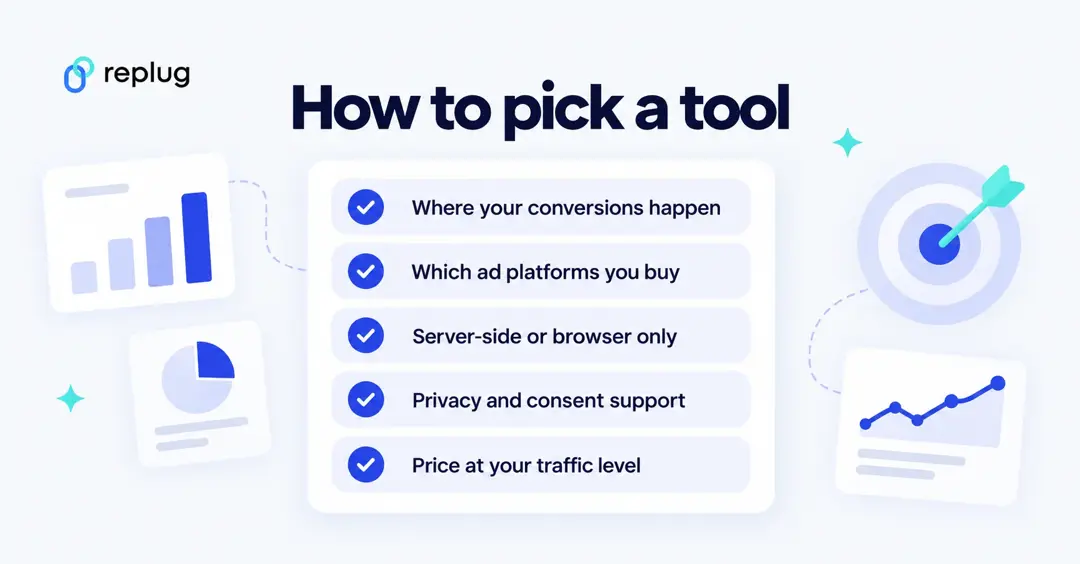
- Where conversions happen: on your site, in an app, by phone or offline. Apps need an SDK; offline sales need imports or a CRM integration.
- Which ad platforms you buy: set up each platform’s own conversion tracking first, since bidding depends on it.
- Server-side or browser only: browser tags miss some events; server-side options (Meta Conversions API, TikTok Events API, attribution tools) fill the gaps.
- Privacy and consent: check consent handling and where data is stored.
- Price at your traffic level: many tools price by events, hits or sessions, so estimate your volume.
Top tips for effective conversion tracking
- Define clear conversion goals: What actions do you want users to take on your website or app? Be specific and measurable.
- Set up conversion tracking correctly: Ensure your tracking code is implemented accurately to capture all conversion data.
- Track multiple conversion points: Don’t just focus on sales; track other valuable actions like sign-ups, downloads, or video views.
- Segment your data: Analyze your conversion data by different segments (e.g., traffic source, device type) to gain deeper insights.
- Regularly review and optimize: Monitor your conversion data and make adjustments to your marketing campaigns and website based on your findings.
As we wrap up, it’s clear that conversion tracking isn’t just a trend—it’s a necessity for businesses aiming to thrive in the digital age. By utilizing the right tools and following smart tips, businesses can gain valuable insights, optimize their marketing efforts, and ultimately drive more revenue.
FAQs about conversion tracking

Manahil