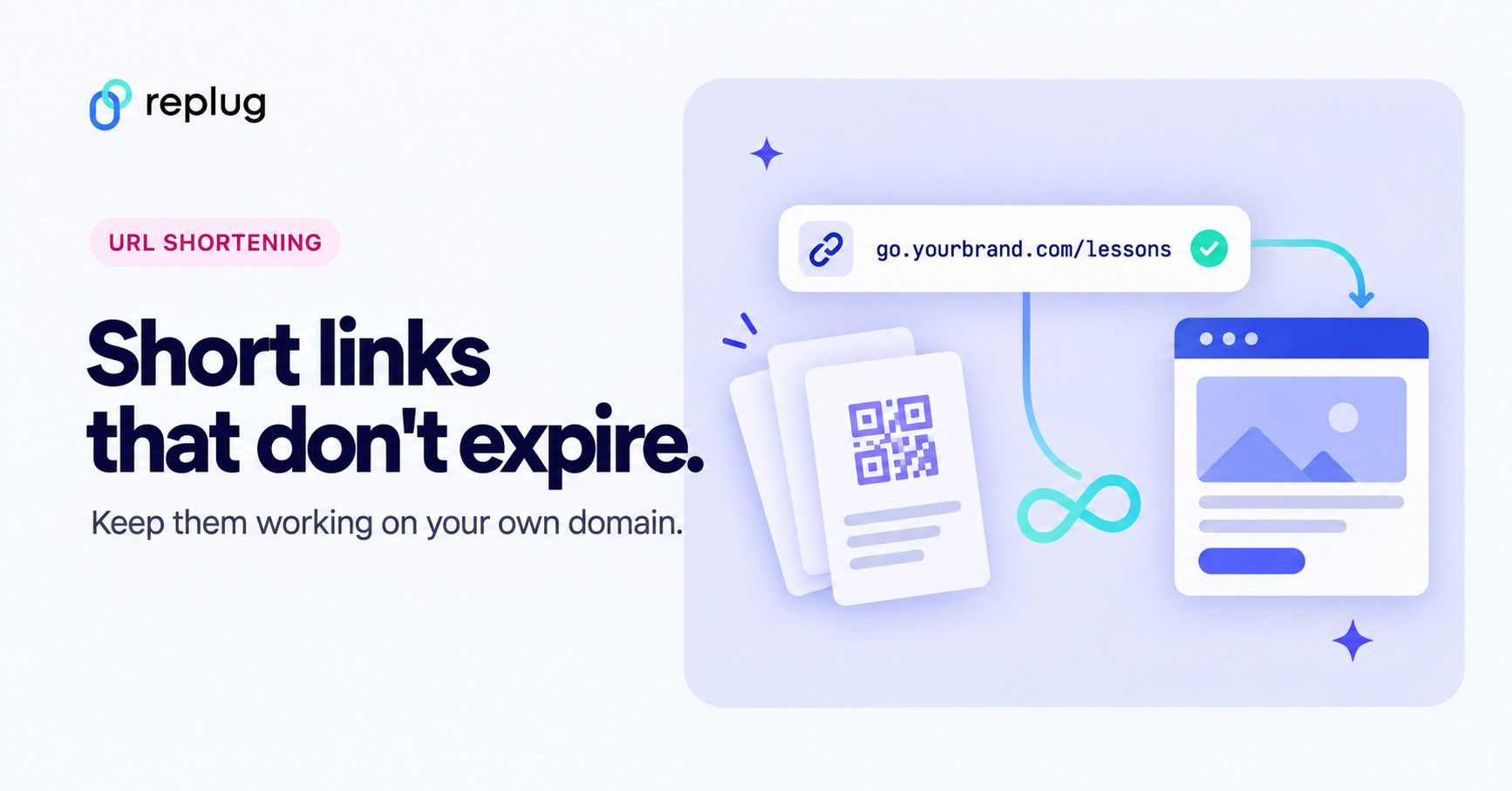
A URL shortener that doesn’t expire keeps your links redirecting for as long as the service and your account exist, with no built-in end date. Most shorteners don’t time out links by default; links usually break because a service shuts down, a plan’s rules change, or the link sits on a domain you don’t control.
The safest setup is a short link on a domain you own, from a provider that doesn’t put an end date on links.
Updated: November 2026
Below: what each major shortener says about expiry, the five things that break short links, and how to set up one that keeps working. Replug is a link-management platform for branded short links, bio pages, QR codes and retargeting, and Replug’s link shortener is used as the worked example.
Do short links expire?
No, not by default at the large shorteners: Bitly, TinyURL, Rebrandly, Short.io and Replug all keep links working with no end date unless you set one. What differs is the fine print around accounts, plans and domains, which is where links really die.
| Provider | Do links expire by default? | Rules that affect whether links keep working | Source |
|---|---|---|---|
| Bitly | No. “Bitly Links never expire,” unless you set an expiration. | Accounts inactive for three years are deleted. bit.ly links keep working after deletion; links on your own domain work only while its DNS still points to Bitly. | Bitly link expiry, account deletion |
| TinyURL | No. Links “do not expire” if they follow TinyURL’s Terms of Use. | The Free plan uses the tinyurl.com domain only; editing a link’s destination and using your own domain are on paid plans. | TinyURL help, Free plan |
| Rebrandly | No, unless you set an expiration date or delete the link. | Links keep working after a downgrade to Free; deleting the account deletes the links. Free plan: 10 links a month. Link expiration is a paid feature. | Rebrandly help, pricing |
| Short.io | No. Link expiration is a Pro-plan feature you switch on. | Free plan: 1,000 branded links and 50,000 tracked clicks a month; links keep working past the statistics limit. A canceled paid plan moves to Free and links keep working within its limits. | Short.io pricing and FAQ |
| Replug | No. Links have no end date unless you set one (by date, Scale plan and up). | Free plan: 100 links, 1,000 tracked clicks a month, 3 custom domains. Past the click limit, links keep redirecting and tracking pauses until the next month. | Replug pricing |
A permanent short link, then, isn’t a special product. It’s an ordinary short link with no expiry date, on an account and domain that stay in good standing.
Why do short links stop working?
Short links stop working for five reasons, and only one of them is an expiry date.
1. The shortener shuts down
Google’s goo.gl is the case everyone remembers. When Google announced the end of new goo.gl links on March 30, 2018, on the Google Developers Blog, it said “all existing links will continue to redirect to the intended destination.” Six years later, in a July 18, 2024 post, Google said goo.gl links would stop returning a response after August 25, 2025, noting that more than 99% of them had no activity in the previous month.
Google changed course again on August 1, 2025: only links that showed no activity in late 2024 were switched off after August 25, and all other goo.gl links are preserved. You can read what happened to goo.gl links in detail, and if you still have some in print, start replacing goo.gl links now.
Fix: no provider can promise forever, so use your own domain. If the provider ever closes, you can point that domain at a new service and recreate the same slugs there.
2. Your plan or account changes
Links depend on the account that owns them, so account rules matter more than expiry settings. Bitly deletes accounts that have been inactive for three years, according to its help center, and Rebrandly says deleting your account deletes your links.
Here is how it works on Replug. On the Free plan, reaching the monthly click limit doesn’t switch links off (more on that below). If a paid account has an unresolved payment problem, its links show a “Link Inactive” notice instead of redirecting until the account owner fixes billing. If an account is deleted, its links stop working.
Fix: keep the account that owns printed links active and its billing current, and read what your provider does with inactive or canceled accounts before you print.
3. The link is on a domain you don’t control
A link on a shared domain such as bit.ly or tinyurl.com belongs to the provider’s domain, not yours. Shared shortener domains can be blocked by spam filters or platforms because of other people’s links, and you can’t move them anywhere else.
Fix: use a short domain you own, such as go.yourbrand.com. You decide where it points, and its reputation is yours alone. The flip side, as Bitly’s help page notes, is that the links only work while the domain’s DNS points to the provider, so renew the domain.
4. Someone set an expiry date on purpose
Many shorteners let you give a link an end date. In Replug, Link Expiry is an opt-in setting on the Scale plan and up, based on a date and time; after that moment, visitors see an expiry page instead of the destination.
Fix: leave expiry off for anything printed, and check the link’s settings if it suddenly stops.
5. The destination page broke
Sometimes the short link works fine but lands on a 404 because the page behind it moved or was deleted. Pew Research Center’s 2024 report “When Online Content Disappears” found that 38% of webpages that existed in 2013 were no longer available, and 23% of news webpages contained at least one broken link.
How to choose a URL shortener that doesn’t expire
Choose a shortener on its rules, not its promises. Check these points on the provider’s own help and pricing pages:
- No default expiry. Links should have no end date unless you add one.
- A written inactivity rule. The terms or help center should say what happens to links on inactive, downgraded or canceled accounts.
- Your own domain on the plan you’ll use. Some free plans only offer the provider’s domain.
- Export of your links. A list of every slug and destination lets you rebuild elsewhere.
- Editable destinations. When a page moves, you change the link instead of reprinting.
- A track record. A company that has run its service for years, with public help pages.
- Clear free-plan limits. Know what happens when you reach a link or click limit.
How do you make a permanent short link?
You make a permanent short link by putting it on a domain you own, leaving expiry off, and keeping a record of it. In Replug it takes five steps:
- Connect a domain you own. Go to Workspace Settings → Custom Domains → Add Domain and add a subdomain such as go.yourbrand.com. Every plan includes custom domains (3 on Free), and paid plans include a free .link domain.
- Create the link on that domain. Click Create link, paste the destination, choose a campaign that uses your domain, and leave Link Expiry switched off.
- Pick a readable slug. A slug like /lessons is easy to type and easy to recreate anywhere if you ever move. Custom slugs are on the Essentials plan and up.
- Keep a copy of your links. Export your link list to CSV (Scale plan and up) or keep your own spreadsheet, and mark which links are printed.
- Plan for the destination moving. If the page might change, use destination editing (Scale plan and up) so you can repoint the link instead of reprinting.
For example, a music teacher in Nashville prints go.cedarhollowmusic.com/lessons on 2,000 flyers. If she switches booking tools next year, she changes the destination and every flyer still works. If she ever leaves Replug, she points go.cedarhollowmusic.com at the new provider and creates /lessons there.
What happens on Replug’s free plan when you reach the click limit?
Your links keep working. The Free plan includes 1,000 tracked clicks a month; once an account has used them, its short links keep redirecting straight to their destinations, and clicks stop being counted until the count resets at the start of the next calendar month.
While tracking is paused, link features that run on each click, such as retargeting pixels, traffic routing and A/B tests, are skipped, so visitors go directly to the main destination. Bio link pages stay accessible. Paid accounts with a payment problem are the exception: their links show the “Link Inactive” notice until billing is fixed.
When should a short link expire?
A short link should expire when the offer behind it ends. A flash sale link that stops at midnight keeps people from finding a price you no longer honor, and an event registration link that closes on the deadline stops late sign-ups.
Replug supports a set end date on the Scale plan and up; here is how to set an expiry date on a link.
What about file links, like Dropbox?
A short link to a file only lasts as long as the file’s share link does. If you replace or unshare the file, update the short link’s destination; this is the main reason to use short links for Dropbox files instead of pasting the raw share link.
Replug is a link-management platform for branded short links, bio pages, QR codes and retargeting. If you want short links that keep working on a domain you own, start with Replug’s link shortener.
Frequently asked questions

Muhammad Ahsan Jamal