
Help guides Arslan JadoonSep 24, 202510 minutes
How to shorten LinkedIn URL?
Learn how to shorten LinkedIn URL for a cleaner & more professional look on business cards & resumes. Follow our step-by-step guide now!
Arslan JadoonSep 24, 202510 minutesRead Replug’s help guides blog for expert tips, insights, and resources on link management, tracking, branded URLs, QR codes, and audience growth.
Learn how to shorten LinkedIn URL for a cleaner & more professional look on business cards & resumes. Follow our step-by-step guide now!
Arslan JadoonSep 24, 202510 minutes
Learn how to shorten an affiliate link effectively with this guide. Discover the best practices, tools like Replug, and tips for boosting CTR.
 ManahilSep 24, 20257 minutes
Shorten Amazon links the smart way. Create branded, trackable, and user-friendly URLs to boost clicks and improve engagement.
ManahilSep 23, 20256 minutes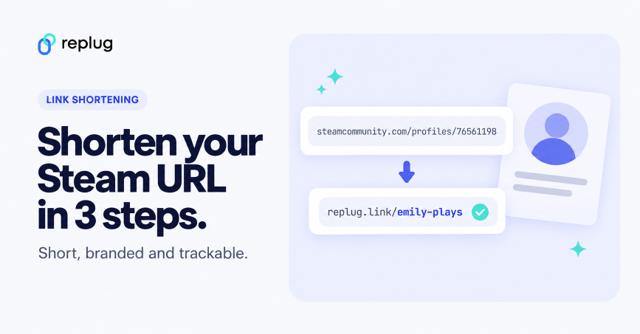
Shorten your Steam profile URL in 3 steps, set a free custom URL in Steam, and see how s.team links work. Plus click tracking and how to spot fake links.
ManahilSep 16, 20255 minutes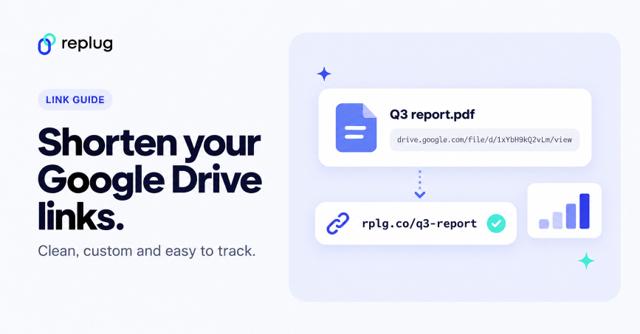
Google has no Drive link shortener. Copy the share link, shorten it with Replug for free, add your own domain, track clicks and swap the file later.
ManahilSep 16, 20256 minutes
Learn how to get a short Spotify link with Replug. Easily shorten, brand, and track your playlists for professional sharing.
ManahilSep 15, 20255 minutes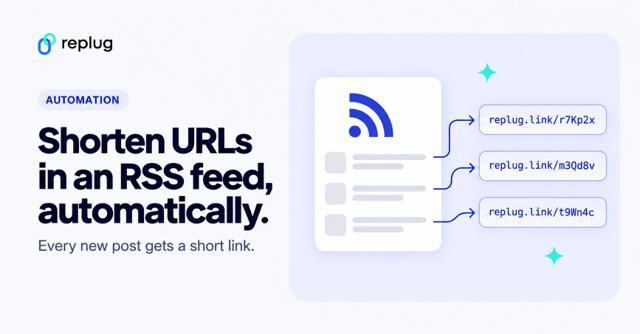
Turn every new post in an RSS feed into a short link automatically: Replug RSS Automation steps, plus Zapier, IFTTT and auto-poster options.
ManahilSep 9, 20255 minutes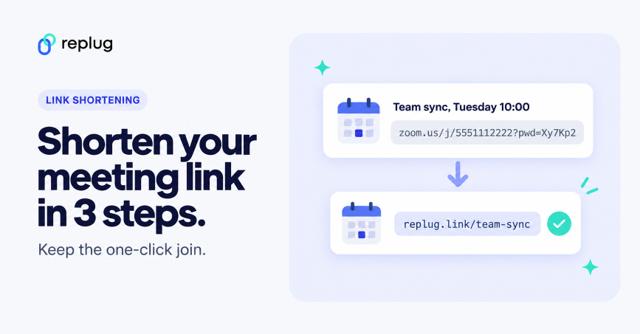
Shorten any Zoom meeting link in 3 steps, keep the passcode for one-click join, and set a custom Zoom personal link if your plan allows it.
 Amna YawarSep 4, 20256 minutes
Learn how to shorten a hyperlink the smart way. Brand your links, track results, and explore use cases that simplify marketing and maximize engagement.
Amna YawarAug 28, 20257 minutes
Learn how to create WhatsApp short links, customize them with tools like Replug, add QR codes, and boost customer engagement across channels.
Amna YawarAug 27, 202510 minutes
Learn how to create a square QR code in Replug with our step-by-step guide. Customize, brand, and track your QR codes to increase engagement and conversions
Amna YawarAug 8, 20256 minutes
Learn how to increase CTR using branded links. Boost trust and engagement effortlessly. Maximize your CTR now!
Arslan JadoonAug 7, 20257 minutes
Turn a Zoom invite link into a QR code people scan to join: which link to use, keeping the passcode, adding Scan to join, and how attendees scan it.
Amna YawarJul 30, 20257 minutes
Learn how to create a Replug report in minutes. Track link performance, QR scans, and retargeting data with automated, customizable reports.
ManahilJul 29, 20256 minutes
Build a bio landing page for your Amazon picks: clear Amazon buttons, the Associates disclosure, no cloaked links, and the Replug steps to set it up.
Amna YawarJul 29, 20258 minutes
A random QR code can be a test code, a code that rotates between pages or a mystery code. Scan our test code and make a rotating one in Replug.
ManahilJul 28, 20256 minutes
Copy your Amazon Wish List or registry share link, turn it into a QR code and test it before you print. Current Amazon steps, privacy settings and tips.
Amna YawarJul 25, 20259 minutes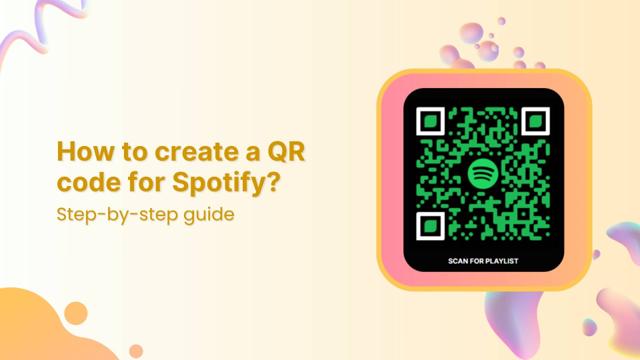
How to create a Spotify QR code? Copy your Spotify link, paste it into Replug’s QR code generator, customize the design, and download yo...
Amna YawarJul 23, 20258 minutes