So, you’ve been on SoundCloud for a while.
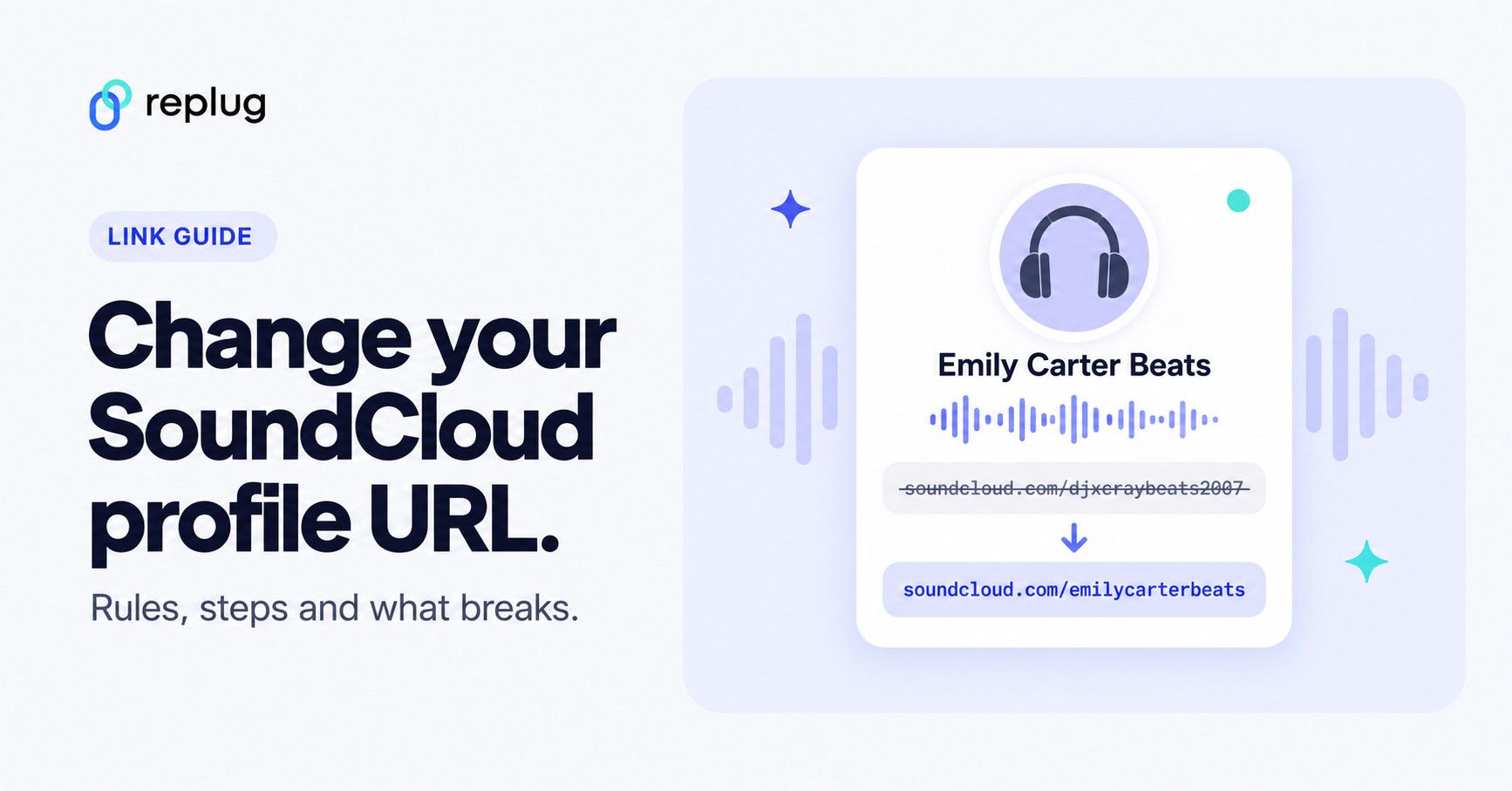
Maybe your profile URL still screams “DJxCrayBeats2007” or some other relic from your experimental high school phase.
Or maybe you’re building a brand now, and you want that URL to reflect the new and improved you.
Whatever your reason, it’s totally valid. After all, your SoundCloud URL is your digital street sign. Let’s make sure it points in the right direction.
This guide has all that you need to know about changing and branding your URL on SoundCloud. Let’s get vibing!
TLDR
- You can change your SoundCloud profile URL on desktop only.
- Use only lowercase letters, numbers, hyphens, or underscores.
- Profile URLs must be 3 to 25 characters and can’t include the word “soundcloud”.
- SoundCloud limits how often you can change it; if you get an error, try again next month.
- Old embeds and links might stop working—no redirects included.
- Replug can save your links, track them, and make sure you never lose fans to a broken URL.
What is a SoundCloud profile URL?
Your profile URL is the web address of your SoundCloud page: soundcloud.com/ followed by the part you choose, for example soundcloud.com/emilycarterbeats. Your tracks live under it, like soundcloud.com/emilycarterbeats/midnight-drive, so changing the profile URL changes every track link too.
It is different from your display name, the name shown on your profile and tracks. The display name can have spaces and capital letters; the profile URL can’t.
| Display name | Profile URL | |
|---|---|---|
| Example | Emily Carter Beats | soundcloud.com/emilycarterbeats |
| Length | Up to 50 characters | 3 to 25 characters |
| Allowed characters | Anything, including spaces and capitals | Lowercase letters, numbers, hyphens and underscores |
| Must be unique? | No | Yes |
| Change it on | Web and app | Web browser on a computer only |
Rules from SoundCloud’s profile URL requirements. Using “SoundCloud” in your URL isn’t allowed.
How to find and copy your SoundCloud profile URL
- On a computer: click your profile picture in the top-right corner, choose Profile, and copy the address from your browser’s address bar.
- In the SoundCloud app: open your profile and use the Share option, then choose Copy link. The app may give you a short
on.soundcloud.comlink, which opens the same profile. - For a track: click Share below the track’s waveform on the web, or tap the Share icon on the track page in the app.
How to change your SoundCloud URL? (the right way)
First things first: You can only change your SoundCloud profile URL via desktop. Mobile users, you’ll need to dust off the laptop for this one.
Here’s how to change your SoundCloud URL:
- Head to your SoundCloud profile on a web browser.

- Click the Edit button below your header.

- Once done, you’ll see a pop-up. Type your desired URL under Profile URL.


But wait, before you rush in, know this:
SoundCloud only allows lowercase letters, numbers, hyphens (-), and underscores (_) in your URL. No capital letters, and sadly, no emojis.
[cries in cant_flex_with_emojis]
SoundCloud profile URL rules and what to do if yours is taken
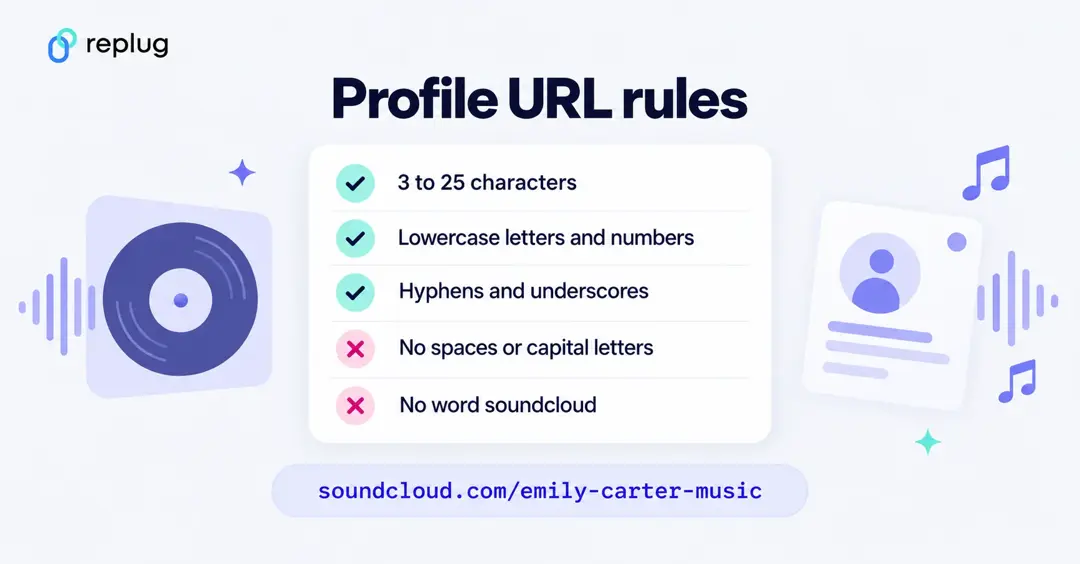
- 3 to 25 characters. Shorter is easier to say out loud and type.
- Lowercase letters, numbers, hyphens and underscores only. Spaces and special characters stop the change from saving.
- No “soundcloud” in the URL.
- It has to be unique. If your name is taken, add a word like “music” or “band”, or use a hyphen or underscore, for example
emily-carter-music. - Inactive URLs can’t be transferred. According to SoundCloud’s help center, support can’t hand over a URL from an inactive account; you can only message the owner. Some URLs look free but are suspended and can’t be claimed.
How to change a SoundCloud track URL
Each track has its own link (its permalink), and you can change it separately from your profile URL:
- Open the track on soundcloud.com in a web browser.
- Click the pencil icon below the waveform to edit the track.
- Change the end of the track URL in the title and URL section.
- Click Save.
SoundCloud’s help center describes custom track URLs as a web feature. Like profile URL changes, the old track link stops working, so update anywhere you shared it.
How often can you change your SoundCloud URL?
SoundCloud isn’t a big fan of constant rebranding.
They’ve set some limits on how many times you can change your URL in a given time frame. If you get an error, you’ve probably reached that limit. Either give it a little time (SoundCloud suggests waiting until the following month) or contact SoundCloud through the AI support agent in its help center.
TL;DR: Choose wisely, like you’re naming your mixtape.
What happens when you change your SoundCloud URL?
Your new profile URL goes live immediately within SoundCloud.
But search engines like Google? They take their sweet time. Your tracks may not show up under the new URL right away in search results.
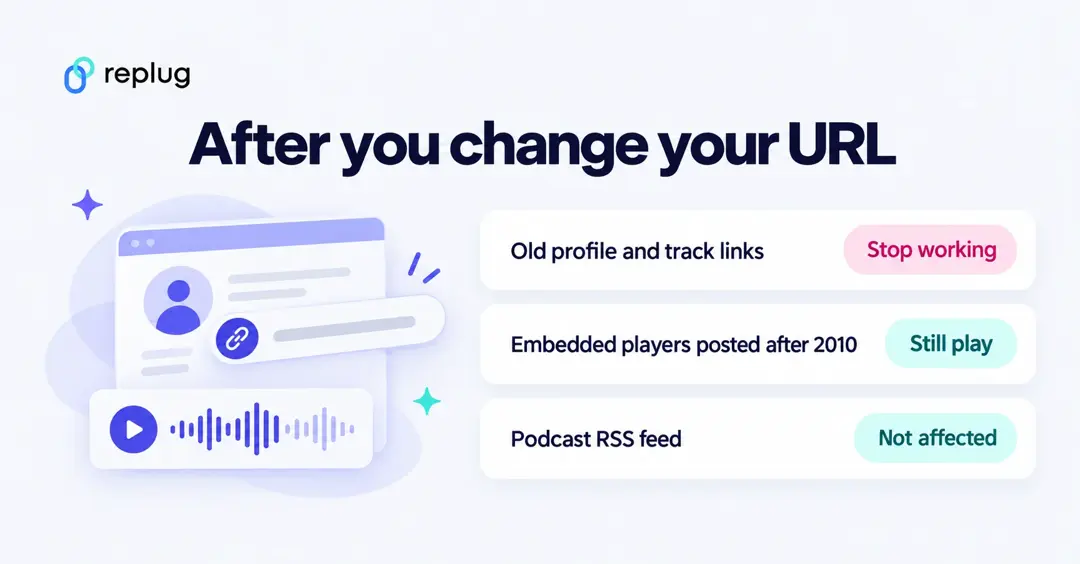
Also – and this is big, any links or embedded players using your old URL could break.
- Embeds from before August 2010? Straight to the void.
- Embeds after that? They’ll still play your tracks, but clicking through to your profile might lead people to a dead end.
And guess what? SoundCloud doesn’t offer redirects. Once you change your URL, the old one is gone, like a beat drop no one was ready for.
One thing that does survive: if you host a podcast on SoundCloud, your RSS feed isn’t tied to your profile URL or track URLs, so changing them doesn’t affect your feed (SoundCloud Help).
After you change your SoundCloud URL, update these places
- Link-in-bio pages and profile links on Instagram, TikTok, X and YouTube
- Your website, press kit and email signature
- Embedded players on blogs and websites (re-embed them so click-throughs work)
- QR codes on flyers, merch and posters
- Links in video descriptions, pinned posts and DJ mix listings
- Your other SoundCloud profile web links (you can add up to 10 on your profile’s edit page)

Pro tip: use Replug to make your SoundCloud links future-proof
Here’s where things get interesting.
Changing your SoundCloud URL means broken links. But what if you didn’t have to worry about that?
Here’s where Replug.io comes in.
Replug lets you create short, branded links with the help of its top-notch link shortener that you can point to a new address on the Scale and Agency plans. So even if your SoundCloud URL changes 5 times a year (we don’t recommend it, but hey, you do you), your Replug link stays rock solid.
Here’s how you can create a branded and evergreen SoundCloud URL with Replug:
Step 1: Log in to your Replug account. If you don’t already have an account, create one.
Step 2: Copy your SoundCloud URL.


Step 3: Create a custom SoundCloud URL.
- Go to your Replug homepage and paste your SoundCloud URL in the bar under “Quickly Shorten your link”

- Create a custom URL by simply changing the slug of your original SoundCloud URL (custom slugs are available on Essentials and above; the Free plan gives you an automatic one).

Step 4: Save your SoundCloud URL.
That’s it! Just click “Save Shortened link,” and your custom SoundCloud URL will be ready to share across any channel.
Benefits of using Replug for your SoundCloud links:
- Branded links: soundcloud.yourname.com? Yes, please.
- Easy redirection: Change your destination URL without changing the link itself (Scale and Agency plans).
- Click tracking: Know exactly how many fans are vibing with your link.
- Retargeting: Add a retargeting pixel and bring people back with ads. After all, your playlist is repeat-worthy.
- Deep linking: Send users straight to your SoundCloud profile inside the app with a single deep link (Scale and Agency plans).
- QR codes: Create a dynamic QR code for your SoundCloud profile for faster sharing.
Instead of spreading five versions of your SoundCloud URL across Instagram bios, YouTube descriptions, and tweets from 2026, just share one Replug link and update the backend whenever needed (destination edits are on the Scale and Agency plans).
Boom. Crisis averted.
And that’s a wrap (drop the mic, not the link)
Your SoundCloud URL should evolve with you. Just like your sound has matured, your branding should too. And with Replug in the mix, you don’t just change your URL, you future-proof it.
Ready to make the switch? Grab your new URL, pop it into a Replug link, and share it like the star you are!
FAQs

Amna Yawar