If you’ve ever wondered who’s tapping on the links in your Instagram bio, you’re not alone. It’s a common question among users looking to understand their audience better and fine-tune their content strategy.
In this guide, We’ll uncover what you can (and can’t) glean from Instagram’s native data insights, and we’ll introduce you to a handy third-party tool that can give you a deeper dive into bio link clicks.
Whether you’re an aspiring influencer, a savvy entrepreneur, or just someone who loves sharing cool stuff on Instagram, understanding how to track bio link clicks is key to making the most of your social media presence. So, let’s dive in and discover the secrets to optimizing your bio links for maximum impact!
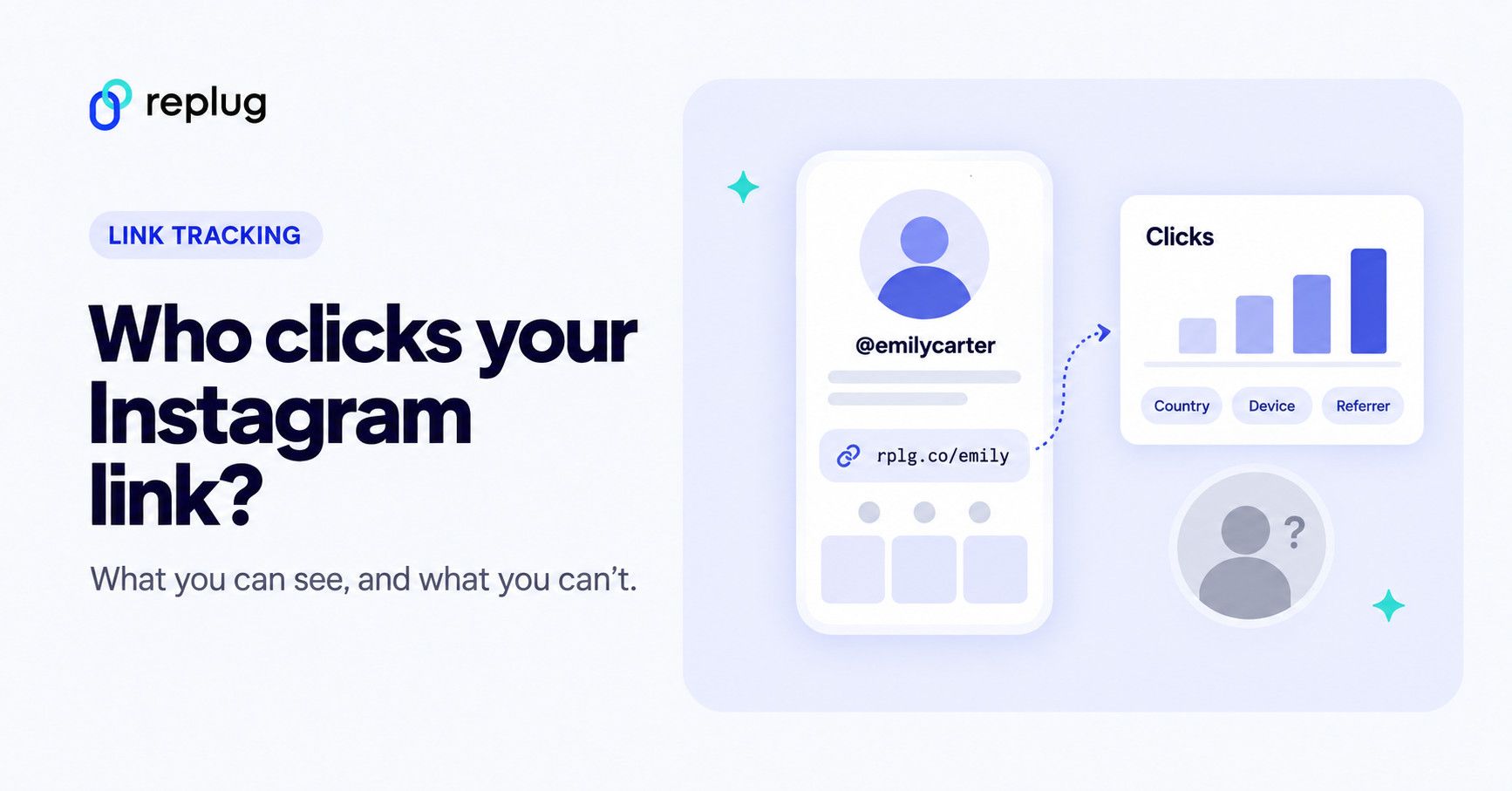
Short answer: no. Instagram never shows the names or usernames of people who tap your links, and no honest tool can. What you can see is how many people tapped: Instagram Insights counts taps on your bio links (on professional accounts), Story insights count taps on a link sticker, and a tracked short link such as a Replug link adds the details Instagram leaves out, including clicks per link, countries, cities, devices and the app or site the click came from.
Can you see who clicks on your Instagram bio link?
Instagram’s analytics tell you how many clicks your bio link gets and where they’re coming from, but it doesn’t tell you who exactly is clicking. You can see general info like age, gender, and location of the people clicking, but not their names or usernames. (Strictly, those demographics describe your followers and the accounts that engaged with your profile, not only the people who tapped the link.)
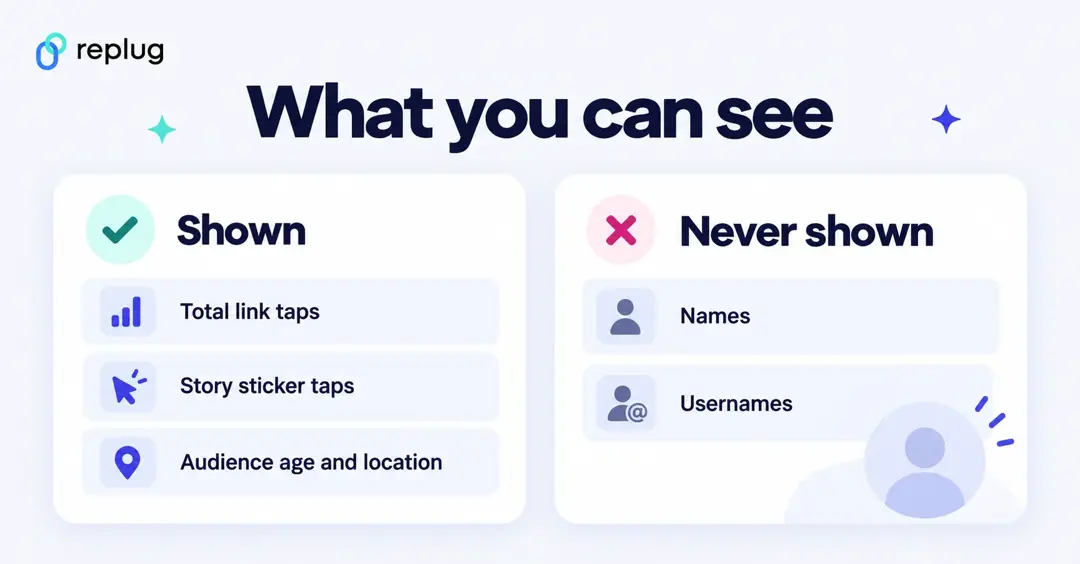
So while you won’t know the specific individuals clicking on your link, you can still keep an eye on how well it’s doing overall and get a sense of who’s interested in your content based on the demographic info provided.
How to use the Instagram insight feature and track link clicks?
Using Instagram insights can give you valuable insights into your account’s performance and your audience’s behavior.
Note: Make sure you have a business or creator account on Instagram. If you still need to set one up, you can learn how to do so.
Here’s how to make the most of this feature:
Step 1: Open the Instagram mobile app and go to your profile.
Step 2: Tap on the Insights action button. You can find this either by tapping directly on the Insights button or by going to the Menu in the upper right corner and selecting Insights from there.
Step 3: Once you’re in Insights, you’ll see various metrics under the Overview section, giving you a snapshot of your account’s performance. You can also dive deeper into specific content by tapping on it for a more detailed breakdown of its performance.
To check your bio link click on Instagram:
Step 4: Tap on the “Activity” tab in the Instagram insight. In current versions of the app this is under Professional dashboard → Account insights → Profile activity, where the count is called External link taps.
Step 5: Scroll down to find the section that shows how many clicks your bio link received during the last week.
Also read: How to View Instagram Analytics: All You Need to Know
Step 6: You can compare this data with previous results to see how you’re doing over time. Similar to tracking the right time to post on TikTok, this helps you spot trends and adjust your strategy. This comparison also helps you track your progress and identify your audience’s behavior.
Limitations of Instagram insights
While Instagram Insight offers valuable data on bio link performance, it does come with certain limitations worth noting:
- Lack of individual click details: Instagram Insight only reveals the total number of clicks on your bio link, without specifying who clicked or providing any other individualized information.
- Absence of click-through rates: Although you can see the total clicks, Instagram doesn’t show how many people saw the link and decided to click. This omission makes it challenging to calculate click-through rates or compare link performance effectively.
- Limited demographic insights: While basic demographic data like age, gender, and location of link-clickers is available, it may not offer comprehensive insights into your target audience’s characteristics. These figures describe your audience as a whole rather than the people who tapped a specific link.
- Weekly reporting: Instagram Insight provides data every week, restricting real-time tracking or comparisons across different periods. For instance, comparing this month’s link performance to last month’s isn’t feasible within Instagram’s analytics framework. (Insights now offer longer date ranges, such as the last 30 or 90 days, but still no link-by-link history.)
- Exclusive to business accounts: Access to Instagram Insight for bio links is restricted to business accounts. This limitation may inconvenience individual users unwilling to switch or small businesses lacking the resources to manage a separate account.
How to see who clicked your link on an Instagram Story
Link stickers in Stories have their own count. To see it:
- Open the Story while it is live, or find it later in your Archive (profile menu → Archive → Stories archive).
- Swipe up on the Story, or tap Activity at the bottom, to open its insights.
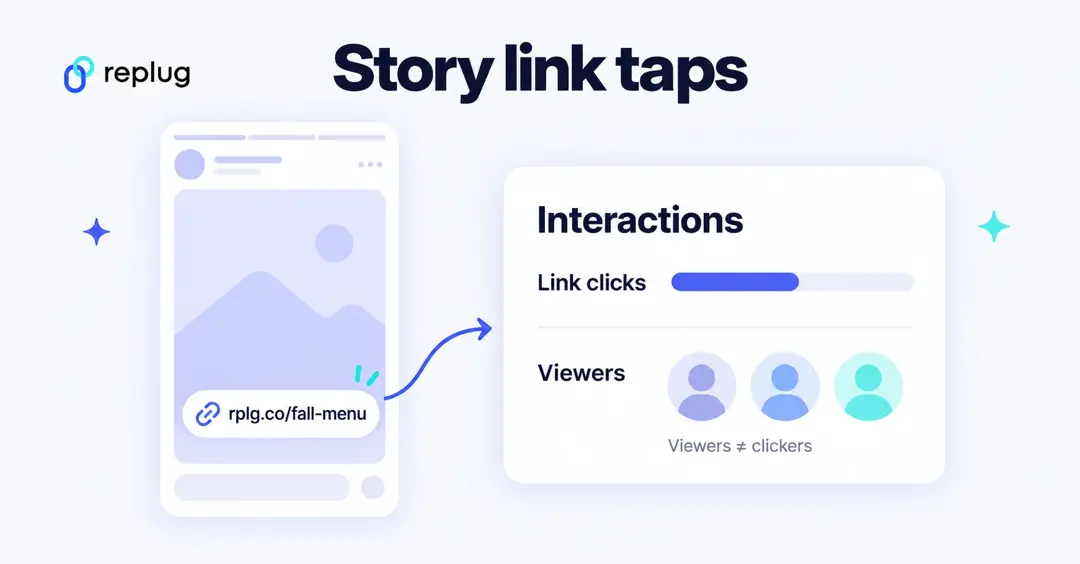
- Look for Link clicks or Sticker taps under interactions. The exact label varies with the app version and account type.
The viewer list on the same screen shows who watched the Story, but not who tapped the link. To see when and where those taps happened, use a tracked short link as the sticker’s URL.
Can people see if you click the link in their Instagram bio?
No. Instagram doesn’t notify anyone when you tap a link, and the account owner only sees a total count. If the link leads to their own website, their analytics may record an anonymous visit, such as a city, a device type and that it came from Instagram, but not your Instagram account. The exception is anything you do on the page itself: if you sign up, log in or fill in a form, they will know it was you.
Instagram also keeps a private link history of the links you open in the app. Only you can see it, and you can clear it in your settings.
Watch out for apps that promise to show who clicked
Apps and websites that say they reveal who viewed your profile or tapped your link can’t get that data from Instagram. At best they guess; at worst they ask for your Instagram password and take over the account. Never enter your login on a site that offers this, and remove any third-party app you no longer use under Settings → Website permissions → Apps and websites.
Instagram Insights vs. a tracked short link
| Instagram Insights | Tracked short link (Replug) | |
|---|---|---|
| Account needed | Professional (business or creator) account | Any Instagram account |
| What is counted | Total taps on your bio links; sticker taps per Story | Clicks and unique visitors for each link |
| Per-link breakdown | Limited | Yes, every link has its own report |
| Where clicks come from | No | Countries, cities, devices, browsers, referrers |
| Who clicked (names) | No | No |
| Works outside Instagram | No | Yes: the same link can be tracked in TikTok, email or print |
How to track your Instagram link clicks with Replug
- Create a short link for the page you want to share, or build a bio link page if you share several links.
- Give it a clear ending (custom endings are on the Essentials plan and above) or use your own domain, which works on every plan.
- In Instagram, go to Edit profile → Links → Add external link and paste the short link.
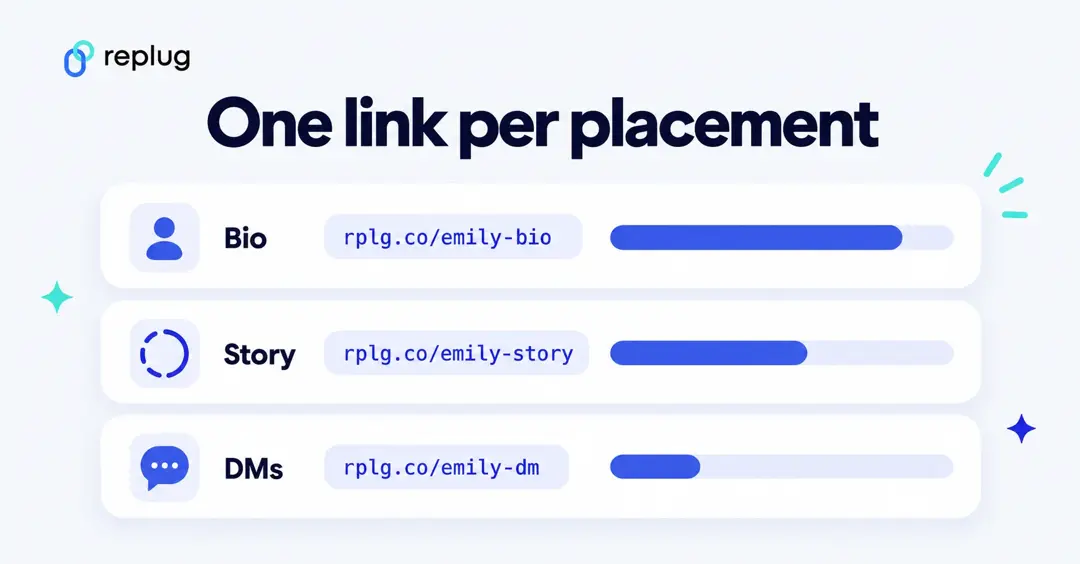
- Use a different short link for each place you share: one for the bio, one for Story stickers, one for DMs. Then you can see which placement sends the most visitors.
- Open the link’s report in Replug to see clicks over time, countries, cities, devices and referrers. Click history is kept for 14 days on the Free plan, 90 days on Essentials and with no time limit on Scale and Agency.
If the link goes to your own website, add UTM parameters as well so your website analytics shows what those visitors did after they arrived.
Can I find out who clicks my link-in-bio?
Unfortunately, Instagram’s native analytics don’t provide detailed information about who clicks on your bio link, which can be frustrating for businesses and brands looking to track the effectiveness of their promotions. With a tracked short link, you can see who clicks your bio link by country, device and referrer.
Try Replug for bio link management and tracking:
Replug.io emerges as a top-notch alternative to Instagram Insights, offering robust link management and bio-link tracking capabilities.
By using Replug, you not only gain detailed analytics on your shared links but also improve client management with insights into audience behavior and preferences. By generating a personalized shortened bio link through this brilliant link shortener and integrating it into your Instagram bio, you unlock a wealth of data, including click information, geographical details, and device usage.
Utilizing Replug’s bio-link analytics provides you with unparalleled insights into audience behavior. Armed with this valuable information, you can track key performance indicators, refine your marketing strategies as needed, and optimize your return on investment (ROI) effortlessly.
Also read: How to add a link in bio to your Instagram profile?
FAQs

Arslan Jadoon