A link management tool lets you create short, branded links, organize them, track every click and change where they go, from one dashboard. This guide compares ten link management tools on features and price, so you can pick one that fits how your team shares links.
Links connect people to your content, products and brand every day. Standard shorteners handle the basics; link management tools add link management features such as custom domains, bio-link pages, call-to-action overlays, deep links, retargeting pixels and team workspaces.
Disclosure: this is Replug’s blog and Replug is our product. Facts and prices for every tool come from its own pages, checked October 2026.
A quick overview of tools with top features and prices
| Tool | Top features | Free plan | Paid plans from |
|---|---|---|---|
| Replug | Branded links, retargeting pixels, CTAs, bio links, QR codes, A/B tests, white label | Yes | $19/mo ($9.50 billed yearly) |
| Bitly | Short links, QR codes, landing pages | Yes, with ads | $10/mo billed yearly |
| Rebrandly | Branded links, Link Galleries, routing and retargeting on Professional | Yes | $11/mo billed yearly |
| Short.io | Branded links, API, link cloaking, deep links | Yes | $5/mo |
| Geniuslink | Localized product links, Choice Pages, retargeting | 14-day trial | $6/mo + per-click fees |
| TinyURL | Quick short links, branded domains | Yes | $9/mo billed yearly |
| Sniply | Call-to-action overlays on shared links | 14-day trial | $9/mo |
| Capsulink | Short links, smart links, retargeting, QR codes | Yes | $10/mo |
| T2M | Branded links, campaigns, geo targeting | $5 one-time basic plan | $9.99/mo |
| Linktree | Link-in-bio page | Yes | See Linktree’s pricing page |
Benefits of using a link management tool
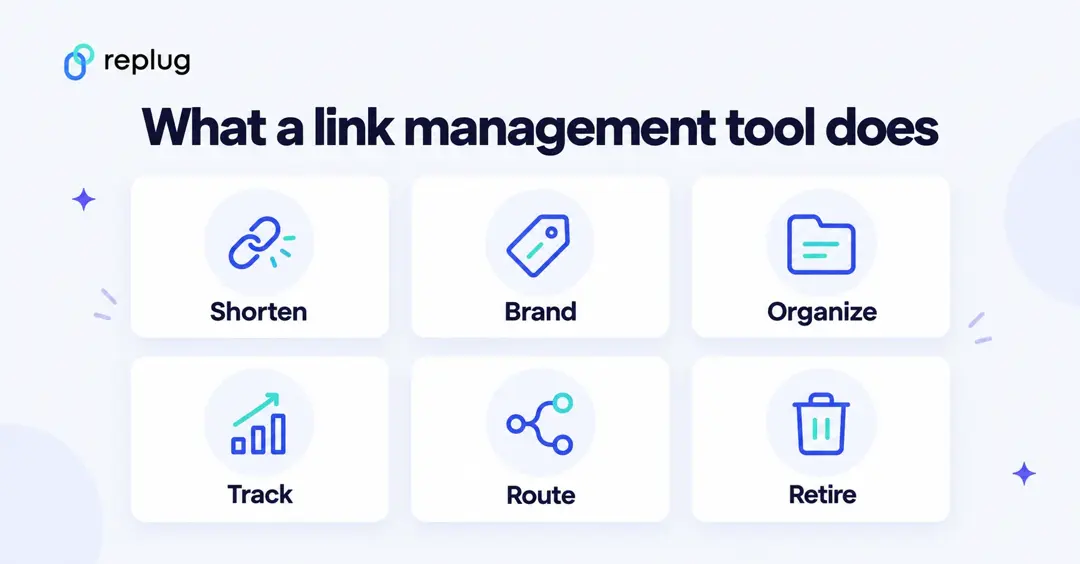
Long URLs are hard to read, and people hesitate to click links they can’t make sense of. Link management tools give individuals and businesses control over their links: they help with content sharing, brand collaboration and data tracking. Here are the main uses.
Campaign performance optimization
- Create many links at once for large campaigns (bulk import).
- A/B test links to find the best-performing destination.
- Use custom slugs so links are readable and match the campaign.
- Add custom CTAs to pages you share.
Link expiration and redirection
- Set expiration dates for limited-time promotions.
- Send people to an updated URL without changing the link you shared.
- Fix broken destinations in one place and keep campaigns evergreen.
QR code integration
- Create QR codes that point to trackable short links.
- See scans next to clicks in the same analytics.
- Connect print campaigns to digital channels.
Geo-targeting and device-targeting
- Send visitors to region-specific pages for localized experiences.
- Send iPhone and Android users to the right app store or page.
- Add a retargeting pixel to your links so people who click can see your ads later.
Affiliate and influencer management
- Give each partner or influencer a unique link and compare their clicks.
- Reward partners based on what their links bring in, using your affiliate platform’s sales data.
- Keep partnerships transparent with shared reports.
Automated UTM tagging
- Add UTM parameters from saved templates instead of typing them.
- Keep tagging consistent across channels.
- See which channels send traffic in Google Analytics or another analytics tool.
10 best link management tools of 2026
Here is our list of link management tools, with what each does best and what it costs.
1. Replug
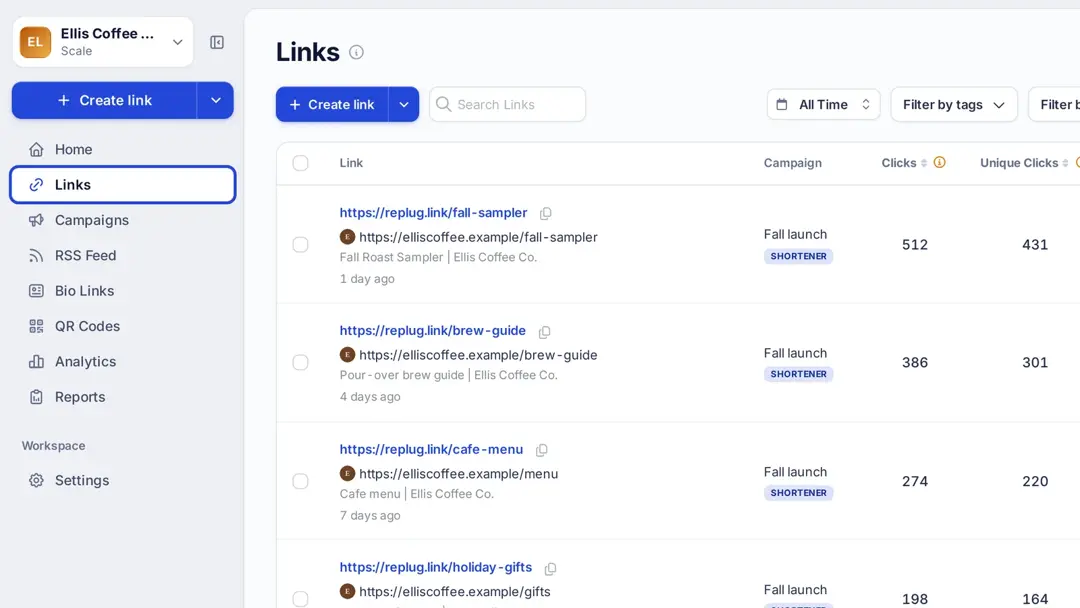
Replug is a URL shortener with custom name and a full link management tool. You create, brand, organize and track links across channels from one dashboard, and add retargeting pixels, call-to-action overlays, bio pages and QR codes to them. Learn more about Replug’s link management platform.
| Key features | Pricing (checked October 2026) |
|---|---|
| Retargeting pixels (Essentials: 1; Scale and Agency: unlimited) | Free: $0 (100 links, 2 bio links, 3 custom domains) |
| Link shortening and branded domains | Essentials: $19/mo or $9.50/mo billed yearly |
| Link analytics | Scale: $39/mo or $23.40/mo billed yearly |
| White-label solution (Agency) | Agency: $99/mo or $79.20/mo billed yearly |
| A/B tests and traffic routing (Scale and Agency) | |
| Bio-link pages (link gallery) | |
| Deep links (Scale and Agency) |
Replug isn’t only about shortening URLs: it adds calls to action and A/B tests to branded links. Its features, from white-label dashboards and link rotation to retargeting pixels, bio links and deep links, help brands run and measure campaigns. Prices are from Replug’s pricing page.
For security, Replug’s pricing page lists HTTPS/SSL on every link, link virus scanning and click bot detection, plus user roles for teams.
Also read: Bitly vs Replug: feature comparison
2. Bitly
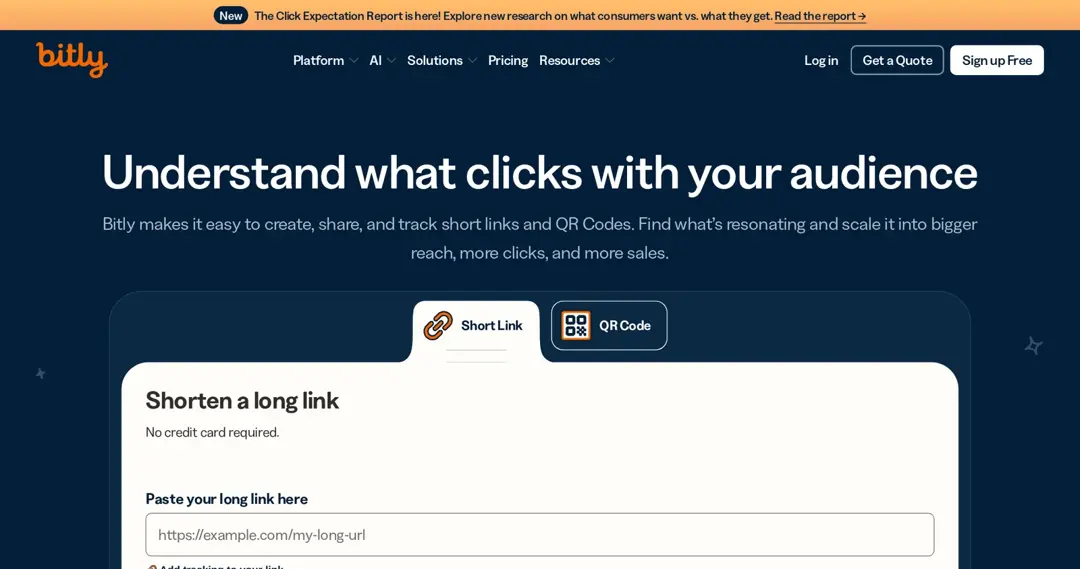
Bitly is the best-known link shortener. It combines short links, QR codes and simple landing pages, and its paid plans add branded links, a custom domain and longer click history. For what the paid tiers cost, see Bitly’s current plans.
| Key features | Pricing (checked October 2026) |
|---|---|
| URL shortening | Free: $0 (5 links and 2 QR codes a month, with ads) |
| QR codes | Core: $10/mo, billed yearly only |
| Landing pages | Growth: $29/mo yearly or $35 monthly |
| Bulk link and QR creation (Growth) | Premium: $199/mo yearly or $300 monthly |
Branded links and a complimentary custom domain start on Growth; click and scan history is 30 days on Core and 4 months on Growth, according to Bitly’s pricing page (US prices). For larger teams, Bitly offers Enterprise plans by quote.
Related: Top 10 Bitly alternatives and competitors in 2026
3. Geniuslink
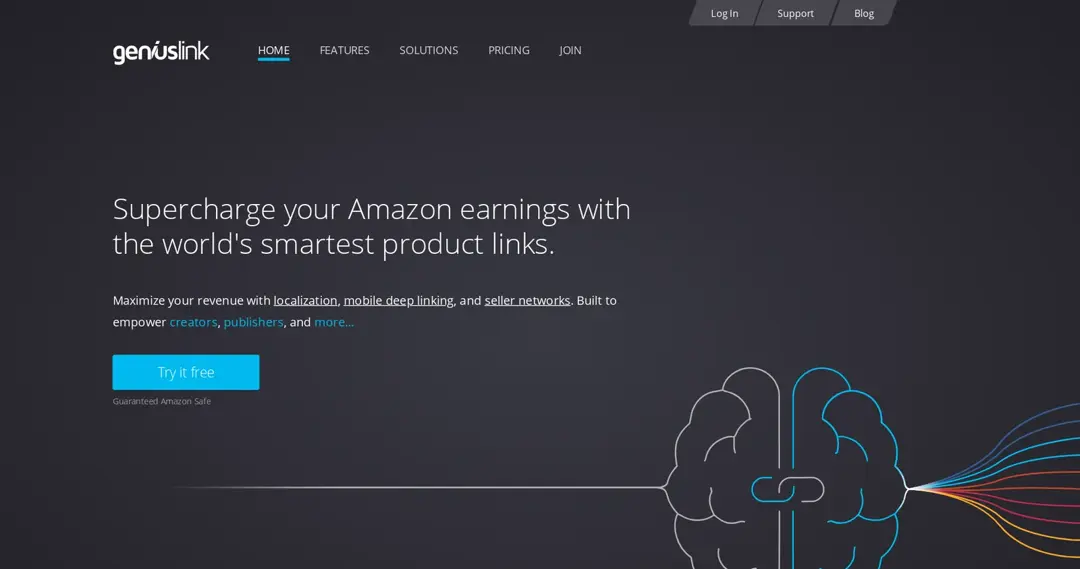
Geniuslink is built for affiliate and product links, especially Amazon. It localizes product links so shoppers reach their own country’s store, offers Choice Pages that list several places to buy, and routes clicks by country, device, OS, language and time.
| Key features | Pricing (checked October 2026) |
|---|---|
| Dynamic link destinations | $6/mo base, includes 1,000 clicks |
| Localization and Choice Pages | $3.50 per 1,000 extra clicks |
| Retargeting and A/B traffic split | Custom domain: $50/mo extra |
| Mobile deep linking to the Amazon app | 14-day free trial |
According to Geniuslink’s pricing page, pricing is per click, so the bill grows with traffic. Its features page lists sales and commission tracking for iTunes only. For a closer look, see our Geniuslink vs Replug comparison.
4. TinyURL
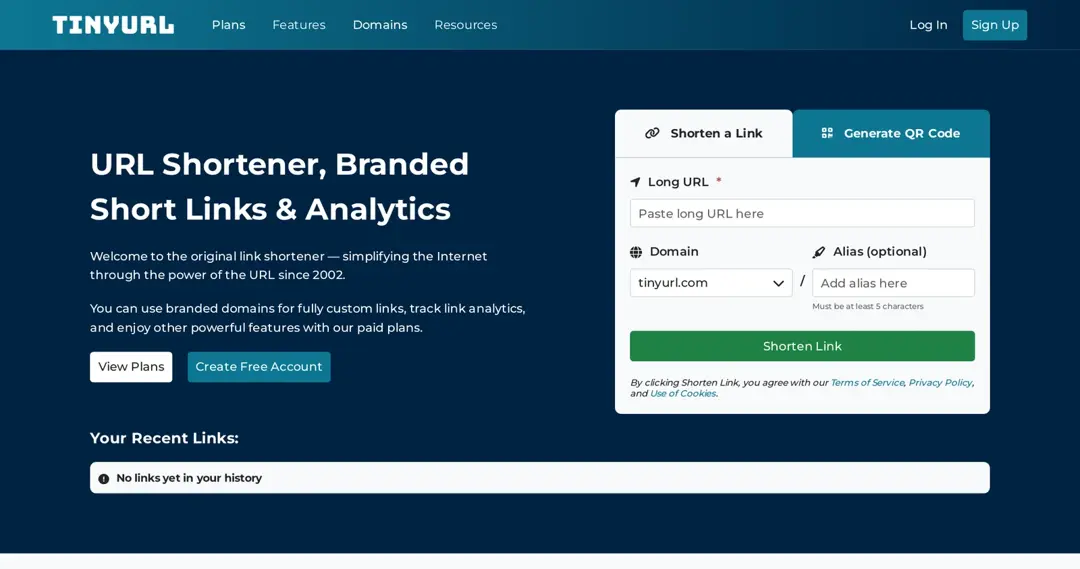
TinyURL has shortened links since 2002. You can shorten a link on its homepage without logging in; paid plans add branded domains, analytics and link editing.
| Key features | Pricing (checked October 2026) |
|---|---|
| Quick URL creation | Free: $0 (30 links a month) |
| Analytics | Pro: $9/mo billed yearly ($108 a year), 125 links a month |
| Branded domains | Bulk 50K: $69/mo billed yearly; Enterprise from $3,999 a year |
Its ease of use makes it a good fit for quick links. Prices are from TinyURL’s pricing page.
5. Capsulink
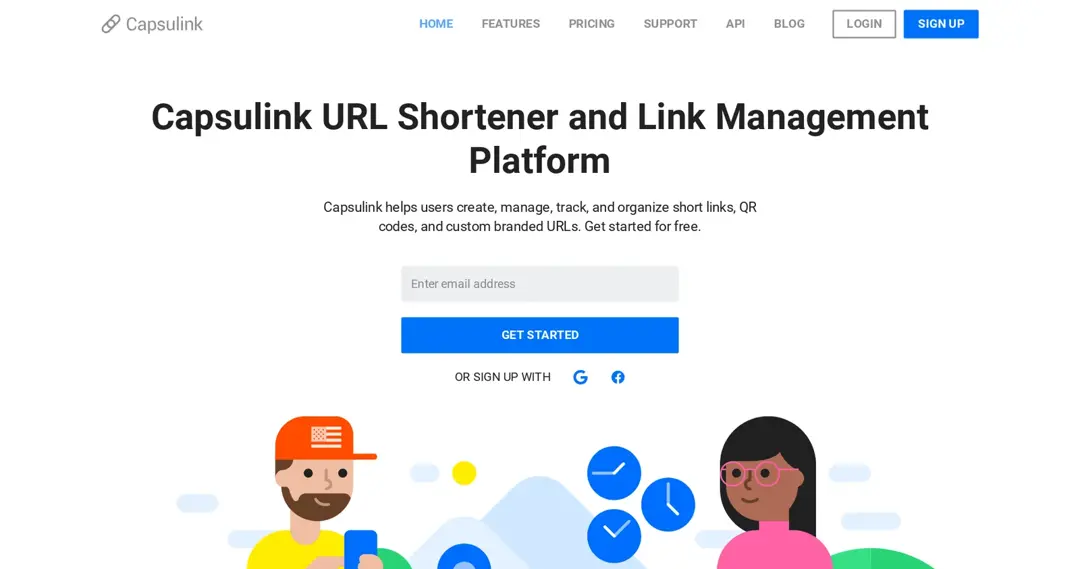
Capsulink is a URL shortener and link management platform with branded custom domains, smart links, retargeting, QR codes, password-protected links and a Zapier integration listed in its plan comparison.
| Key features | Pricing (checked October 2026) |
|---|---|
| Link analysis and statistics export | Free: $0 (5,000 clicks a month) |
| Smart links | Pro: $10/mo (50,000 clicks, 1 custom domain) |
| Retargeting and QR codes | Business: $40/mo (500,000 clicks, 5 domains, 10 seats) |
| API access | Ultimate: $160/mo (5 million clicks, unlimited domains) |
Yearly billing gives two months free, and the first payment has a 30-day money-back guarantee, according to Capsulink’s pricing page.
6. Sniply
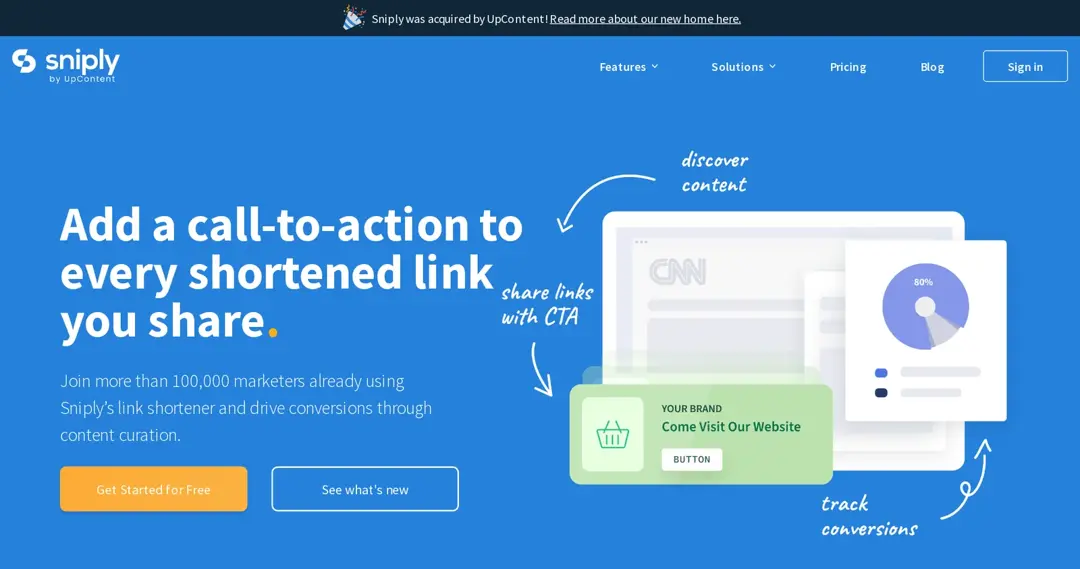
Sniply adds a call-to-action to the articles and pages you share, so readers see your message while they read. Sniply is now part of UpContent, according to a notice on its site.
With Sniply you share links, track clicks and conversions and test CTAs. CTA types include buttons, text links, email capture forms and banner images.
| Key features | Pricing (checked October 2026) |
|---|---|
| Custom short links | Basic: $9/mo (250 links, 5 CTAs) |
| Call-to-action overlays | Pro: $29/mo (unlimited links, 30 CTAs) |
| A/B testing for CTAs | Business: $59/mo (100 CTAs) |
| Browser extension and integrations | Enterprise: custom pricing |
Every plan has a 14-day free trial, according to Sniply’s pricing page.
7. Short.io
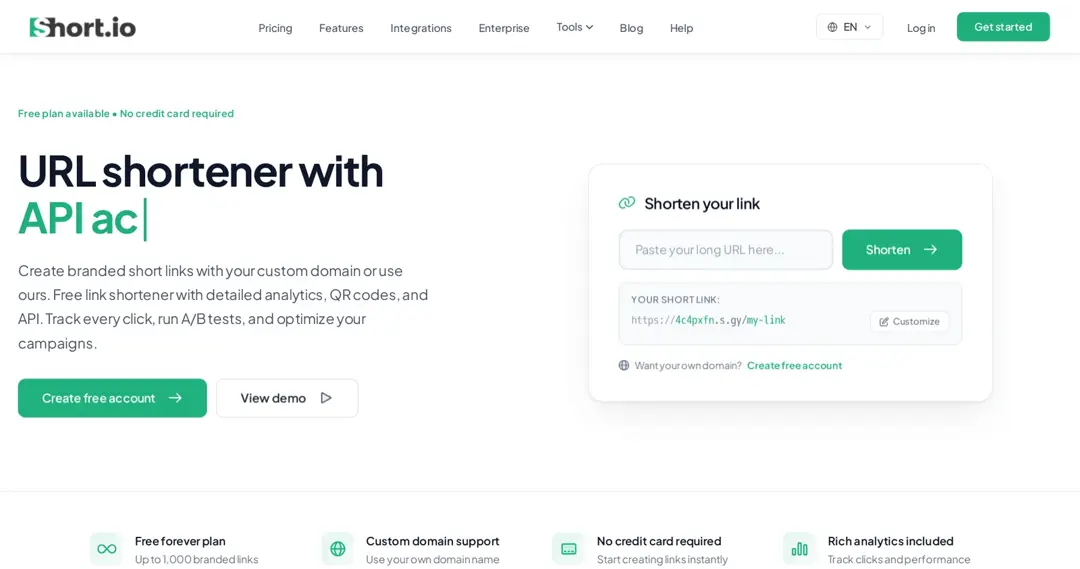
Short.io is a branded link shortener with an API and a large free plan. It suits developers and small teams who want custom domains from day one.
| Key features | Pricing (checked October 2026) |
|---|---|
| Branded links and custom domains | Free: $0 (1,000 links, 5 domains) |
| Country targeting (Hobby) | Hobby: $5/mo |
| Password protection, expiration, link cloaking (Pro) | Pro: $18/mo |
| Mobile deep links, unlimited users (Team) | Team: $48/mo; Enterprise: $148/mo |
Prices are monthly, from Short.io’s pricing page.
8. Rebrandly
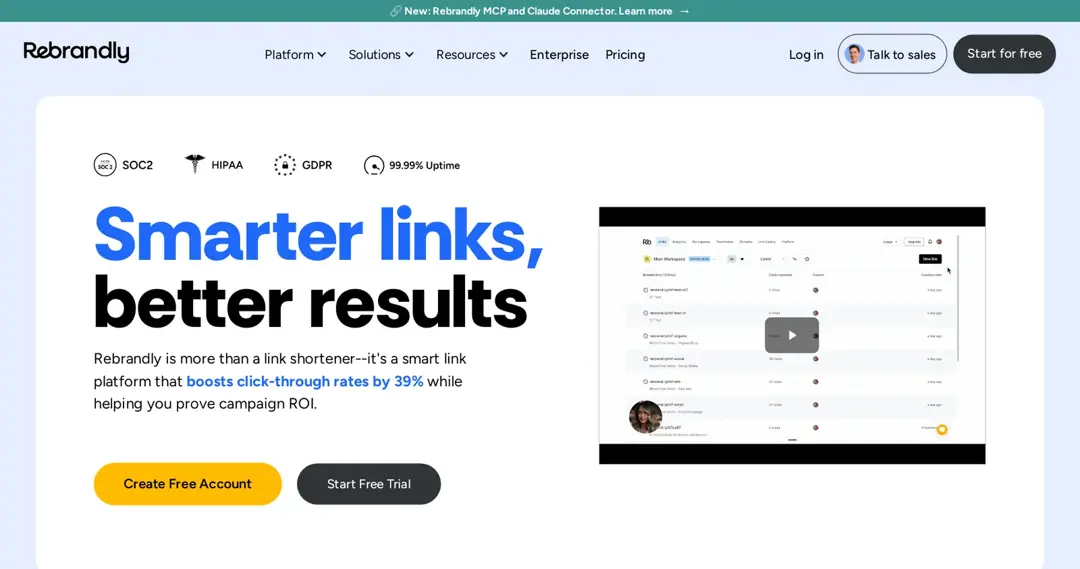
Rebrandly is a link management platform for branded links, used by marketing teams and larger companies. Teams create, organize and share branded links on their own domain, with QR codes and link-in-bio pages called Link Galleries. If cost is part of your decision, see this breakdown of Rebrandly’s plans and prices.
| Key features | Pricing (checked October 2026) |
|---|---|
| Custom domains and slugs | Free: $0 (10 links a month) |
| Link Galleries | Essentials: $11/mo billed yearly (250 links a month) |
| Retargeting and traffic routing (Professional+) | Professional: $32/mo billed yearly (1,500 links a month) |
| Mobile deep linking (Growth+) | Growth: $149/mo billed yearly; Enterprise: custom |
Prices are from Rebrandly’s pricing page.
Related: Best alternatives to Rebrandly
9. T2M
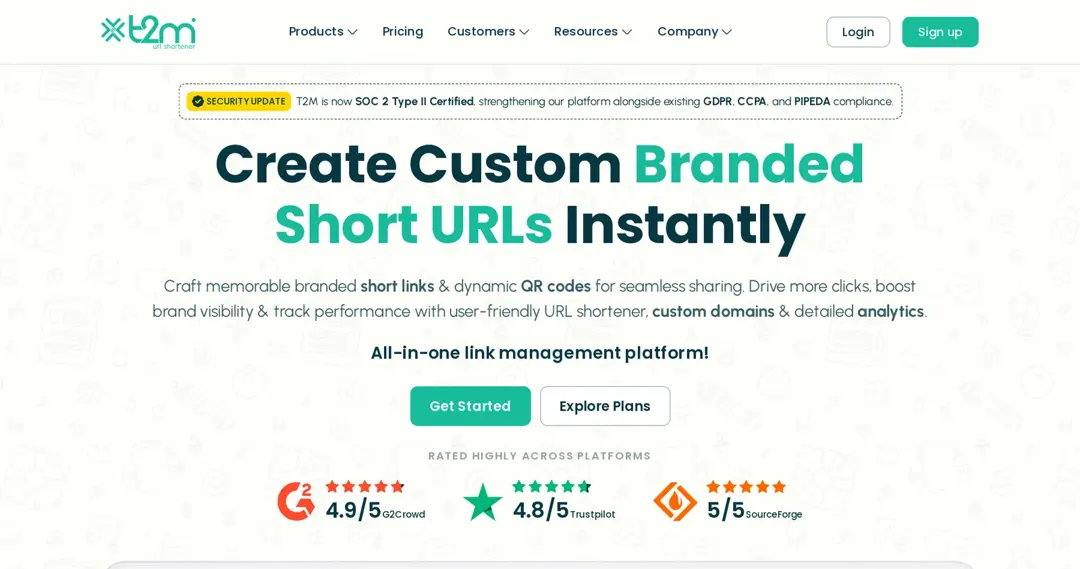
T2M is a URL shortener for branded links, with campaigns, tags, analytics and an API. Geo and country targeting are on its Premium plan.
| Key features | Pricing (checked October 2026) |
|---|---|
| URL management | Basic: $5 one-time (account verification fee) |
| Editing, customization and labels | Standard: $9.99/mo |
| Tags and campaigns | Pro: $29.99/mo |
| Geo/country targeting | Premium: $89.99/mo |
T2M offers a 15-day free trial on request and a 30-day money-back guarantee, according to T2M’s pricing page.
10. Linktree
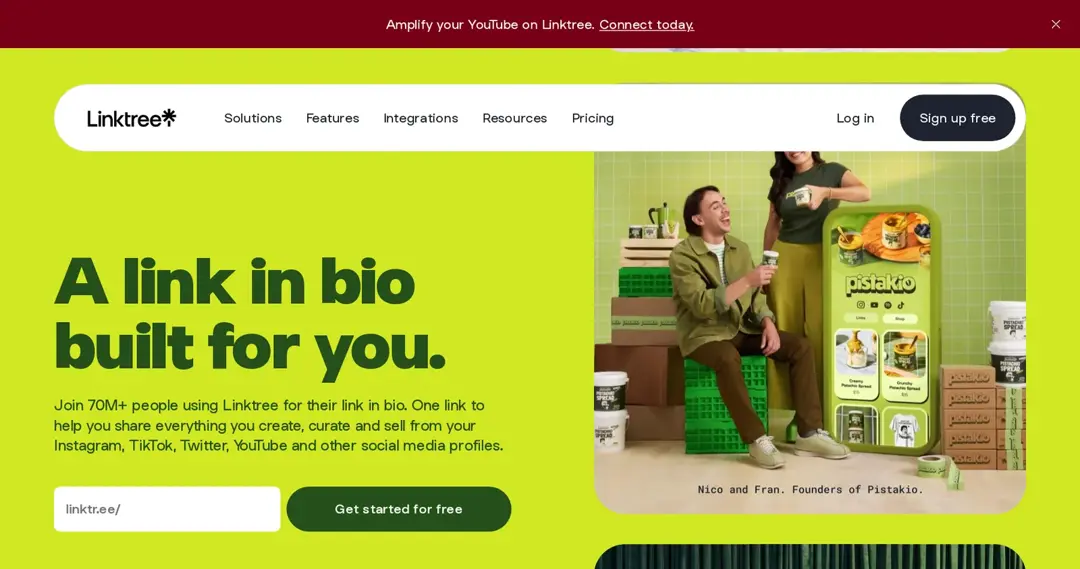
Linktree is a link-in-bio tool: one page that collects your links for social profiles. It is not a full link shortener, but many creators use it as their main link hub.
| Key features | Pricing (checked October 2026) |
|---|---|
| Unlimited links on one page | Free plan |
| Remove Linktree branding (Pro) | Starter, Pro and Premium paid plans |
| Link rules and routing (Premium) | Prices vary by country: see Linktree’s pricing page |
Pro and Premium include a 7-day free trial. Related: 10 best bio link tools for 2026 | Reviews & pricing
Removed in October 2026: BL.INK, whose site (bl.ink) now redirects to Loftware’s connected packaging page, so its plans couldn’t be checked. Added: Short.io.
Not quite clear yet? Here are 10 factors to consider when choosing a link management tool.
Top factors to consider when choosing a link management tool
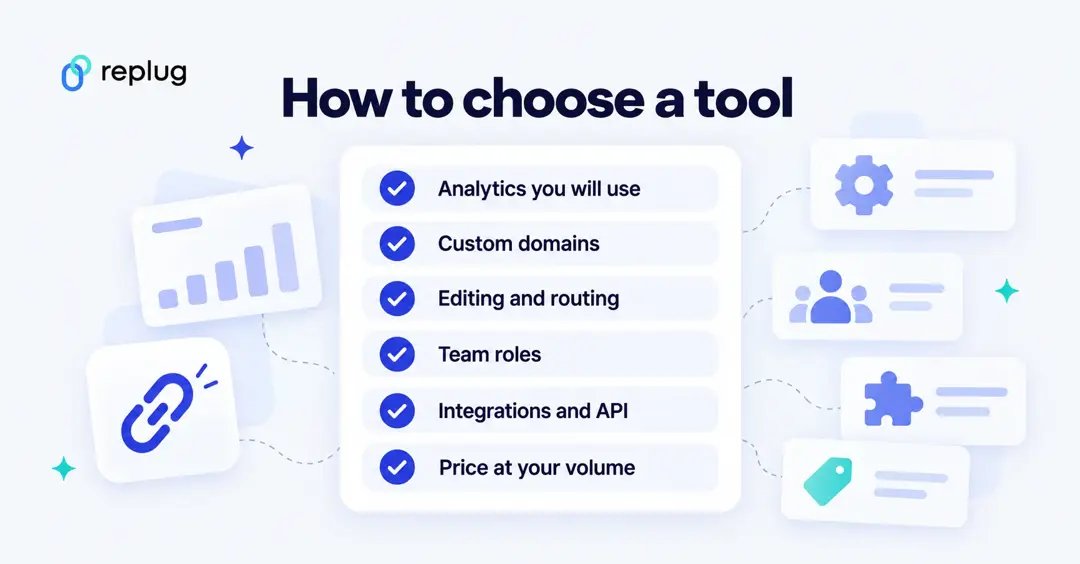
Choosing the right tool takes a little research up front, and it saves time later. Look at these factors:
1. Link tracking and analytics
- Accuracy: check what the tool counts: link tracking, tracking of clicks, unique clicks, bot filtering and how long it keeps history.
- Real-time analytics: live data lets you react to how a link performs.
2. Link customization
- Branding: links on your own domain are easier to recognize (see branded link management).
- URL slug customization: custom URL slugs make links clean and memorable.
3. Link retargeting
- Retargeting options: some tools add ad pixels to your links, so you can build audiences from people who clicked.
4. Compliance and security
- SSL support: links should use HTTPS.
- Link expiration: expiry dates retire old campaign links.
- Privacy compliance: check how the tool handles GDPR and consent for tracking.
5. Integration and compatibility
- Integrations: check that the tool connects to the marketing and analytics tools you use.
- API access: an API lets you create and manage links from your own systems.
6. Link management features
- Link editing: the ability to change destinations after sharing (often a higher-plan feature).
- Link categorization: campaigns, tags and folders keep links organized.
- Scalability: check link and click limits at the volume you expect.
7. Link redirection and forwarding
- 301 redirects: permanent redirects for links that should pass to their final page.
- Custom redirects: rules by country, device or time for specific campaigns.
8. User permissions and collaboration
- User roles: roles and permissions keep access controlled in a team.
- Workspaces: separate workspaces per brand or client keep data apart.
9. Cost and pricing structure
- Transparent pricing: compare per-link, per-click and flat pricing at your real volume.
- Free trial or plan: test the tool before you commit.
10. Customer support
- Support channels: check which channels (email, chat, phone) each plan includes.
Final verdict
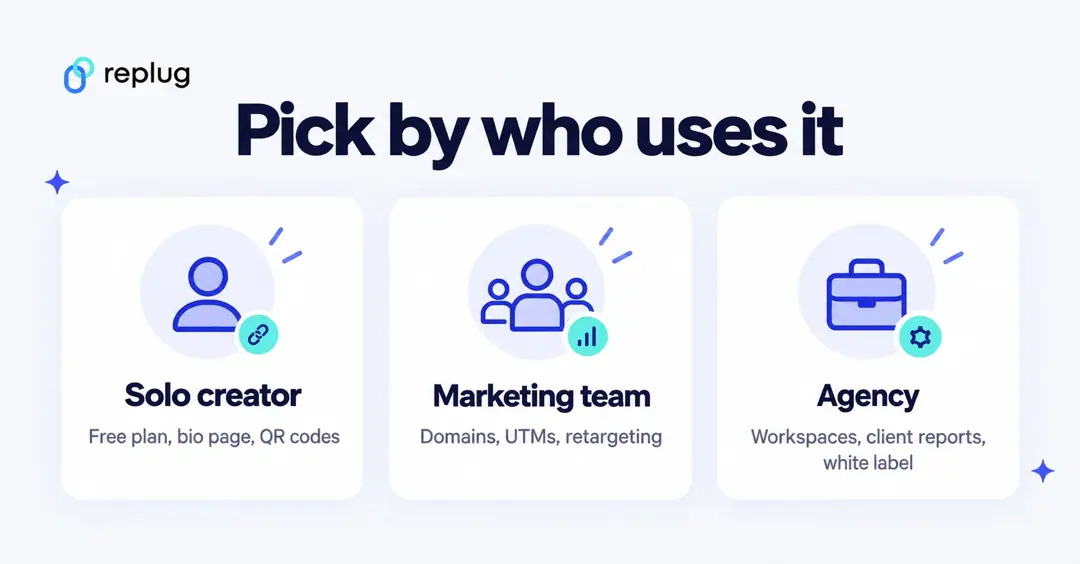
Almost every business shares links, and a link management tool keeps those links branded, organized and measurable. The right one depends on who uses it: a solo creator may only need a free plan with a bio page and QR codes, a marketing team needs domains, UTMs and retargeting, and an agency needs workspaces, client reports and white label.
Replug covers all three in one tool, from the Free plan to Agency, and its paid plans start with a 14-day trial. Whatever you choose, test a real campaign on the free plan or trial first. If you want to try Replug, you can get started with Replug for free.
FAQs on link management tools

Manahil