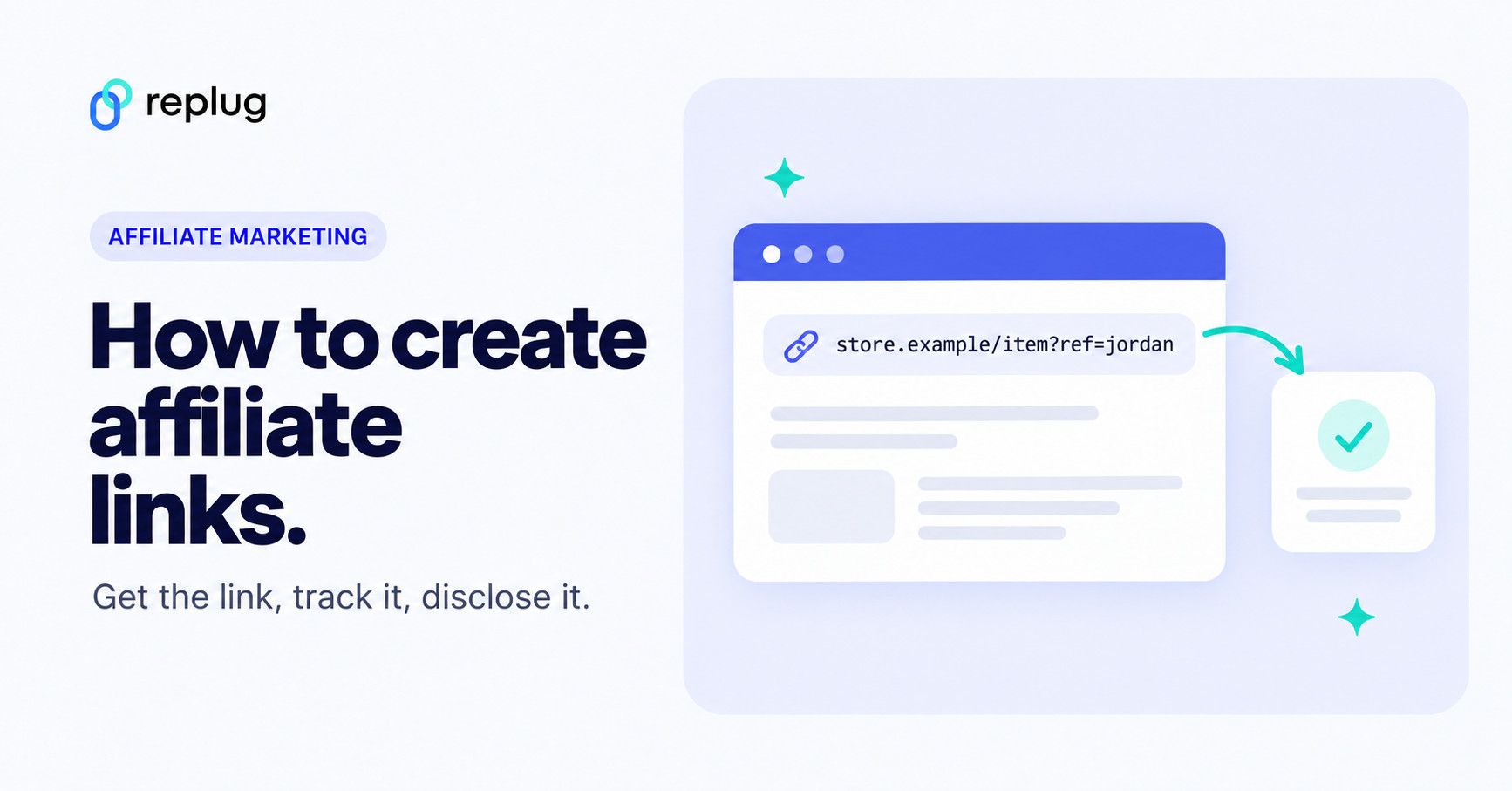
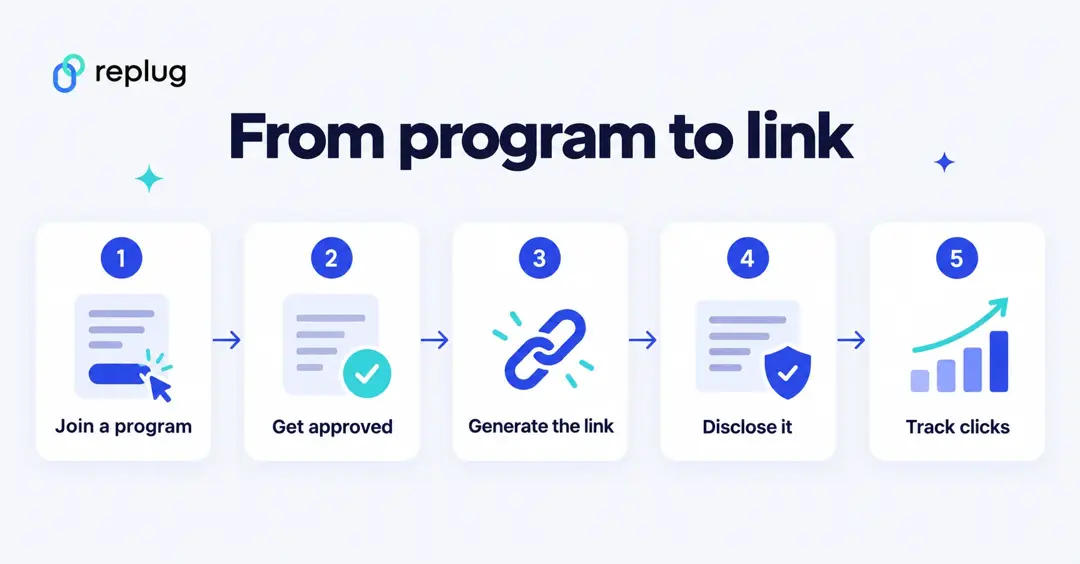
To create an affiliate link, join a brand’s affiliate program or an affiliate network, wait for approval, then use the program’s link generator to turn any product page into a link that carries your affiliate ID. Add a disclosure where you share it, and track clicks per channel so you know what works. Each program generates the links for you; you don’t build them by hand.
This guide covers the steps for affiliates, where to find the link tool in common programs (Amazon Associates, impact.com, CJ, Awin, ClickBank), how to track your links, and how a business creates links for its own affiliates.
Disclosure: this is Replug’s blog and Replug is our product. Program facts come from each program’s own help pages, checked October 2026.
Let’s start with the basics of affiliate marketing.
What are affiliate links?
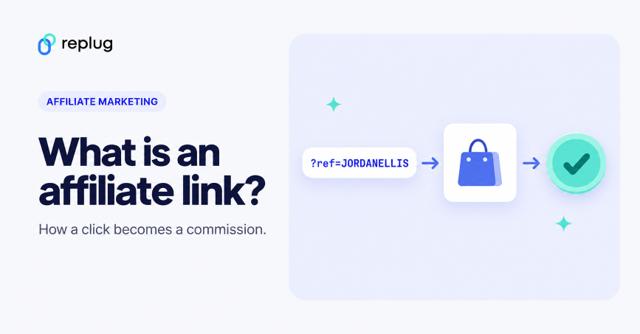
Affiliate links are regular links with a unique ID added, so the brand can see which affiliate sent a visitor. When someone clicks, the program records the click (usually with a cookie); if that person buys within the program’s cookie window, the sale is credited to the affiliate behind the link.
That ID is how the program knows who deserves the credit for the traffic or the sale. A typical affiliate link has three parts:
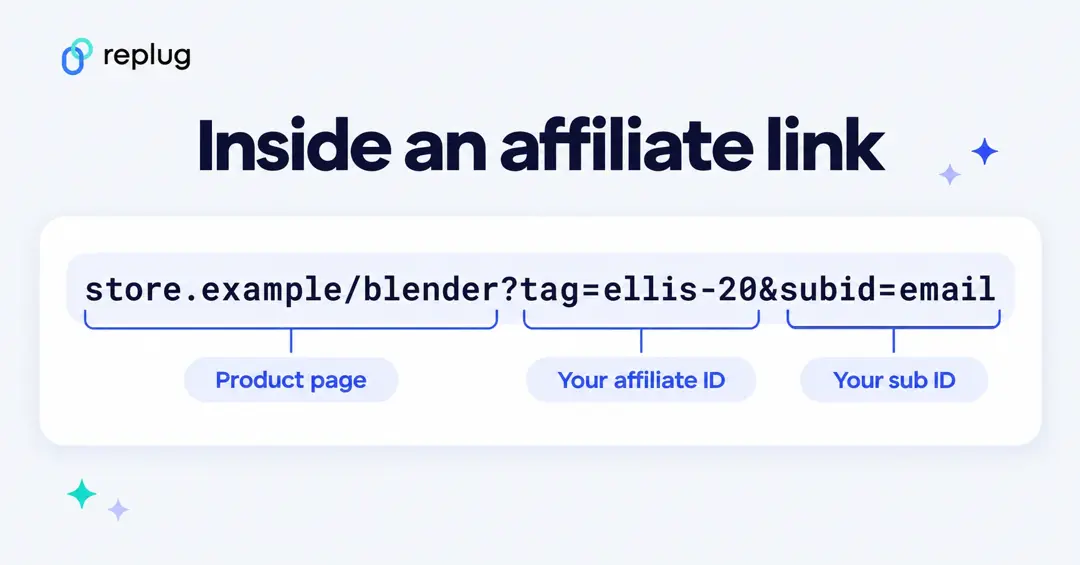
- The destination: the product or landing page.
- Your affiliate ID: a parameter or path that identifies you (for example a tag, an ID number or a coded redirect link).
- Optional sub IDs or tracking IDs: labels you add to tell your own channels apart, such as email or YouTube.
How to create affiliate links?
Here are the steps, with notes for the most common programs.
Step 1: Choose an affiliate program or network
Pick programs that fit your audience. You can join a brand’s own program (look for “Affiliates” or “Partners” in a website’s footer) or a network that hosts many brands, such as Rakuten, Awin (ShareASale is now part of Awin), CJ, impact.com and ClickBank. Make sure the program pays for the products your audience buys and has the features you need.
Step 2: Apply and get approved
Most programs review applications. Expect to share your website or social profiles and how you plan to promote the brand. On networks, you join the network first and then apply to each brand’s program inside it. Read the program terms before you start: they set the commission, the cookie window and the rules on where and how you may use links (for example ads, email or coupon sites).
Step 3: Generate your affiliate link
Once approved, use the program’s link tool. Where to find it:
- Amazon Associates: sign in to Amazon with your Associates account and use SiteStripe, the bar at the top of Amazon pages. Its Get Link: Text option builds a short or long link to the page you’re viewing, with your Associate ID and tracking ID already included, according to Amazon’s SiteStripe Help.
- impact.com: from your partner dashboard, choose the brand, optionally enter a landing page, then select Create and copy the tracking link. impact.com’s help center also describes creating links from its Chrome extension, from a brand’s creatives and from product listings. Some brands turn off deep linking, so you can only use their default links.
- CJ and Awin: after a brand approves you, get links from the brand’s links or creatives in the network dashboard, or use the network’s link builder to point a link at a specific product page.
- ClickBank: ClickBank calls your affiliate link a tracking link; its getting-started course has a lesson on creating and testing it.
- Brand programs on platforms like FirstPromoter or PartnerStack: your referral link is in the affiliate dashboard you get after signing up (for example the Replug affiliate program).
Always copy the link from the tool rather than editing the ID by hand, then click it once to check that it opens the right page.
Step 4: Add tracking IDs for each channel
If you promote in several places, create a separate link per channel so you can compare them. Amazon lets you create tracking IDs, impact.com supports Sub IDs and other parameters, and most networks offer something similar. The program dashboard then shows clicks and sales per ID.
Step 5: Brand or shorten the link, if the program allows it
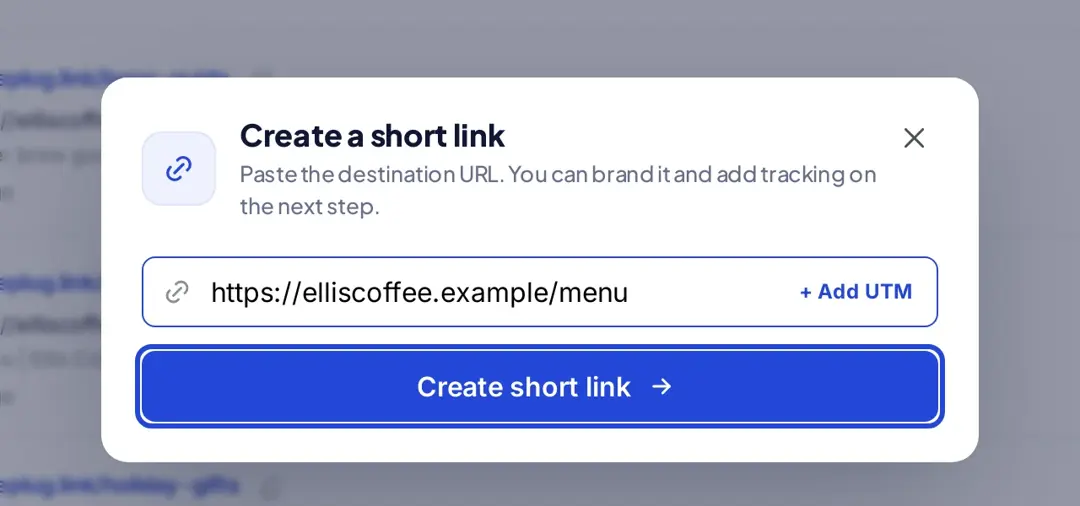
Long affiliate links are hard to read in a video description, a podcast or print. Where the program allows it, you can put a branded short link in front of the affiliate link: sign up or log in to Replug, paste the affiliate link and create a short link. You can use your own custom-branded domain instead of the default replug.link domain (custom domains are available on every plan, including Free) and set a descriptive custom slug (Essentials and up), so the link hints at where it goes. See how to create a vanity URL.
Check the rules first. Some programs don’t allow it. Amazon’s Associates Program Policies say you won’t use a link shortening service in a way that makes it unclear you’re linking to an Amazon site, and won’t cloak or hide the site a click comes from, so share Amazon affiliate links as Amazon gives them to you. Learn more about where affiliate link cloaking is and isn’t allowed.
Step 6: Disclose the link
Tell people when you earn from a link. The FTC’s Endorsement Guides FAQ says a disclosure should be clear and conspicuous and close to the recommendation, and that a disclosure behind a hyperlink isn’t enough. A plain sentence such as “I earn a commission if you buy through this link” works. Amazon’s Associates Program Operating Agreement also requires its own disclosure statement.
Setting up your programs takes some groundwork, but once you’re approved, creating links takes minutes. Branded domains and descriptive slugs are optional; they can make your links easier to recognize and remember.
Also read: How to shorten link using a URL shortener?
How to create affiliate links for your business
If you sell a product and want others to promote it, the steps run the other way:
- Pick a platform. Run the program on a network (Awin, CJ, Rakuten, impact.com) or on affiliate software connected to your store or billing system. The platform creates and tracks the links.
- Set the rules. Define commission (percentage or flat fee, one-time or recurring), cookie window, payout threshold and what affiliates may and may not do.
- Recruit affiliates. Approve applications from creators, publishers and customers who fit your audience.
- Give each affiliate a unique link. The platform generates links with each affiliate’s ID, so sales are credited to the right person.
- Provide creatives and track results. Share banners, product data and talking points, then review clicks, sales and commission per affiliate.
Benefits of using affiliate links:
Affiliate links offer benefits to both brands and affiliates. Here are a few:
1. Expand your brand reach with affiliate links:
Each affiliate brings their own followers, so an affiliate program extends a brand’s reach beyond its own audience and channels.
2. Boost sales: The affiliate marketing advantage
Most affiliate programs pay for actual sales, not clicks. Affiliates promote the products to people who are likely to buy, and they’re paid when the sale happens, which lines up their effort with the brand’s sales goals.
3. Track success: Mastering affiliate link analytics
Because each link carries an ID, you can see which affiliate, page or channel drove each click and sale, rather than guessing from overall traffic. Look at why some links outperform others (the channel, the audience or the content) and adjust.
4. More cost-effective advertising:
Brands pay commission after a sale, plus the cost of the affiliate platform and of managing partners. Affiliates (bloggers, creators, email marketers) create the content and bring the audience, so the brand’s spend is tied to results.
Also read: Affiliate Link Tracking To Optimize Your Earnings
Track your affiliate links with Replug
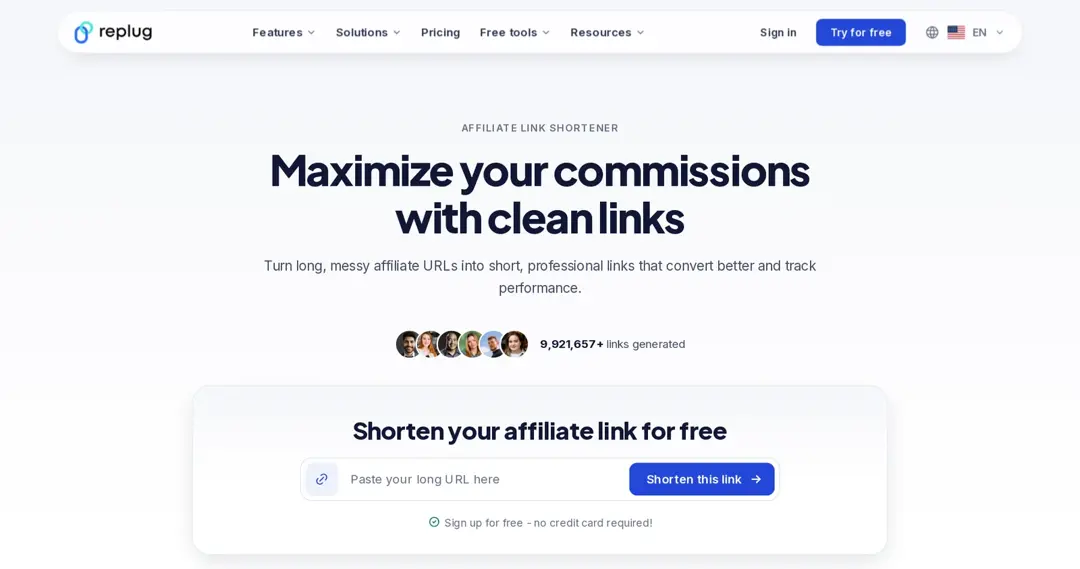
Replug is a link shortener and link management tool. For affiliates, it turns long links into branded short links and shows clicks per link. See how to brand your affiliate links on your own domain.
Craft clear, clickable links:
Shorten links and put them on your own branded domain with a readable slug.
Click tracking and analytics:
See clicks, unique clicks, countries, devices and referrers for each link. Replug tracks clicks, not sales: sales and commission stay in your program’s dashboard, so compare the two.
A/B testing:
Split traffic from one link between up to 20 destination URLs to compare pages (Scale and Agency plans).
Retargeting:
Add retargeting pixels to your links so people who clicked can see your ads later (Essentials and up). See how retargeting works. Adding pixels to someone else’s page through a link may be restricted by a program’s terms, so check first.
Deep linking:
Open links in the right mobile app instead of the browser (Scale and Agency).
Bio links:
Show several offers on one bio page and see which links get clicked.
Replug has a Free plan, and paid plans start at $19 a month ($9.50 billed yearly), according to Replug’s pricing page.
FAQs

Arslan Jadoon