Have you ever hesitated before clicking a link, unsure of where it might lead?
Link cloaking is the answer to that hesitation, or the cause of it, depending on how it’s used. It means sharing a short link on your own domain in place of a long destination URL, usually an affiliate or tracking link. The link either forwards visitors to the real page or shows that page under your domain. Used openly, it makes links tidier and easier to manage. Used to hide where a link really goes, it can break platform rules.
This guide provides everything you need to know about link cloaking, including its benefits, easy methods, and best practices. From shortening links to staying transparent and tracking clicks, we’ll walk you through it all.
What is link cloaking?
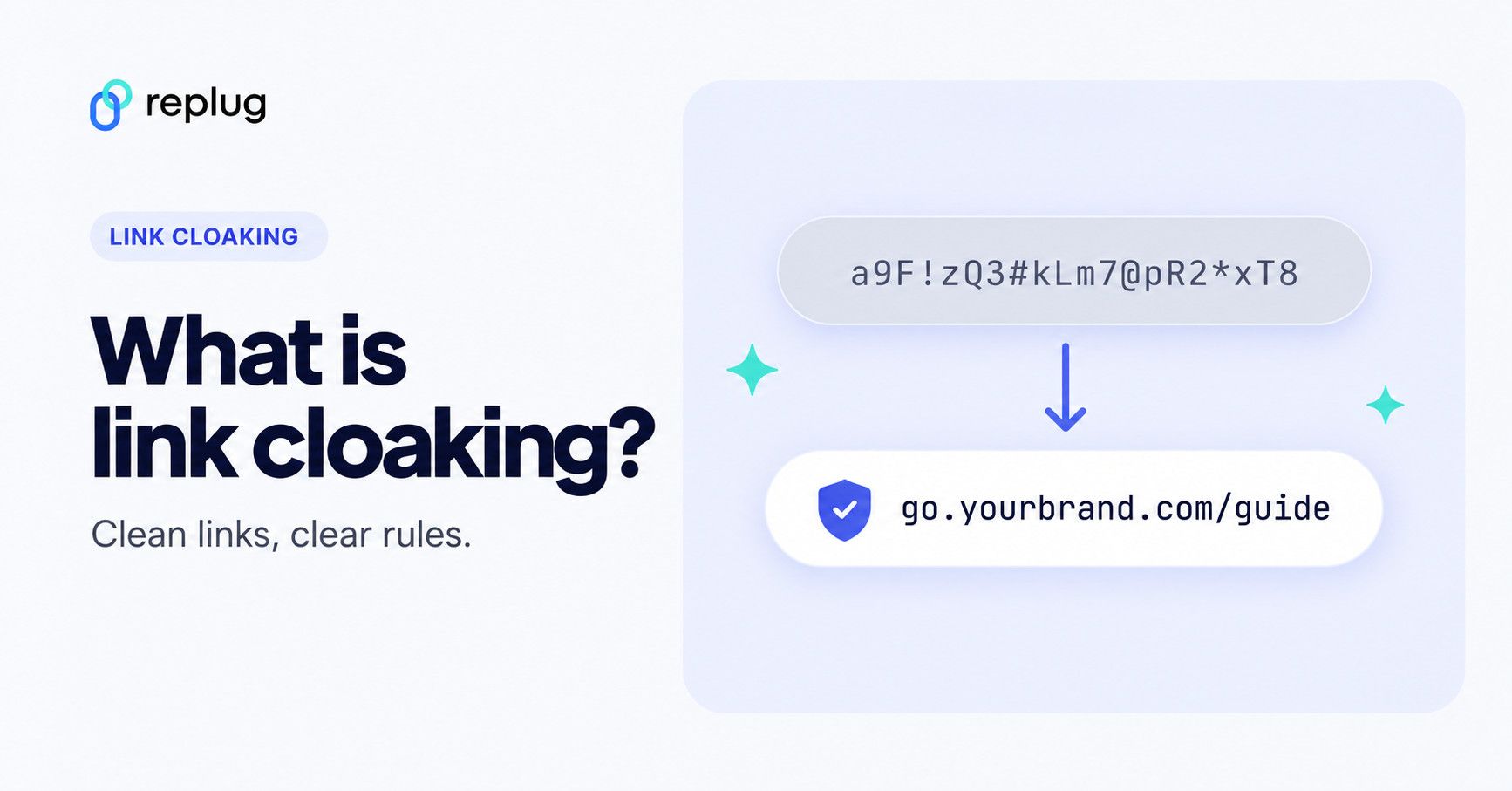
Quick answer: link cloaking replaces a long URL with a short link on a domain you control, such as go.yourbrand.com/kettle. It works by redirect (the visitor ends up on the real page) or by frame (your link stays in the address bar). It is different from SEO cloaking, which shows search engines different content than people see and is against Google’s spam policies. Some affiliate programs, including Amazon’s, don’t allow cloaked links.
Link cloaking, link disguising, or link masking is a technique used to hide the actual destination URL of a link while presenting a different, more user-friendly link to visitors.
This is often done for various reasons, including affiliate marketing, branding, tracking, and improving the appearance of links. By cloaking a link, you can make it appear cleaner and more trustworthy, as well as monitor click-through rates and other metrics.
Note: Link cloaking can sometimes be misused for deceptive or malicious purposes; therefore, it’s essential to use it responsibly and transparently.
Link cloaking vs. SEO cloaking
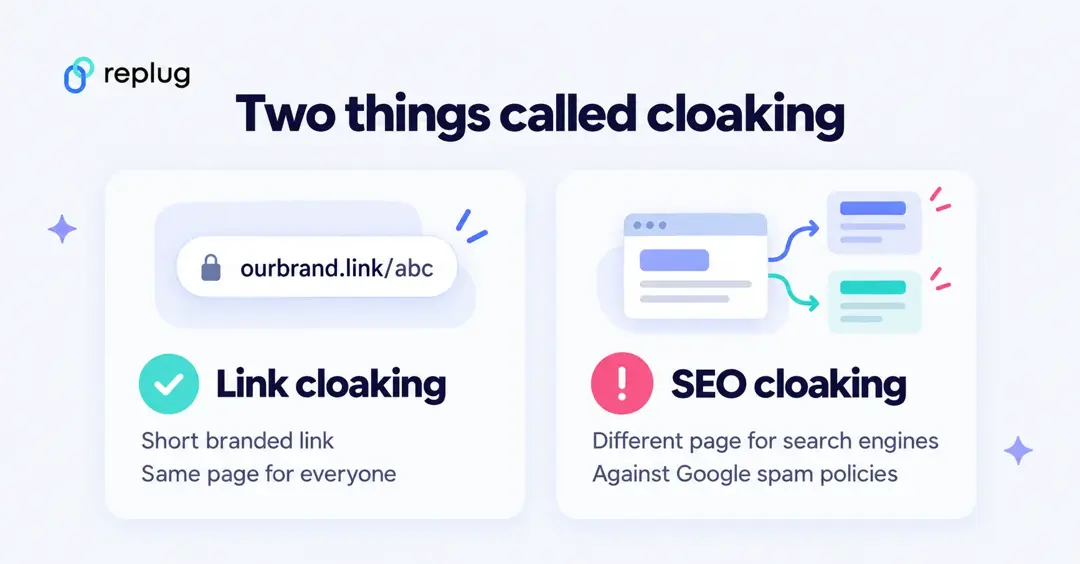
The word “cloaking” means two different things, and mixing them up causes most of the confusion around this topic:
- Link cloaking (this article) hides a long URL behind a short one. Everyone who clicks the link, people and search engines alike, ends up on the same page.
- SEO cloaking shows one version of a page to search engines and another to people. Google’s spam policies define it as “presenting different content to users and search engines with the intent to manipulate search rankings and mislead users,” and list it next to sneaky redirects, which send people somewhere they didn’t expect.
Meta uses the word the same way: its spam policy bans cloaking that presents “different off-platform content” to its review systems than to users. A short branded link that sends everyone to the same page is not that, but a link that swaps destinations for reviewers is.
Affiliate link cloaking: What does it mean?
Affiliate link cloaking refers to the practice of concealing or disguising affiliate links to make them appear more user-friendly and appealing.
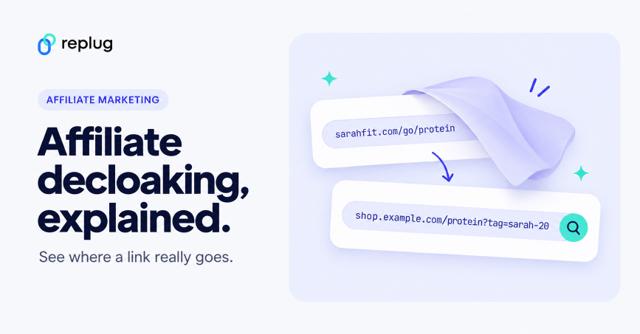
Affiliate marketing involves promoting products or services through unique affiliate links, and when a user clicks on such a link and makes a purchase, the affiliate earns a commission. Readers can also check where a cloaked link really goes; see how affiliate decloaking works.
However, these affiliate links can often be long, complex, and not very attractive. To address this, affiliate marketers use a link cloaking tool to create links that are shorter, cleaner, and more customized.
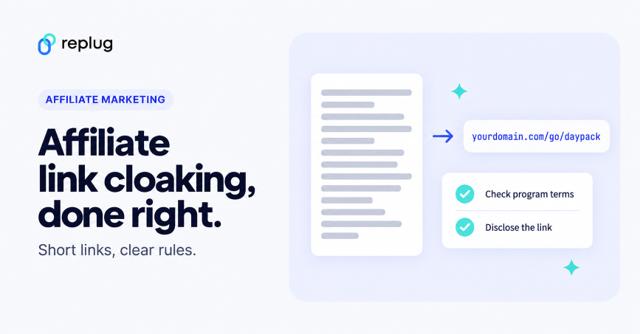
Check your program’s rules first. Amazon’s Associates Program Policies say you will not “cloak, hide, spoof, or otherwise obscure” the URL of a site containing Amazon links, and will not use a link shortening service “in a manner that makes it unclear that you are linking to an Amazon Site.” So don’t cloak or shorten Amazon affiliate links; link to Amazon directly and disclose it.
Purpose of cloaking affiliate links
There are several benefits of cloaking affiliate links. To name a few:
- Makes affiliate links blend seamlessly into the content
- Provides a branded and professional appearance
- Shows a domain your readers already know instead of a network’s tracking domain
- Enables tracking of click-through rates
- Allows access to analytics for measuring campaign effectiveness
How link cloaking works
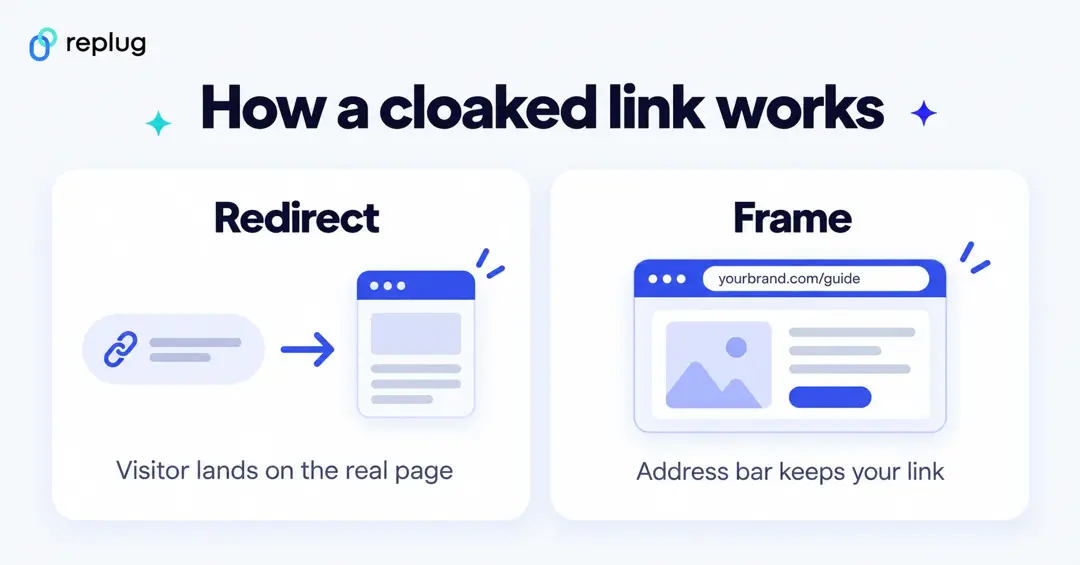
There are two technical ways to cloak a link:
- Redirect. Your short link, for example
go.yourbrand.com/kettle, answers with an HTTP redirect to the real URL. The visitor lands on the destination and its address shows in the browser. Most link shorteners and WordPress redirect plugins work this way. This is the method that works everywhere. - Frame. Your domain loads a page that shows the destination inside a frame, so the address bar keeps your link. This only works when the destination allows it: sites can block framing with the X-Frame-Options header or a Content-Security-Policy frame-ancestors rule. Replug’s Link Cloaking feature uses this approach.
Either way, the link records the click before the visitor moves on, which is why cloaked links double as tracking links.
Link cloaking vs. link shortening: What’s the difference?
Here’s a quick comparison to help you understand the difference between link cloaking and link shortening:
| Feature/aspect | Link cloaking | Link shortening |
|---|---|---|
| Primary purpose | Mask the destination URL for branding, appearance, and tracking | Create shorter, more shareable links |
| URL visibility | Hides the original destination URL | Keeps the destination URL visible (after the redirect) |
| Branding | Uses custom/branded links to reflect brand identity | May or may not use branded links |
| User perception | Looks tidier when branded; people can’t see the destination before clicking | Focuses more on convenience and brevity |
| Tracking & analytics | Often includes detailed tracking and performance measurement features | May include basic click tracking |
| Branded links | A branded short link that redirects is the simplest form of link cloaking | Can use a branded domain, but the destination appears once the redirect finishes |
| Use case example | Affiliate marketing, where destination needs to be masked or branded | Social media posts or SMS, where space is limited |
Benefits of link cloaking
- Hide affiliate URLs and IDs: Link cloaking masks long, messy affiliate links and referral IDs, making your links look clean and click-worthy. Not every program allows this; Amazon, for one, doesn’t (see above).
- Use branded, clickable URLs: Replace generic links with short, branded URLs from a link shortener that uses your own domain, so people can see whose link it is.
- Keep links flexible: Need to change where a link goes after it’s been shared? With a tool that supports destination edits, you change the destination and keep the short link (on Replug, destination edits are on the Scale and Agency plans).
- Keep emails readable: A short link on your own domain is easier to read than a long tracking URL and matches the brand in your sender name. It won’t fix deliverability on its own; that depends on your sending setup and list.
- Add retargeting and CTA features: With tools like Replug, you can add retargeting pixels (Essentials and up) and call-to-action overlays to the same short link.
- Track link performance: Cloaked links double as tracking links, giving you detailed analytics on every click; from location and device to time and campaign performance.
Also read: How to become an Amazon affiliate: A complete guide
Is link cloaking allowed? Risks and rules
Link cloaking is legal, and it is common. The risks come from how and where you use it:
- Program rules. Some affiliate programs ban cloaked or shortened links; Amazon is the best-known example. Read your program’s terms before you cloak anything.
- Platform rules. Social and ad platforms reject links that show their reviewers something different from what users see, and links that redirect people somewhere unexpected.
- Trust. People can’t see the destination before they click. A domain they recognize and an honest label on the link do more for trust than a hidden URL.
- Disclosure. Cloaking doesn’t remove the duty to disclose. The FTC’s Endorsement Guides FAQ says to disclose affiliate relationships clearly and close to the recommendation, for example “I get commissions for purchases made through links in this post.” Readers can also check where a cloaked link goes with a redirect checker.
- Search engines. Google asks you to mark affiliate and other paid links with
rel="sponsored"(nofollowis still accepted), per its guide to qualifying outbound links. The attribute goes on the link itself, cloaked or not.
<a href="https://go.yourbrand.com/kettle" rel="sponsored">See the gooseneck kettle</a>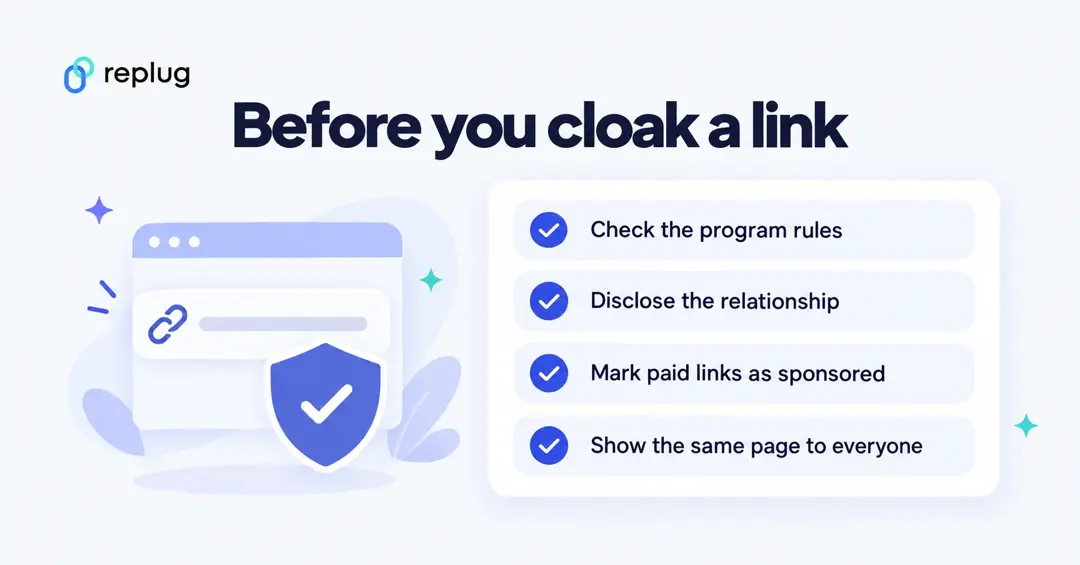
How to use Replug for link cloaking?
Replug’s Link Cloaking feature keeps your branded domain in the address bar while the destination page shows underneath. It is part of the Scale and Agency plans on Replug’s pricing page. To use it:
Step 1: Sign in to Replug or create an account. Paid plans start with a 14-day free trial.
Step 2: On the Home screen, paste the URL in the Paste a long URL to shorten… field and click Shorten.

Step 3: The Your link window opens. Click the pencil to edit the URL slug (Essentials and up), add UTM parameters with + Add UTM if you want them, and pick a campaign. The link uses your campaign’s domain, so choose one set up with your custom domain.
Step 4: Under Features, switch on Link Cloaking. Replug confirms that visitors will see your branded domain in the address bar, not the destination. Link cloaking works with shortener and retargeting campaigns, not with call-to-action campaigns.
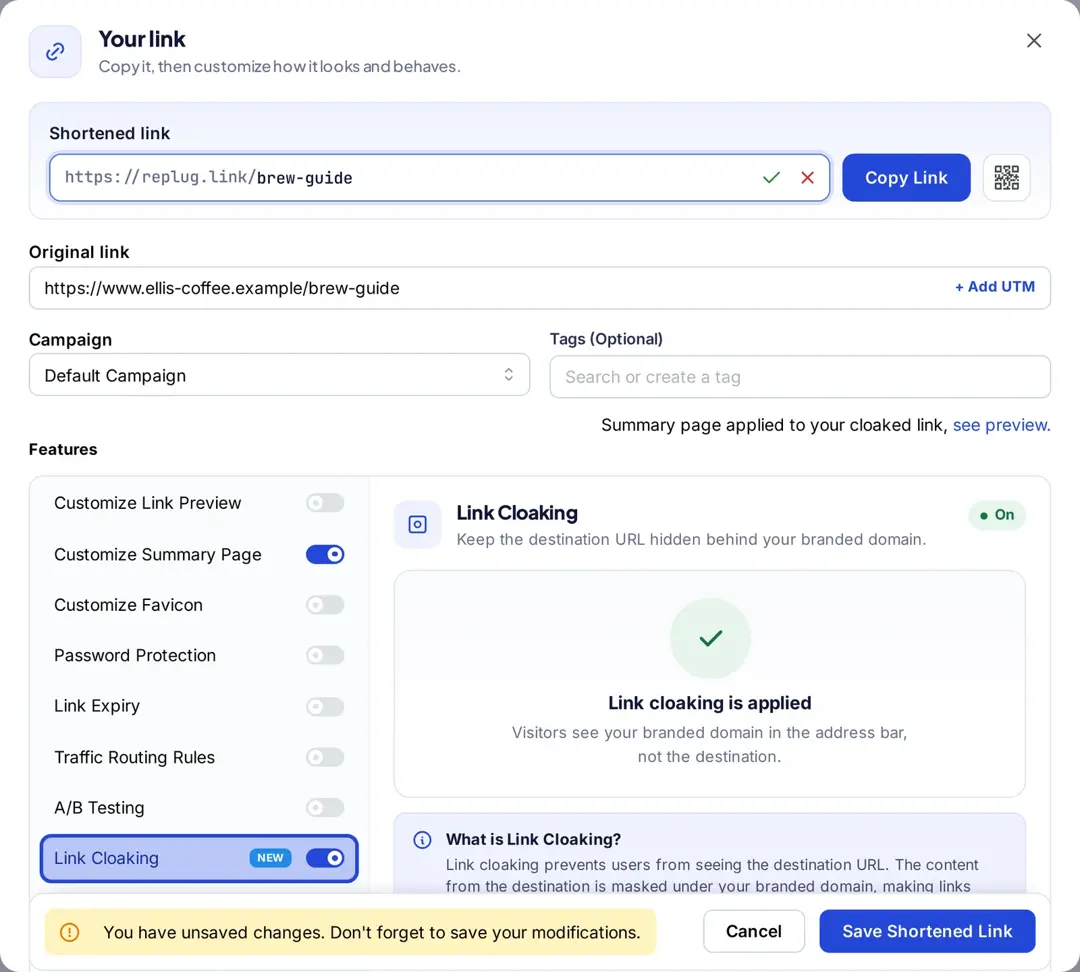
Step 5: Click Save Shortened Link, then open the link in a browser to check that the destination shows. If the site blocks framing, use a plain redirect for that link instead.
Monitor cloaked link analytics with Replug
Replug records every click on a cloaked link: total and unique clicks, countries, cities, devices, browsers and referrers, plus QR scans if you share the link as a QR code. History is 14 days on Free, 90 days on Essentials and unlimited on Scale and Agency (see Replug link tracking).
By utilizing this data, you can gain a comprehensive understanding of how your links are performing. This information helps you gauge the effectiveness of your marketing efforts, identify trends, and make informed decisions for optimizing your strategies.
Whether you want to track engagement, reach the right audience, or optimize your campaigns, Replug’s analytics give you the insights to fine-tune your strategy and hit your goals.
Conclusion
Link cloaking helps you clean up messy URLs, keep links on your own domain and track clicks in one place. Use it openly: follow your program’s rules, disclose affiliate links, mark them as sponsored, and send everyone to the same page.
Whether you’re in affiliate marketing or simply want more control over your links, that is how cloaking stays an asset and not a risk.
FAQs about link cloaking

Amna Yawar