Link in bio Facebook
Connect followers to everything you offer in one place
Build a custom landing page for your Facebook bio that helps you share multiple links, capture leads, and grow your online presence.






Launch your bio site
How to set up your Facebook bio link with Replug?
Create a single landing page for your Facebook profile that organizes all your links and drives traffic. It only takes a few simple steps.
Sign up and choose a layout
Create a free Replug account and select a template that matches your brand style. Every layout is mobile-friendly and customizable for your needs.
Add your links and content
Include your website, social profiles, products, or projects. Customize colors, buttons, and images to make your page visually appealing and on-brand.
Paste your link in your bio
Copy your Replug page URL and add it to your Facebook profile’s website section. Track clicks and engagement to see how followers interact with your links.
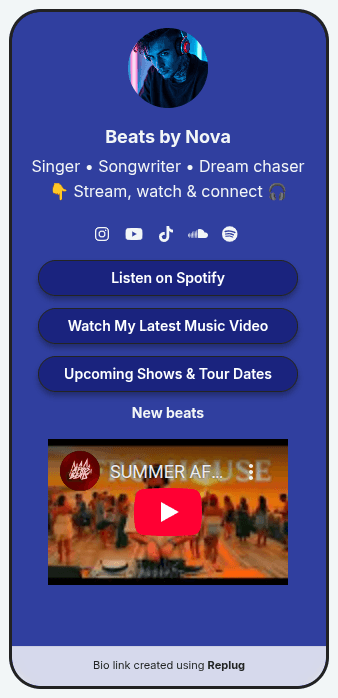
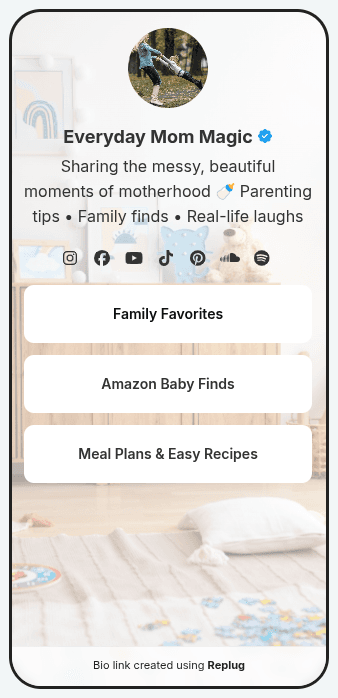
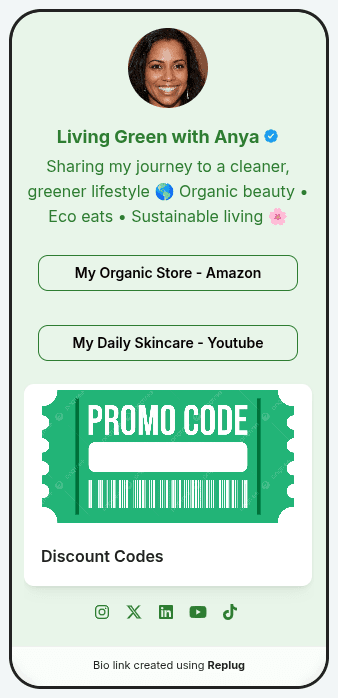
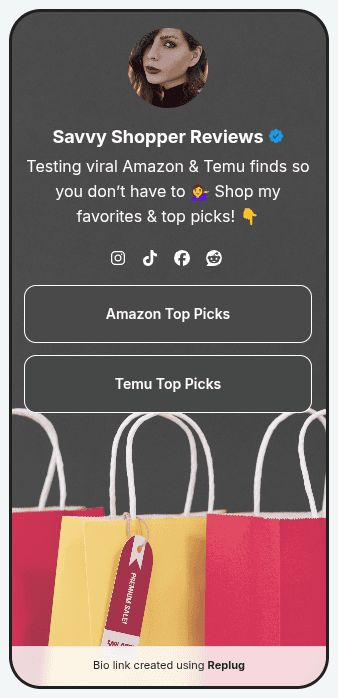
Inspired by creators like you
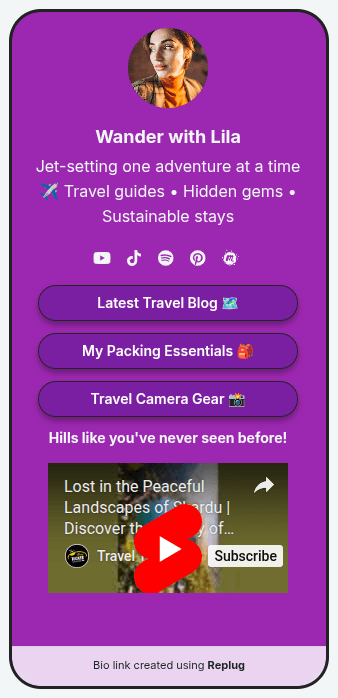
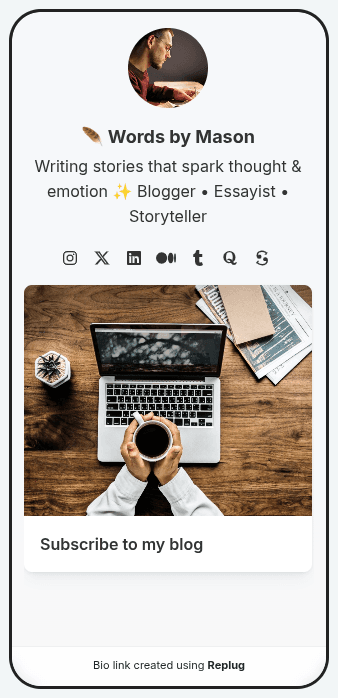
Engage your audience beyond posts
Facebook users spend time exploring profiles and pages. Replug helps you turn your bio link into a hub that directs followers to your products, offers, or other social channels for deeper engagement.
Highlight key links for maximum impact
Showcase your most important content, campaigns, or landing pages in one place. With Replug, you can organize multiple links so followers can access everything without leaving Facebook.
Monitor performance and improve results
Track how followers interact with your bio link page. Detailed analytics show clicks, engagement trends, and traffic sources so you can optimize your strategy and grow your Facebook presence.
How to set up your link in bio
Build your page once, add it to every profile and see what people tap.
Start from a template or a blank page. Add your photo, name and bio, then pick a theme, colors, font and button style. The phone preview updates as you go.
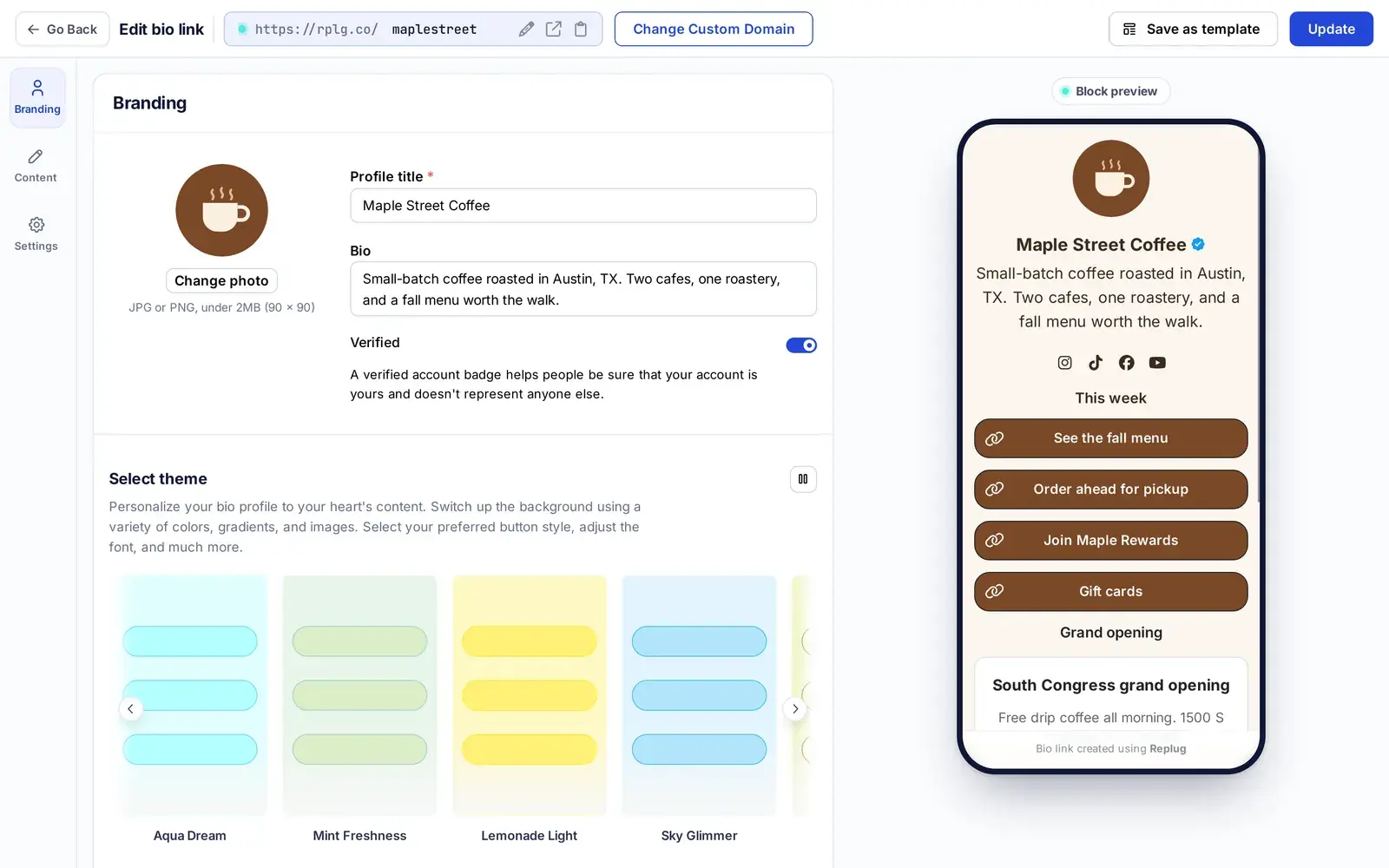
Pick from 18 block types and drag them into order. Stuck on what to write? Borrow ideas from these Instagram bio examples.
- Links, cards and social icons
- Video, music, carousels and Q&A
- Countdowns, calendars, maps and a contact card (vCard)
- Shopify products, messenger buttons and an email or SMS sign-up form
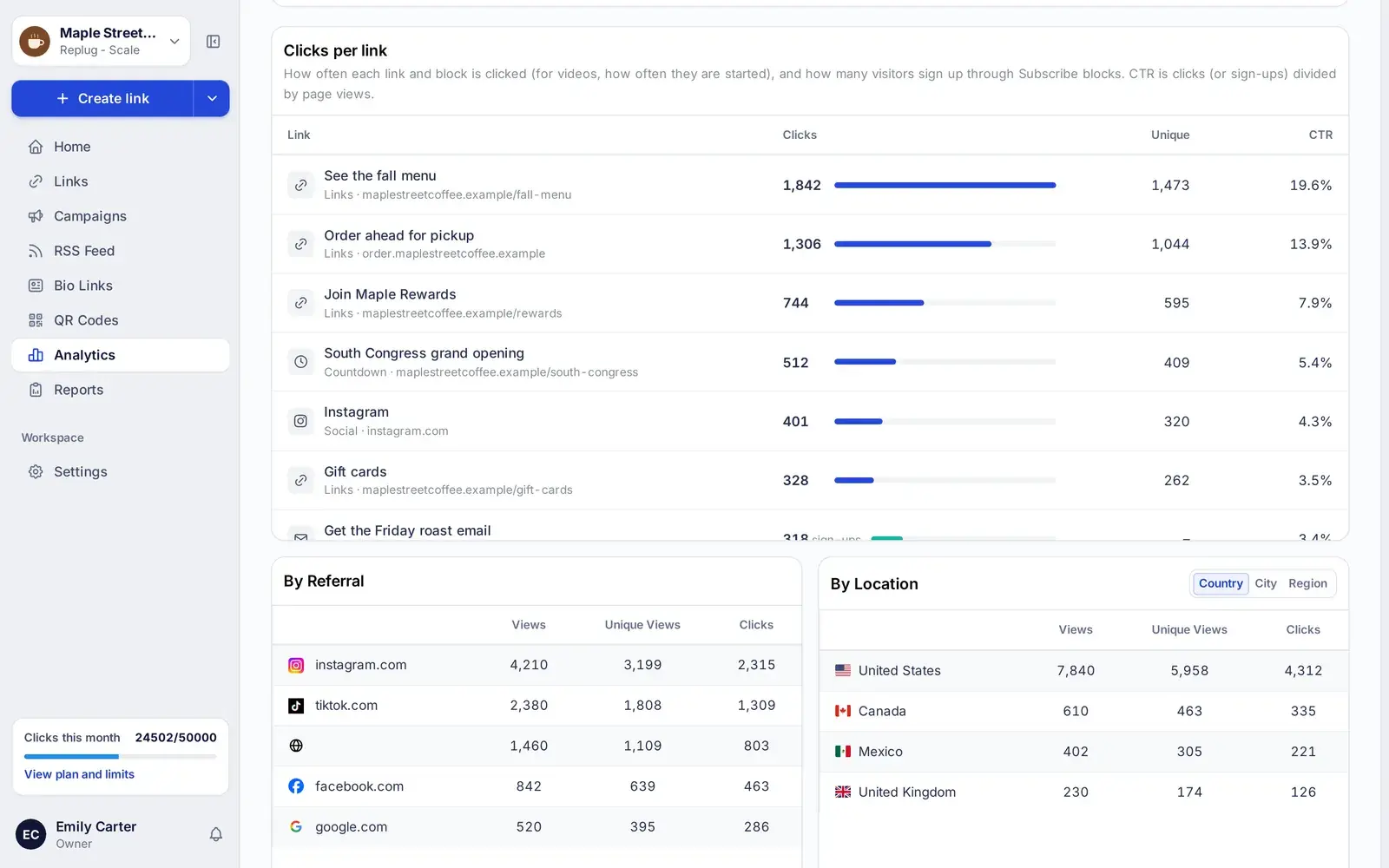
Paste your page link, on rplg.co or your own domain, into your Instagram, TikTok or YouTube profile. Analytics shows views, clicks on each link, click-through rate, sign-ups and where visitors came from.
Link in bio features on every plan
Start free with two pages. Upgrade for design control, scheduling and more pages.
| Feature | Free | Essentials | Scale | Agency |
|---|---|---|---|---|
| Monthly price | $0 | $19 | $39 | $99 |
| Bio link pages | 2 | 10 | Unlimited | Unlimited |
| Custom domains | 3 | 5 | 15 | 50 |
| Themes and custom styling | Not included | Included | Included | Included |
| Block animations and scheduling | Not included | Included | Included | Included |
| Retargeting pixel on your page | Not included | Included | Included | Included |
| Verified badge | Not included | Not included | Included | Included |
| Remove Replug branding | Not included | Not included | Included | Included |
| Analytics history | 14 days | 90 days | Full history | Full history |
US prices, checked October 10, 2026. Annual billing costs less. See every feature on the pricing page.
Need help? We’ve got you covered
Get more from your link in bio
Ideas and how-tos from the Replug blog.
Instagram bio examples
Bio ideas to borrow, for creators, shops and brands.
Read the guideHow to rename a link in your Instagram bio
Give your bio link a name people understand.
Read the guideLinktree pricing
What each Linktree plan costs and what you get.
Read the guideInstagram link in bio
One link that sends followers to everything you share.
Read the guideLink in bio analytics
Which numbers matter and how to read them.
Read the guideBio link best practices
Layout and copy habits that earn more taps.
Read the guide
Link in Bio Instagram
Turn followers into clicks on Instagram

TikTok Link in Bio
Drive more targeted views from your TikTok bio