

 4 minutes
Static URL QR codes are QR codes that can be scanned with your smartphone or another device to open a specific webpage once you scan them. There are several benefits to using this type of QR code.
One benefit is that it allows people to easily access a webpage without manually typing the full URL into a browser. This can save time and reduce the potential for errors. Additionally, most modern smartphones come equipped with a built-in QR code reader, making it easy for people to scan the code and access the webpage.
Another benefit is that it is free and easy to implement. Anyone can generate one by using a QR code generator and linking it to a specific URL. Plus, it is the standard way of using a QR code, so it is widely adopted and recognized worldwide.
Modern short URL generator, such as Replug can also track clicks and other analytics on the link, which can be useful for understanding how the QR code is used.
Let’s continue with how to create a QR code for a URL.
How to create a QR code for a URL using Replug?
Follow these simple steps to create a QR code for any URL with Replug in just a few minutes.
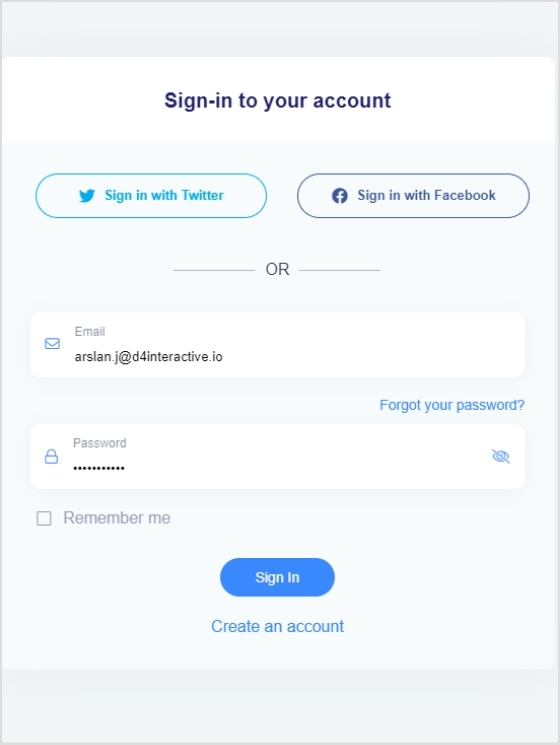
Step 1: Sign in to Replug or create a new account for free.
Step 2: Select the desired campaign on the main dashboard or create a new one.
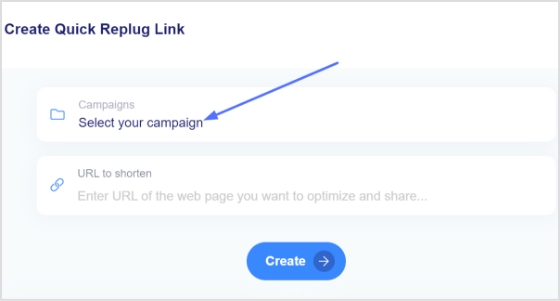
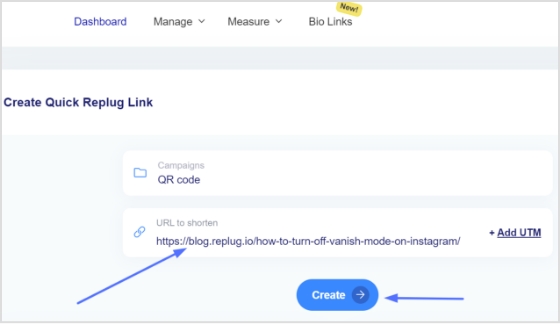
Step 3: Paste the URL in the “URL to shorten” section below the “select your campaign” section and click create.
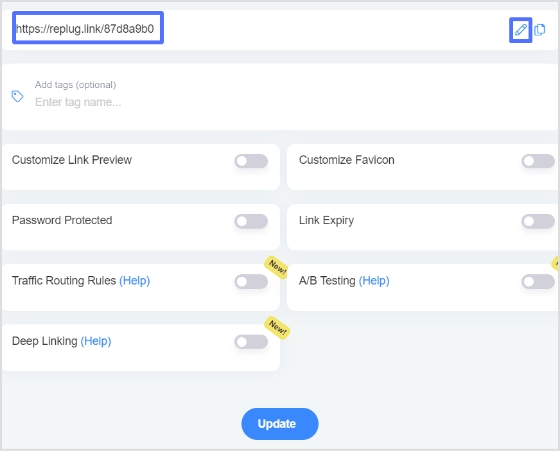
Step 4: You’ll first see a shortened version of your URL. Click the edit icon to customize your URL and click update.
Step 5: To access your newly created URL, go to the manage section on the main dashboard and click Replug links.

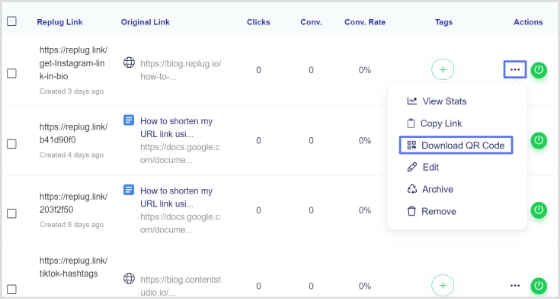
Step 6: Here you’ll see your newly created URL. click three dots at the end of the URL and then click download QR code.


Read also: How to create a multi URL QR code?
Frequently asked questions

Arslan Jadoon
