
Creating a call to action using a URL shortener can effectively drive conversions and encourage users to take a specific action. Using a reliable URL shortener like Replug to create a call to action has a few key benefits.
First, it can shorten link that are long and complex, making them easier to share and more visually to appeal. Sharing a link in a social media post or on a platform with limited space for long URLs can be beneficial.
Second, URL shorteners can help to track clicks on a link, which can help understand the effectiveness of your call to action.
Finally, URL shorteners can make creating custom and branded links easier, which can help build brand awareness and make your link more memorable.
How to create a call to action using Replug?
Follow these simple steps to create a CTA using Replug’s call to action generator that inspires users to take action that will benefit your business or organization.
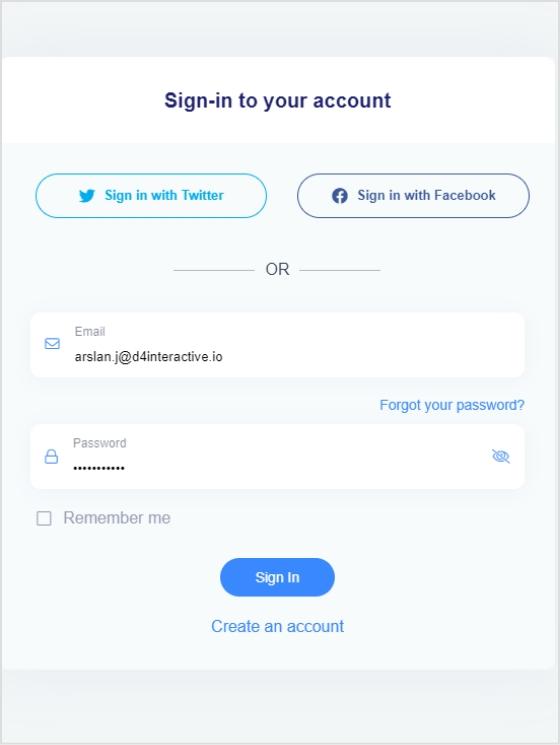
Step 1: Sign in to Replug or create an account if you’re new.
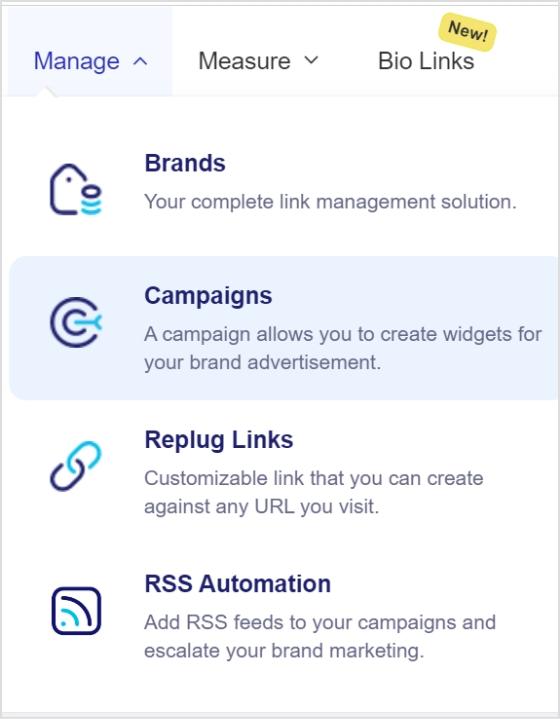
Step 2: Go to the manage section on the main dashboard page and select campaign.
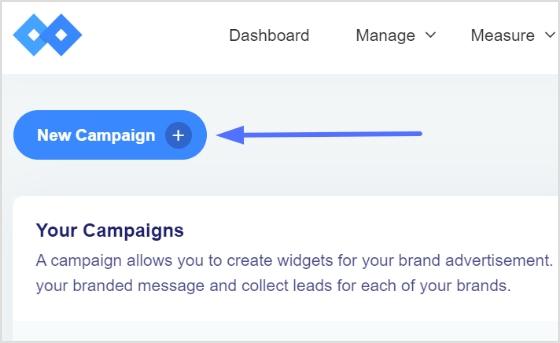
Step 3: Click on the “create new campaign” button in the campaign section.
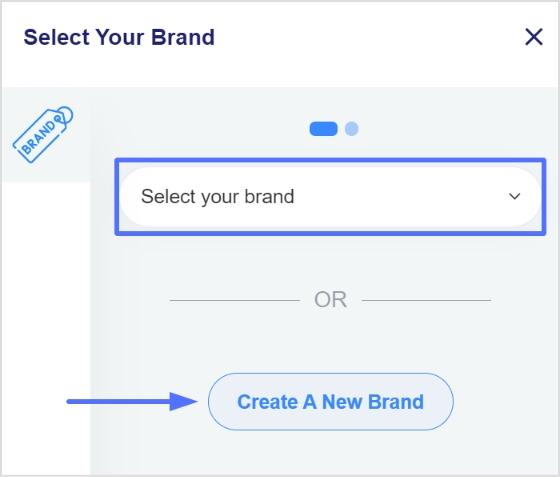
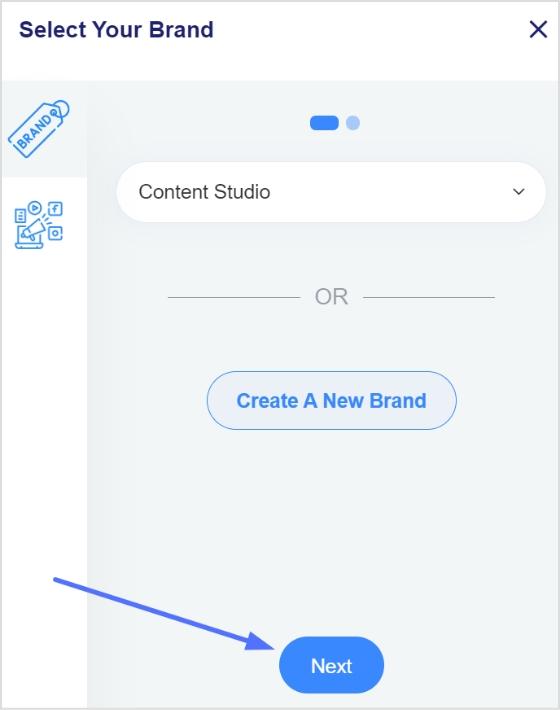
Step 4: To create a new campaign, you must select a brand first. You may choose an existing brand or create a new one if not already been created.
Step 5: Click the next button once you’ve selected or created a brand.
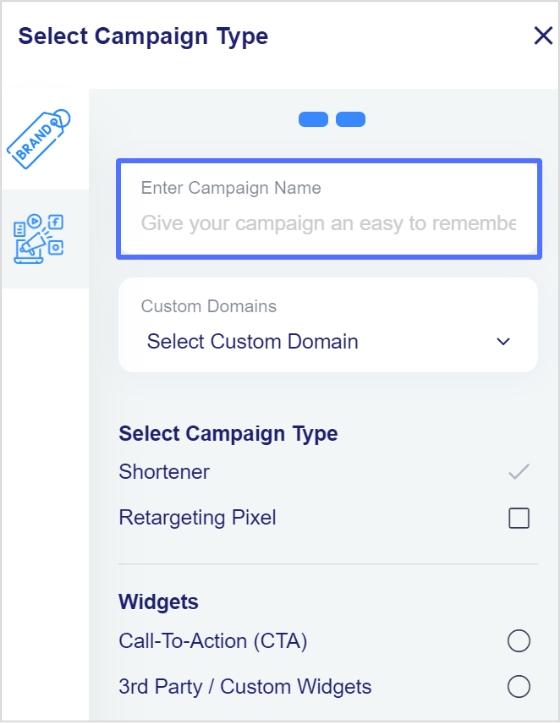
Step 6: You will now see a page for choosing a campaign type. Choose a name for your call-to-action campaign here.
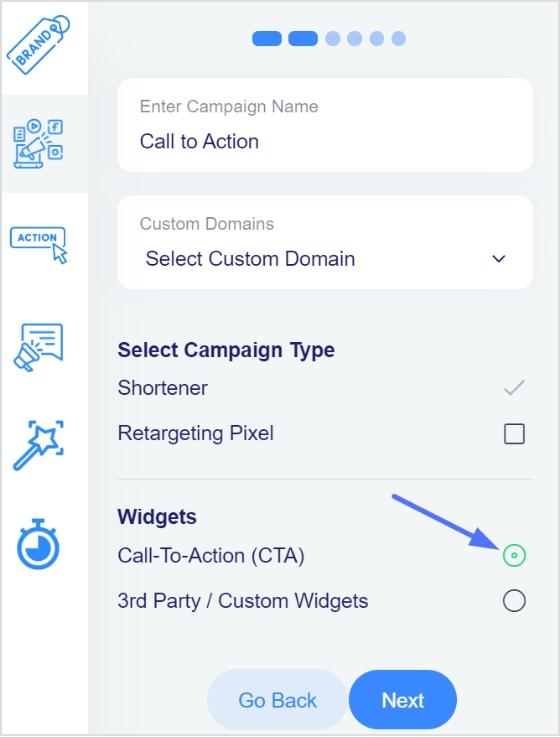
Step 7: Select the call to action option from the campaign type page and click the next button.
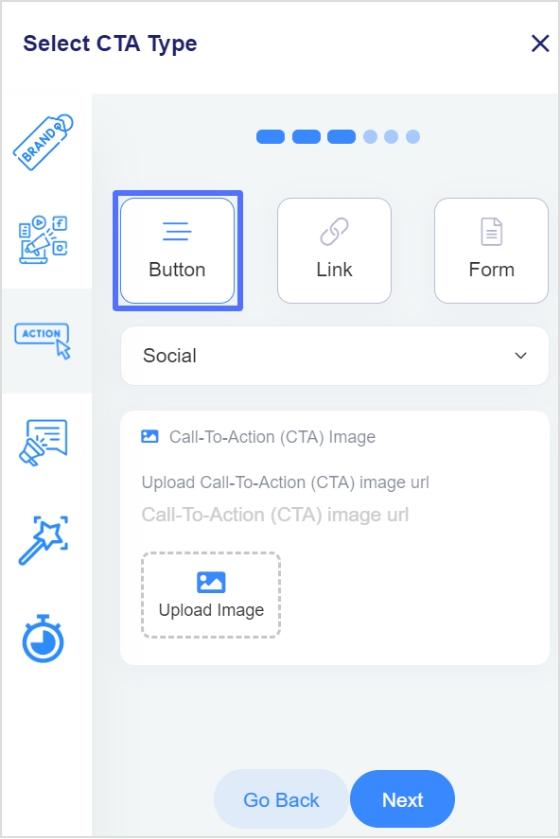
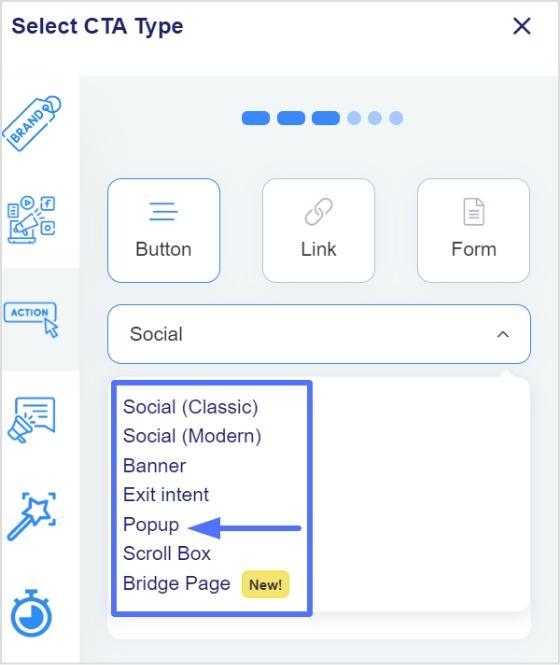
Step 8: Next, select your CTA type; here, we’ve selected a button CTA.
Step 9: After selecting the CTA type, you need to select the theme for your CTA. Your CTA’s appearance depends on your CTA’s purpose. As for this case, we have chosen a popup CTA theme to appear after clicking the shortened link.
Note: Read more about the use cases for different theme types to understand which CTA theme is perfect for you.
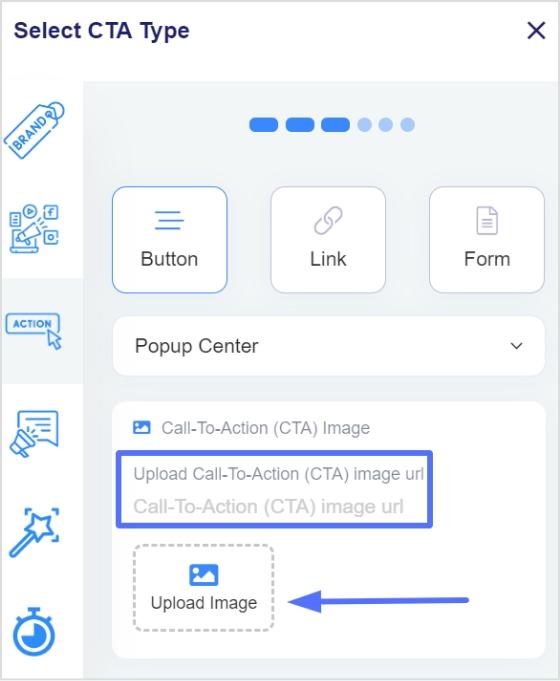
Step 10: Enter your URL, upload an image for the CTA, and click Next.
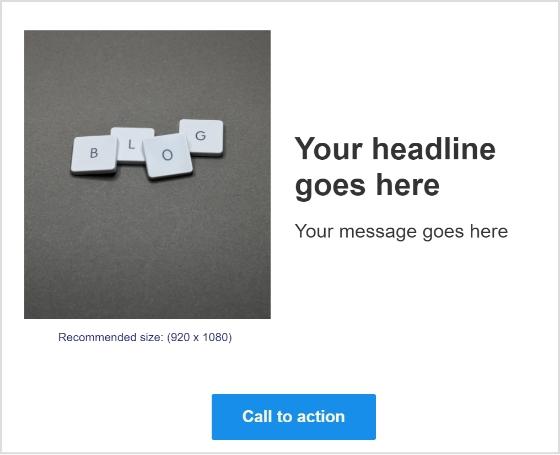
Note: Recommended size: Width = 920, Height = 1080
Step 11: You can view your CTA side-by-side.
Step 12: You are now in the CTA message section. Write your headline, message, and CTA button text.
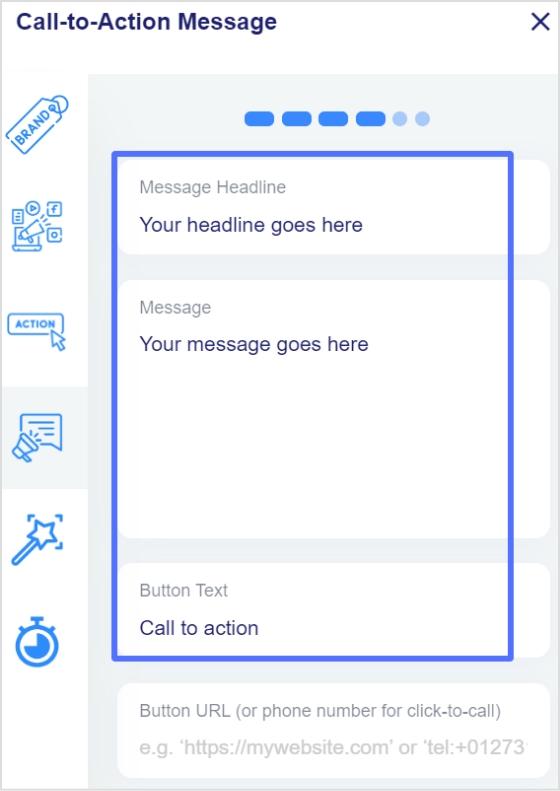
Step 13: Enter your CTA button’s URL or phone number in the last block, and click Next.

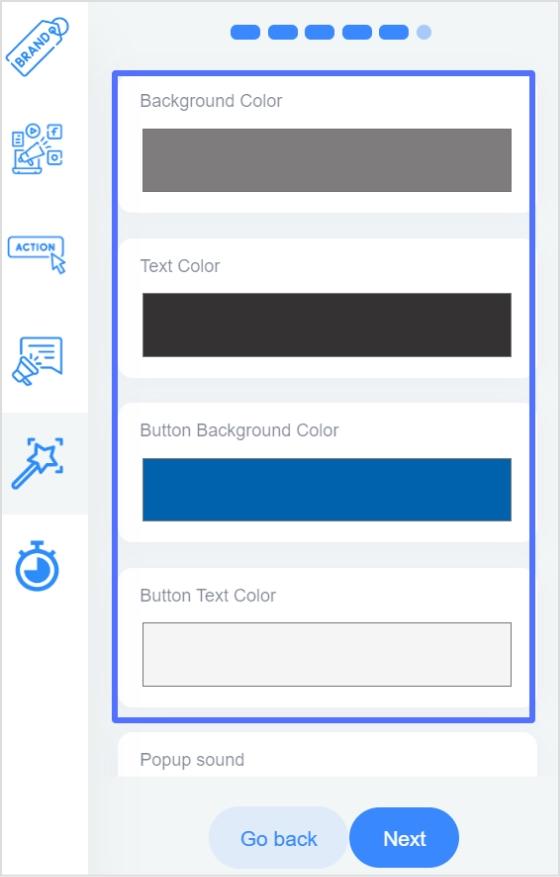
Step 14: You’re now in the CTA customization section, where you can add colors. (Background colors, text colors, CTA button background colors, CTA button text colors). Choose your colors and click next.
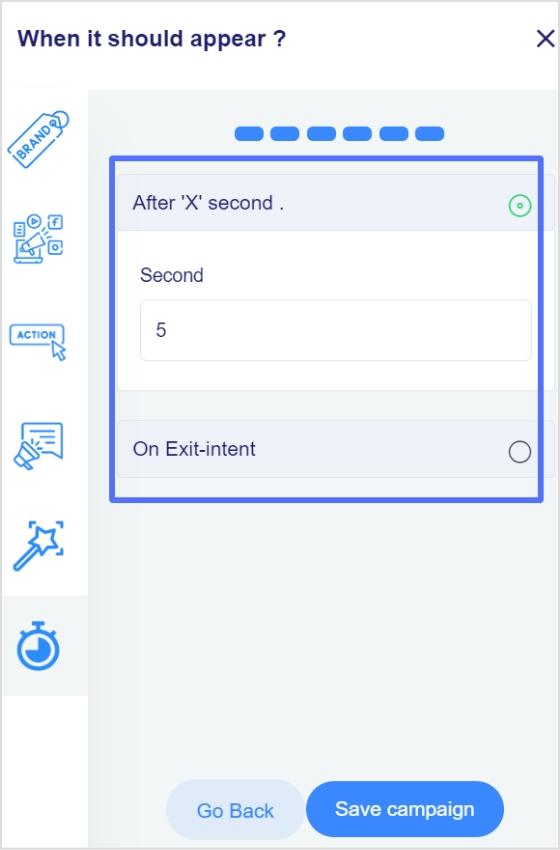
Step 15: In the final step, you will select the seconds, after which the CTA will be displayed to the user. Alternatively, you can select the “On exit-intent” option, which will display the CTA when the user wants to exit the page.
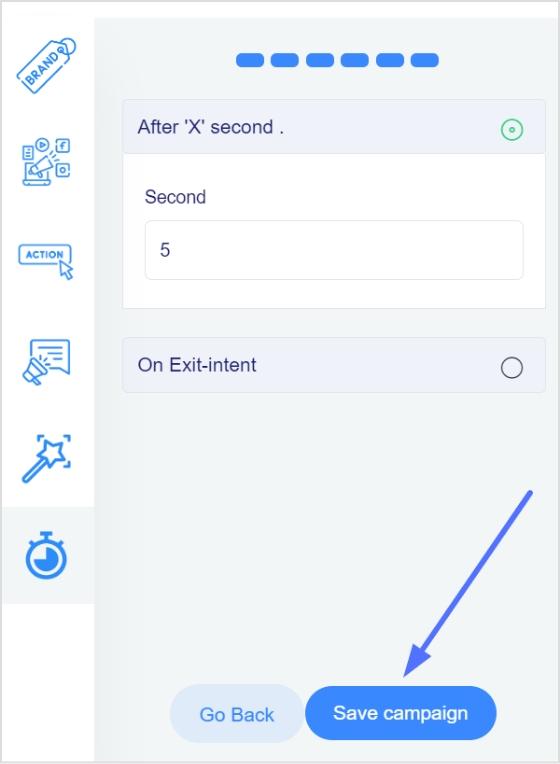
Step 16: Save the campaign; now, you can share it across other platforms. Ensure that your newly created campaign appears in the campaigns section.
Did You Know?
Replug is a top-notch link optimization platform that can also help to track the effectiveness of the CTA. It offers analytics tools that allow you to track how many clicks the CTA receives. This can help you determine which CTAs are most effective and optimize your marketing efforts accordingly.
FAQs

Arslan Jadoon