Quick answer (checked October 2026): your Instagram URL is https://www.instagram.com/ followed by your username, for example instagram.com/emily.bakes. To copy it in the app, go to your profile and tap Share profile below your bio, then copy the link. On a computer, open your profile and copy the address from the browser bar. For a single post or Reel, tap Send below it and choose Copy Link.
Social networks like Instagram are mobile-friendly. However, because Instagram is mobile-first, tracking down your Instagram URL can sometimes be tricky because it works differently than a traditional website.
This guide will show you how to quickly grab URLs on both mobile and computer devices, including your Instagram links, in just a few simple steps.
Let’s get searching!
What is your Instagram URL?
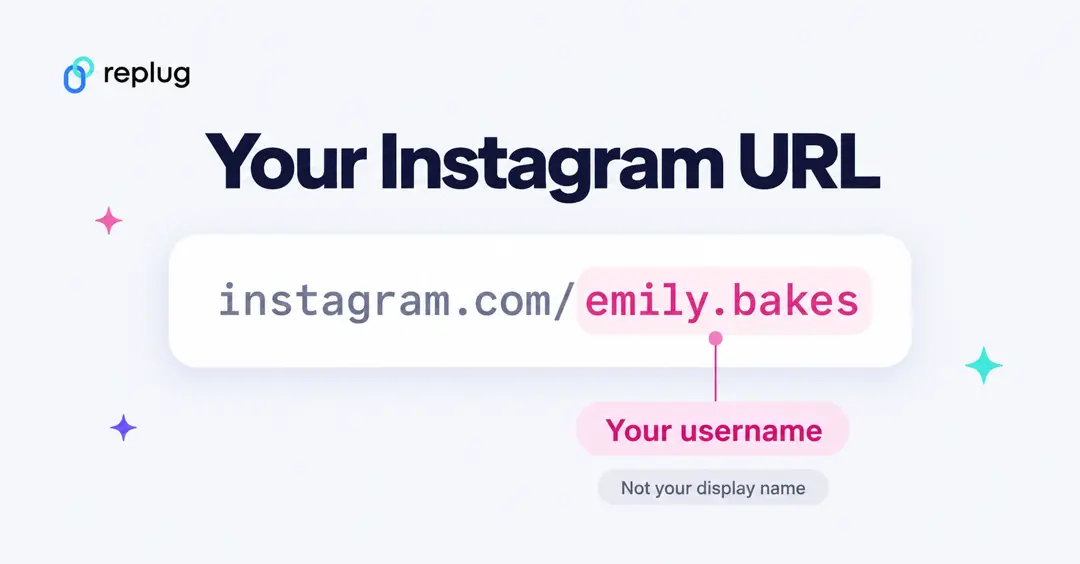
Every Instagram profile has a web address made of two parts: Instagram’s domain and the username (the @name, without the @). So the account @emily.bakes lives at:
https://www.instagram.com/emily.bakes
- Username, not name: the link uses your username. The bigger name shown on your profile (for example “Emily Carter”) isn’t part of the URL.
- Same link on every device: the address is the same whether people open it on a phone or a computer. With the app installed, phones usually open it in Instagram.
- Posts and Reels have their own links: those point to one piece of content, not your whole profile (see below).
| Link | Format | Opens |
|---|---|---|
| Profile | instagram.com/username | Your profile and grid |
| Post or Reel | The link from Send → Copy Link | That one post or Reel |
| Profile QR code | Share profile → QR code | Your profile when scanned |
How to get an Instagram link on a computer device:
Step 1: Go to Instagram and type in your login credentials.
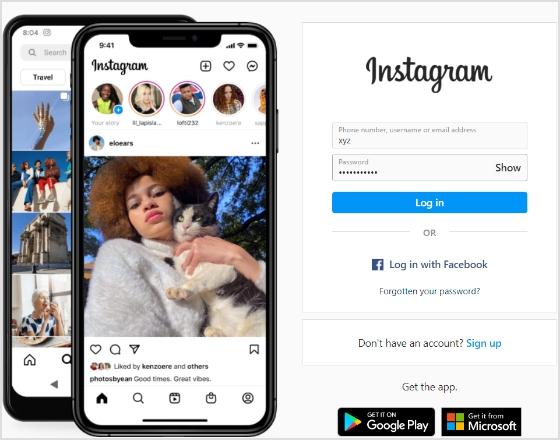
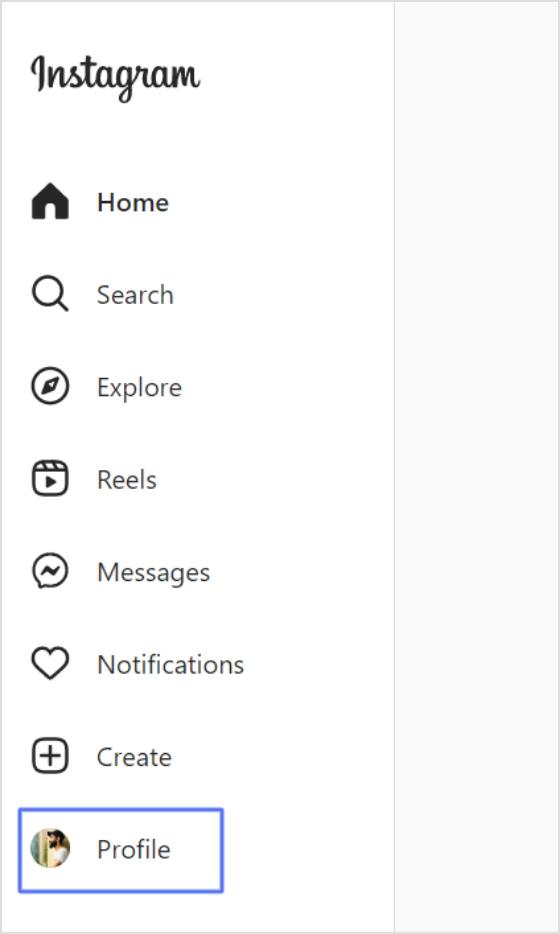
Step 2: Click on your username at the top-right of the screen.
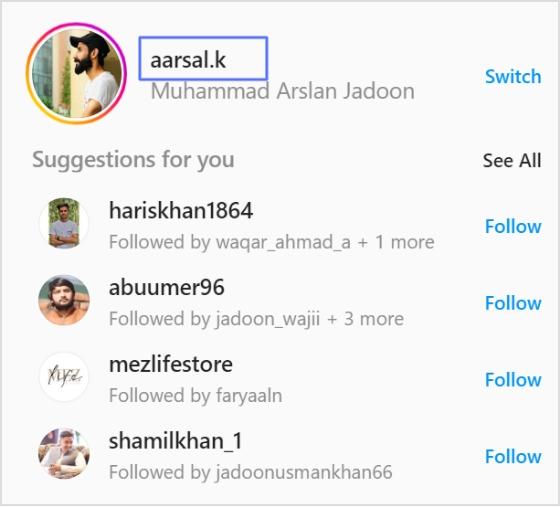
Alternatively, you can click the profile icon in the left menu.
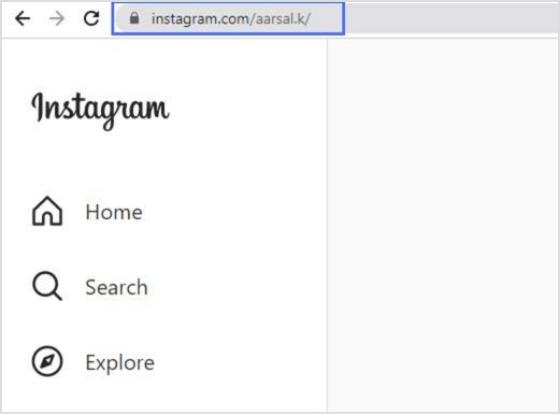
Step 3: Your Instagram link will appear in the search bar. Copy the link, and you’ll have a ready-to-use Instagram link.
How to get an Instagram link on a mobile device:
Step 1: Open the Instagram app on your iPhone or Android and log in.
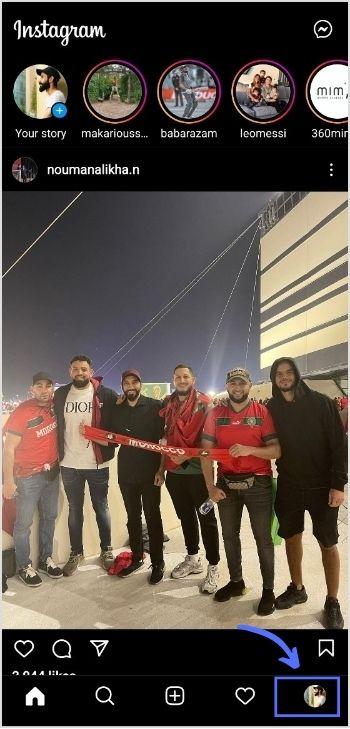
Step 2: Tap on your profile in the bottom right-hand corner of the menu.
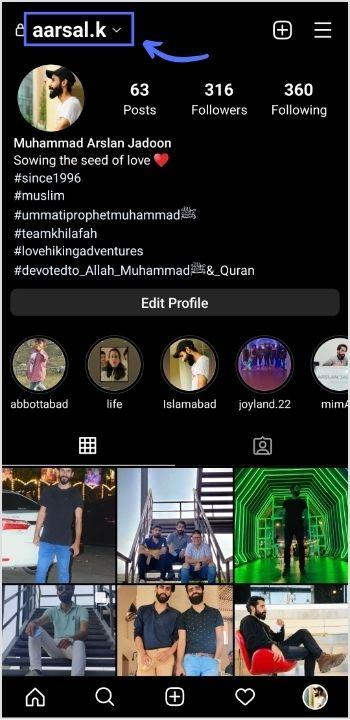
Step 3: You will find your Instagram username at the top of your profile page.
Note: Instagram URLs consist of two components: Instagram’s website address and your Instagram username. The URL format is generally instagram.com/username. So, the Instagram username for the case is aarsal.k. To get this link, just type Instagram.com/aarsal.k. You can do the same for your iPhone or Android device.
Your Instagram link is now ready to go!
How to copy your profile link with Share profile (QR code)
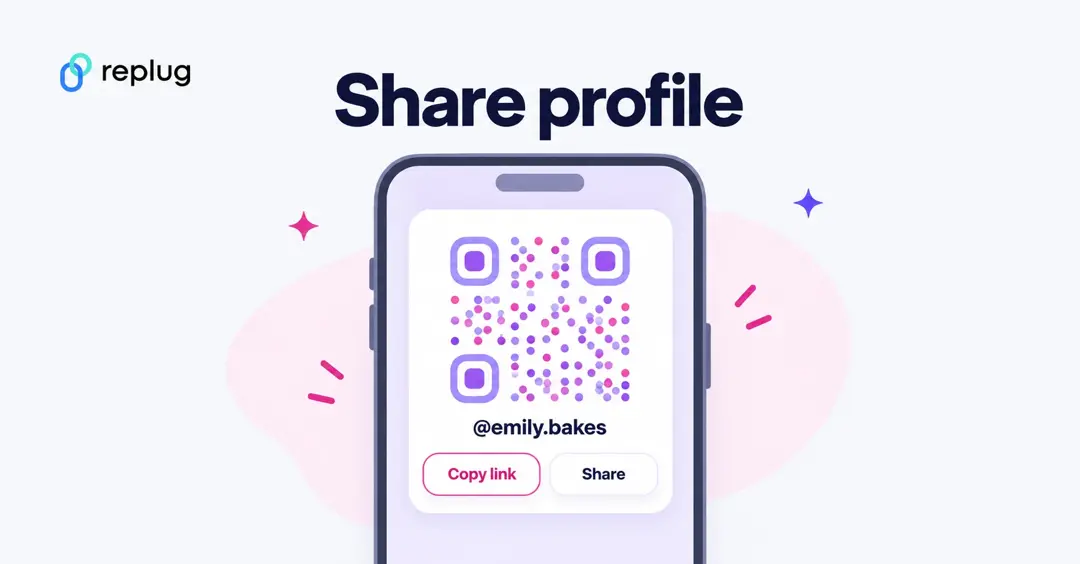
Instead of typing the address yourself, let Instagram copy it. According to Instagram’s Help Center, in the app:
- Tap Profile or your profile picture in the bottom right to go to your profile.
- Tap Share profile below your bio.
- You’ll see your profile’s QR code. From this screen you can copy your profile link or share it to another app; tap the screen or the button at the top to change the QR code’s color or style.
On a computer, Instagram says to click your profile picture on the left, click Settings at the top, then QR code. The QR code is handy for printed menus, posters and business cards; the link is better for bios, emails and messages.
How to get the URL of an Instagram post or Reel
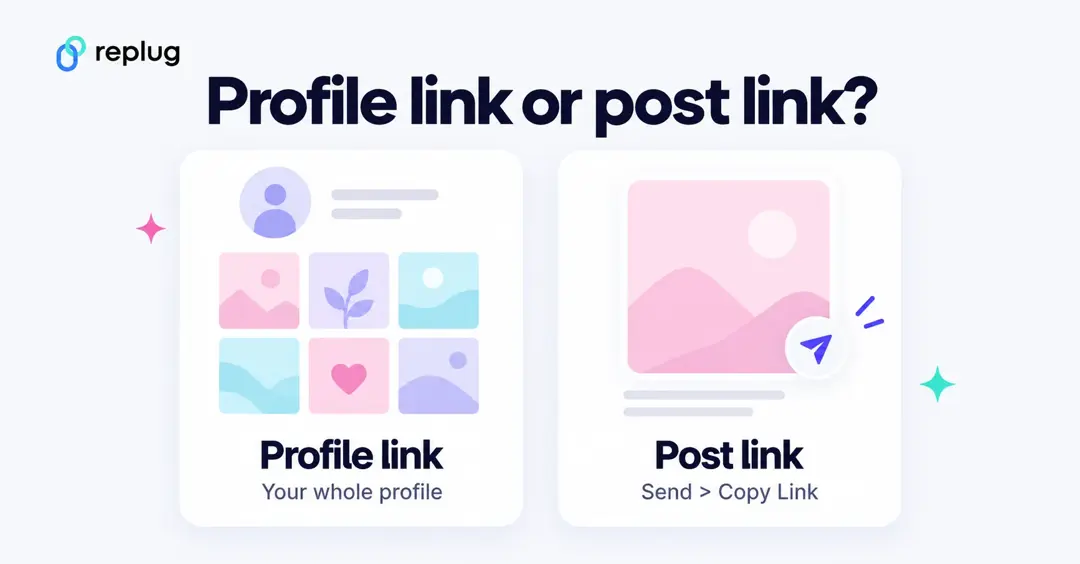
A post link sends people straight to one photo, carousel or Reel. According to Instagram’s Help Center:
- In the app: tap Send below the post, then tap Copy Link at the bottom.
- On a computer: click Options (…) next to the post, then click Copy link (computer steps).
If the account that posted it is private, Instagram notes that only that account’s followers can see what the link opens.
How to find someone else’s Instagram URL
You only need their username. Add it to the end of https://www.instagram.com/. For example, @jake.miller.runs becomes instagram.com/jake.miller.runs. You can also open their profile in the app, tap the ⋯ menu at the top and look for the option to copy or share the profile link.
Tidy up a copied Instagram link
Links copied from the app sometimes end with a question mark and a string of extra characters. The part before the “?” is the actual address. If you want a clean link for a bio or a printed card, delete everything from the “?” on, then open the shortened link in a browser to check it still goes to the right profile or post.
Your Instagram URL changes when your username changes
Because the link is built from your username, a new username means a new URL. Meta’s Accounts Center help page notes that if you sync your profile details between Facebook and Instagram, changing your username there also changes your Instagram profile URL at instagram.com/username. After any change, update the link in your other bios, your website and your email signature.
While you’re editing your profile, it’s a good moment to refresh the rest of it too; here’s how to change your bio on Instagram. Instagram also lets you add up to 5 links to your own profile, according to Instagram’s Help Center.
Read also: How to get an image URL: Get the URL of a photo on different devices & platforms within seconds!
How to change Instagram URL using Replug?
You can easily change your Instagram URL in seconds with Replug.io by following the next mentioned simple and easy steps.
Then simply paste that link into this top-notch short URL shortener to get a tidy, share-friendly version ready for your social bio.
Step 1: Follow the above steps to get your Instagram link on mobile or desktop.
Step 2: Go to any browser on your desktop and type app.replug.io. You will be redirected to the login page, where you can sign in or create an account if you don’t already have one.
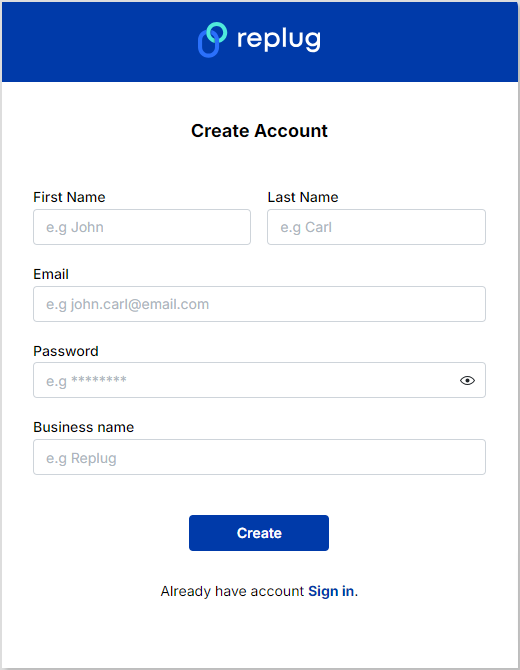
Step 3: You will see the Replug dashboard once you are signed in.
Step 4: Paste or type your Instagram URL in the box under “Quickly Shorten your link” to shorten it:
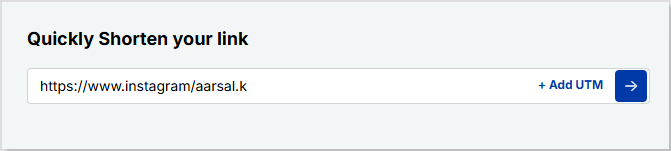
Step 5: Now you have your updated URL, which will look like the one below in the picture.
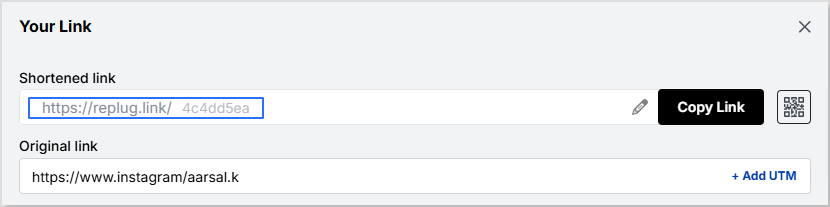
You can customize the URL slug to let people know exactly what you’re sharing. Click the edit button at the end of the URL bar and type the URL slug you want.
For example:
Choosing your own ending, like replug.link/emily-bakes, is available on the Essentials plan and above. On the Free plan Replug creates the ending for you (for example replug.link/x7Kp2) and you still get click stats; according to Replug’s pricing page, Free includes 100 short links and 14 days of click history.
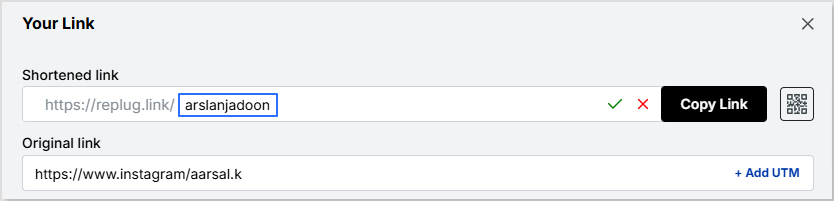
Now save your shortened link and get sharing! It’s that easy.
Note: Find your newly created Instagram link by going to Main Dashboard > Manage > Replug links.
Related topics:
How to see who clicks on your Instagram link?
How to Rename Links Using Replug: 5 Simple Steps
FAQ
How do I find my Instagram URL?
Your Instagram URL is https://www.instagram.com/ followed by your username. In the app, go to your profile and tap Share profile to copy it; on a computer, open your profile and copy the address bar.
What does an Instagram URL look like?
A profile URL looks like instagram.com/username, for example instagram.com/emily.bakes. Post and Reel links are longer and point to one piece of content.
How do I share an Instagram post link?
In the app, tap Send below the post and choose Copy Link, then paste it anywhere. On a computer, click the ⋯ Options menu next to the post and choose Copy link.
Can I get my Instagram URL without the app?
Yes. Sign in at instagram.com in any browser, open your profile and copy the address from the browser’s address bar. You can also type instagram.com/ plus your username.
Does my Instagram URL change if I change my username?
Yes. The URL is built from your username, so instagram.com/oldname stops pointing to you once you switch. Update the link wherever you’ve shared it.

Arslan Jadoon