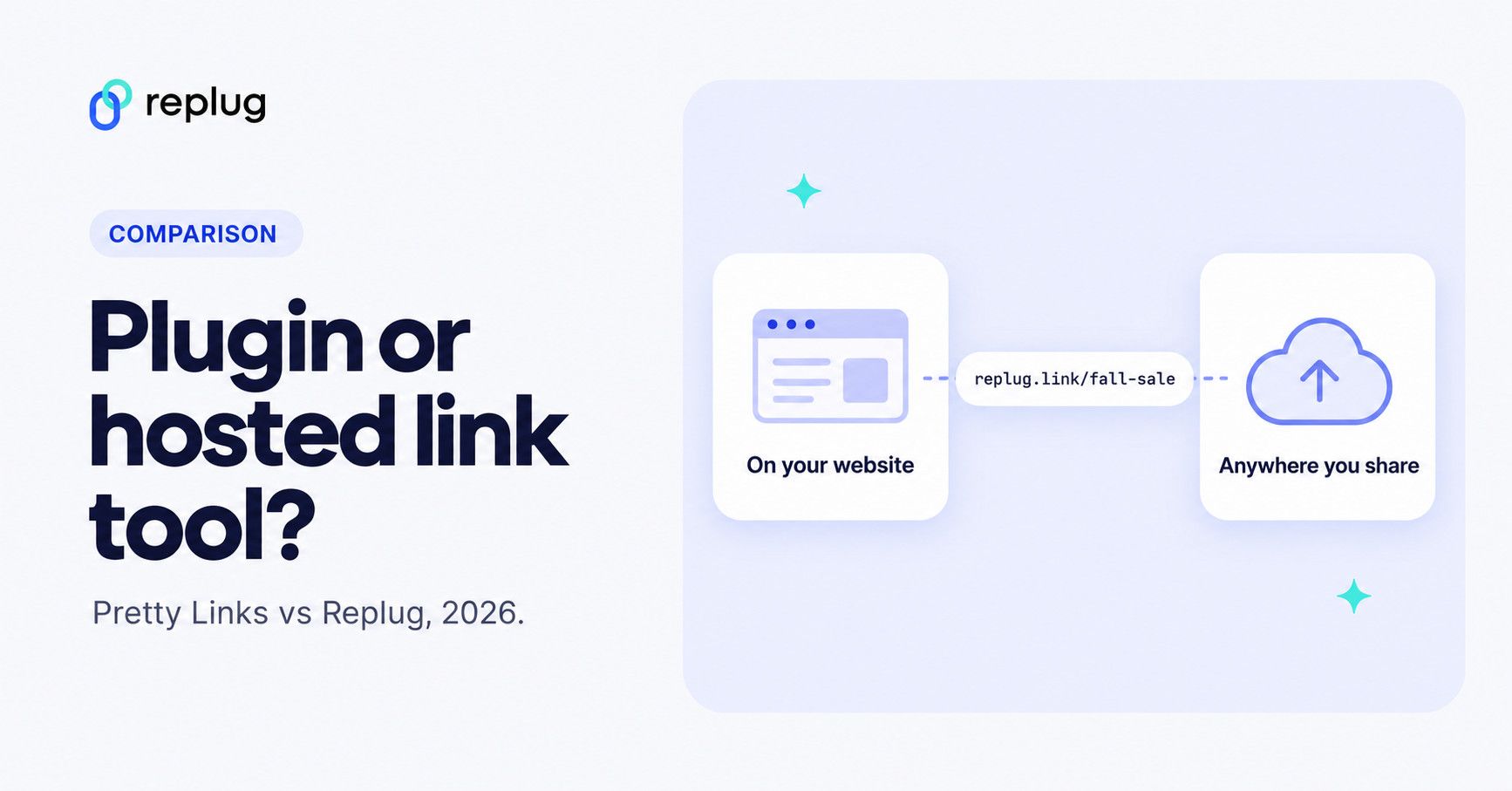
Quick answer: Pretty Links is a WordPress plugin: your short links live on your own WordPress site, there is a free Lite version on WordPress.org, and Pro plans cost $99.60 to $199.60 for the first year (prices checked on prettylinks.com in October 2026). If your links are mostly inside a WordPress blog, it is a strong choice. If you share links on social media, in email, on print and in bio pages, or you don’t run WordPress at all, a hosted tool such as Replug is the better Pretty Links alternative: it has a Free plan, works without a website, and adds bio pages, QR codes, retargeting pixels and CTAs.
Get ready for an exciting showdown as we compare two of the top link management tools: Replug vs. Pretty Links!
At first glance, you might assume these are two entirely different types of software.
Replug excels across various platforms—supporting websites, blogs, social media, email marketing, advertising networks, and more. On the other hand, Pretty Links is primarily tailored for WordPress users.
However, both tools share a wealth of features, including URL cloaking, split testing for URLs, custom slugs, and affiliate link analytics.
Each tool offers unique strengths to cater to diverse user needs and preferences. So, get ready to discover why Replug is the best Pretty Links alternative.
In this article, we’ll dissect the strengths and weaknesses of both tools, ultimately determining which one deserves the title of best link management solution!
| What is Replug? Replug.io is an all-star link management tool packed with top features such as branded link shortening, bio links, link analytics, traffic routing, QR codes, retargeting pixels, deep linking, and much more. |
| What is Pretty Links? Pretty Links is a WordPress plugin, mainly designed for affiliate marketers allowing them to create clean, branded URLs. |
Don’t have time for a detailed comparsion? Don’t worry here’s a quick run-down just for you!
| Feature | Replug | Pretty Links |
| User interface & ease of use | Modern, intuitive, clean dashboard, drag-and-drop features | Functional, WordPress-based, steeper learning curve |
| URL shortening | Custom branded links, bulk shortening, CSV reports | URL shortening directly in WordPress, detailed tracking |
| Affiliate link cloaking | Supports link masking, improves aesthetics and CTR | Strong cloaking for affiliate links, prevents hijacking |
| Link tracking & analytics | Comprehensive real-time analytics, detailed reports | Click and unique-click tracking in the free Lite version; advanced reports and conversion tracking in Pro |
| Traffic routing | Advanced routing based on geo or device, custom redirects | 301, 302 and 307 redirects in Lite; geographic, device and time-based redirects in Pro |
| QR code generation | Smart QR codes on every plan (10 on Free); colors and frames from Essentials, logo on Scale and Agency; tracks scans | Pro generates a downloadable QR code for each link, with an optional logo |
| Split testing (A/B) | A/B tests with up to 20 URLs (Scale and Agency), detailed insights | Link rotation by weight or round-robin and split testing (Pro) |
| Customized CTAs | Fully customizable CTAs, banners, pop-ups, scroll boxes | Product display feature for affiliate links |
| Integrations | Integrates with various platforms (email, social, CRM) | Limited to WordPress ecosystem and plugins |
| Pricing | Free: $0 Essentials: $19/mo Scale: $39/mo Agency: $99/mo (from $9.50/mo billed annually) | Beginner: $99.60/year; Marketer: $149.60/year; Super Affiliate: $199.60/year (first-year prices; renewals at full price) |
| Free plan | Yes: 100 short links, 2 bio link pages, 10 QR codes | Yes: PrettyLinks Lite on WordPress.org |
| Pros | Works anywhere you share links, not only on a website; free plan; bio pages, QR codes, retargeting and CTAs in one tool | Links live on your own WordPress domain; free Lite version; keyword auto-linking and product displays for bloggers |
| Cons | Routing, A/B tests and destination edits need the Scale or Agency plan | Needs a WordPress site; Pro is licensed per number of sites |
| Reviews | Handy Link Management Tool with URL shortener and more. | Limited to WordPress, Can be costly for small or mid-tier businesses. |
Table updated October 2026 from replug.io/pricing, replug.io/qr-code-generator, Pretty Links’ pricing page and the PrettyLinks plugin page on WordPress.org. Prices in USD.
Quick verdict:
Replug offers extensive features for marketers and businesses, ideal for those seeking detailed link tracking, advanced routing, and customizable CTAs.
Pretty Links at a glance (checked October 2026)
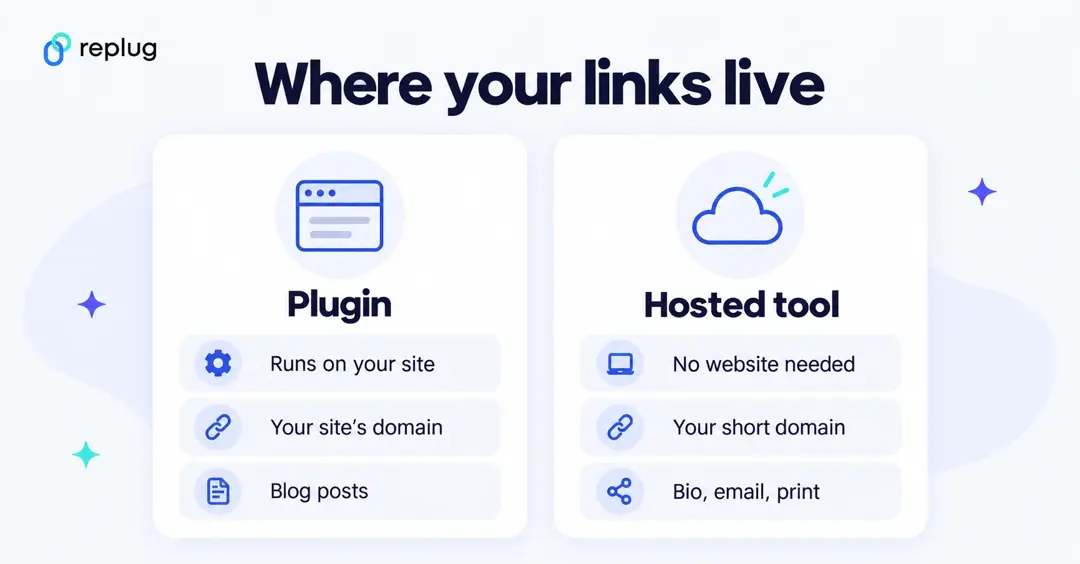
Pretty Links (styled PrettyLinks on its own site) is a WordPress plugin made by Caseproof. Everything runs inside your WordPress dashboard, and the short links use your site’s own domain.
- Free version. PrettyLinks Lite on WordPress.org includes branded short links on your own domain, 301, 302 and 307 redirects, custom or automatic slugs, click and unique-click tracking, bot filtering, privacy controls such as IP anonymization, click reports and CSV import and export.
- Pro plans. According to Pretty Links’ pricing page, Beginner costs $99.60 for the first year (1 site), Marketer $149.60 (2 sites) and Super Affiliate $199.60 (5 sites). These are introductory prices; the page says annual renewals are at full price, listed as $249, $374 and $499. There is a 14-day money-back guarantee.
- What Pro adds. Advanced redirect types (cloaked, JavaScript, meta-refresh, tracking pixel), geographic, device and time-based redirects, link rotation and split tests, expiring links, QR codes, keyword auto-linking and conversion reports. Marketer adds the Link in Bio and Developer Tools add-ons; Super Affiliate adds Product Displays, Splash Pages, the UTM Builder and User Links.
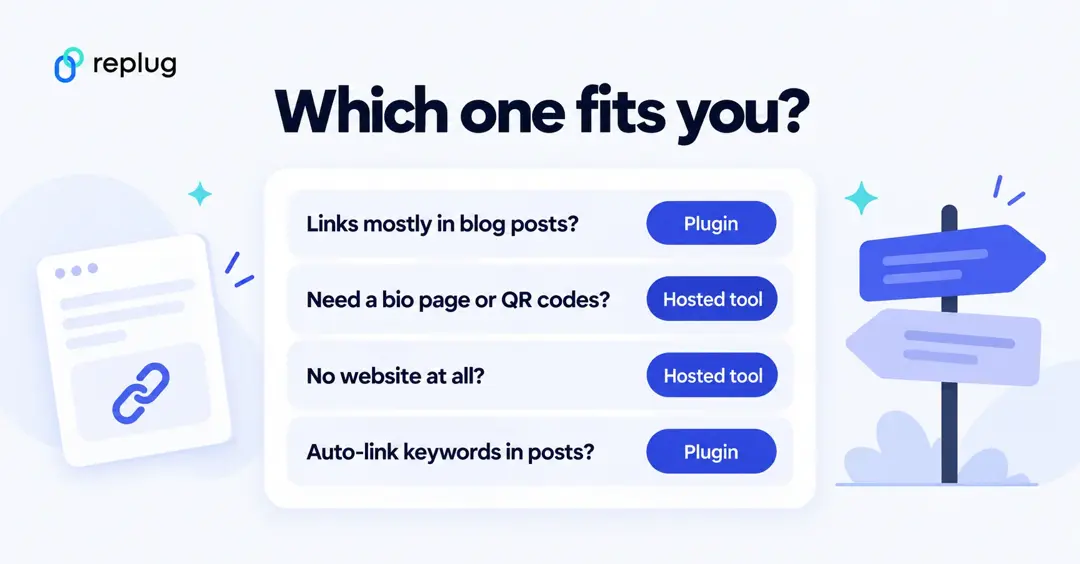
When Pretty Links is the better choice
- You run a WordPress blog and most of your affiliate links sit inside posts.
- You want links on your own site’s domain without setting up a separate short domain.
- You want keyword auto-linking, so mentions of a product in old posts turn into your affiliate link automatically.
- You prefer a per-site annual license and keeping click data on your own server.
When a hosted tool like Replug fits better
- You share links outside a website: social bios, email, SMS, podcasts or print. Replug works without WordPress or any website.
- You want a link-in-bio page: Replug’s Free plan includes 2 bio link pages on mylinkinb.io or your own domain (replug.io/bio-links).
- You print QR codes and want to track scans, or change a printed code’s destination later (Scale and Agency).
- You run ads and want retargeting pixels on your links (1 pixel on Essentials, unlimited on Scale and Agency) or CTA overlays (Essentials and up).
- You manage links for a team or for clients in separate workspaces.
If you want to stay inside WordPress but compare more plugins, ThirstyAffiliates and BetterLinks are other link plugins worth a look.
Detailed feature comparison: Replug vs. Pretty Links
Regarding managing and optimizing URLs for marketing, both Replug and Pretty Links are popular tools offering various features. We’ll do a one-on-one comparison so you can choose the one that suits your needs.
1. User interface & ease of use
Replug:
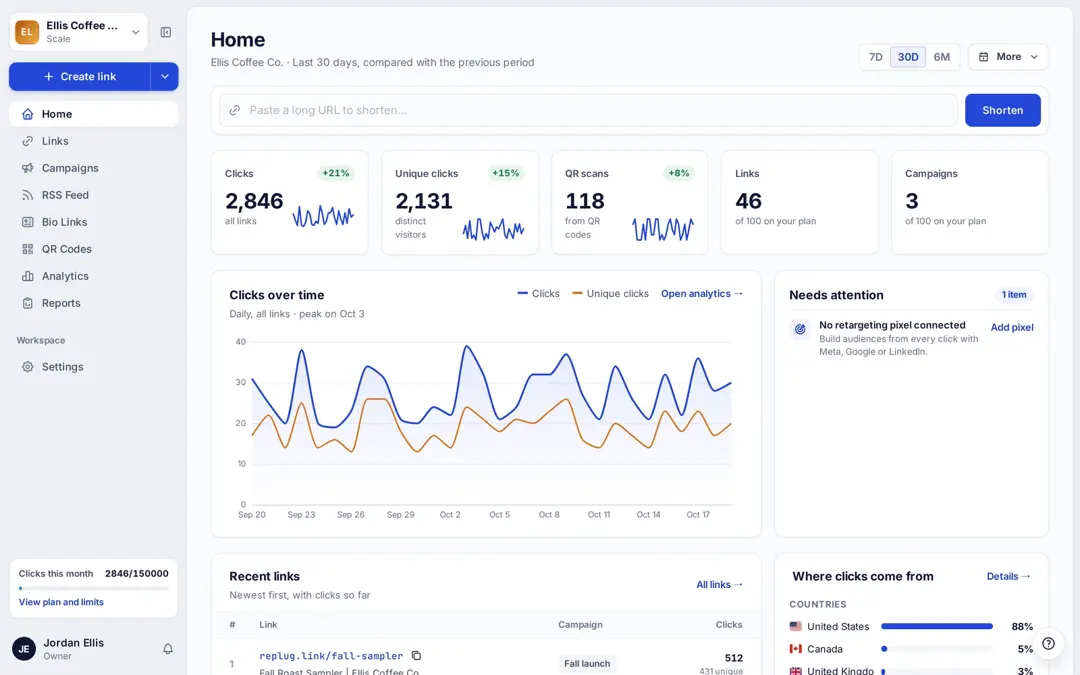
- Design: Replug offers a modern and intuitive interface. The dashboard (Called Home) is clean, with easy navigation and a clear overview of all your campaigns.
- User experience: The platform’s straightforward design and helpful tutorials make it quickly learnable for new users. The quick actions functionality enhances ease of use, particularly when creating campaigns.
Pretty Links:
- Design: Pretty Links has a functional but slightly less modern interface. It integrates into the WordPress dashboard, which may be familiar to WordPress users but can be overwhelming for beginners.
- User experience: While it provides extensive functionalities, the learning curve may be steeper for those who need to get used to WordPress plugins. Users often appreciate the vast options available but may find navigation less intuitive.
Also Read: Bitly vs Linktree vs Replug: Which is better?
| Winner Replug stands out as the winner due to its modern, intuitive interface and ease of use, making it accessible for beginners and efficient for managing campaigns. |
2. URL shortening
Replug:
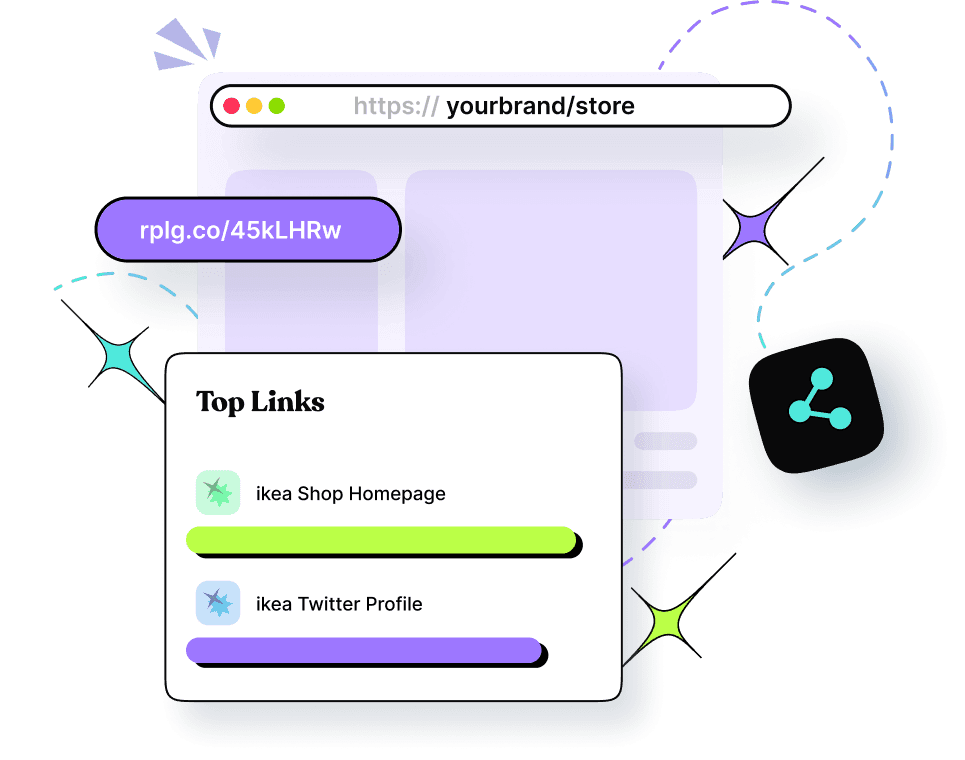
- Shortening: Replug allows users to create short, branded links effortlessly with its innovative link shortener. Users can customize the link endings, making them memorable and relevant.
- Features: Offers bulk URL shortening, link previews, CSV reports, password protection, link expiry, customize favicon, and the ability to set up auto-shortening for shared links. Password protection and link expiry are on the Scale and Agency plans.
Pretty Links:
- Shortening: Pretty Links excels in URL shortening directly from the WordPress dashboard. It allows users to create clean, custom links easily.
- Features: Offers detailed options for link customization, including tracking for each shortened link, which is ideal for WordPress users.
| Winner While Pretty Links performs well within the WordPress ecosystem, Replug’s advanced customization options and functionalities make it a more comprehensive solution for URL shortening. |
3. Affiliate cloaking
Replug:
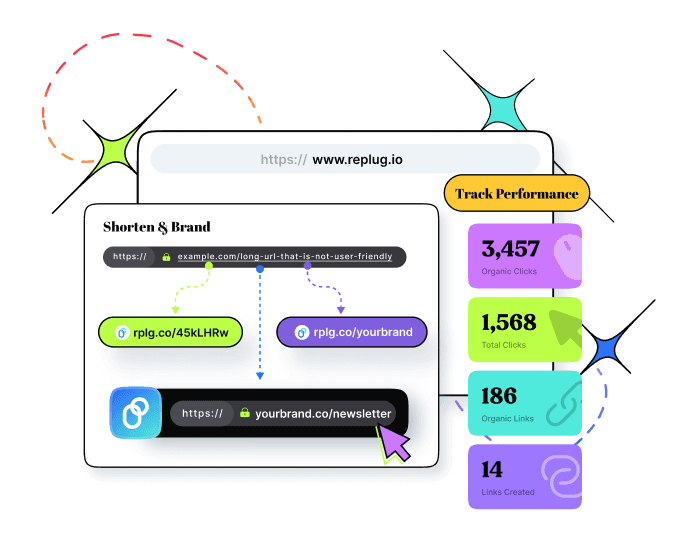
- Cloaking features: The platform supports link masking, which enhances aesthetics and improves click-through rates by making links appear more legitimate.
Pretty Links:
- Cloaking features: Pretty Links is particularly strong in affiliate link cloaking, allowing users to create clean, branded links that hide the original affiliate URLs. This helps in preventing link hijacking and makes links more user-friendly and trustworthy.
| Winner Pretty Links, if creating dedicated affiliate links is your primary goal. As Replug offers a broad range of features alongside affiliate link cloaking (link cloaking is on the Scale and Agency plans). |
4. Link tracking
Replug:
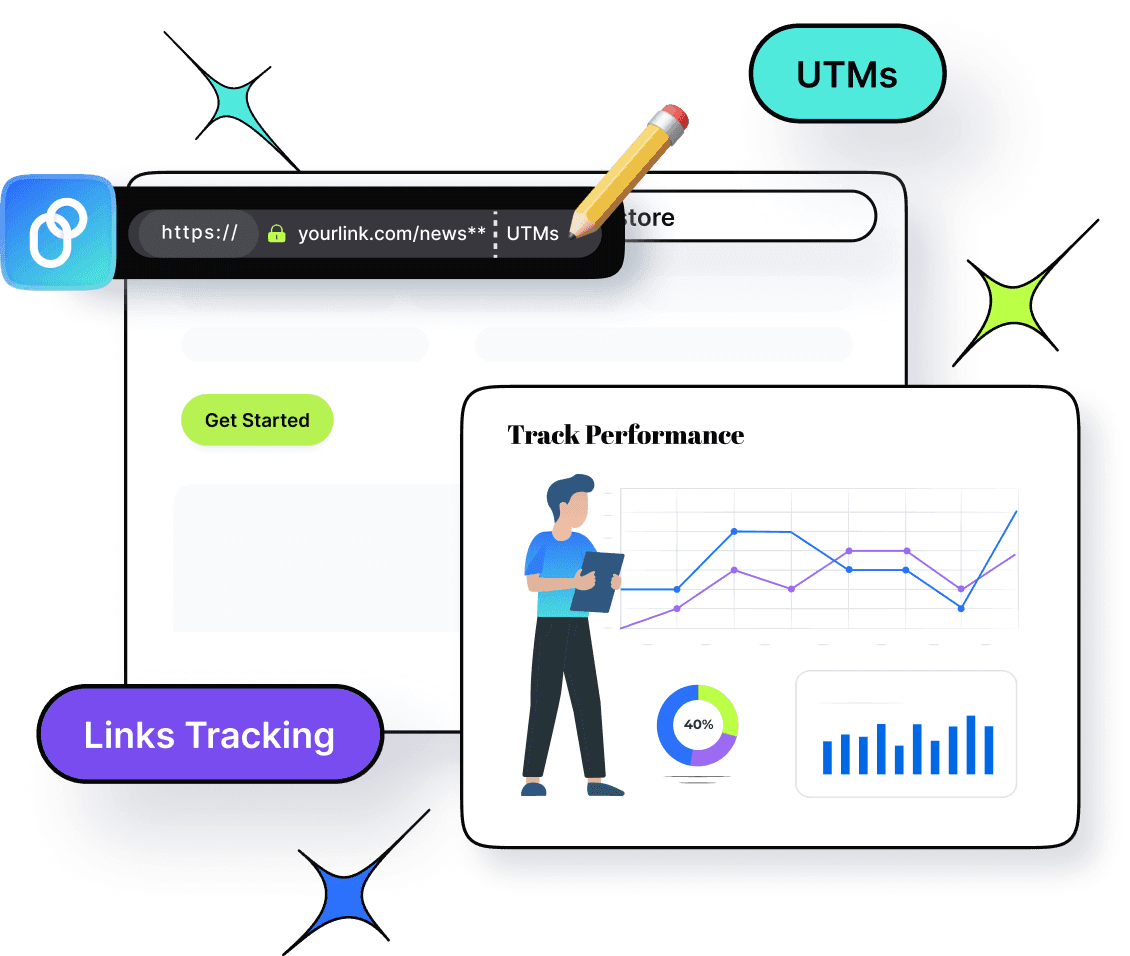
- Analytics dashboard: Provides comprehensive link analytics, including unique clicks, geographic data, and device information. Users can view real-time stats and historical performance data.
- Link performance: This feature allows customers to filter the analytics by campaigns, links, and time to know which links perform best, helping users refine their marketing strategies.
Pretty Links:
- Analytics dashboard: The free Lite version logs every click with referrer, browser, OS and host data, with click reports you can filter by date and link. Pro adds advanced reports, conversion tracking with a pixel on your thank-you page, and a Google Analytics plugin integration.
| Winner Clearly Replug wins with its built-in, comprehensive analytics and real-time tracking. |
5. Traffic routing
Replug:
- Routing features: Replug allows users to route traffic based on specific criteria, such as geographic location or device type, enabling targeted marketing strategies.
- Custom redirects: Users can set up custom redirects that enhance user experience by directing traffic to the most relevant pages.

Pretty Links:
- Routing features: While Pretty Links primarily focuses on tracking and shortening, it also offers redirect capabilities. Pro adds geographic, device and time-based redirects, so it can route by country and device too.
- Custom redirects: Offers options for permanent 301, temporary 302, and 307 redirects. However, the overall traffic routing is less sophisticated than that of Replug.
| Winner Close call. Both route by country and device on paid plans (Replug Scale and Agency, Pretty Links Pro), and Pretty Links Pro adds time-based redirects. Replug is the better fit when the links are shared outside WordPress, and it adds deep links for apps. |
6. QR codes
Replug:
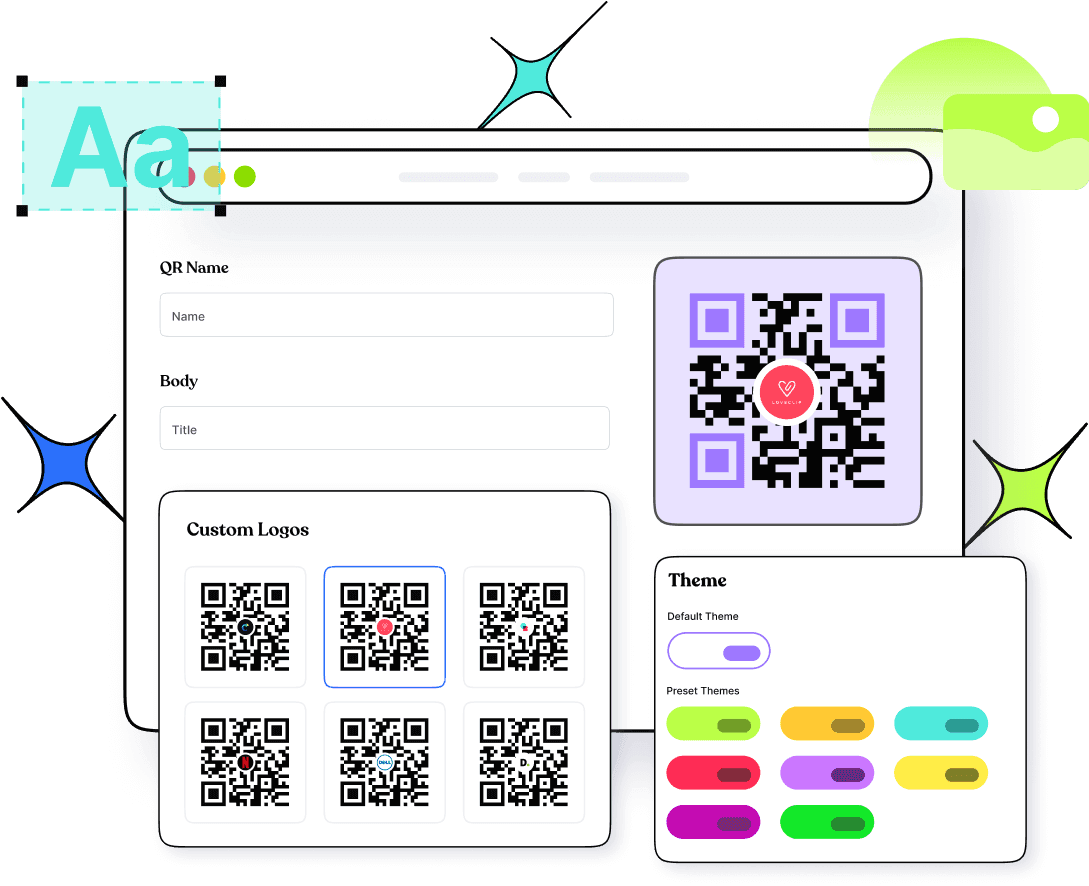
- QR code generation: Replug includes a built-in QR code generator that allows users to create QR codes for any shortened URL, facilitating easy sharing in offline marketing.
- Customization: Users can customize the foreground background colors and QR codes (Essentials and up; logo on Scale and Agency), which enhances brand visibility. You can also save the code as PNG, JPEG, SVG or PDF.
- Track QR scans: QR Scans track how often users scan QR codes linked to specific URLs. Besides that, you can also monitor graphs in Analytics such as: “Clicks vs Unique Clicks vs QR Scans” for shortened links and “Views vs Unique Views vs Clicks” for bio-links.
Pretty Links:
- QR code generation: Pretty Links Pro can auto-generate a downloadable QR code for every link, with an optional logo in the middle. Because the code points to the pretty link, changing that link’s target also changes where the code goes.
Also Read: QR Advertising: Your gateway to consumer engagement
| Winner Replug takes the crown with its customizable QR codes, advanced tracking, and the option to save in any format. |
7. Split testing
Replug:
- A/B testing features: Replug offers top-notch split-testing capabilities, allowing users to test different links or landing pages to optimize conversions. A/B tests take up to 20 URLs and are on the Scale and Agency plans.
- Performance insights: Users can easily analyze the results of their tests through detailed reports and adjust strategies accordingly.
Pretty Links:
- A/B testing features: Pretty Links Pro can rotate traffic across several destinations by weight or round-robin and split-test which one converts.
| Winner Pretty Links, if split testing links is your primary goal. Replug offers the split-testing feature as part of its broader functionality. |
8. Customized CTAs
Replug:
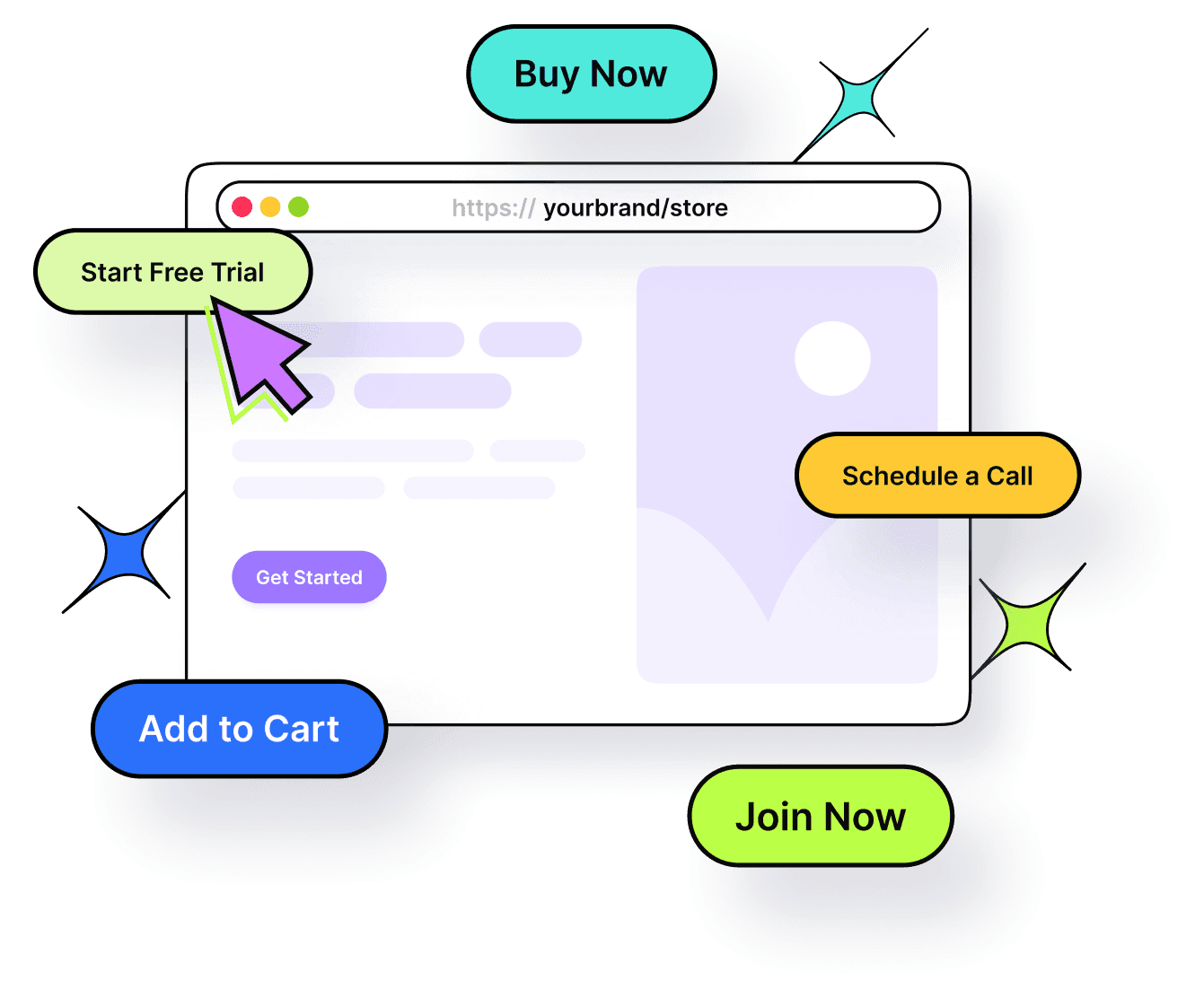
- CTA customization: Replug allows users to create customized calls-to-action (CTAs) that can be embedded within links or as standalone features. This helps in engaging users effectively and guiding them toward desired actions.
- Flexibility: Users can create banners, exit-intent pop-ups, bridge pages, and scroll box CTAs to fit different marketing campaigns or target specific audiences, enhancing conversion rates.
Pretty Links:
- CTA customization: With Pretty Links, you can enhance your affiliate links by adding Product Displays. This feature lets you showcase products and embed displays anywhere on your site.
Also Read: CTA Button: Best Examples & Practices
| Winner It’s challenging to declare a clear winner here, as both tools have their strengths. Replug shines with advanced CTA generation, including banners, pop-ups, and bridge pages, while Pretty Links focuses on product displays linked to URLs. Ultimately, the best choice depends on your specific needs. |
9. Integration with other tools
Replug:
- Integrations: Replug integrates seamlessly with various platforms, including email marketing tools, social media platforms, CRM systems, and advertising networks, enhancing its usability in diverse marketing strategies.
- API Access: Offers API access (Agency plan) for advanced users looking to integrate Replug with custom applications.
Pretty Links:
- Integrations: Pretty Links primarily integrates within the WordPress ecosystem as a WordPress plugin. It works well with popular plugins and themes but may not offer as many external integrations as Replug.
- API: A REST API comes with the Developer Tools add-on, available on the Marketer plan and above.
10. Pricing plans
Replug provides a Free plan and three affordable pricing plans along with a 14-day free trial, making it ideal for affiliate marketers, agencies, and other marketers. In contrast, Pretty Links features tiered pricing that ranges from a basic plan for freelancers to more advanced options designed for agencies, depending on the features required.
| Pretty Links | ||
| Beginner | Marketer | Super Affiliate |
| $99.60 / YEAR first year, then $249 | $149.60 / YEAR first year, then $374 | $199.60 / YEAR first year, then $499 |
| Replug | ||
| Essentials | Scale | Agency |
| $19 /mo $9.50/mo billed annually | $39 /mo $23.40/mo billed annually | $99 /mo $79.20/mo billed annually |
Prices checked October 2026 on Pretty Links’ pricing page and replug.io/pricing (USD). Replug also has a Free plan, and paid plans include a 14-day trial.
Some other points to look at
- Free trial option
- Security and scalability
- Customization options
- Customer support
- Cost-effectiveness
- Mobile app availability
- Reviews and ratings
Our verdict
Both Pretty Links and Replug offer valuable features for managing and optimizing your links, but they cater to different needs.
Pretty Links is a fantastic option for those looking for a straightforward Link disguiser, while Replug – a top pretty links alternative is better suited for marketers and businesses that require more advanced features.
Your choice ultimately depends on your specific needs, budget, and level of expertise.
FAQs on Replug vs. Pretty Links

Manahil