Instagram and VSCO go hand in hand. While Instagram is all about sharing curated content, VSCO is where creators showcase their raw, aesthetic side. If you’re an avid VSCO user, it’s crucial to know how to put your VSCO link to your Instagram bio so that you can drive traffic to your profile and share your creative portfolio with your followers.
However, simply adding a VSCO link isn’t always enough. To make your bio more effective, using Replug to shorten and customize your link can enhance both its appearance and functionality. Plus, if you want to share multiple links, whether it’s for your VSCO, personal website, blog, or other social profiles, you can also use Replug’s link in bio builder to organize them all in one place.
Ready to know how? Let’s get started!
Short answer: your VSCO link is vsco.co/ followed by your VSCO username. Copy it from your VSCO profile (tap Share), then in Instagram go to Edit profile → Links → Add external link, paste it, add a title such as “VSCO” and save. Instagram lets you add up to five links. If the link opens a blank page or only says “OK”, see the fixes below.
How to add VSCO link to Instagram bio
Adding your VSCO link to your Instagram profile can easily lead your followers to your stunning VSCO portfolio without them having to hunt for it. After all, Instagram has a staggering 500 million daily users. That figure is from 2017; in September 2025 Meta said Instagram had 3 billion monthly active users.
So, what’s more to think about? Let us guide you on how to add your VSCO link to your Instagram bio in a few easy steps:
Step 1: Copy your VSCO profile link
Before you can shorten your VSCO link, you need to find it.
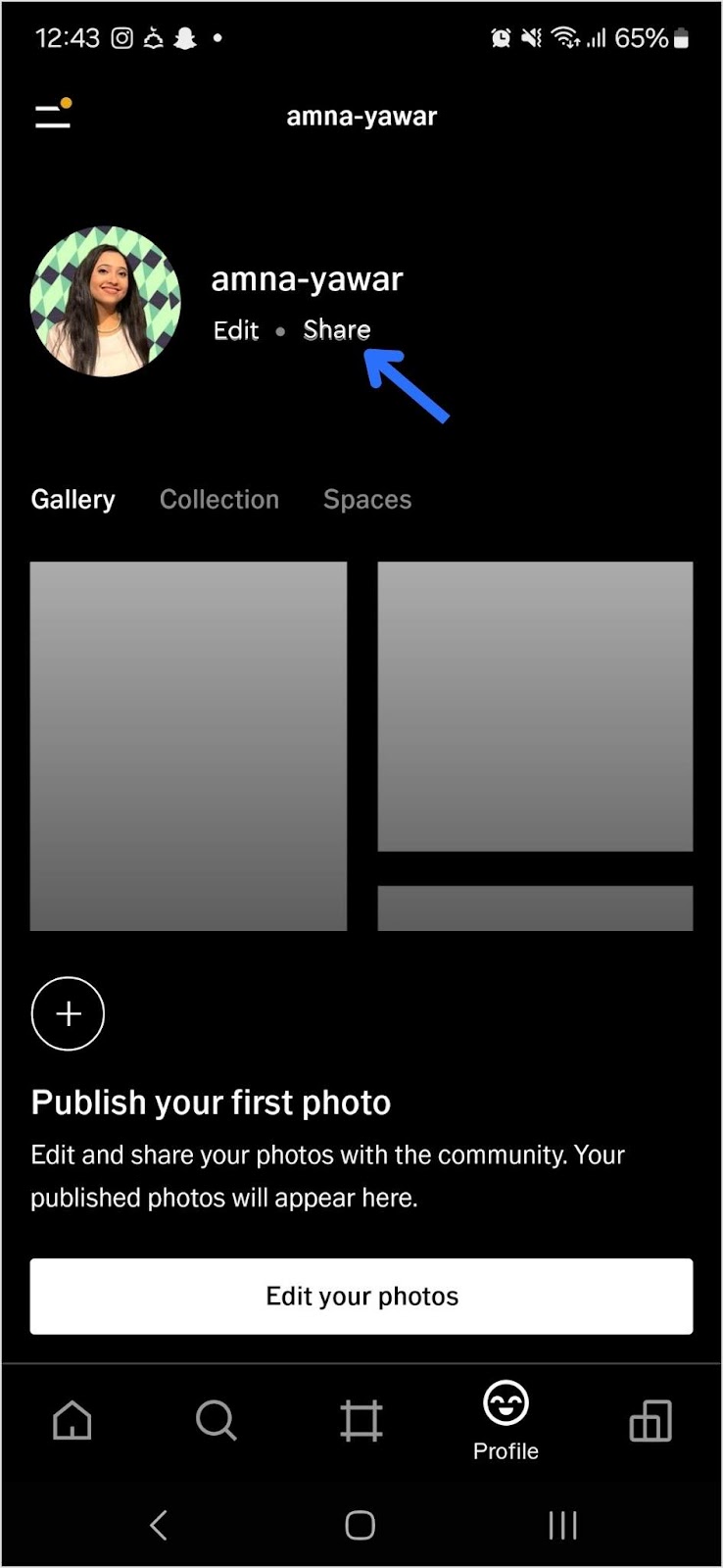
- Open your VSCO app.
- Navigate to your profile and tap “Share”:
- Copy your VSCO link:
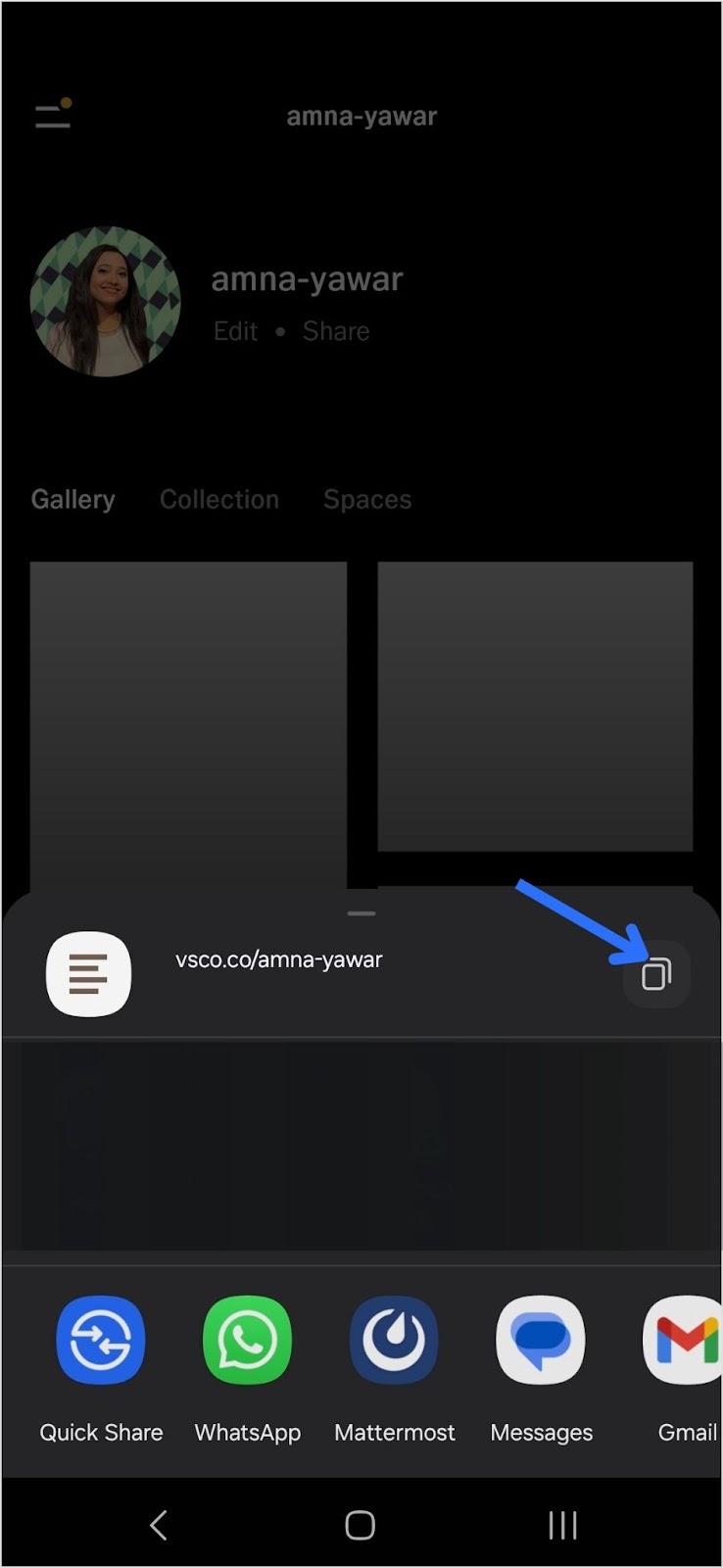
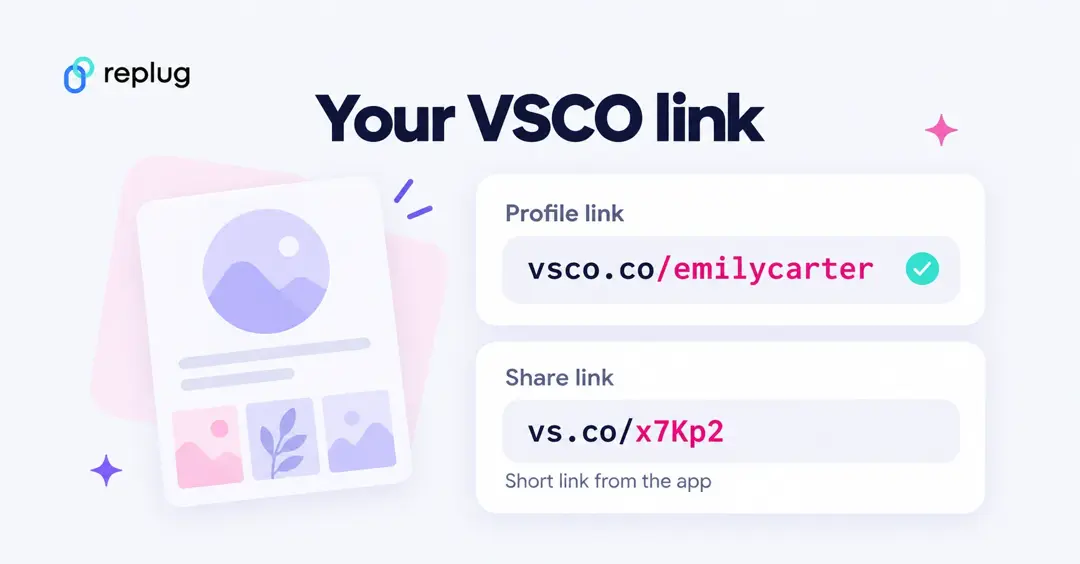
What your VSCO link looks like: https://vsco.co/yourusername, sometimes with /gallery at the end. If you can’t find the share button, you can type it yourself: vsco.co/ plus your username, exactly as it appears on your profile. Links that start with vs.co are VSCO’s own short links, which the app creates when you share a single photo or profile; they work too, but the full vsco.co/username address is easier to check.
Step 2: Add your VSCO link to your Instagram bio
Now that you have your short VSCO link, follow these steps to add it to your Instagram bio:
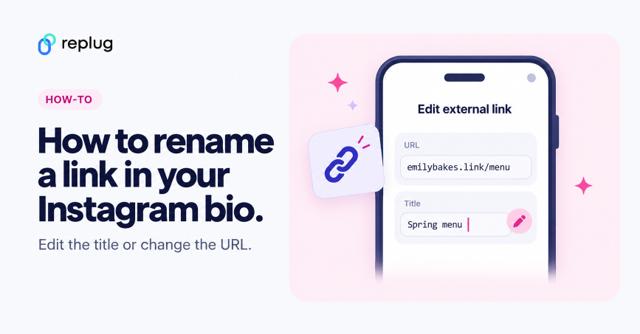
- Open Instagram and go to your profile.
- Tap “Edit Profile.”
- Find the “Add Link” field and click on “Add external link”
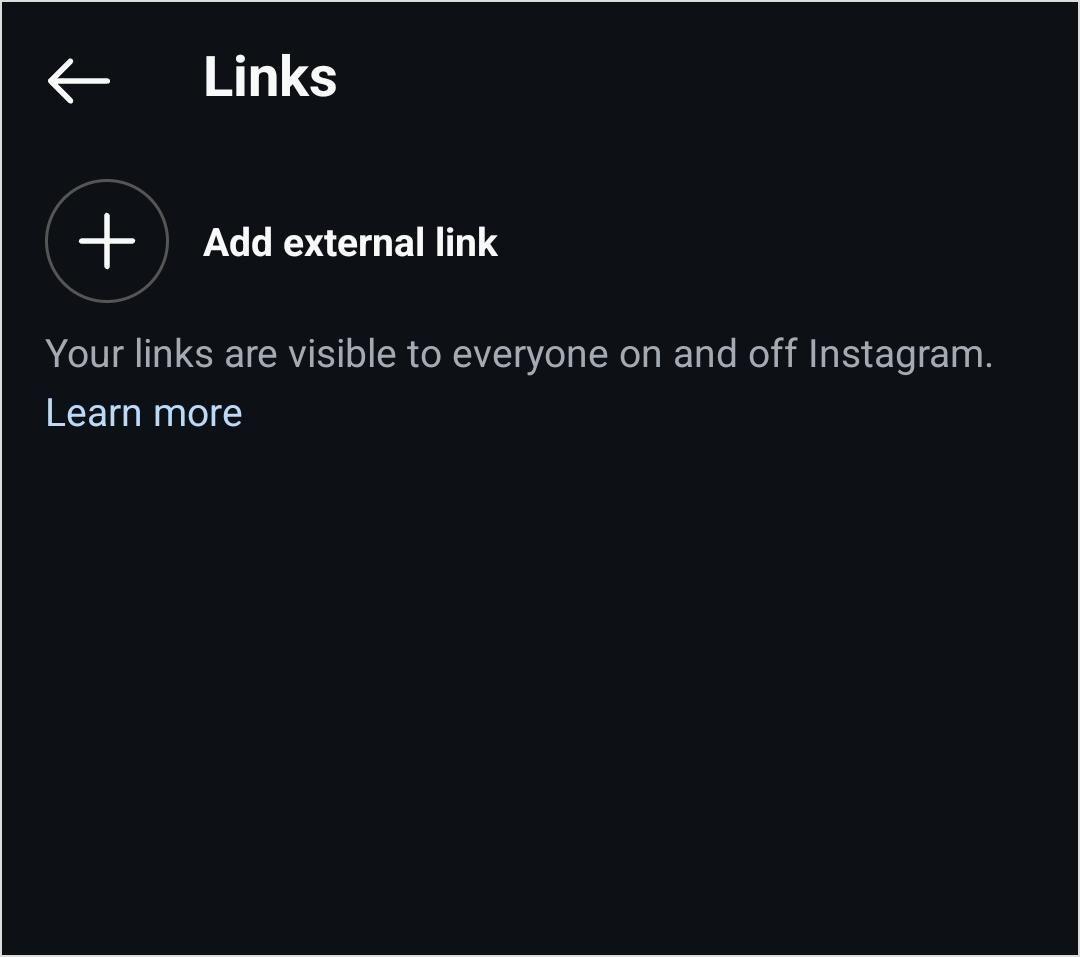
4. Add your VSCO link and click on the blue tick to save it.
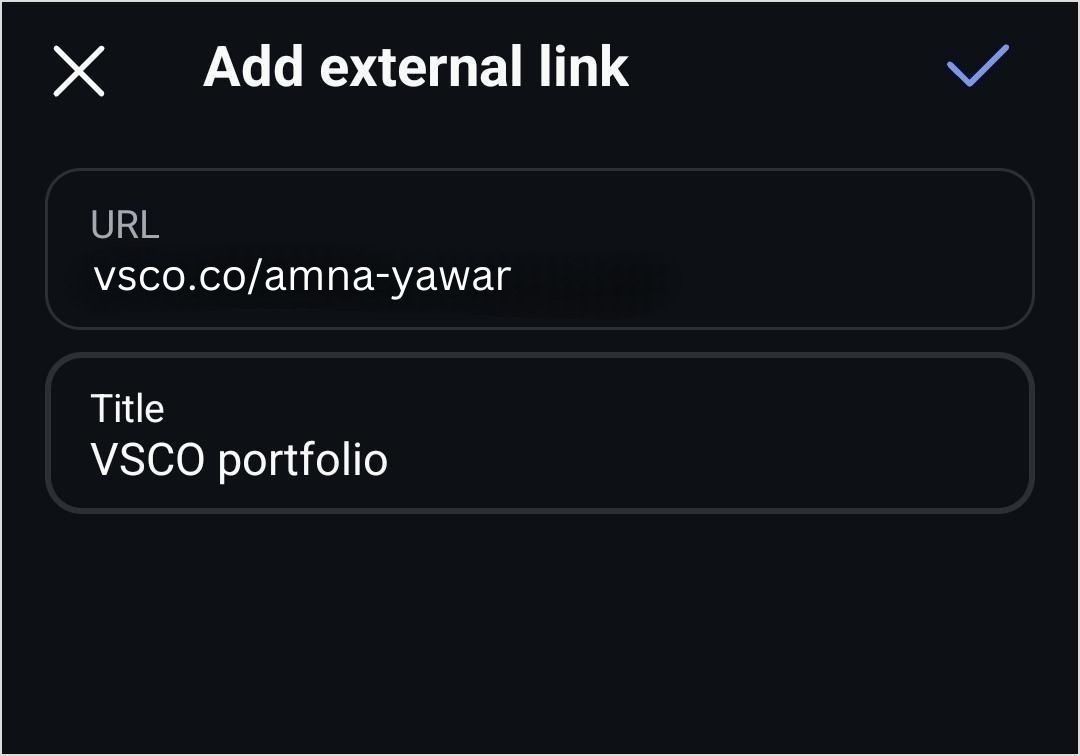
Your followers will now be able to see your VSCO profile in your bio!
Shorten your VSCO link with Replug
Now, let’s make your link more presentable, branded, and optimized using Replug’s custom link shortener free:
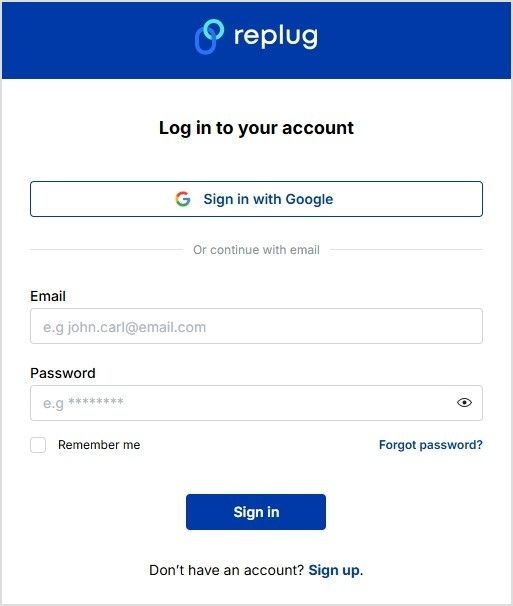
- Sign in to your Replug account or create an account if you don’t already have one:
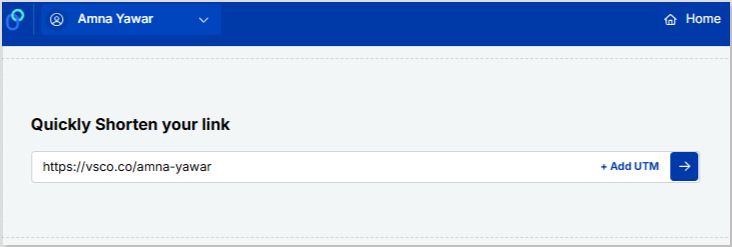
- Paste your VSCO profile under “Quickly Shorten your link”
- Customize the shortened link with a branded or neat alias:
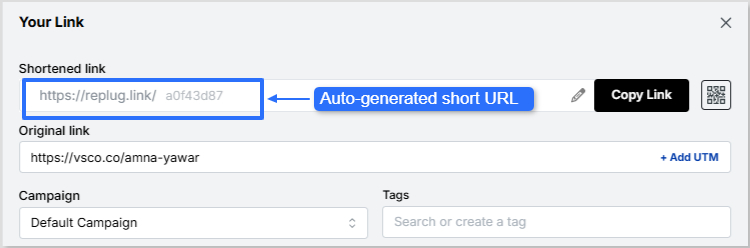
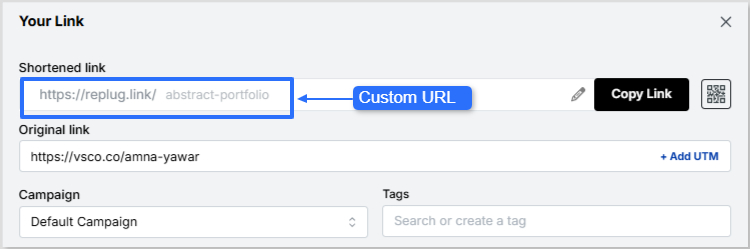
Now it’s time to give your VSCO short link a glow-up! You can easily create a custom URL by simply optimizing the slug. This will let your audience know exactly where your short link will lead them.
Auto-generated short URL:
Custom URL:
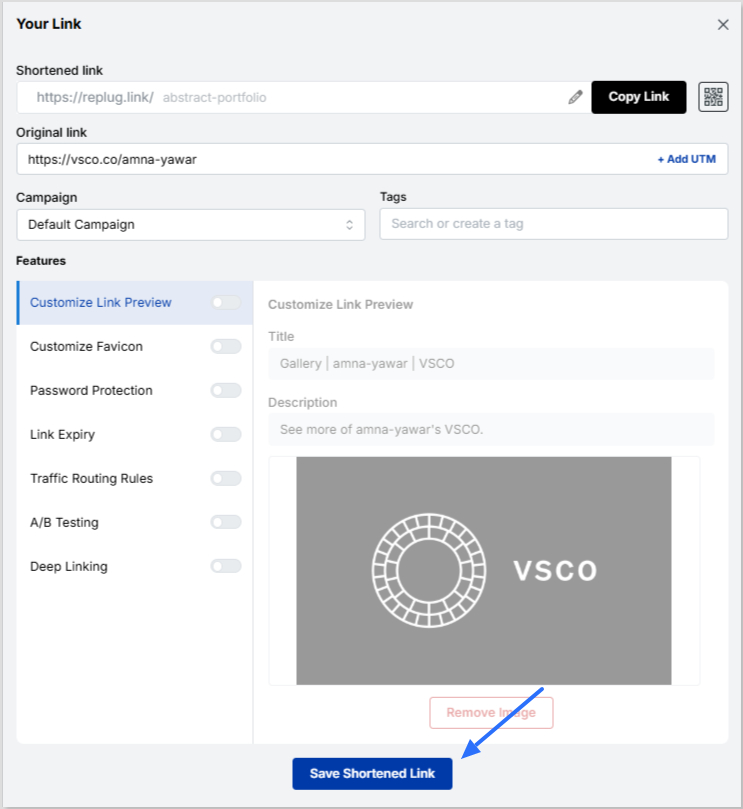
- Save your custom URL. Now it’s ready to be shared!
- To add your shortened and custom VSCO link to Instagram bio, just follow the steps mentioned before.
Going beyond: Using Replug’s bio link feature
Replug offers a bio link feature if you want to share more than just your VSCO link. This allows you to create a single, customizable landing page containing multiple links. Instead of being restricted to just your VSCO, you can include:
- Your VSCO profile
- Your Instagram, Twitter, TikTok, and other social links
- Your website or blog
- Your latest projects or portfolio
- Any other relevant links
Learn how: How to add multiple links to Instagram bio using Replug?
VSCO link not working on Instagram? Common fixes
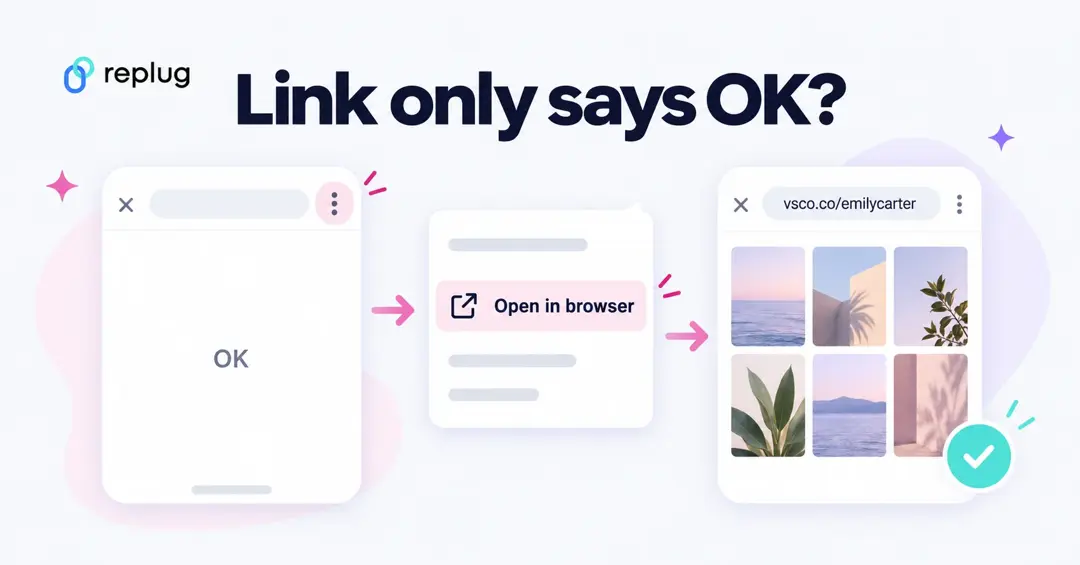
- The link opens a page that only says “OK” or stays blank. This usually happens when Instagram’s in-app browser tries to hand the link to the VSCO app. Tap the three-dot menu in the in-app browser and choose to open the page in your phone’s browser. If it loads there, the link itself is fine. Re-adding the full https://vsco.co/username address, rather than a copied vs.co share link, also helps.
- The link isn’t clickable. It was typed into your bio text. Only addresses added under Edit profile → Links are clickable; move it there.
- “This page isn’t available” or a VSCO error page. Check the spelling of your username. If you changed your VSCO username, your old link stopped working and you need to paste the new one.
- The profile opens but looks empty. Your VSCO profile may have no published images or may be set so that only you can see your posts. Publish at least a few images to your profile.
- It works for others but not for you. Being signed in to VSCO on the same phone can make the link jump straight into the app. Ask a friend to test it, or open it in a private browser tab.
- Instagram warns that the link is unsafe or removes it. This is rare for VSCO links. It is more common with unknown short links; a short link on your own domain is less likely to look suspicious.
Can people see if you click their VSCO link on Instagram?
No. Instagram doesn’t notify anyone when you tap a link in their bio, and the link doesn’t pass your Instagram name to VSCO. The account owner can only see total link taps in their Instagram insights, or click counts if they use a tracked short link. If you want to know how many people open your VSCO link, that is what a Replug short link or bio page is for.
How to change your VSCO link
Your VSCO link is tied to your username, so changing the link means changing your username in the VSCO app’s profile or account settings. Your old link stops working right away. Afterward, update the link everywhere you shared it: your Instagram bio, your bio link page, and any posts that mention it.
If you send people to VSCO through a Replug bio link page, you only have to update the VSCO button once and every place that uses your bio page link is up to date.
Add VSCO alongside your other links
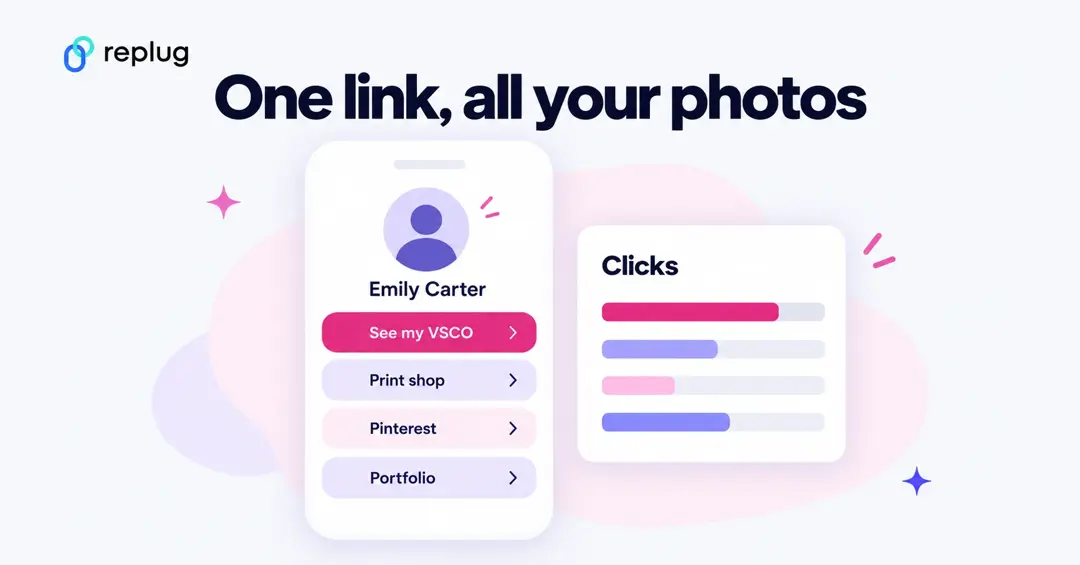
Instagram allows five links, but only the first one shows on your profile; visitors have to tap to see the rest. If VSCO is one of several places you post, such as TikTok, Pinterest, a print shop or a portfolio, a single bio link page with a clear “See my VSCO” button usually gets more taps than a VSCO link hidden in a list. Replug’s Free plan includes 2 bio link pages, and each button gets its own click count.
Why use Replug for your Instagram bio?
1. Neat and professional links: Even if your VSCO link looks fine, using Replug ensures that your bio remains visually clean while giving you a customizable and trackable link.
2. Track link performance: Want to know how many people are clicking your VSCO link? Replug provides detailed analytics so you can track engagement and optimize your links for better performance.
3. Share multiple links: Beyond just VSCO, you can share links to all your social profiles, including Instagram, with Replug’s Instagram link in bio free tool.
4. Custom branding: Unlike generic link shorteners, Replug allows you to customize your shortened links and bio link page with brand colors, themes, and even a custom domain.
5. Better user experience: Instead of constantly changing your Instagram bio link, you can set up your Replug page once and update it anytime without modifying your Instagram profile.
You may also like: How to add Amazon link to Instagram bio?
Final thoughts
Adding a VSCO link to your Instagram bio is great, but making it look neat and professional is even better. Replug helps you shorten your VSCO link for a cleaner appearance while also offering a bio link feature for those who want to share multiple links in one place. Whether you’re a photographer, influencer, or content creator, Replug makes your Instagram bio more effective and aesthetically pleasing.
Ready to clean up your Instagram bio? Sign up for Replug and start shortening your links today!
FAQs on how to put VSCO link in your Instagram bio

Amna Yawar