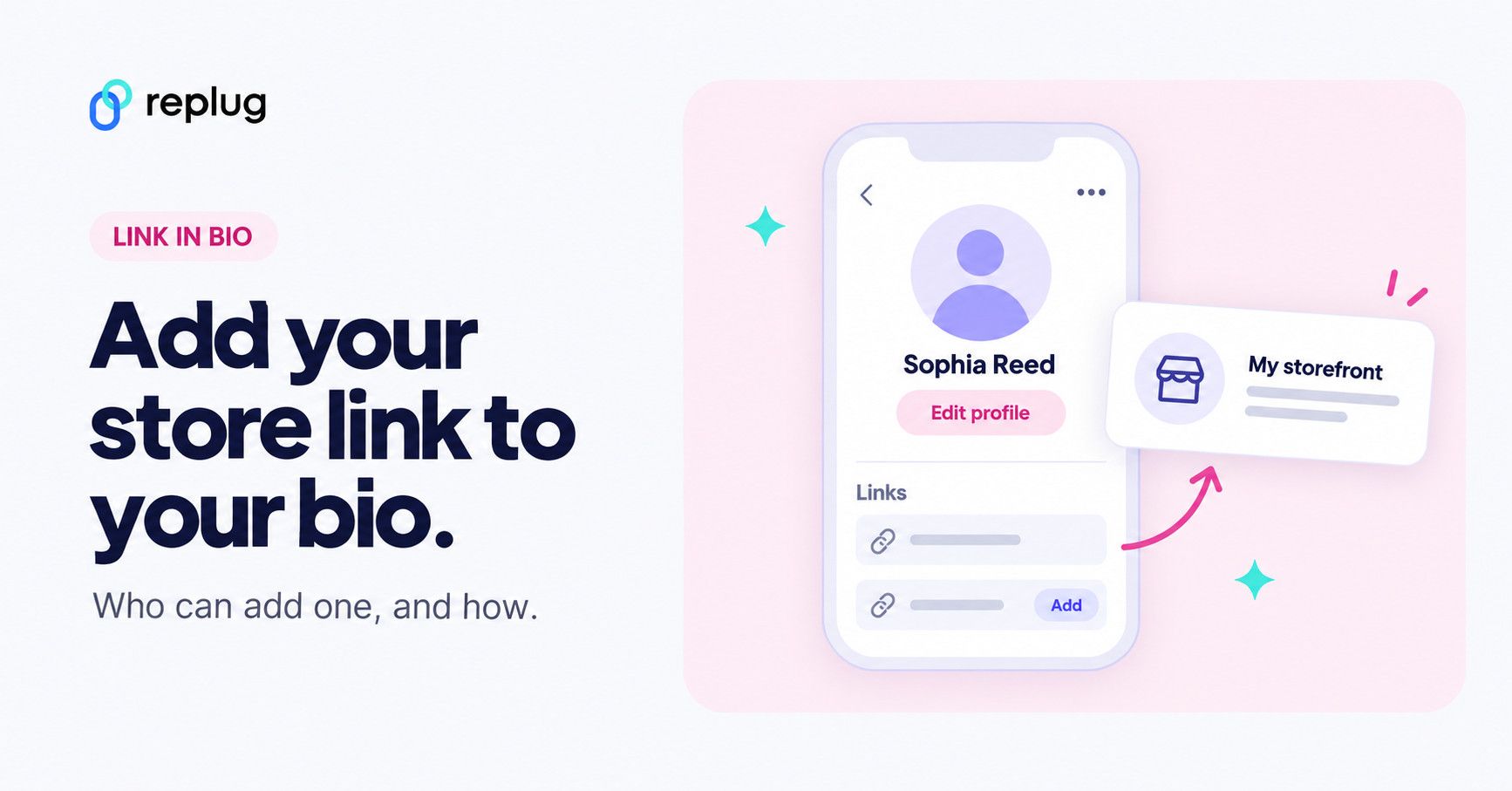
Quick answer: copy your Amazon storefront or affiliate link, then in the TikTok app tap Profile → Edit profile, tap Add next to Links and paste it. According to TikTok Help, you can add a website link to your profile only if you have at least 1,000 followers or a Verified Business Account. Amazon’s own TikTok tips for creators recommend putting your Amazon storefront link in your bio, and if you share affiliate links you must disclose them.
Looking forward to sharing your favorite Amazon finds with your TikTok followers or boosting your affiliate earnings? Adding a link in TikTok bio is a fantastic way to do just that.
Whether you’re showcasing a curated collection from your Amazon storefront, promoting products with your affiliate link, or making your links look cleaner and more inviting, you’ve got some great options.
In this guide, we’ll walk you through three simple methods on how to add Amazon link to your TikTok bio.
We’ll also cover how to customize your links and utilize tools like Replug.io for better tracking, retargeting, and more.
Let’s start and get your links set up!
Different methods of adding Amazon links to TikTok bio
As previously discussed, there are various types of links that people can include in their TikTok bio. These include links for affiliate marketers, Amazon store owners, and influencers, among others. To assist you, we’ve outlined a straightforward process for each scenario.
Here are three methods for adding a link to your TikTok bio:
Who can add an Amazon link to a TikTok bio?
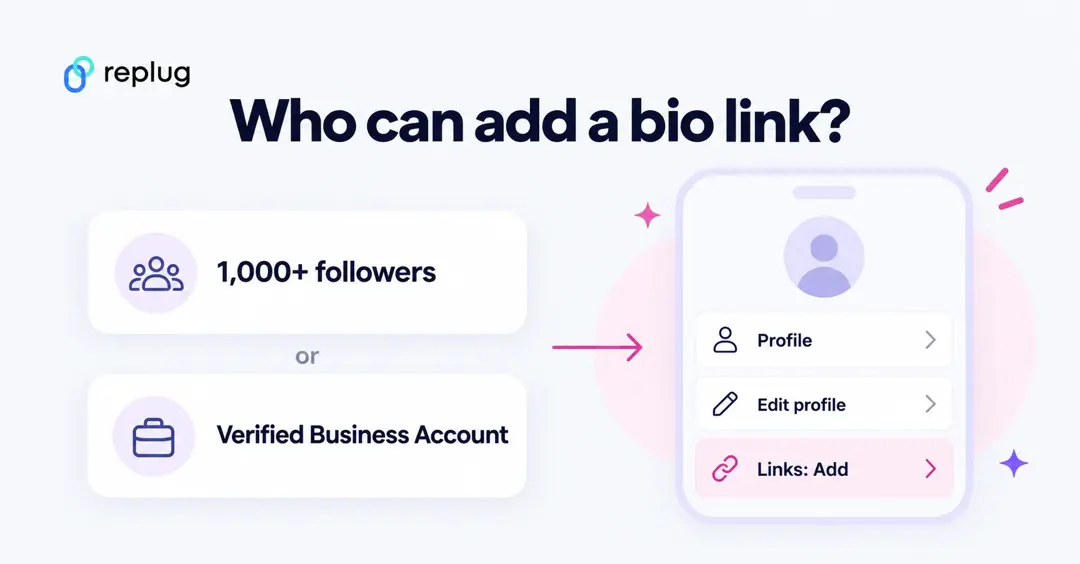
Before the steps, check that your account can show a link at all. From TikTok Help (checked October 2026):
- You can add a website link to your profile if you have at least 1,000 followers or a Verified Business Account.
- The path in the app is Profile → Edit profile → Add next to Links, then follow the steps.
- Links open in TikTok’s in-app browser, and TikTok applies safety measures that limit how people browse chains of external links, so some visitors may be asked to open the page in their phone’s browser. TikTok recommends adding direct links.
- TikTok no longer supports links that open or log you into other social media apps, but an Amazon storefront or product page is a normal website link.
If you are under 1,000 followers and sell products, TikTok’s account types page says Verified Business Accounts can post a website link. You switch under Profile → menu → Settings and privacy → Account → Business verification. TikTok advises against switching back and forth, and business accounts use the Commercial Music Library instead of the general music library, so most creators wait for 1,000 followers instead.
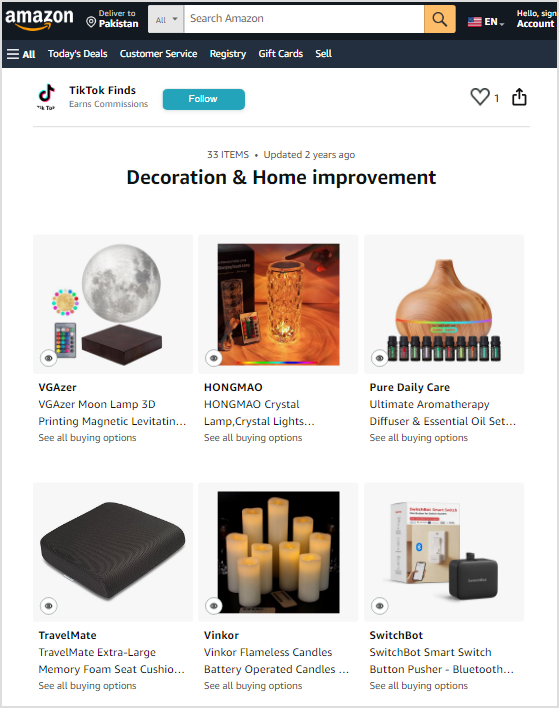
Which Amazon link? If you are in the Amazon Influencer Program, your storefront link is the best single bio link: Amazon’s TikTok tips show it as amazon.com/yourstorefrontname. If you are an Amazon Associate without a storefront, use an affiliate link to one product or a bio page that lists several.
1. How can i add my Amazon store link to my TikTok bio?
- First, make sure your TikTok account can show a link: TikTok requires at least 1,000 followers or a Verified Business Account.
- Then, head over to Amazon, find your store, and copy the URL.
- Go back to TikTok, tap Profile → Edit profile, tap Add next to Links, paste the link and save your changes.
- Your Amazon store link will now appear in your TikTok bio!
2. How do i share my favorite Amazon finds on TikTok?
Step 1: Find your product
Go to Amazon and locate the product you want to share.
Step 2: Get the link
On the product page, click on the address bar at the top of your browser to highlight the URL. Right-click and select “Copy,” or press Ctrl + C to copy the link.
Step 3: Paste your link
Paste the Amazon link you copied into the link field in your bio (in the TikTok app: Edit profile → Add next to Links). You can do this by right-clicking and selecting “Paste,” or by pressing Ctrl + V.
You can also share your Amazon finds by adding them to your TikTok posts or even sending them directly to your viewers via DM if needed.
Also Read: TikTok UTM builder: How to create UTMs for TikTok ads?
3. How can I include my affiliate link in my TikTok bio?
The last and most common term is adding your affiliate link to your TikTok bio.
Step 1: Get your Amazon affiliate link
- Log in to your Amazon Associates account.
- Find the product you want to promote.
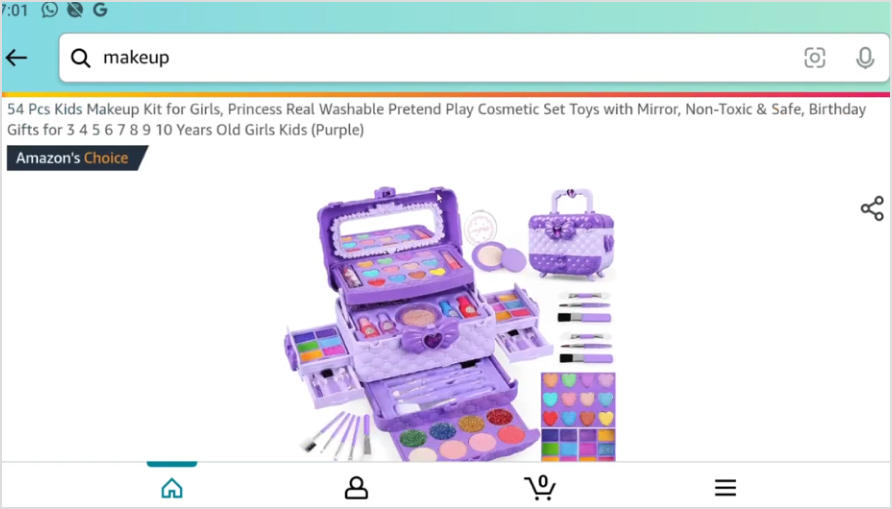
- Click the “Share” button, and a bar will appear. Copy your affiliate link from there.
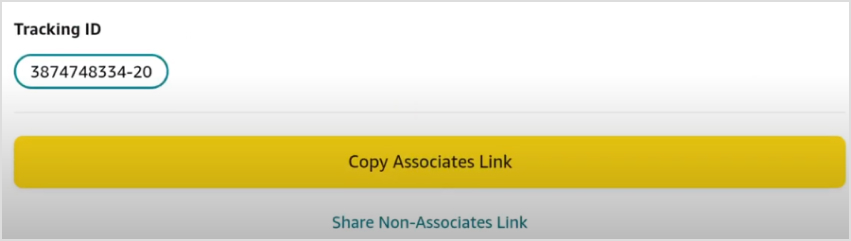
- Alternatively, you can copy the affiliate link directly from the Amazon Associates website.

Step 2: Shorten your link
- Amazon allows you to shorten the URL. In the Amazon Associates SiteStripe bar at the top, click “Get Link: Text”. This block will pop up.
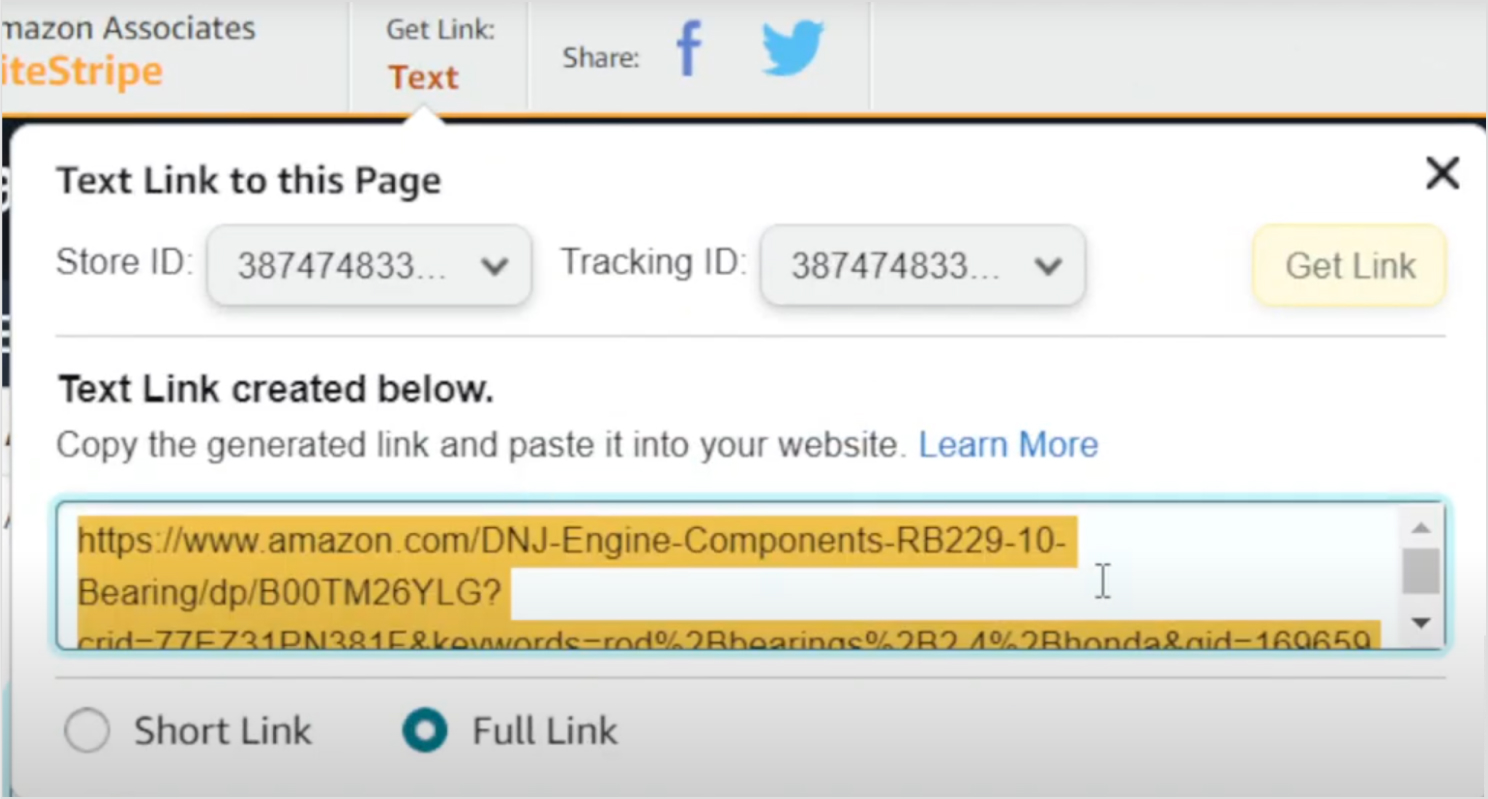
- Select “Short link” to create a shorter URL.
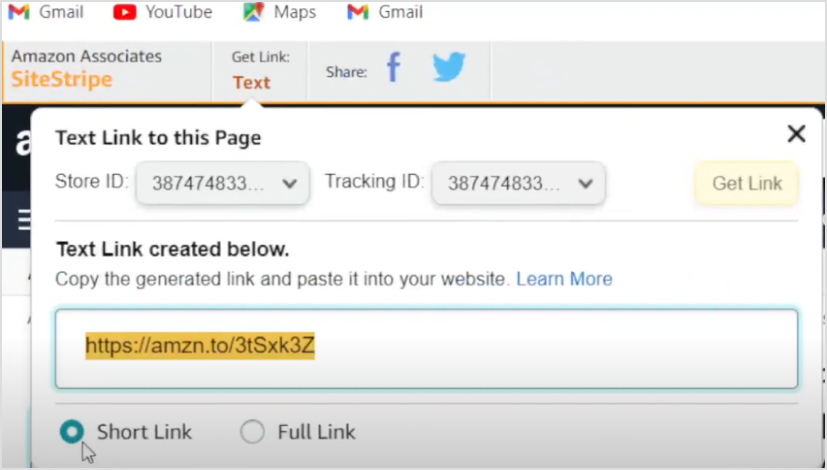
And you’re done here. Simply following the previous copy and paste method you can add the affiliate link to your bio.
Here’s a key issue that many marketers overlook: shortened links created using Amazon appear suspicious to your audience because they don’t clearly reveal where the link leads.
As a result, many people may hesitate to click on it, considering it spammy or misleading.
So, what’s the solution? Customize your link using a reliable, free URL shortener tool to make it more trustworthy and appealing.
Before you shorten or redirect an Amazon affiliate link
Amazon’s Associates Program Policies (checked October 2026) set limits on this:
- You will not use a link shortening service, button or hyperlink in a way that makes it unclear that you are linking to an Amazon site.
- You will not cloak, hide or otherwise obscure the URL of the place where your links appear.
- Purchases don’t qualify when a link sends people to Amazon through an intermediate site without them clicking or taking some other action there.
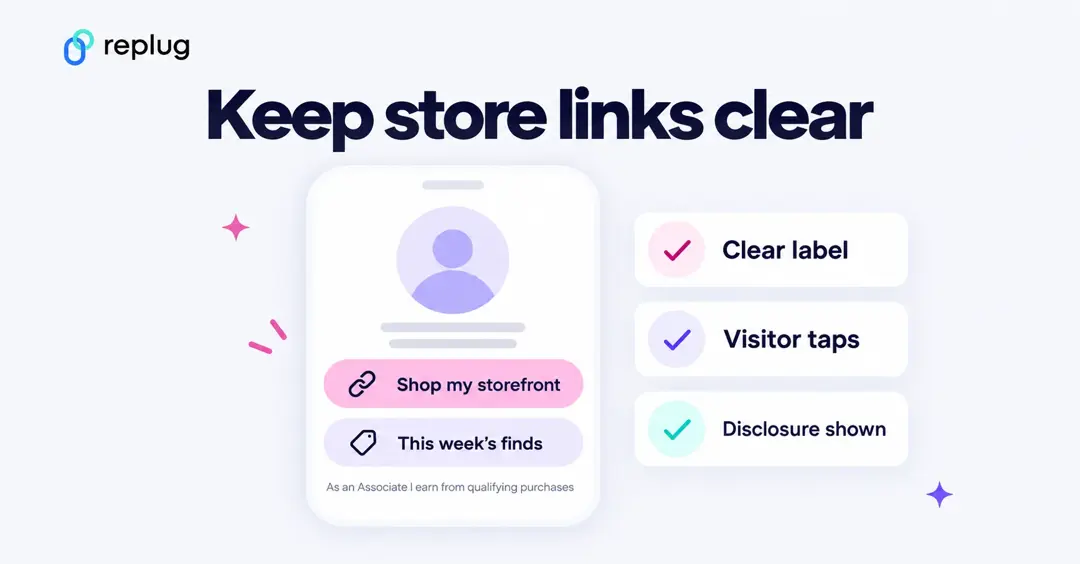
So if you put Amazon links behind Replug, do it in a way that stays clear and lets followers click through themselves: a bio page with buttons labeled “My Amazon storefront” or “Shop this on Amazon” works well, and Amazon’s TikTok tips even suggest making your storefront link stand out on a link-in-bio page. A short link that forwards straight to Amazon is the riskier setup; the short link Amazon’s SiteStripe creates is the safe option for that, or ask Amazon Associates support before using another shortener for affiliate links. The steps below work as written for your own store, blog or non-affiliate links.
Read also: 2 easy ways to add a Pinterest link to your TikTok bio
How can I customize my Amazon link using Replug?
Log in to your Replug account. If you don’t have an account, sign up and log in.
Step 1: Create a new link
Go to the dashboard and click “Create link” at the top of the left sidebar.
Step 2: Enter your URL
Paste the URL you want to customize into the “Create a short link” box. You can pick a campaign on the next screen.
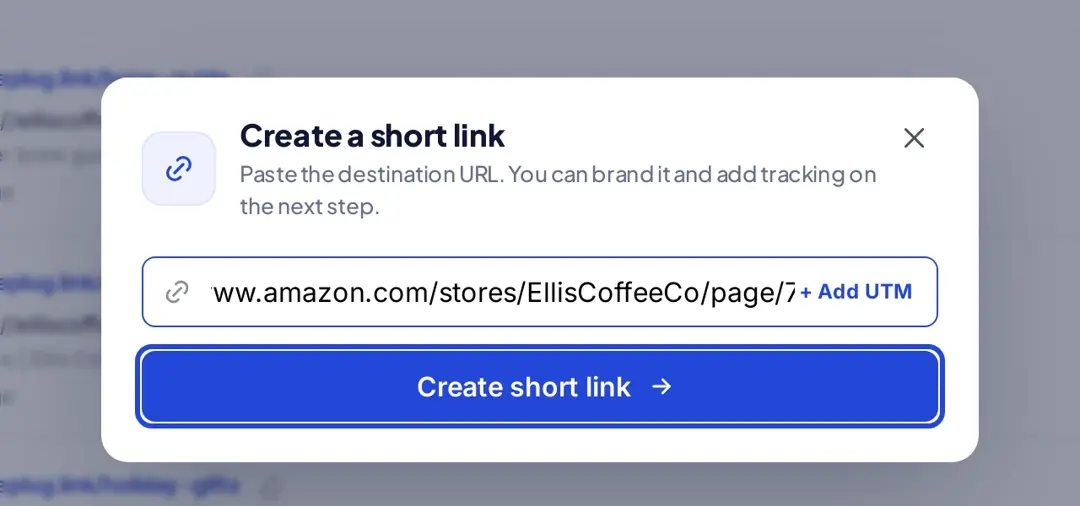
Click “Create short link” and the link editor opens.
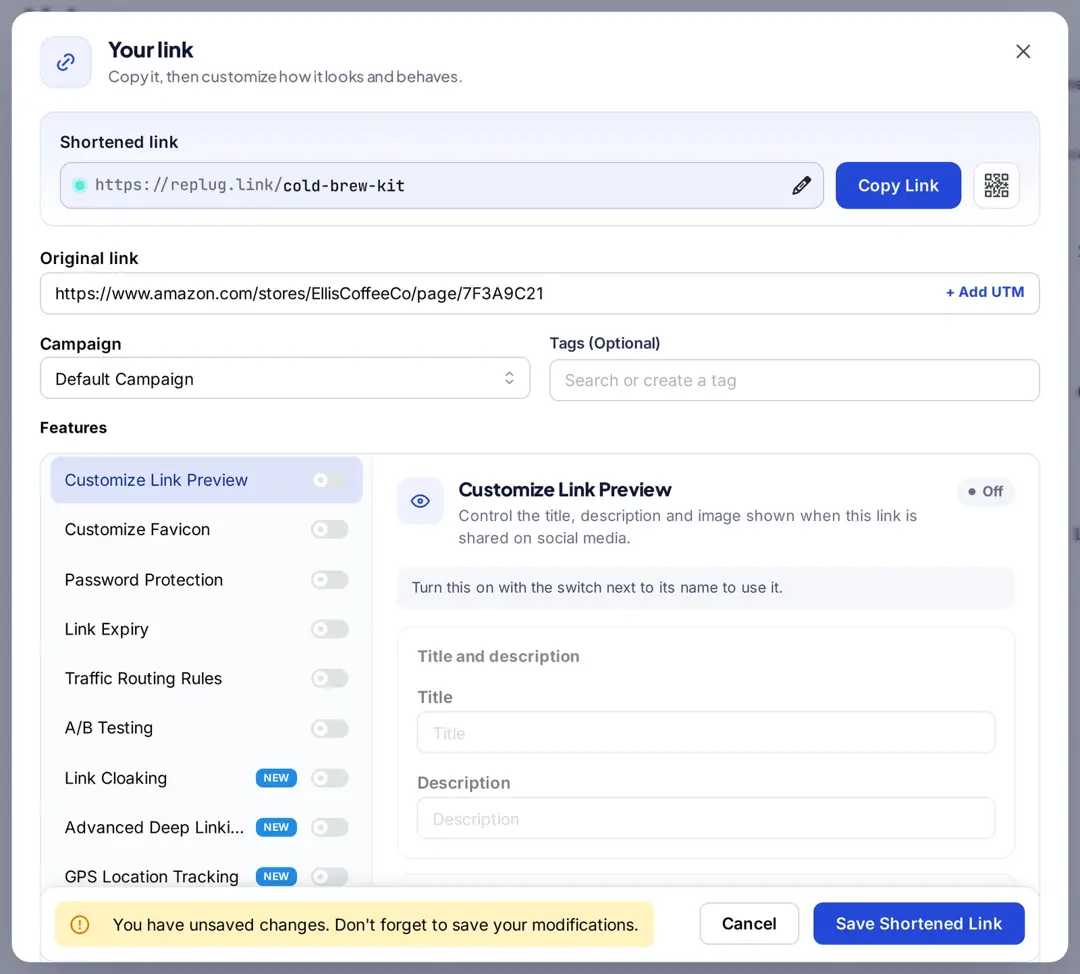
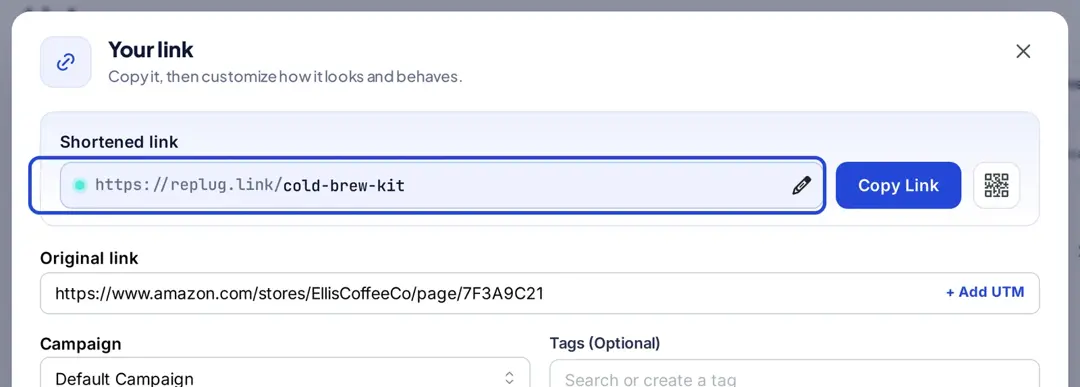
Customize the link: Click the pencil icon next to the shortened link and change the part of the URL that comes after the domain name (the “slug”) to something memorable and relevant.
Set up redirects: If you want to redirect the link to another URL or add tracking parameters, configure these options as needed.
Add tracking and analytics: If you want to track the performance of the link, enable tracking options available in Replug to gather data on clicks and engagement.
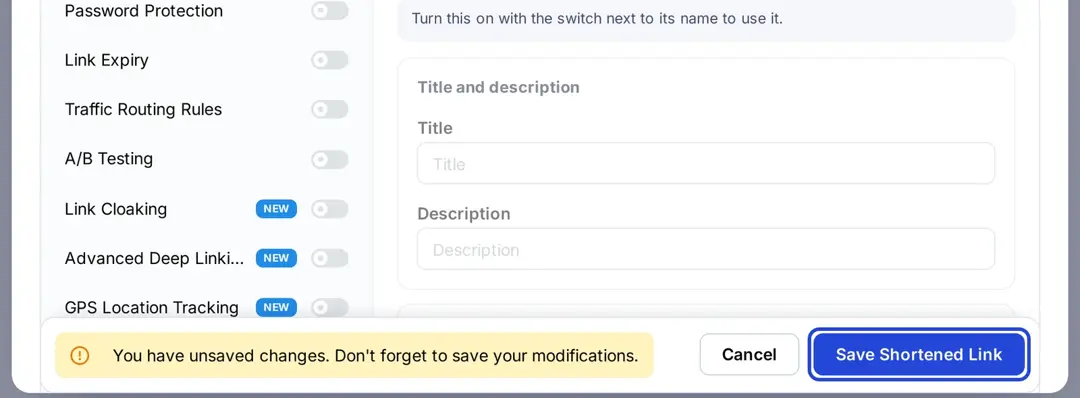
Save and share: Click “Save Shortened Link”. Replug will provide you with a new, branded URL for your TikTok bio, social media, or any other platform.
Edit your TikTok profile:
- Go to your TikTok profile and tap “Edit profile.”
- Tap Add next to Links (older versions of the app called this the “Website” field).
- Paste your Amazon affiliate link into the selected field.
- Confirm and save your edits.
You may also like: Add a Shopify link to your TikTok bio in 5 minutes
Disclose your Amazon links on TikTok
Amazon’s Associates help center says that whenever you share an affiliate link you must add a clear, conspicuous disclosure near it, such as “#ad”, “(paid link)” or “#CommissionsEarned”, and the Operating Agreement requires the statement “As an Amazon Associate I earn from qualifying purchases,” which for social media content must be associated with your account. On TikTok that usually means a short disclosure in your bio or on your bio page and a mention in videos that promote products. For the Instagram version of these rules, see how to add an Amazon link to your Instagram bio.
Additionally, what other features can Replug offer?
You can add the following features with Replug:
Bio-links: Use Replug’s link in bio builder to create a landing page where you can include multiple links, including your Amazon storefront and affiliate links. This makes it easier for followers to explore all your recommendations in one place.
Add retargeting pixels: Replug allows you to retarget visitors who click on your links. This means you can remind them about the products they are interested in, and potentially increase conversions. Retargeting pixels start on the Essentials plan; if you add them to pages with Amazon links, Amazon’s policies also require you to disclose your use of cookies and pixels to visitors.
Link Tracking: Track clicks and engagement with your links through Replug. This helps you understand what’s working and refine your strategy.
Custom CTAs: Create custom call-to-action buttons that align with your brand and campaign goals. This allows you to drive specific actions from your audience, such as signing up for a newsletter, making a purchase, or following your social media profiles.
Integration with other tools: Replug integrates with various third-party tools and platforms, such as email marketing services, social media networks, and CRM systems.
Conclusion
By following the steps outlined in this guide, you can successfully embed your Amazon links into your TikTok profile, making it easier for your followers to find and buy your favorite products
However, improving your links using tools like Replug not only makes them more engaging and reliable but also increases your ability to track your activity and connect with your audience.
Frequently Asked Questions

Manahil