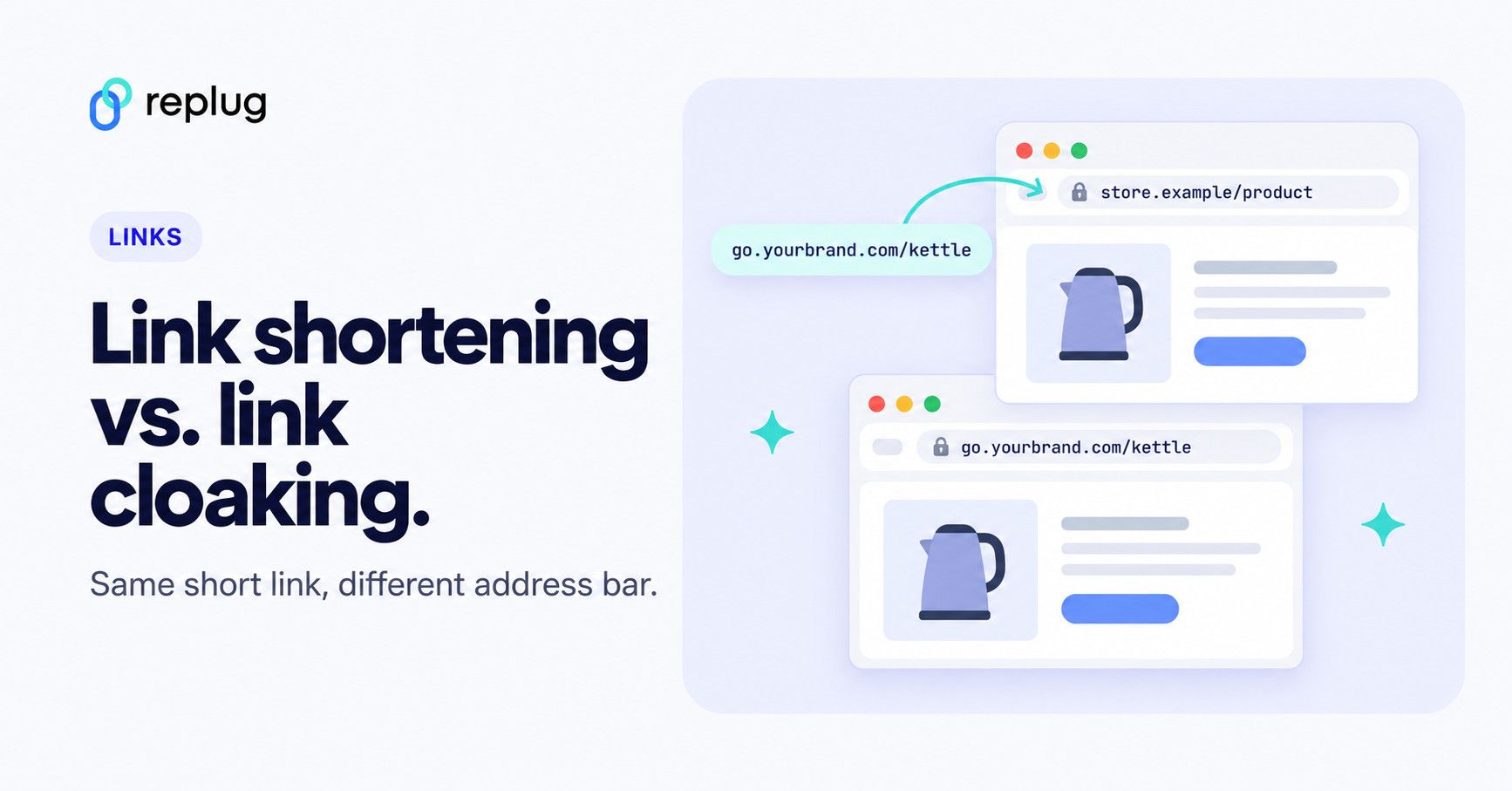
When it comes to cleaner, more trustworthy links, marketers and affiliates often face the choice: link shortening vs link cloaking.
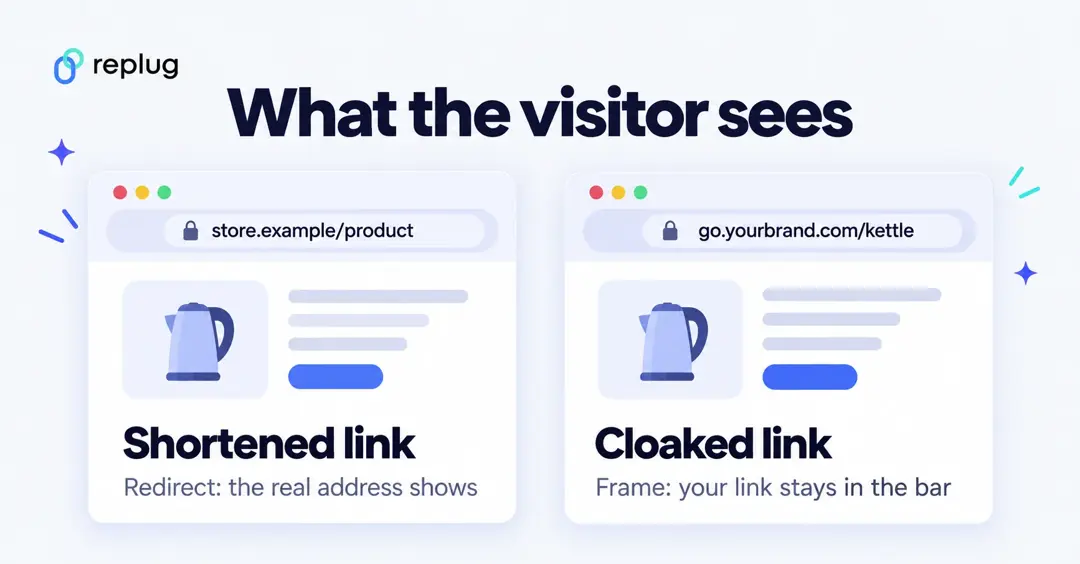
Quick answer: a URL shortener turns a long link into a short one that redirects to the real page, so the visitor ends up seeing the destination’s address. Link cloaking hides the destination: the short link stays in the address bar while the real page loads inside a frame, or (in many affiliate plugins) the word “cloaking” simply means a redirect from your own domain. Shortening works everywhere; cloaking is limited by program rules and by sites that block framing.
In this post, we’ll explain:
- What they are
- How each works
- What the visitor sees with each
- When to use which, and the rules that apply
- And why tools like Replug.io do more than an average link shortener
Why long URLs hurt your brand and clicks
Let’s say you run an Instagram account for kitchen product reviews and want to share an affiliate offer. Your raw link might look like this:
https://partner-store.example/product?id=12345&utm_source=instagram&utm_campaign=summerpromo&aff_id=9988We don’t recommend sharing it like that, because:
- It’s hard to read, so people can’t tell where it goes before they click
- It’s hard to remember or type
- Long links can wrap or break in some text messages and emails
- It shows your affiliate ID, which someone could strip out
- The UTM parameters add clutter
- It’s impossible to say out loud in a video or podcast
This is why link shorteners and link cloaking tools exist: to turn a link like this into something short and branded.
What is link shortening?
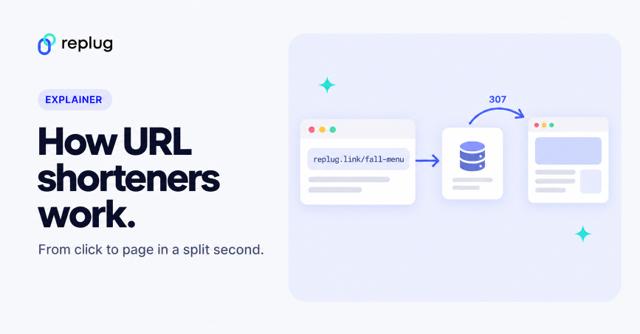
Link shortening turns a long, complex destination URL into a short URL that’s easier to share. The short URL redirects to the original destination, so visitors land exactly where you want them, and the browser then shows the destination’s address.
For example, this link:
https://yourstore.example/products/new-collection?utm_medium=emailbecomes:
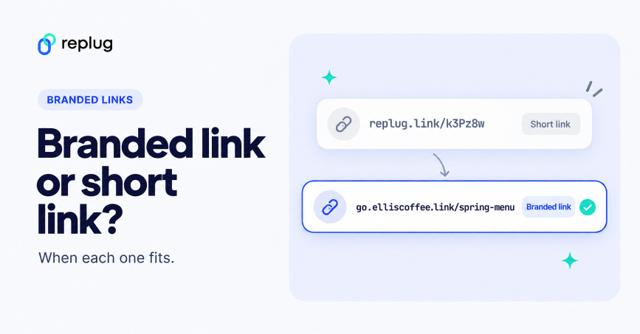
replug.link/new-collectionThe process is quick and handled by a link shortening service or short URL shortener like Replug. On your own domain it can look like go.yourbrand.com/new-collection.
How link shortening works (and why it matters)
Link shortening isn’t complicated behind the scenes, but it helps to know how it works. When you shorten a URL:
- You enter your long link into a link shortening service like Replug
- The service saves it and gives you a short URL
- When someone clicks, the service records the click and answers with an HTTP redirect to the original destination URL
The redirect takes a fraction of a second, so the user rarely notices it. And with tools like Replug, your shortened URLs don’t have to look random: you can use your own domain and a custom slug.
Benefits of link shortening
Link shortening isn’t just about making URLs look nicer. Here are a few benefits:
- Better user experience: Shortened URLs are easier to read, share, and remember.
- Recognizable: A short link on your own domain shows who it comes from.
- Updatable: Some tools let you change the destination later without changing the short URL (on Replug, destination edits are on the Scale and Agency plans).
- Tracking & analytics: See how many people clicked, where they came from, and what device they used.
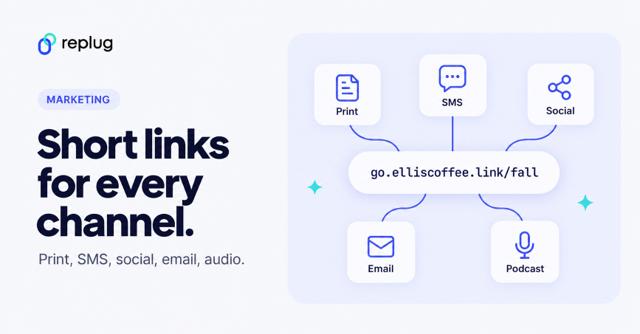
- Concise messaging: Fits well in social media posts, SMS, email, and print materials.
Because the visitor ends up on the real page, a plain short link works with almost any destination and follows most platform rules, as long as the destination matches what you promised.
What is link cloaking?
Link cloaking hides the destination URL behind a short, branded link. The term is used in two ways: some tools keep your link in the browser’s address bar and show the destination page inside a frame, while many affiliate plugins call any redirect from your own domain “cloaking.” Both are sometimes called link disguising or link masking. For the full definition and history, see what is link cloaking.
For instance, an affiliate URL like:
https://affiliate-store.example/product?ref=abcd1234could be cloaked to:
go.yourbrand.com/kettleHow link cloaking works (and why it matters)
When you cloak a URL:
- You enter your long affiliate link (or any destination URL) into a link cloaking tool.
- The tool creates a cloaked URL: usually short, branded and clean.
- When someone clicks, the tool either redirects them (the destination address then shows) or loads the destination inside a frame under your link (your link stays in the address bar).
Framing only works when the destination allows it. Sites can block framing with the X-Frame-Options header or a Content-Security-Policy rule, and many stores and checkout pages do, so test every cloaked link.
Benefits of link cloaking
Used where it’s allowed, cloaked URLs do more than look tidy:
- Hides affiliate IDs: Makes it harder to copy your link and remove your ID.
- Fewer tampered links: People can’t easily swap in their own affiliate tag.
- Brand consistency: Shows visitors a consistent, branded URL.
- Readable links: A short link on your domain is easier to read than a long affiliate URL.
- Tracking: Most link cloaking tools count clicks, and some add split testing.
Also read: Affiliate marketing guideline for beginners
Link shortening vs link cloaking: Key differences
At first glance, both seem similar because they make URLs shorter and cleaner. The difference is in what happens after the click and what each is used for.
| Feature/aspect | Link cloaking | Link shortening |
|---|---|---|
| Primary purpose | Hide the destination URL behind your branded link | Create shorter, more shareable links |
| After the click | Frame: your link stays in the address bar. Redirect-style cloaking: destination shows | Redirect: the destination address shows |
| Works with every site? | No. Framing fails on sites that block it | Yes |
| Branding | Uses your own domain | Uses your own domain or the service’s |
| Tracking & analytics | Clicks counted by the tool | Clicks counted by the tool |
| Program and platform rules | Some programs ban it (Amazon, for one) | Allowed by most, as long as the destination is clear |
| Use case example | Affiliate links where the program allows cloaking | Social posts, SMS, print, email, QR codes |
In short: every cloaked link starts as a short link, but a short link only becomes cloaked when the tool hides the destination.
Controversy around link cloaking
Some platforms see link cloaking as deceptive because it hides the real destination, and that can hurt trust if people feel misled. A few rules to know:
- Search engines: Google’s spam policies define cloaking as “presenting different content to users and search engines with the intent to manipulate search rankings and mislead users.” A short link that sends everyone to the same page is not that, but showing reviewers or crawlers a different page is.
- Affiliate programs: Amazon’s Associates Program Policies say you will not cloak or obscure the site containing Amazon links, and will not use a link shortening service “in a manner that makes it unclear that you are linking to an Amazon Site.” Don’t shorten or cloak Amazon affiliate links; check every program’s terms.
- Disclosure: cloaking doesn’t remove the duty to disclose. The FTC’s Endorsement Guides FAQ asks you to disclose affiliate relationships clearly, near the link.
- Paid links: Google asks you to mark affiliate links with
rel="sponsored", per its guide to qualifying outbound links.
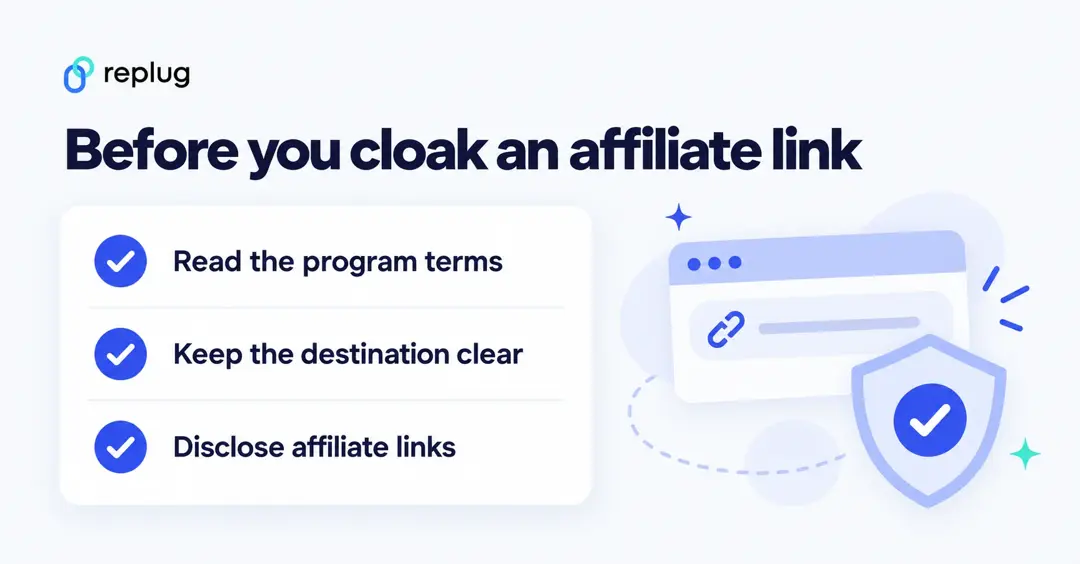
Used transparently, for example to tidy an affiliate link the program allows you to cloak while sending people to the page they expect, cloaking is widely used. See how to cloak affiliate URLs for the affiliate side.
How to know which one to choose, and when?
Link shortening vs link cloaking isn’t always about picking one. It’s about what fits your campaign and the rules you work under.
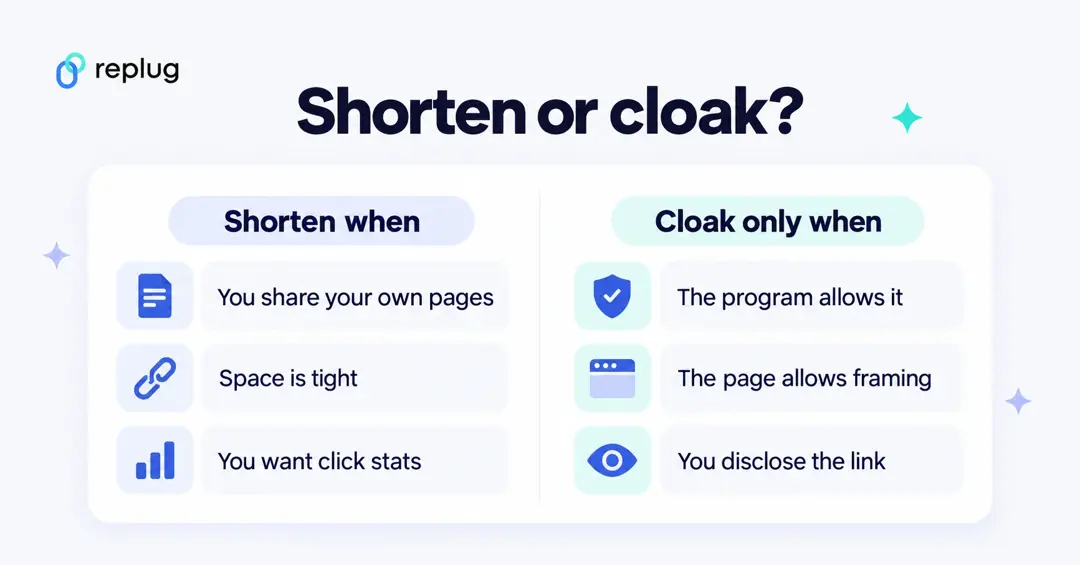
When link shortening is enough (most of the time):
- Sharing your own blog or product page.
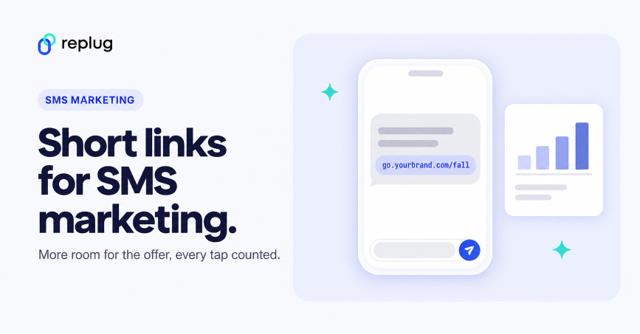
- Sending short links in SMS or newsletters.
- Printing URLs or QR codes on flyers or business cards.
- You don’t mind people seeing the destination URL.
- You need click tracking, UTM tags or retargeting pixels on the link.
- Sending users straight into an app with deep linking.
When cloaking may fit:
- Promoting affiliate offers whose program allows cloaked links.
- Showing a destination under your own brand, when that site allows framing.
- Adding call-to-action overlays on top of a page you share.
If you only need shorter, cleaner URLs, link shortening is enough and works everywhere. Cloak only when the program allows it, the destination allows framing, and you disclose the link.
Why Replug does more than basic link shortening services
Basic link shorteners stop at making short URLs. Replug does more (plan levels from Replug’s pricing page):
- Link cloaking: keep your branded domain in the address bar for pages that allow framing (Scale and Agency).
- Analytics: track total and unique clicks by country, device, browser, OS and referrer.
- QR codes: create dynamic QR codes that you can track, on every plan.
- Retargeting: add retargeting pixels to your short links so people who clicked can see your ads later (Essentials and up).
- A/B testing: split one link across up to 20 URLs and keep the winner (Scale and Agency).
- Call-to-action overlays: add CTA buttons, popups and banners over the pages you share (Essentials and up).
- Link management: edit destinations, set link expiry and bulk import or export links (Scale and Agency).
- SMS links: short, branded links that fit in a text message.
- Deep linking: open links in 79 apps on iOS and Android instead of the browser (Scale and Agency).
Instead of just shortening a URL, you get link management features that help links perform better.
Conclusion
Messy URLs look bad and are hard to trust. Knowing the difference between link shortening and link cloaking helps you pick the right one:
- Use link shortening to keep URLs neat, branded and trackable. It works everywhere.
- Use link cloaking only where the program and the destination allow it, and disclose affiliate links.
For creators, affiliates and businesses, the safest default is a branded short link that sends everyone to the page they expect. With a tool like Replug you get both shortening and cloaking, plus analytics and retargeting, under your own brand.
Frequently asked questions

Manahil